Making Your Framer Site Load Super Fast

Written by

Jatin Sesma
CMS developer
Table of contents
Build with Radial Code
Share this


A Framer site can look beautiful yet still fail if it feels slow, especially on weaker networks or devices. When loading drags, visitors often leave before they see your best work.
Fast performance makes a site feel premium, boosts engagement, and supports better SEO. The tips below focus on simple, design‑friendly actions that noticeably speed up Framer projects.
Optimize your images

Oversized images are a leading reason pages feel heavy and sluggish. Multi‑megabyte files add up quickly on image‑rich layouts.
To fix this:
- Export visuals in modern formats like WebP, which usually produce smaller files than JPG or PNG at similar quality.
- Turn on Framer’s image optimization so the platform can resize and compress assets for different screens.
- Compress images before upload, targeting the smallest size that still looks clean at the intended dimensions.
Cutting image weight reduces data transfer and makes initial loads much faster.
Use lazy loading wisely
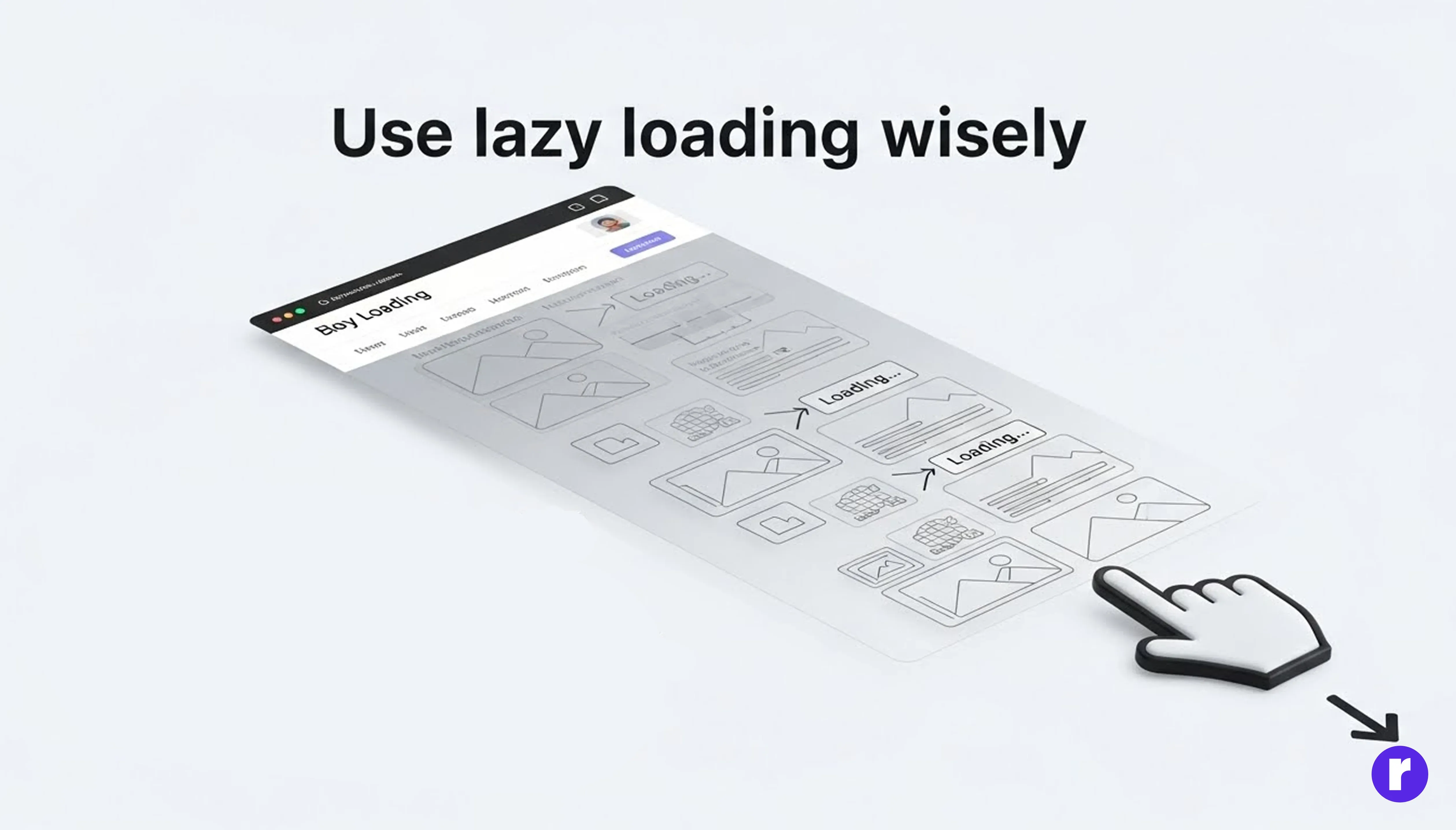
Lazy loading delays off‑screen content until the user scrolls near it, so the top of the page becomes interactive sooner. This works especially well on long pages with many images or embeds.
In Framer:
- Enable lazy loading for below‑the‑fold images, galleries, and heavy sections.
- Use Framer options or lightweight overrides so non‑critical content only loads when required.
- Show placeholders or blurred previews first, then swap in full‑quality assets when they enter view.
Configured correctly, lazy loading lets visitors see and use your hero section almost immediately.
Keep animations lean

Motion can elevate your design, but too many or too complex animations burn CPU and GPU, especially on phones. Heavy transitions on large layers easily cause stutter.
Better habits:
- Reserve animation for moments that guide attention or clarify interaction, not every element.
- Avoid elaborate motion on full‑screen backgrounds; animate smaller pieces instead.
- Prefer short durations and simple easing curves to keep interactions sharp.
- Test on lower‑end devices to be sure the experience stays smooth.
This approach keeps your site feeling dynamic without sacrificing responsiveness.
Reuse components instead of duplicating

Framer’s component system is built for reuse, but projects often bloat when elements are duplicated instead of componentized. Extra, slightly different copies increase file size and render work.
To stay efficient:
- Turn repeating UI (cards, buttons, nav bars, testimonials) into shared components.
- Reuse these components across pages instead of copying layers and editing each one.
- Regularly prune outdated, hidden, or duplicate elements that no longer ship.
A lean component structure reduces browser overhead and makes updates far easier.
Use smart breakpoints and responsive logic
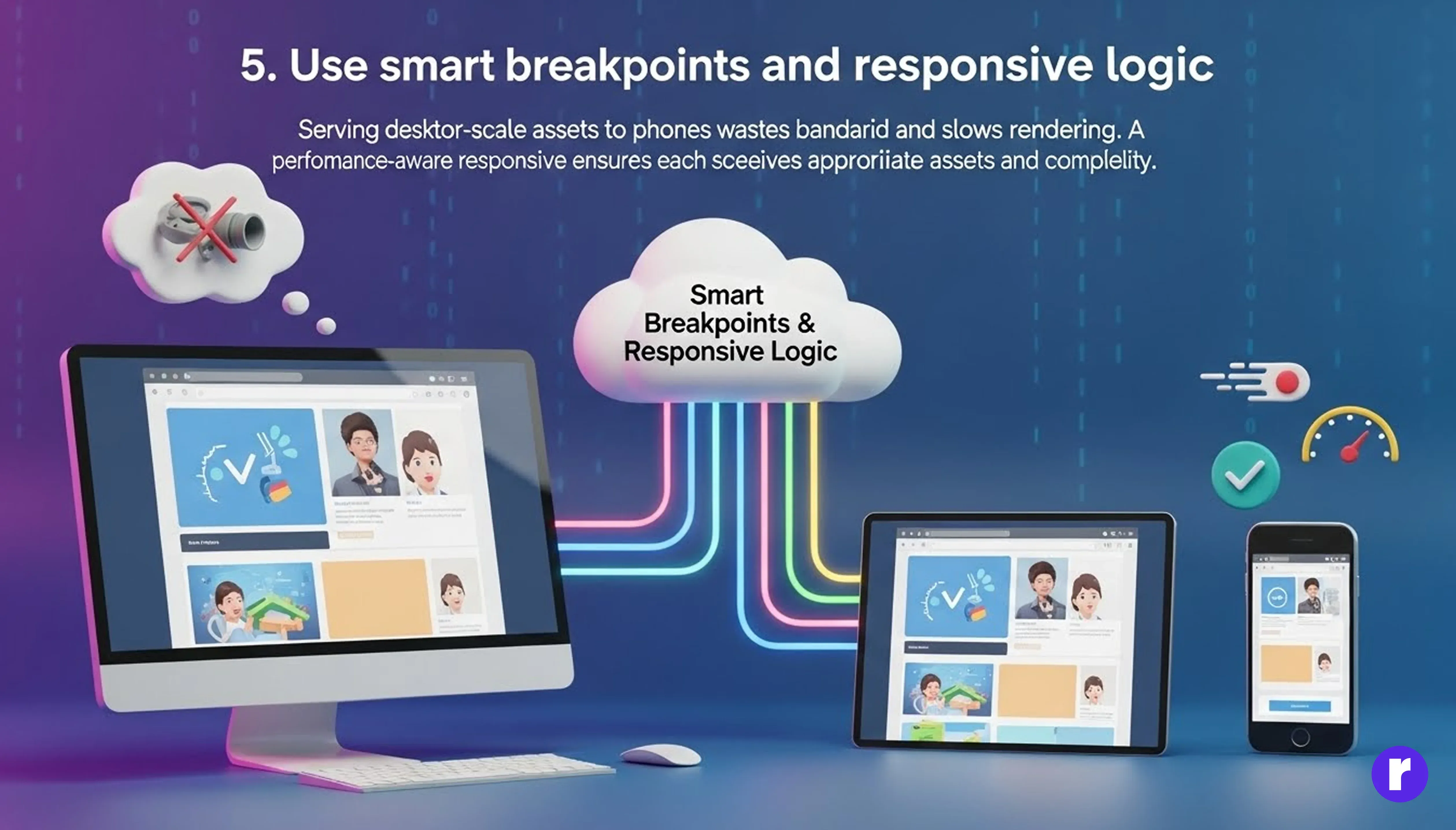
Serving desktop‑scale assets to phones wastes bandwidth and slows rendering. A performance‑aware responsive setup ensures each screen size receives appropriate assets and complexity.
In Framer:
- Use auto layout and constraints so components adapt across viewports without needing many separate versions.
- Provide smaller image and video variants for narrow screens, and avoid huge background media on mobile.
- Hide decorative or non‑essential content on compact layouts and keep DOM structure minimal.
Well‑planned breakpoints give mobile users a lighter, faster experience while preserving clarity.
Clean up unused assets
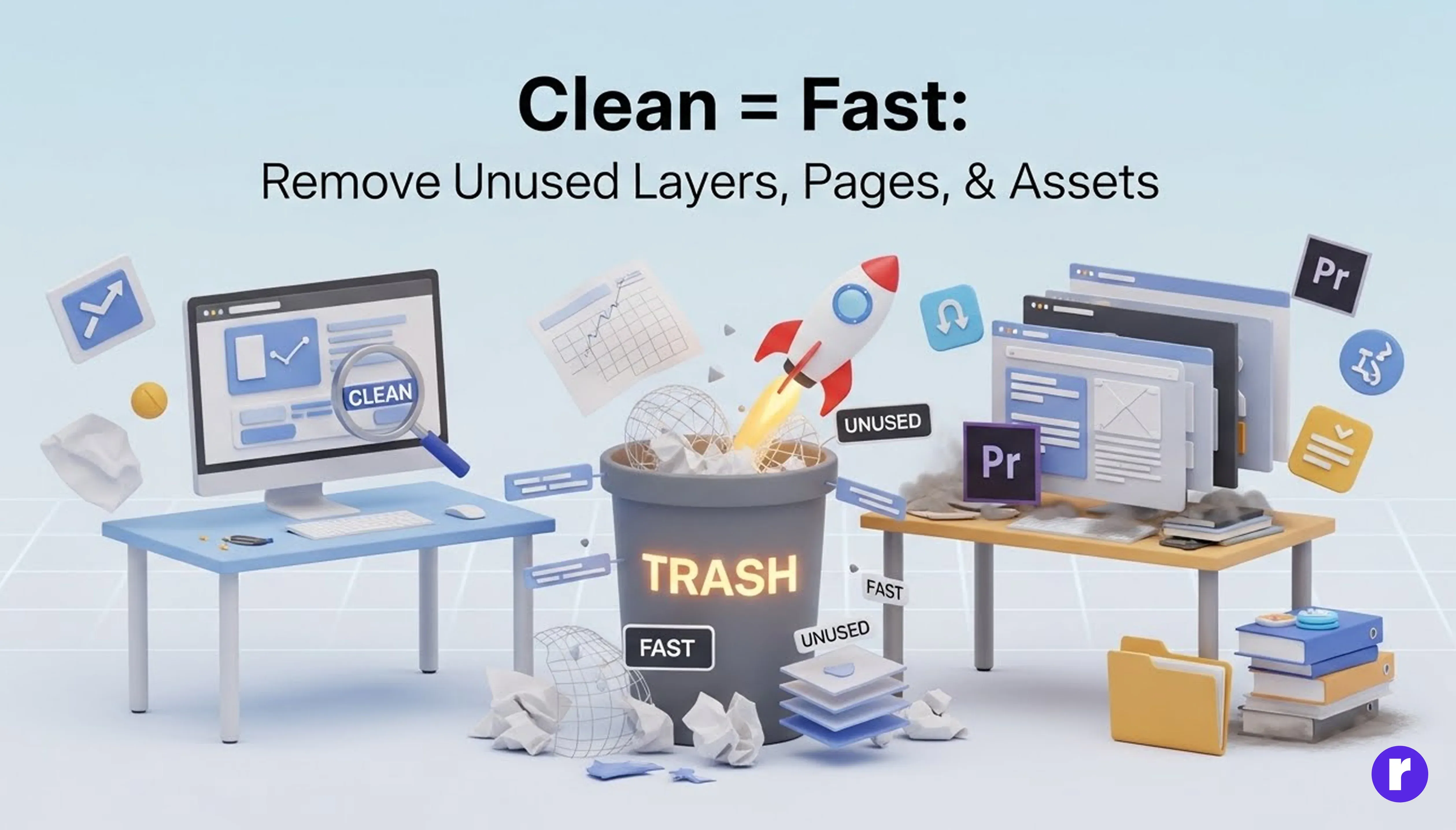
As projects evolve, unused pages, components, and media naturally accumulate. Even when not visible, they can inflate bundles and slow work.
Good hygiene:
- Remove hidden layers, experiments, and old layouts that are no longer part of the live site.
- Delete staging or archive pages you have no plan to publish.
- Clear unused images and other media from the asset library.
Keeping the project slim often leads to quicker exports and lighter published pages.
Optimize CMS and data‑heavy layouts

CMS‑driven blogs, case studies, or galleries can unintentionally load dozens of items at once, slowing the first paint. Long lists of cards magnify this cost.
To keep them fast:
- Limit how many CMS items appear initially and use pagination or “Load more” controls for the rest.
- Use small thumbnails and simplified cards for lists, reserving large media for detail pages.
- Combine lazy loading with CMS lists and avoid placing heavy third‑party embeds inside every item.
These choices let large collections feel responsive while still showing plenty of content.
Want more control over CMS performance and loading strategies? Learn More about building high-performance CMS layouts in Framer.
Be selective with external scripts and media

Each external script, embed, or video is another task the browser must tackle before the page feels ready. Chat widgets, tracking tools, and background videos are common culprits.
Practical guidelines:
- Audit third‑party tools and keep only those that support clear business goals.
- Load non‑critical scripts asynchronously or defer them so they do not block main rendering.
- Compress and stream video efficiently, and consider loading it only after interaction or when in view.
A smaller, better‑chosen set of external resources keeps pages responsive and stable.
Test, measure, and iterate
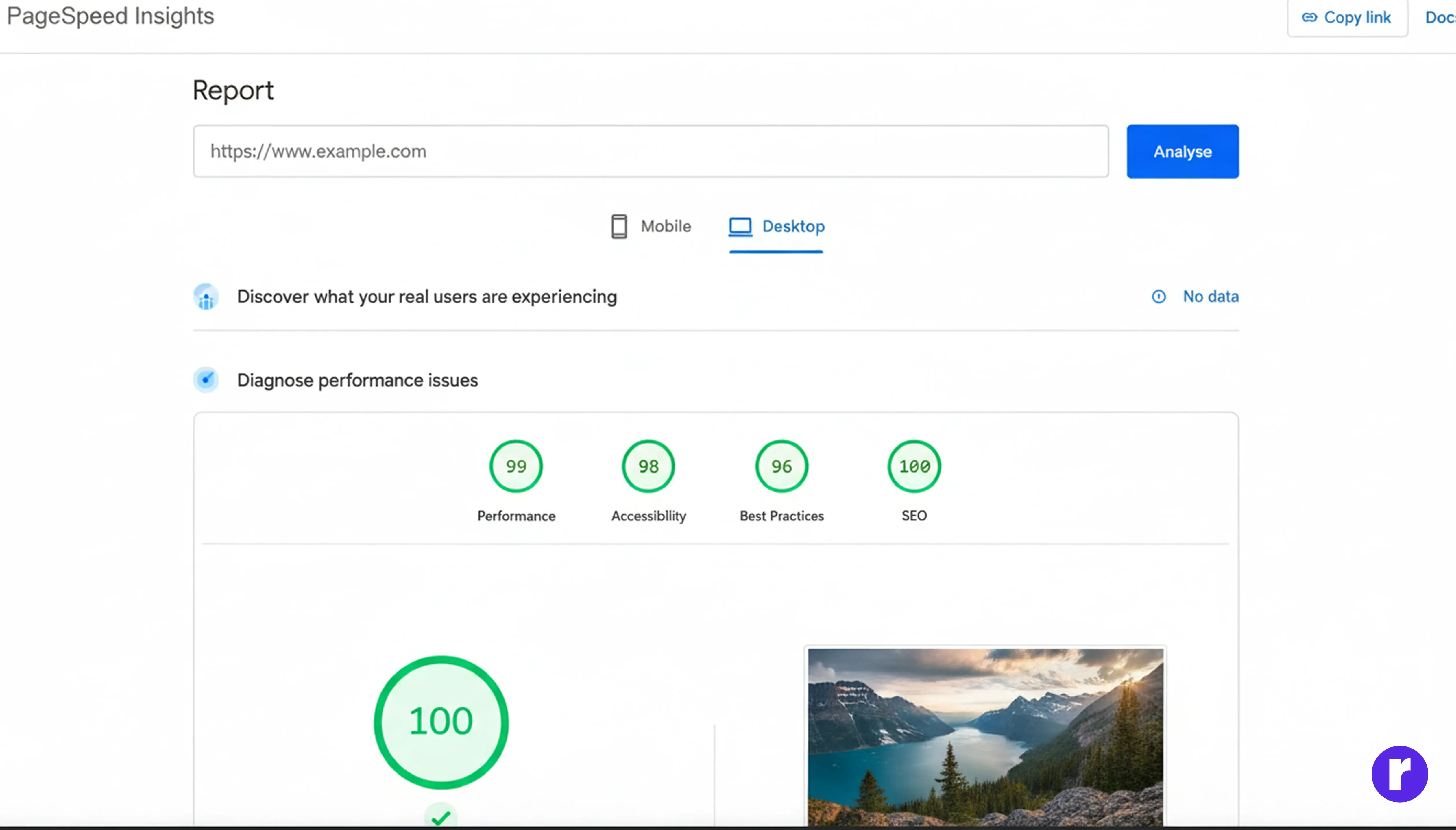
Performance work is most effective when informed by real‑world data. Regular checks show which changes matter.
Helpful steps:
- Run audits with tools like Lighthouse or PageSpeed Insights to track metrics such as Largest Contentful Paint.
- Test on physical mobile devices and throttled networks to mimic real conditions.
- After each optimization round, compare scores and note which changes produced improvements.
Treating performance as an ongoing habit, not a one‑time fix, keeps your Framer sites fast as they grow.
Conclusion
Speed is a core part of good digital design, not just a technical afterthought. By trimming heavy assets, using motion thoughtfully, cleaning unused material, and measuring results regularly, your Framer sites can look refined and still load quickly across devices and networks
Ready to take your Framer skills to the next level? Discover tips, tutorials, and inspiration on our website! Visit Here