The rise of AI design agents and what designers should know

Written by

Sumit Verma
UI/UX Designer
Table of contents
Build with Radial Code
Share this


AI no longer just autocompletes a palette or suggests a font pairing. In 2026, AI design agents can operate inside tools like Figma AI, Adobe Firefly, and Stitch AI generating screen flows from text prompts, applying design system rules, syncing with component libraries, and helping developers implement interfaces faster.
If you haven't tuned in yet, here's everything you need to understand: what AI design agents actually are, which tools are leading the space, the real benefits and limitations, and how to position yourself as a designer in this new landscape.
What exactly is an AI design agent?
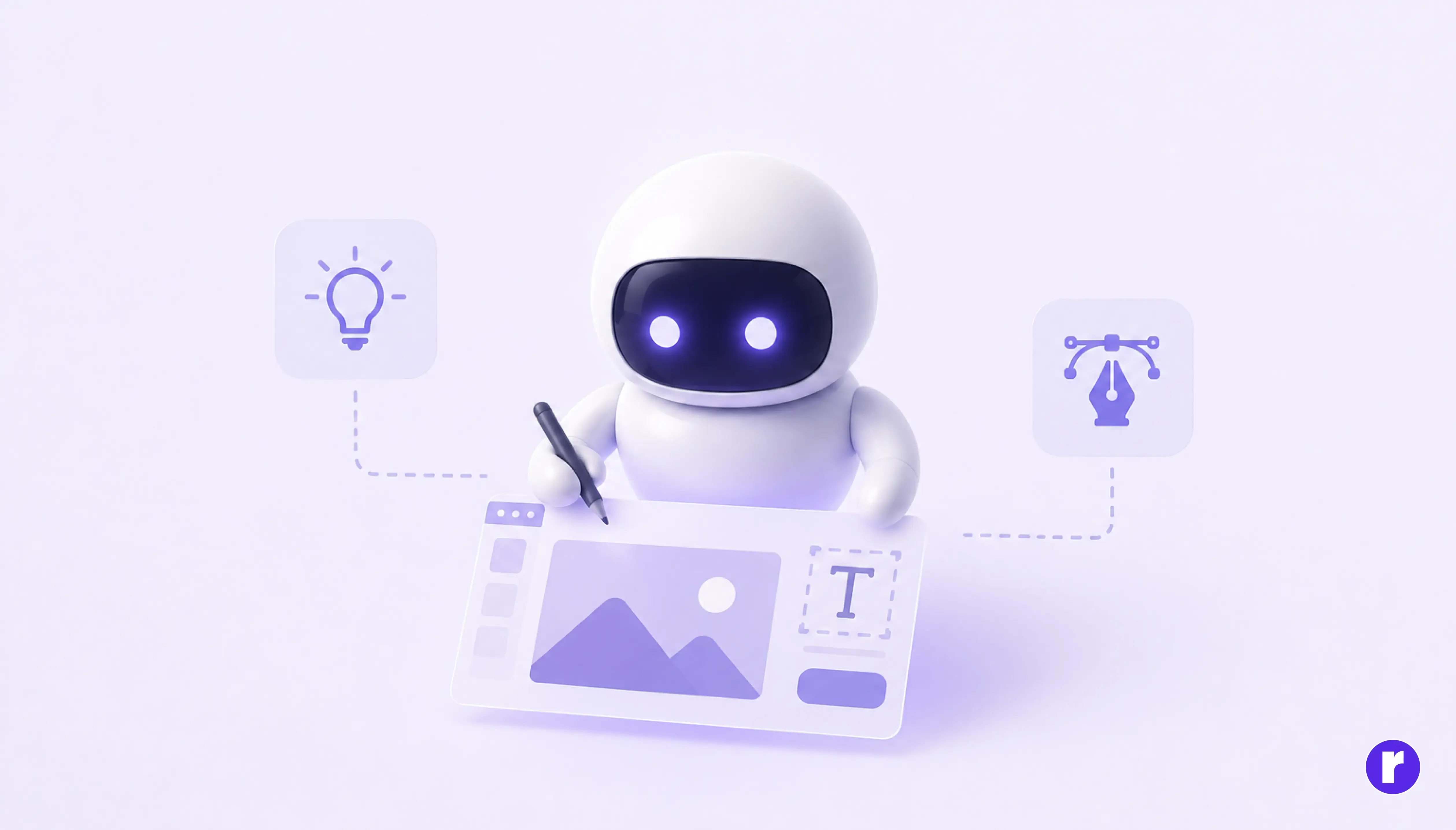
A regular AI design tool responds to a prompt and gives you a static output—an image, a layout suggestion, or a generated icon. An AI design agent goes further. It takes a goal, breaks it into steps, executes those steps inside your actual design environment, checks the result against constraints like your design system, and delivers something ready to iterate on rather than something you have to rebuild from scratch.
Think of it as the difference between asking someone for directions and hiring a driver. The output isn't just information—it's action, taken inside the file you already work in.
Figma's native AI design agent
A designer types: "Create a mobile checkout screen using our existing button and input components, with a progress stepper at the top."
This isn't speculative. On May 20, 2026, Figma introduced an AI agent inside Figma Design, currently available in public beta for paid plans.
The tools that are changing the game
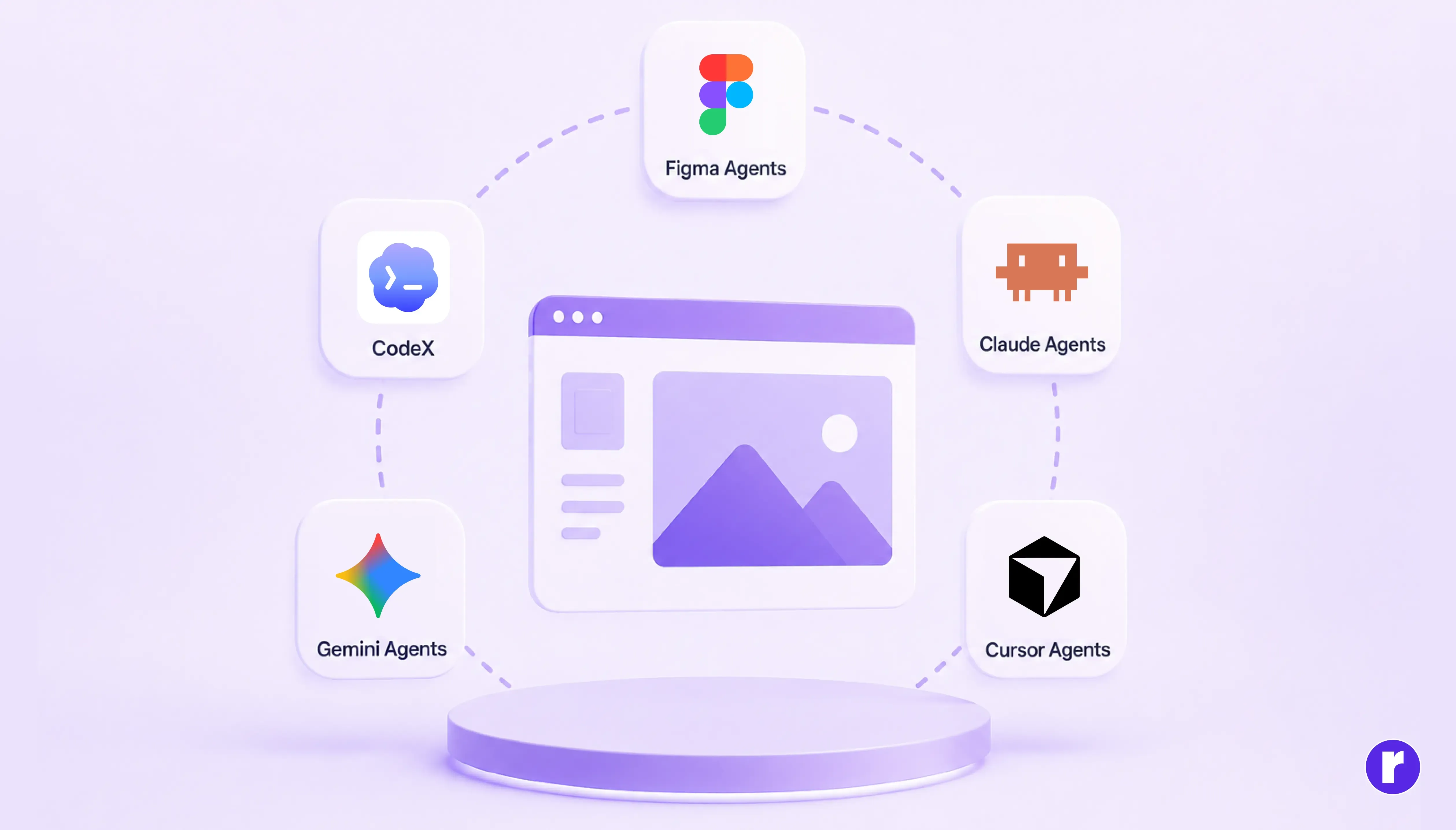
The landscape has moved fast. Here are the key players designers need to know about right now:
- Figma AI & Design agent: Native canvas agent that generates, edits, and iterates on designs via natural language. Reads your real component library in real time. Explore More
- Stitch AI: Text-to-UI tool that produces polished interface concepts. Exports directly to Figma as editable .fig files with named layers. Explore More
- Adobe Firefly: Safest for commercial use trained on licensed content. Deeply integrated into Photoshop and Illustrator workflows. Explore More
- UX Pilot: Independent AI that generates screen flows and wireframes from prompts. Can be trained on your own Figma design system. Explore More
- Uizard & Framer AI: Turn sketches photographed on your phone into navigable digital prototypes. Great for rapid client presentations. Explore More
- Lovable & Bolt: Generate full working apps from prompts—compressing traditional design and development workflows into a single prompt-driven process. Particularly useful for prototypes, MVPs, and internal tools. Explore More
How the design-to-code gap is being closed
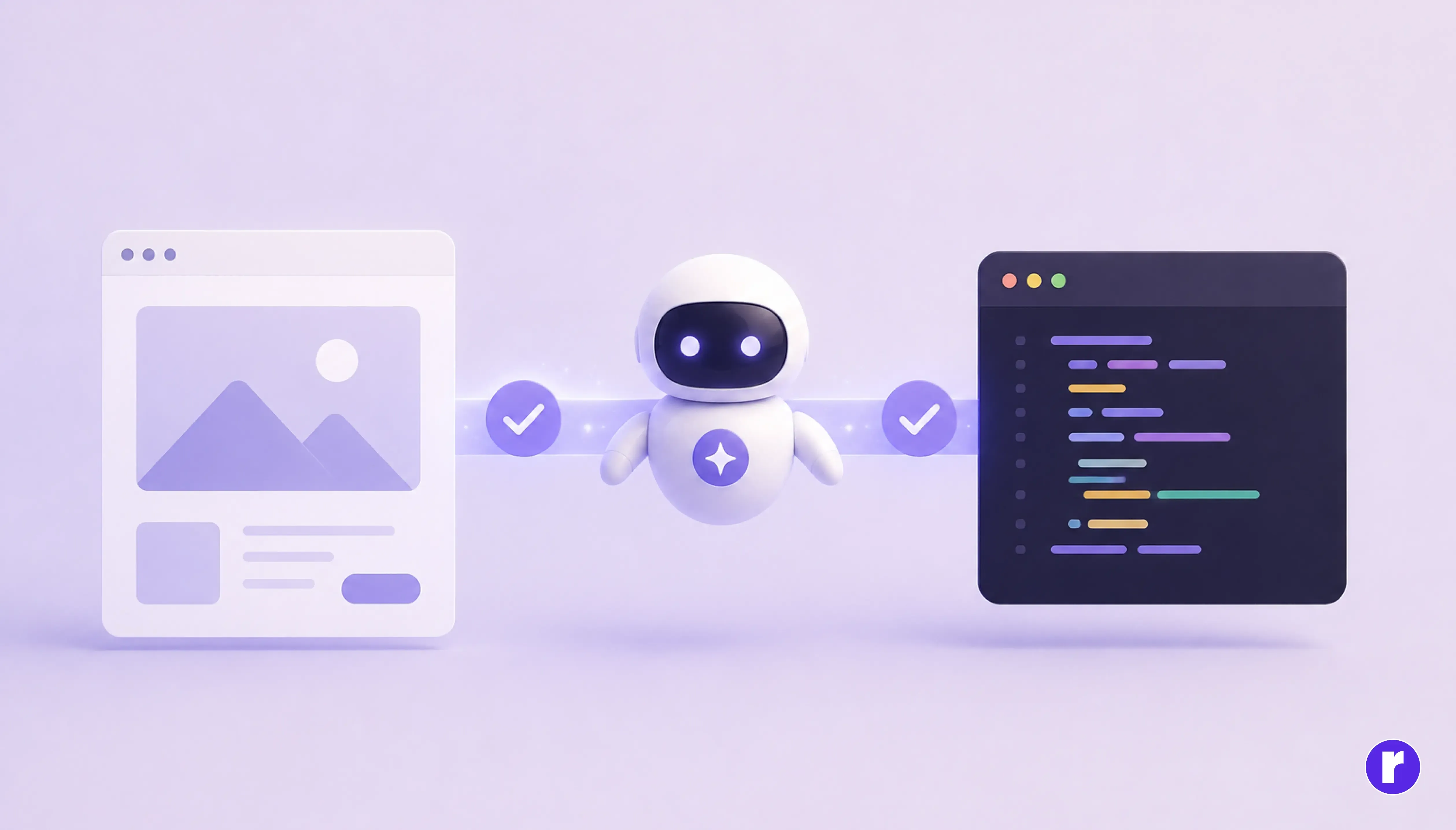
For years, the handoff between designers and developers was messy. Designs in Figma never translated cleanly to code. Colors were hardcoded, spacing was wrong, and component names didn't match. Developers rebuilt from scratch anyway.
Two separate capabilities are working from opposite ends to close that gap, and it's worth being precise about which is which, since they're easy to conflate:
- AI coding tools reading Figma: Figma's Dev Mode MCP (Model Context Protocol) server first reached beta in mid-2025, giving AI coding tools like Claude Code, Cursor, and GitHub Copilot structured, live access to a design file's components, variables, and layout data while they write code pulling from the actual source instead of guessing from a screenshot. Source
- AI agents writing back to the canvas: The newer and more striking capability runs the other direction. Through Figma's "Write to Canvas" tooling, agents like Claude Code and Claude Desktop can now create and modify native Figma content directly real frames, components, and auto layout, not screenshots or static exports. Figma announced the related "Code to Canvas" integration, which converts a working UI built in Claude Code into editable Figma layers, in February 2026. Source
The result?
Design and development are becoming a live, two-way workflow. Emerging workflows increasingly allow AI tools to synchronize design and code changes and bring shipped interfaces back into design review. It's still in beta, with usage limits and not yet a universal workflow.
What AI design agents are good at
It's easy to get swept up in the demos. Let's be honest about where AI agents genuinely help and where they still fall short.
Where AI agents excel:
- Generating first-draft screens rapidly from simple text prompts.
- Populating content placeholders with realistic, context-aware data.
- Applying design system rules (tokens, spacing, components) at scale.
- Exploring multiple layout directions simultaneously for stakeholder reviews.
- Turning paper sketches into digital prototypes in minutes.
- Creating variant sets (hover, active, disabled) from a base component.
Where humans still win:
- Understanding user psychology and brand strategy at a deep level.
- Making decisions that require business context or emotional nuance.
- Spotting when a "technically correct" design feels wrong in practice.
- Building trust and leading stakeholder conversations.
- Pushing creative directions beyond what's been done before.
One tester who tried 10 platforms put it well: "AI invaded every design tool in 2025. AI generates options; designers provide taste. Understand brand strategy. AI doesn't know why your brand exists or who it serves."
What this means for your day-to-day as a designer
The role of the designer isn't disappearing, it's shifting. Here's what that shift looks like in practice:
Before AI agents
Research→Wireframe→Low-fi mockup→High-fi design→Component build→Spec docs→Dev handoff→Corrections
After AI agents
Research→AI first draft→Designer review & refinement→Component polish→AI code generation→Live review with dev
Designers who adapt to this shape take on more strategic work, lead more projects, and keep more bandwidth for the parts of the job that aren't mechanical.
Skills designers should build right now

If you want to stay ahead of this curve, here are the capabilities worth investing in:
- Prompting and directing AI systems: Learning to communicate effectively with AI agents is a real skill. Vague prompts produce generic results. Precise prompts referencing your component names, layout patterns, and target users produce something worth refining. Prompt engineering fundamentals apply just as much to design tools as they do to code generation.
- Design systems thinking: AI agents work best when they have a mature design system to work with. Teams with well-organized component libraries, named tokens, and documented patterns get dramatically better outputs. Investing in your design system today directly multiplies the value of every AI agent you'll use tomorrow.
- Cross-functional fluency: As the design-to-code gap closes, designers and developers will work more closely together. Understanding what the Figma MCP server does, how component tokens map to CSS variables, and what "production-ready" means on the dev side will make you a far more valuable collaborator.
- Critical AI output review: AI agents can produce plausible-looking designs that contain subtle UX issues: inconsistent touch targets, insufficient color contrast, poor accessibility support, or illogical information hierarchy. Training yourself to spot these quickly, and correct them efficiently, is becoming a core designer skill.
Transform ideas into impactful digital experiences, visit Radial code
A note on copyright and originality

One practical concern worth raising: when you use AI to generate design assets (icons, illustrations, UI layouts) the originality and ownership questions are still being worked out legally. Adobe Firefly remains the safest choice for commercial work, as it was trained on licensed content with clear commercial rights. Other tools have varying policies, so always review them before using generated assets in client-facing or commercial work.
Conclusion
AI design agents are already part of modern workflows. They accelerate ideation, automate repetitive tasks, and turn ideas into production-ready designs faster than ever. The real advantage isn't competing with AI, it's learning how to direct it effectively. Your strategy, creativity, and design judgment remain what make the final product exceptional.
The taste, the strategy, the humanity in the design that's still you. And in a world full of AI-generated interfaces, that's going to matter more, not less.