Top AI tools for designers in 2026

Written by

Vishal Baloda
UI/UX Designer
Table of contents
Build with Radial Code
Share this


AI has become an essential part of the modern design workflow. From generating UI concepts and wireframes to discovering inspiration, AI-powered tools help designers work faster, explore more ideas, and focus on creating better user experiences. In this article, we'll explore some of the top AI tools for designers in 2026, categorized by where they fit in the design process.
1. AI tools for UI concept generation
These tools help designers quickly transform ideas into visual concepts and explore multiple design directions before investing time in detailed UI design.
Google Stitch
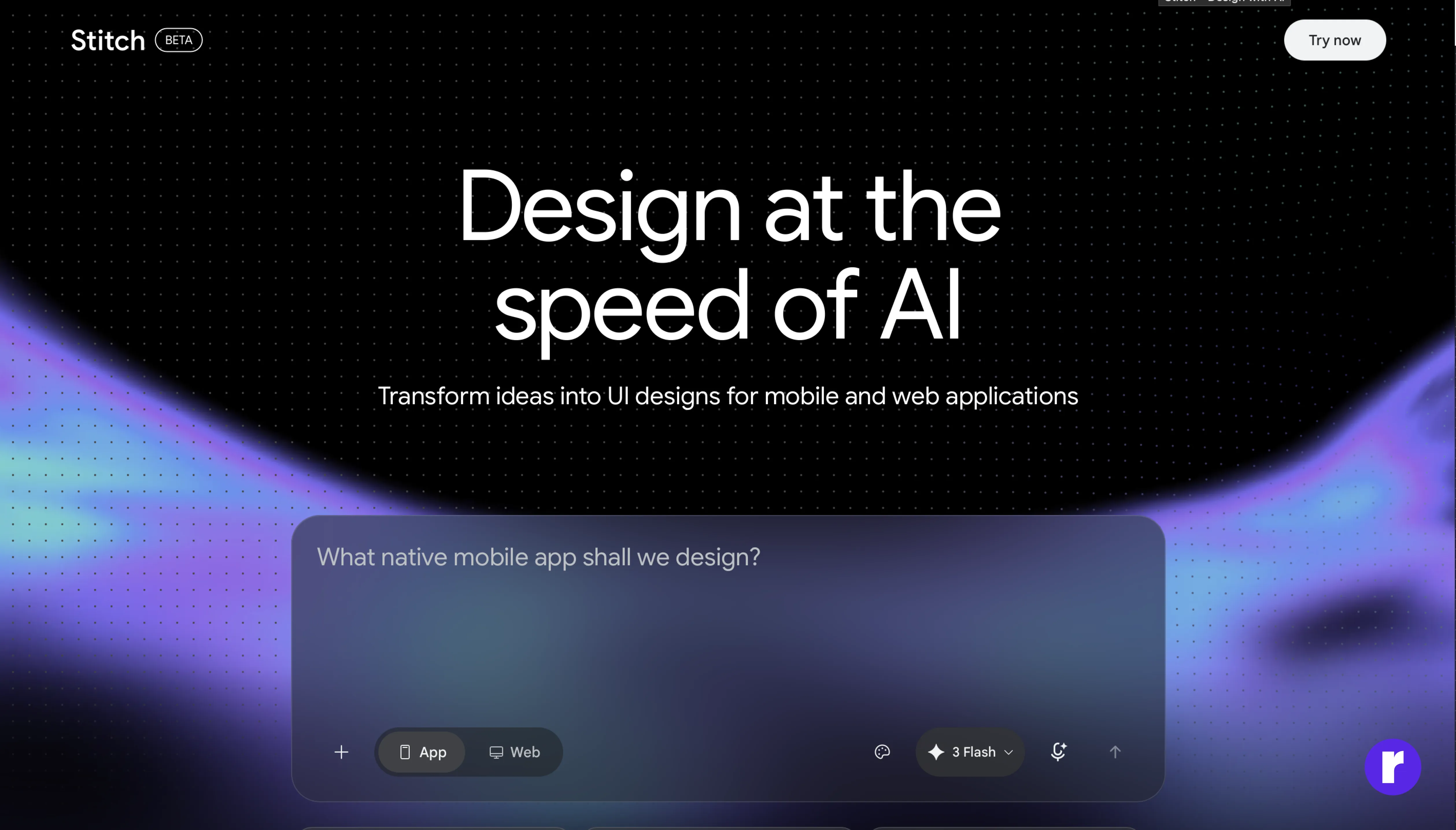
Turning ideas into interfaces, Google Stitch helps designers transform text prompts and rough sketches into UI designs. It quickly creates editable layouts that can be customized and improved further. Instead of designing every screen from scratch, designers can use Stitch to generate a starting point, explore different design ideas, and build prototypes faster.
Key features:
- Prompt-to-UI generation
- Sketch-to-design conversion
- Editable design outputs
- Rapid prototyping support
Best for:
Designers and teams who want to turn ideas into working UI designs quickly. It's especially useful for brainstorming, exploring different design directions, creating early prototypes, and speeding up the design process without starting from a blank canvas.
Read more about how AI is transforming UI/UX design. Explore More
Design Arena
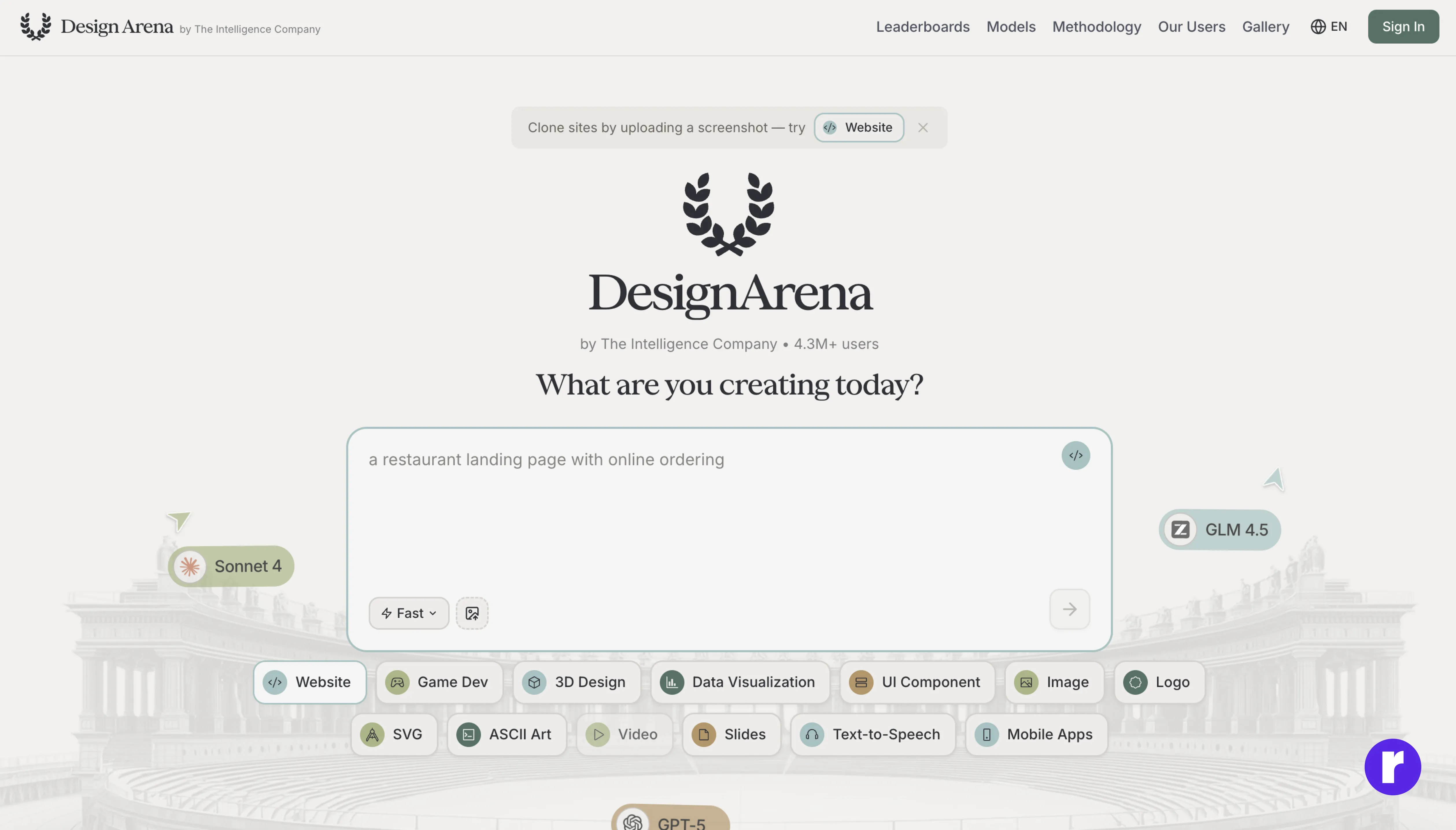
Generating UI concepts from simple prompts, Design Arena creates multiple interface variations for landing pages, dashboards, and mobile applications, making it easier to compare ideas before moving into detailed design. Whether you're creating a landing page, dashboard, or mobile application, it quickly generates different design ideas that you can review, compare, and build upon. This makes it easier to explore creative options and find the right design direction faster.
Key features:
- Prompt-based UI generation
- Multiple design variations
- Fast concept exploration
- Useful for early-stage brainstorming
Best for:
Designers who want to quickly explore and compare different design ideas before investing time in detailed UI work. It's especially useful for brainstorming, early-stage concept development, and finding the right visual direction faster.
Lovable
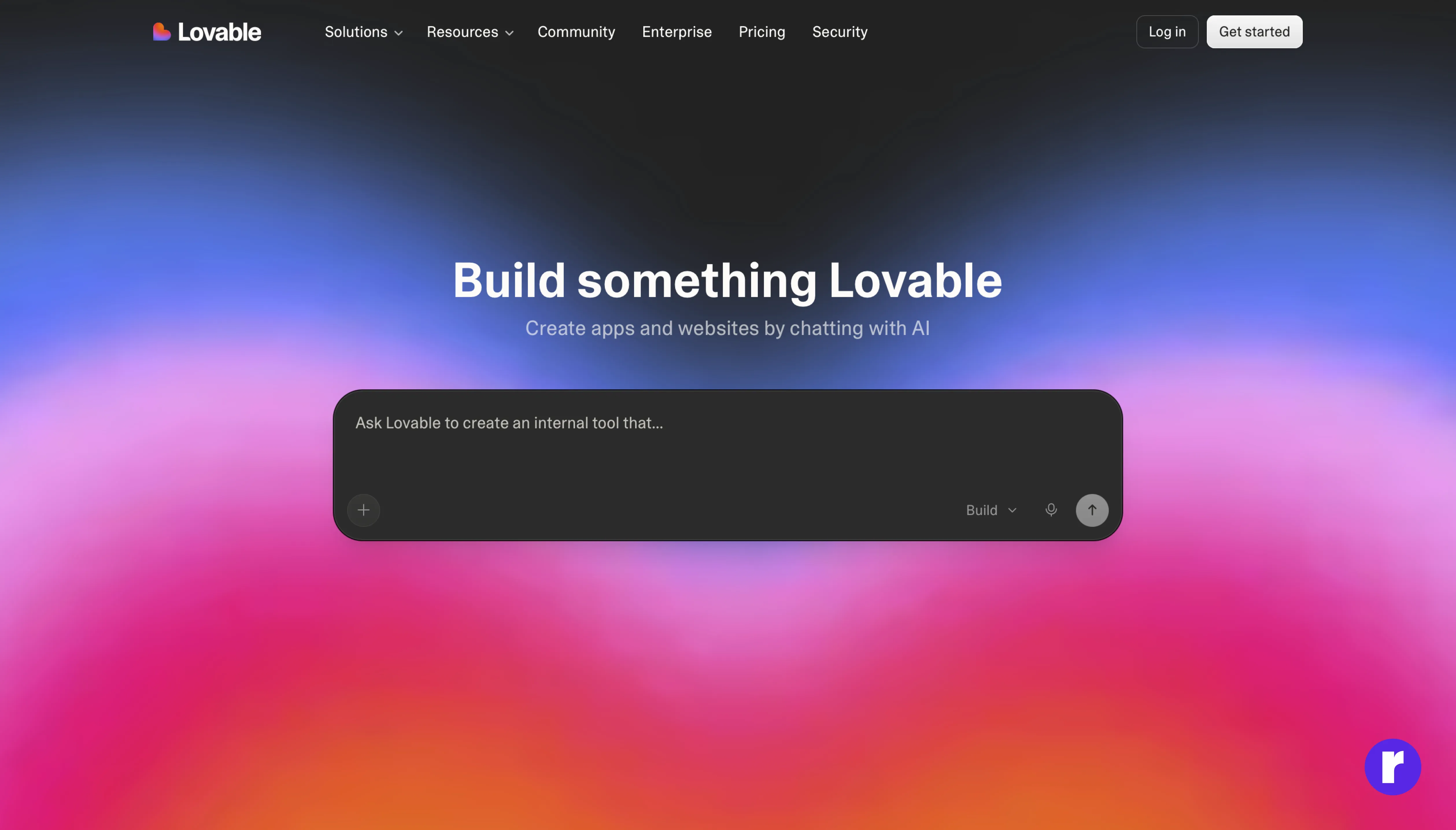
Turning product ideas into interfaces, Lovable uses simple text prompts to generate UI concepts and layouts. Instead of starting from scratch, it quickly generates layouts and design ideas that can be customized further. Designers can explore different approaches, create prototypes, and test concepts faster, making it easier to bring ideas to life.
Pro tip: Use Lovable during the early stages of a project to rapidly explore layouts and gather feedback before moving into detailed design work.
Key features:
- Text-to-interface generation
- Rapid prototyping
- Iterative design workflow
- Fast MVP creation
Best for:
Startups, product designers, and teams who want to quickly turn ideas into UI concepts and prototypes. It's especially useful for exploring new product ideas, validating concepts, and speeding up the early stages of the design process.
2. AI tools for UX research & content
AI tools in this category help designers research user needs, organize ideas, create UX content, and improve design decisions. They can save time on tasks like writing copy, analyzing feedback, and planning user experiences, allowing designers to focus more on solving problems and creating better products.
ChatGPT
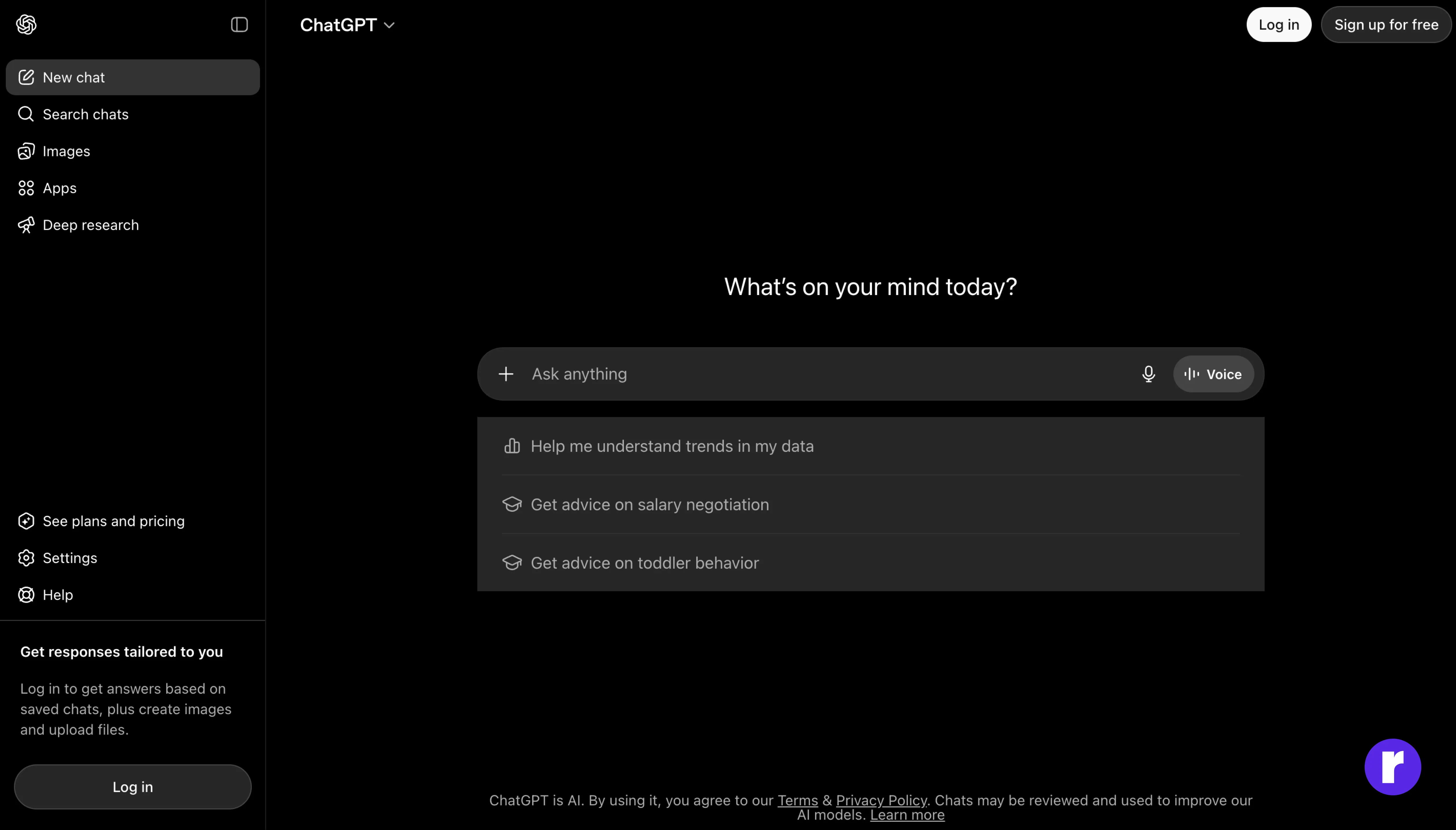
ChatGPT helps designers generate ideas, create UX content, plan user flows, and solve design problems through simple conversations. It can assist with research, brainstorming, content writing, and design planning, making it a useful tool throughout the design process.
Key features:
- UX writing and content creation
- User flow and wireframe planning
- Brainstorming and idea generation
- Design feedback and problem-solving
Best for:
Designers who need an AI assistant for research, content creation, planning, brainstorming, and improving design ideas throughout a project.
Gemini
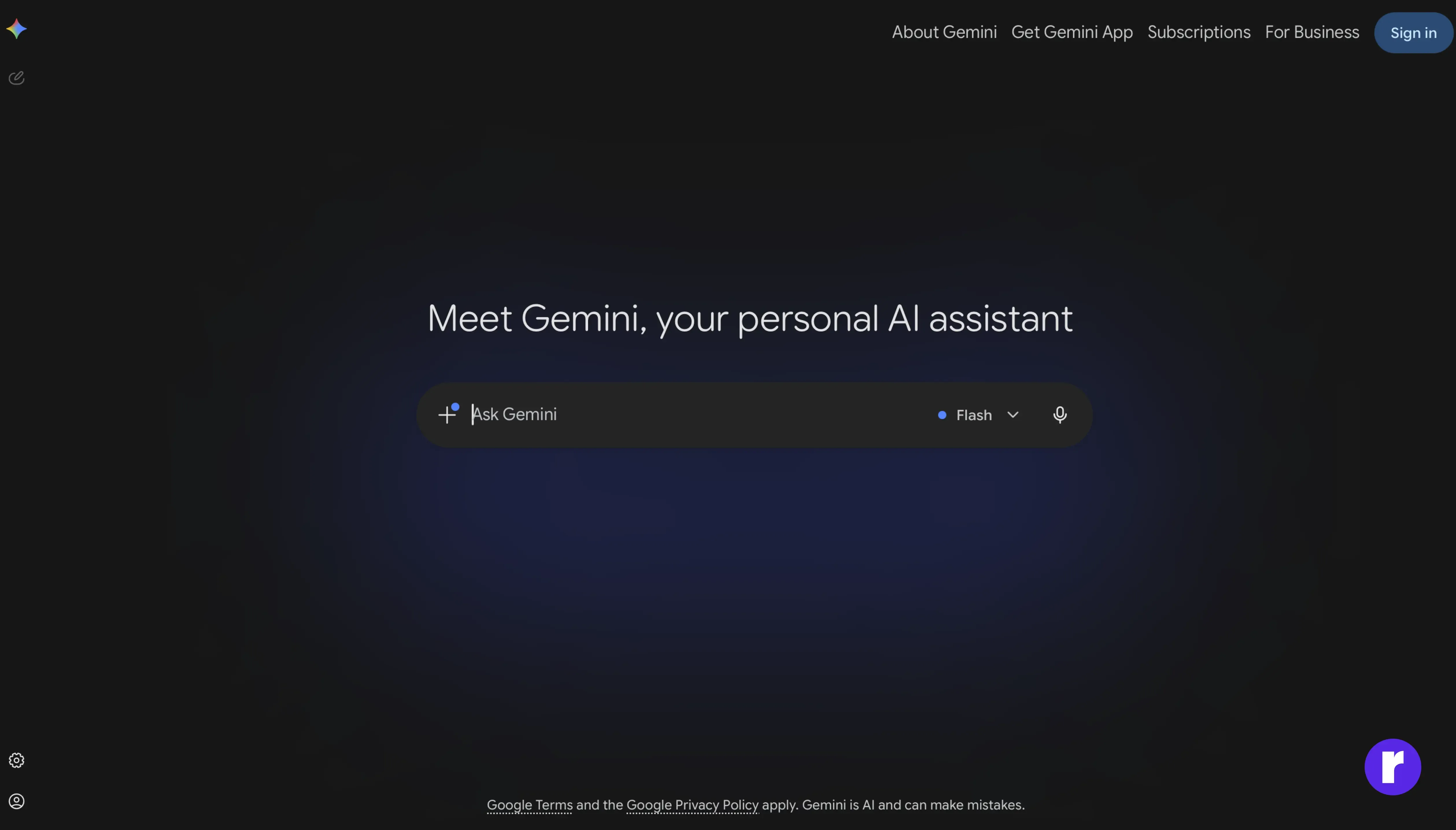
Working across multiple formats, Gemini generates ideas, analyzes designs, and creates content using text, images, and documents. Designers can use it for research, visual analysis, brainstorming, and content creation, making it a useful tool throughout different stages of the design process.
Key features:
- Works with text, images, and documents
- Design research and idea generation
- UX content and copy creation
- Visual analysis and feedback
Best for:
Designers who need an AI assistant for research, visual analysis, content creation, and exploring design ideas using different types of media.
Want to learn more about AI? Visit Radial Code Learn
Claude AI
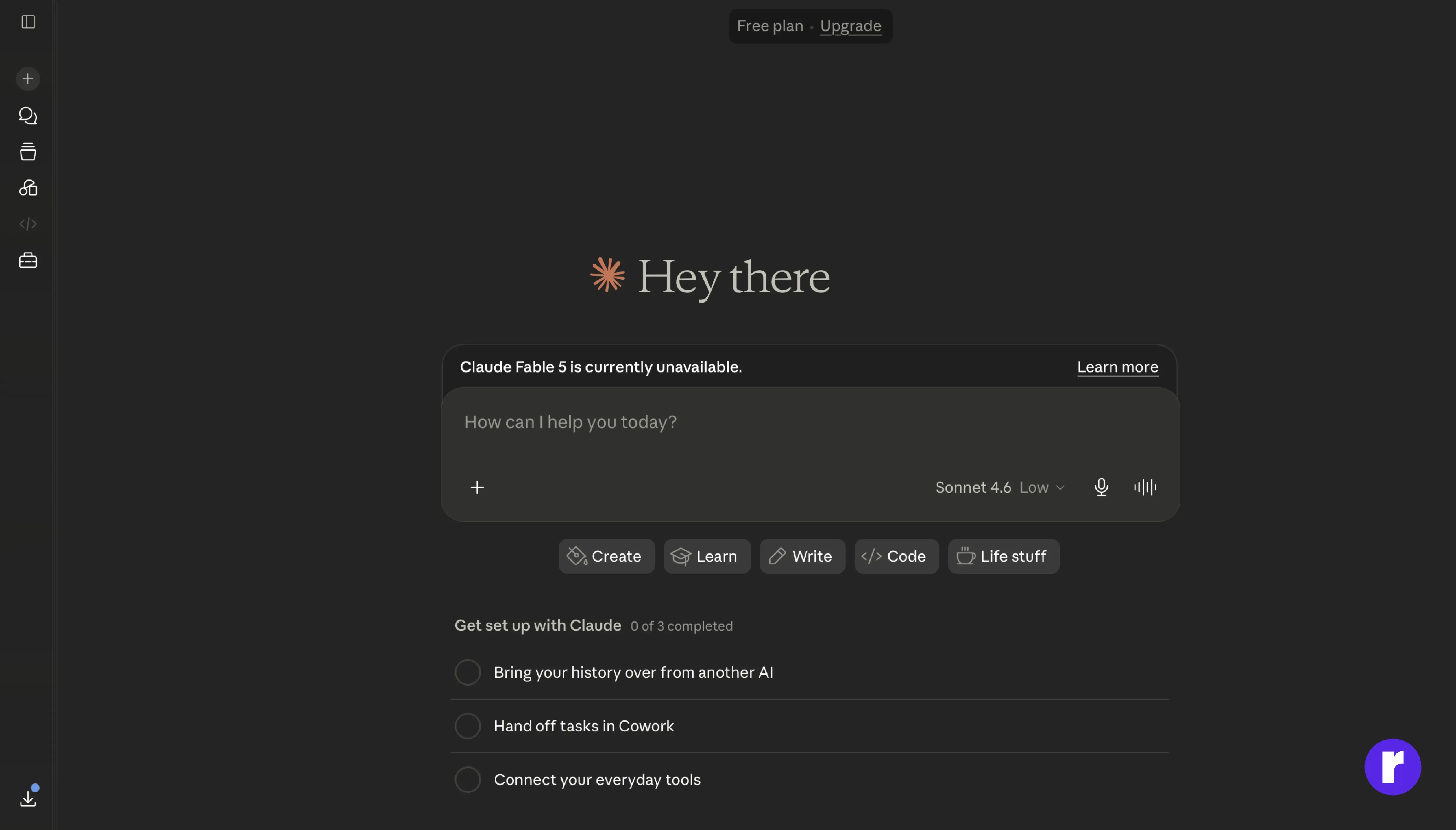
Claude AI is designed to help organize ideas, create UX content, and work through complex design challenges. It can analyze detailed requirements, improve user flows, and help structure information in a clear and organized way. Designers can also use it to create design documents, summarize research, and support decision-making throughout the design process.
Key features:
- UX writing and content generation
- User flow and journey mapping support
- Design documentation creation
- Research organization and analysis
Best for:
Designers who want support with design planning, documentation, research, and solving complex design challenges. It's especially useful for organizing information, analyzing ideas, and making informed design decisions.
3. AI tools for visual design & asset creation
These tools help designers create and edit visual assets such as images, illustrations, icons, and marketing graphics. They make it easier to generate new design ideas, enhance existing visuals, and explore different creative styles, helping designers work faster and bring concepts to life.
Ideogram
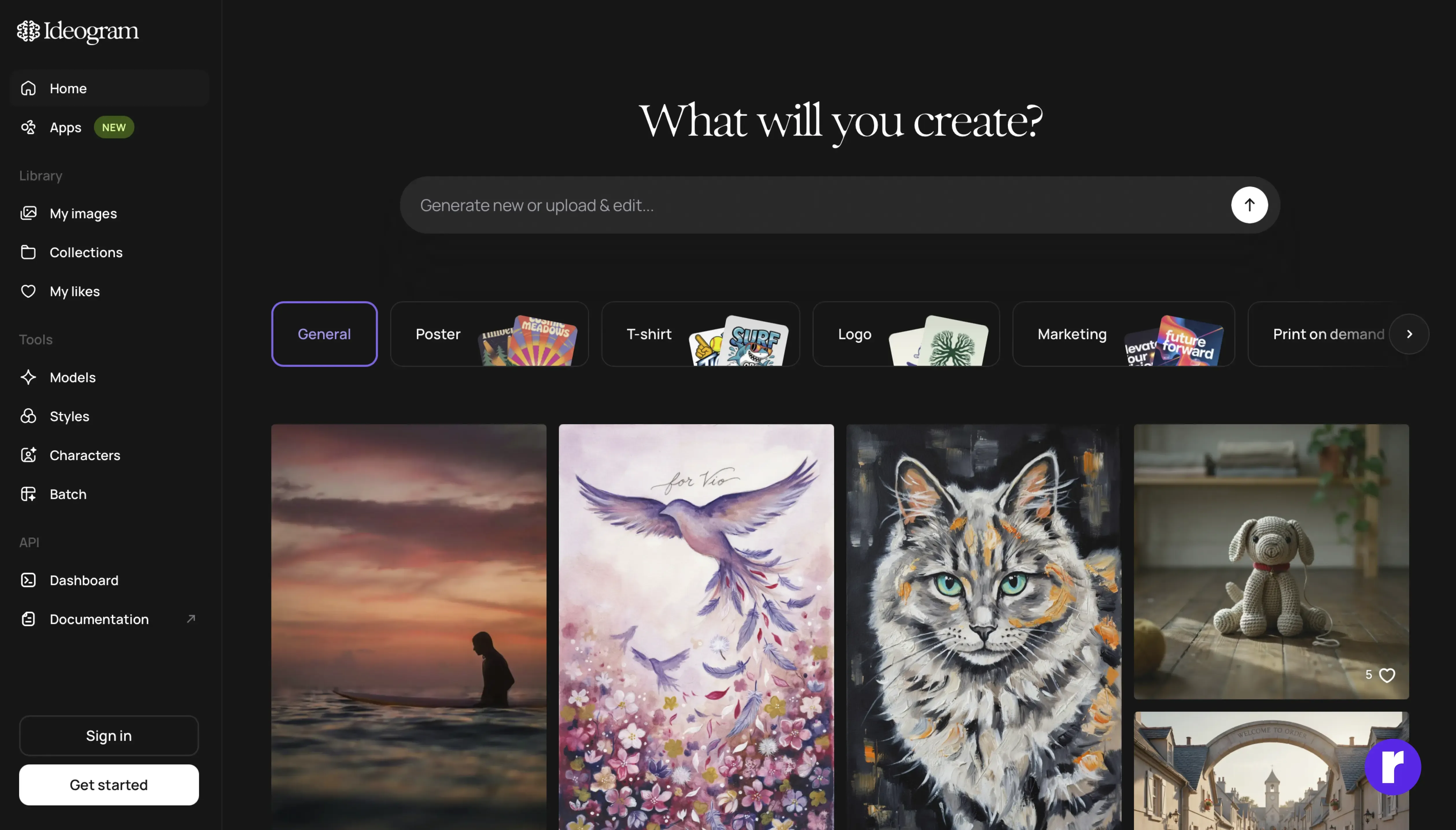
Ideogram generates high-quality images, posters, logos, and marketing visuals using simple text prompts. It is especially useful for creating designs with clear, readable text, making it a great choice for branding, social media, advertisements, and promotional content.
Key features:
- Text-to-image generation
- Clear and accurate text in designs
- Poster and marketing asset creation
- Multiple design styles and creative options
Best for:
Designers, marketers, and content creators who need high-quality visuals with clear text for branding, social media, advertising, and promotional materials.
Pro tip: Use Ideogram when your design includes text, such as posters, social media graphics, or logos. It creates clear, readable text that often needs less editing.
Adobe Firefly
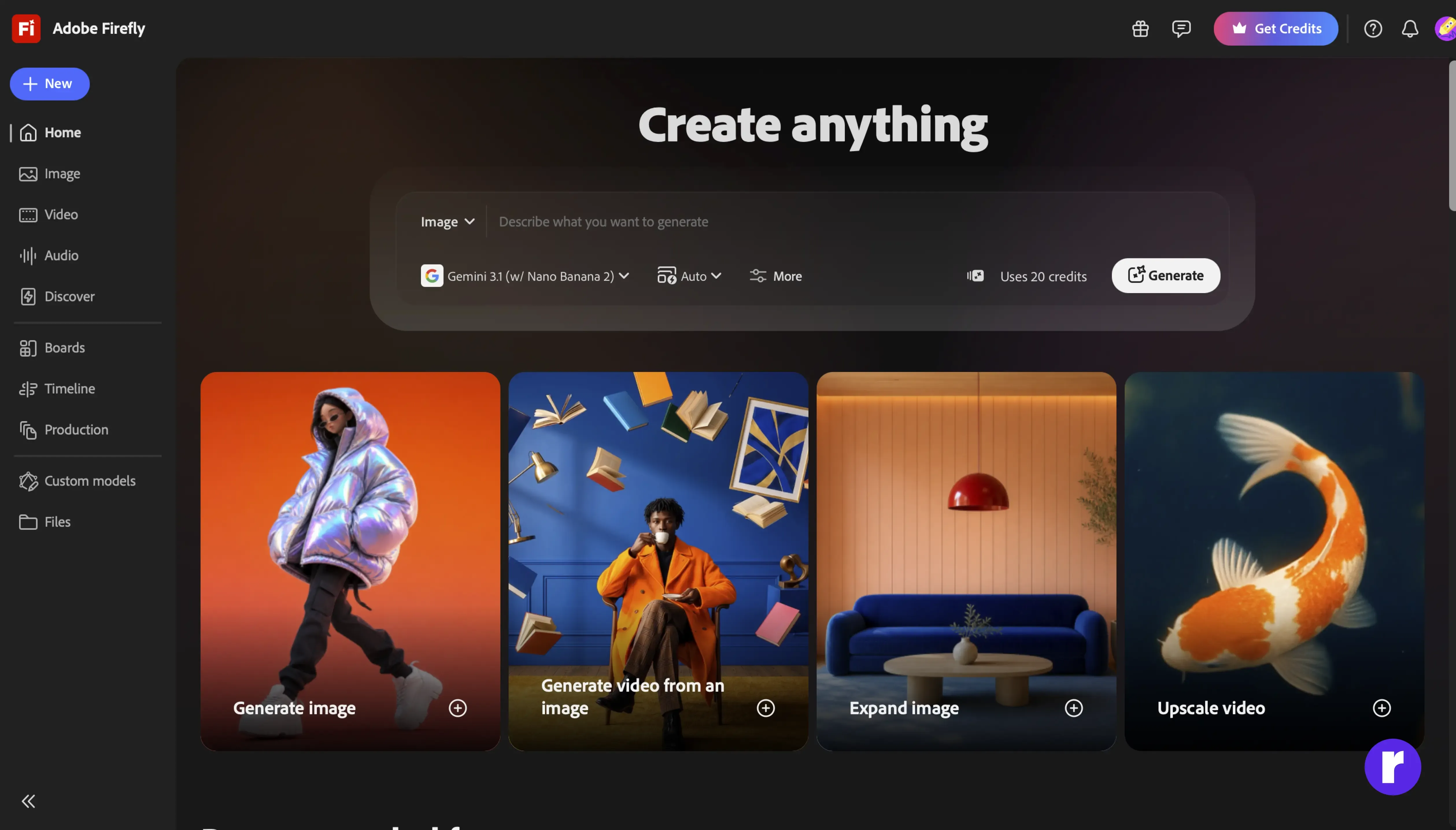
Adobe Firefly allows designers to create and edit visual assets using AI-powered tools built into Adobe Creative Cloud. It can generate images from text prompts, remove or replace objects, apply creative effects, and improve existing designs, helping designers save time while staying in control of their creative work.
Key features:
- Text-to-image generation
- Remove, replace, or edit objects in images
- Creative text effects and visual styles
- Easy integration with Adobe Creative Cloud
Best for:
Designers and creative professionals who want to create, edit, and enhance visual assets quickly while working within the Adobe Creative Cloud ecosystem.
4. AI tools comparison table
| Tool | Category | Primary use | Key strength | Best for |
|---|---|---|---|---|
| Google Stitch | UI concept generation | Turn ideas into UI layouts | Creates UI from prompts | Fast prototyping |
| Design Arena | UI concept generation | Generate UI concepts & variations | Multiple design options | Early design ideas |
| Lovable | UI concept generation | Create UI concepts from text | Quick UI generation | Product ideas & prototypes |
| ChatGPT | UX research & content | Generate UX content & design ideas | Brainstorming & problem-solving | UX planning |
| Gemini | UX research & content | Analyze text, images, and designs | Works with different media | Design research |
| Claude AI | UX research & content | UX planning & create documents | Deep reasoning and analysis | UX strategy |
| Ideogram | Visual design & asset creation | Generate marketing & design visuals | Clear text in designs | Branding & marketing |
| Adobe Firefly | Visual design & asset creation | Create & edit visual assets | AI-powered image editing | Creative design projects |