Mistakes to Avoid When Starting Animation in Web Development

Written by
Ankit Godara
Front End Developer

Vishal Chanda
Front End Developer

Table of contents
Build with Radial Code
Share this


Animations have become an essential part of modern web interfaces. From hover effects and micro-interactions to scroll-based motions and full UI transitions, animations can make a website feel smoother, more engaging, and highly interactive. When implemented correctly, they enhance the user experience by:
- Making interfaces intuitive
- Guiding user attention
- Improving usability
- Adding personality and visual appeal
However, beginners often run into common pitfalls that lead to performance issues, layout problems, accessibility challenges, and inconsistent cross-browser behavior. Understanding these mistakes early on can help you avoid messy implementations and build animations that look professional and function flawlessly.
This blog highlights the most common animation mistakes developers make — and how you can avoid them to create smooth, responsive, and user-friendly animations.
Ignoring Performance Considerations
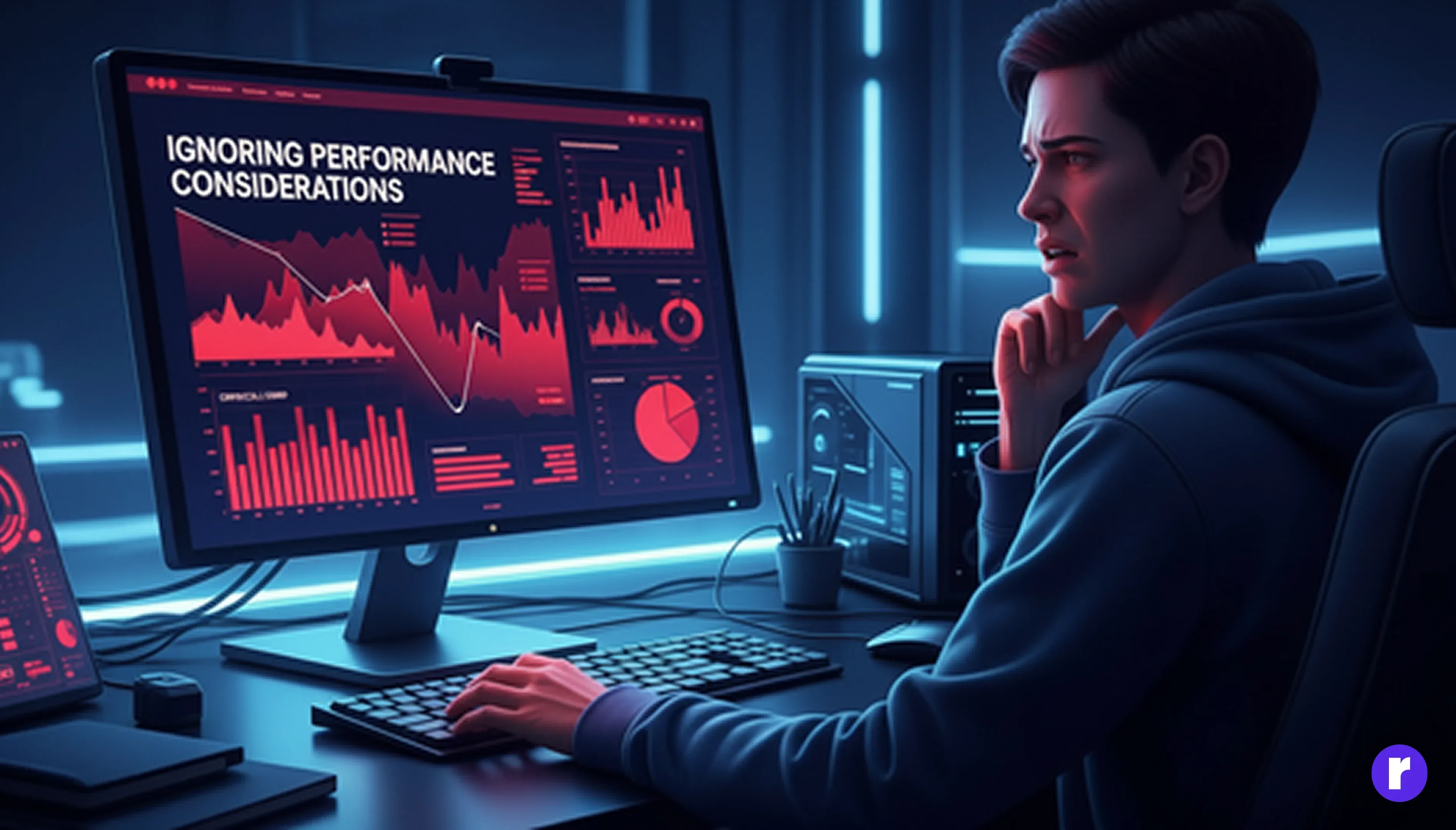
IPerformance is the backbone of effective animations. Even the most visually appealing motion becomes frustrating if it feels janky, slow, or unresponsive. One of the most common mistakes beginners make is animating CSS properties that trigger layout recalculations (known as reflow).
When the browser recalculates layout repeatedly, animations drop frames and appear choppy — especially on mobile and low-end devices.
For Bad Example:
.element {
  width: 0%;
}
Animating width, height, margin, top, or left forces the browser to recalculate the layout for every frame.
For Good Example:
.element {
  transform: translateX(0);
}
Why This Works Better
- transform and opacity are GPU-accelerated
- They Do not trigger layout recalculation
- They consistently deliver smooth, high-FPS animation
- They perform better on mobile
If your animation performs well, it instantly feels more polished and professional.
Jumping Into Complex Animations Too Soon
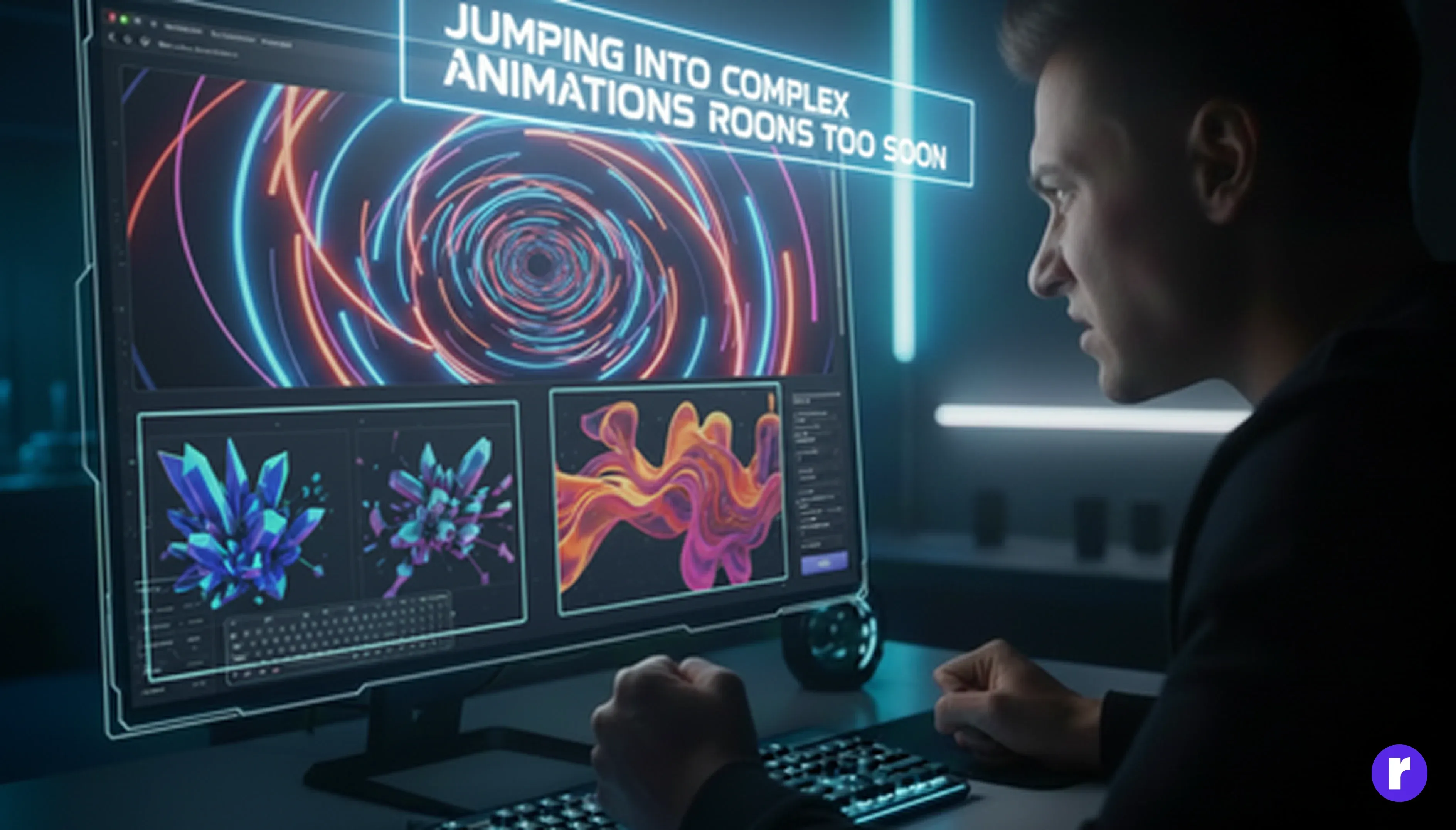
Many beginners jump straight into advanced libraries like GSAP, Framer Motion, or heavy 3D effects before mastering the basics. This often leads to:
- Overlapping animations
- Unpredictable timing
- Poor user experience
- Difficult debugging
Beginner Mistake
gsap.timeline()
  .to(".box", { rotation: 720, scale: 1.5 });
Without understanding timing, easing, and animation flow, complex effects can behave unpredictably.
Start Small Learn basic CSS transitions first
.fade-in {
  opacity: 0;
  transition: opacity 0.5s ease;
}
Once the fundamentals are strong, advanced animation libraries will feel intuitive and far easier to control.
Neglecting Responsive Design
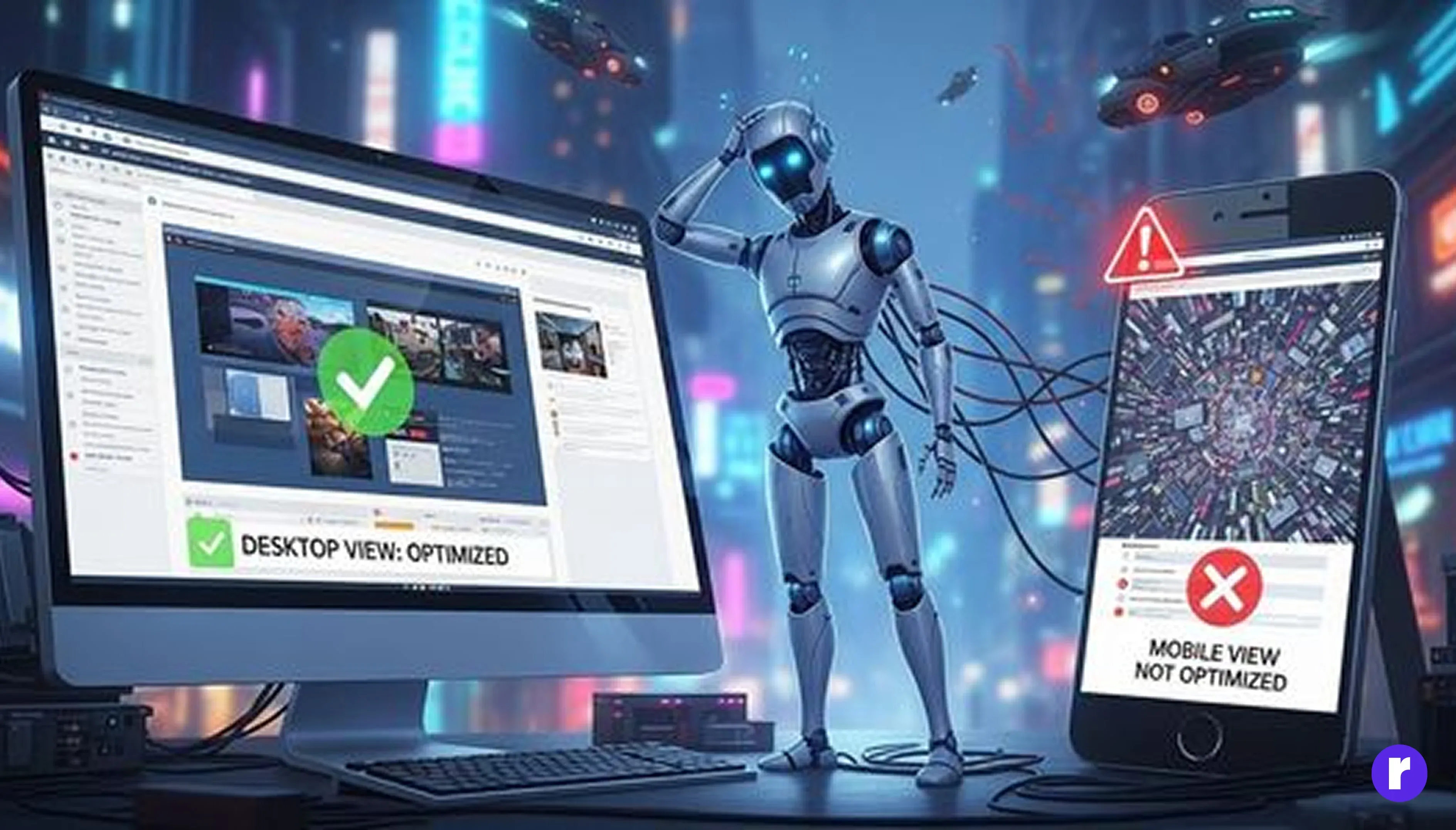
Animations that look perfect on large screens can easily break on smaller devices if fixed pixel values are used.
Bad Example
.nav-item {
  left: 500px;
}
This spacing will not scale across different screen sizes.
Responsive Example
.nav-item {
  left: 5vw;
}
GSAP Responsive Motion
gsap.to(".nav-item", { xPercent: -20, yPercent: 10 });Using responsive units ensures your animations adapt gracefully to all screen sizes.
Not Planning Animations Before Coding

Jumping straight into development without planning animations often leads to poor results. When motion is added without a clear strategy, it can feel unpolished and confusing rather than helpful.
Common Issues Caused by Poor Planning:
- Inconsistent animation timing
- Random or unnatural motion
- Visual clutter on the screen
- Repetitive and hard-to-maintain code
- Disrupted and unclear user flow
Why Animation Planning Matters: Planning animations before coding helps developers and designers create purposeful motion that supports the user experience.
- Create smooth sequences
- Maintain visual consistency
- Choose the right duration and easing
- Avoid unnecessary complexity
- Build a clearer user experience
Simple Animation Planning Checklist: Before writing any code, ask these questions:
- What triggers the animation? (Scroll, hover, click?)
- What is the duration and easing?
- What’s the starting and ending state?
- Should the animation run automatically or only on interaction?
- Does this animation improve usability or clarity?
Ignoring User Experience (UX)
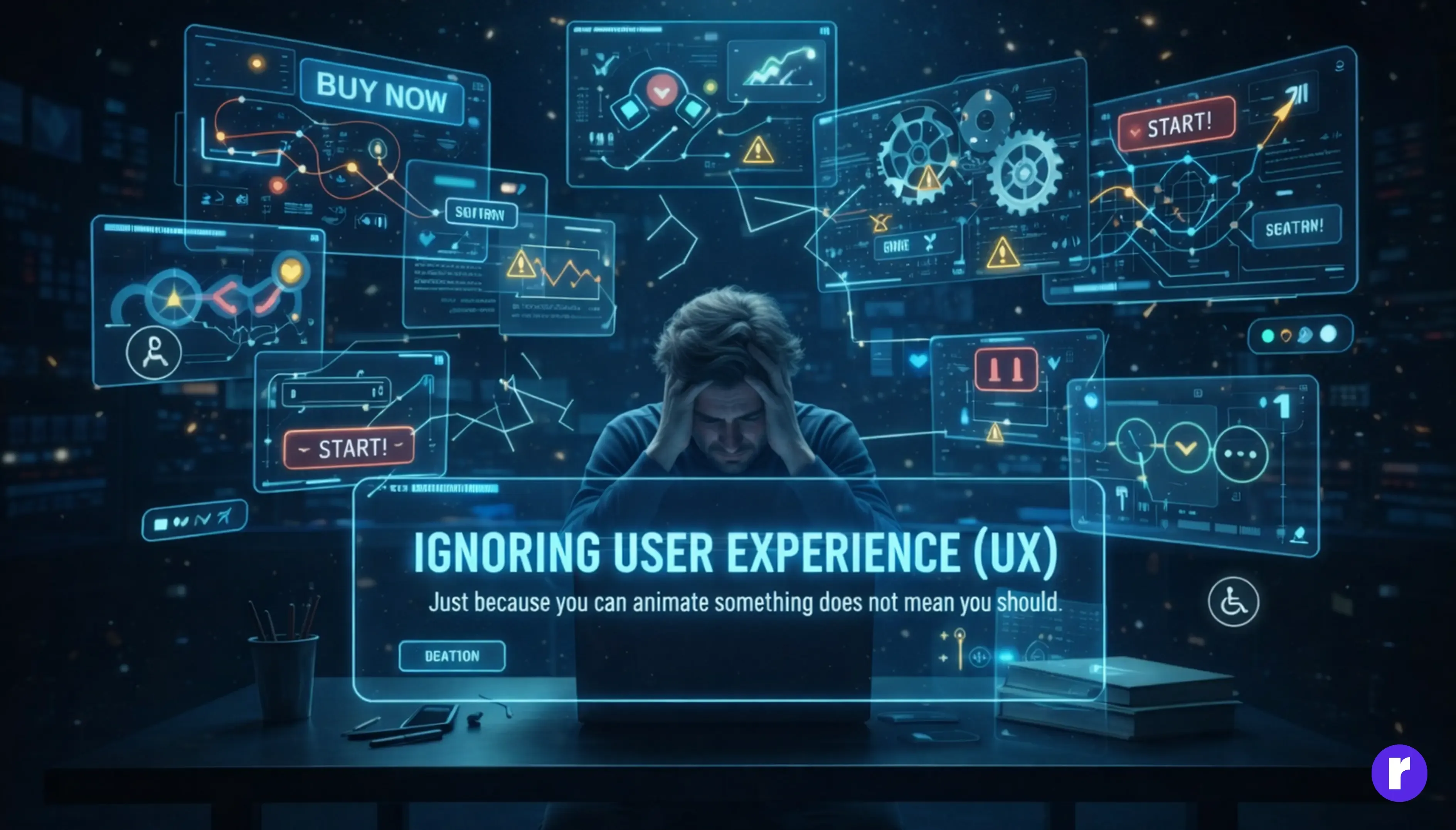
Just because you can animate something does not mean you should. Animations should support the user journey, not distract from it. Before adding motion, ask yourself:
- Does this guide the user?
- Is it meaningful or decorative?
- Is it subtle enough?
- Does it help with navigation?
Too much movement can make the website feel chaotic or overwhelming.
Accessibility Tip
@media (prefers-reduced-motion: reduce) {
  * {
    animation: none !important;
    transition: none !important;
  }
}
This respects users who are sensitive to motion and improves accessibility learn more.
Over-Reliance on Animation Libraries
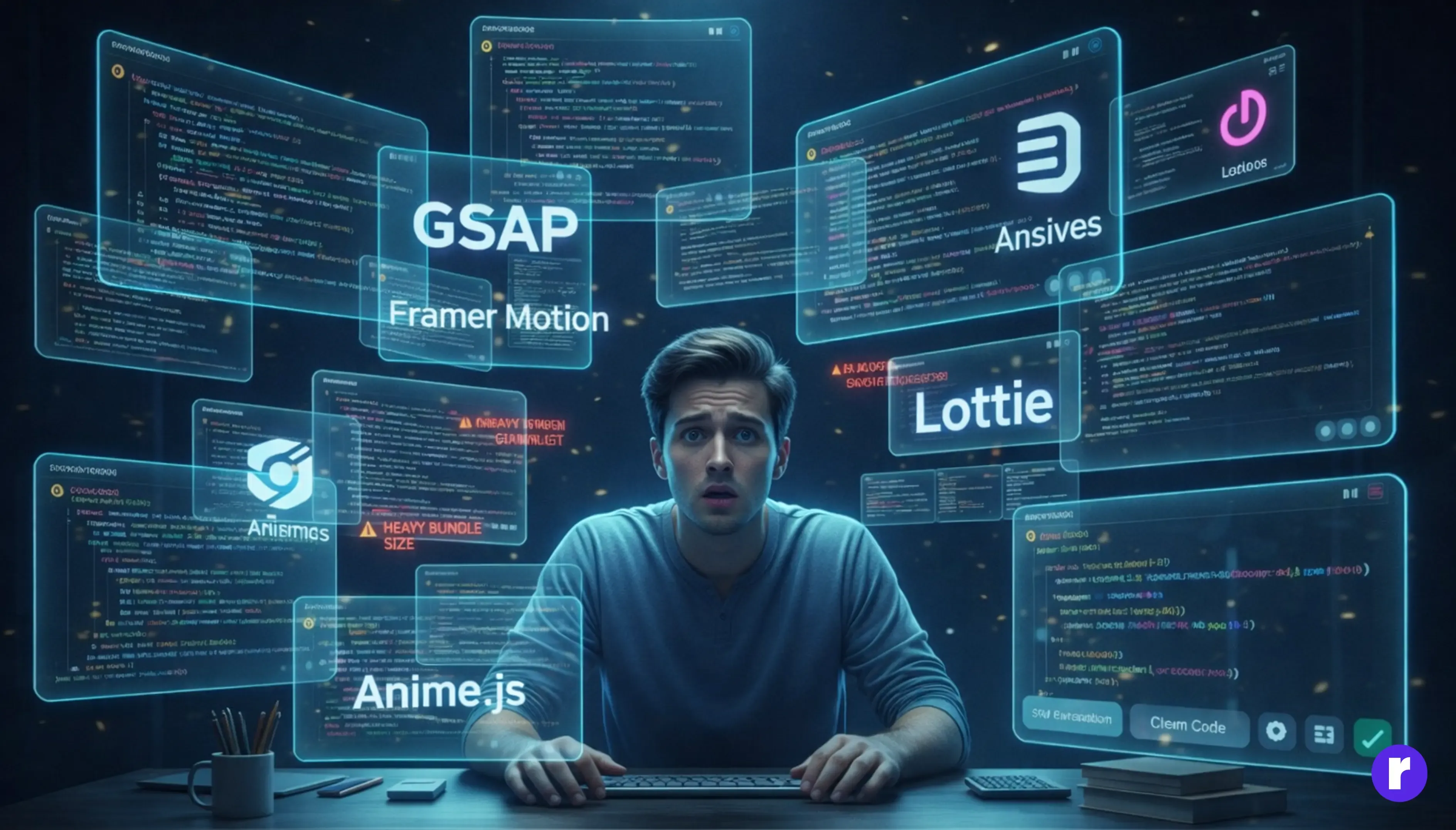
Many beginners believe that animation libraries like GSAP, Framer Motion, Anime.js, or Lottie are required for every type of animation. While these tools are powerful, using them without understanding animation fundamentals can create more problems than solutions. Relying too heavily on libraries—especially for simple effects—often leads to inefficient and hard-to-maintain code.
Problems Caused by Overusing Animation Libraries: But relying too much on these libraries without understanding CSS basics leads to
- Overcomplicated logic
- Bloated bundle size
- Slower website loading
- Animation conflicts
- Difficulty maintaining or debugging code
Libraries are powerful — but they should solve problems, not create new ones.
Why This Becomes a Real Issue: Using heavy JavaScript libraries for basic animations (such as button hovers or simple fade-ins) can cause:
- Increasing the JavaScript load unnecessarily
- Making your project dependent on JS for simple animations
- Missing out on the efficiency of native CSS GPU-accelerated transitions
Better Approach: Start with CSS: Before reaching for a library, build a strong foundation using CSS transitions and keyframes.
.button {
  opacity: 0.8;
  transition: opacity 0.3s ease;
}
.button:hover {
  opacity: 1;
}
Once you're comfortable with CSS, use libraries only when needed (complex sequences, timelines, scroll effects).
When Animation Libraries Are the Right Choice: Animation libraries are extremely useful for advanced interactions such as:
- Parallax animations
- Scroll-based timelines
- Staggered sequences
- Complex transformations
- SVG morphing
- Interactive UI components
Poor Scroll Animation Implementation

Scroll-triggered animations are extremely popular, but beginners often apply them the wrong way.
Common Mistake: Using Raw Scroll Events: A frequent mistake is attaching animations directly to the native scroll event:-
window.addEventListener("scroll", () => {
  // This runs 50–100 times per second — very inefficient
});
This drains performance, especially on mobile.
Why Scroll Animations Break Performance: Poor scroll implementation often leads to:
- They trigger too many calculations
- Heavy DOM updates during scrolling
- Jittery, inconsistent motion
- Lag on low-end devices
- No control over timing
Better Approach: Use IntersectionObserver: The IntersectionObserver API is a much more efficient solution. It triggers animations only when elements enter the viewport, instead of running continuously.
const observer = new IntersectionObserver(entries => {
  entries.forEach(entry => {
    if (entry.isIntersecting) {
      entry.target.classList.add("animate");
    }
  });
});
observer.observe(document.querySelector(".box"));
Best Option: GSAP ScrollTrigger: Especially for professional-level scroll motion:
gsap.to(".section", {
  scrollTrigger: ".section",
  y: -50,
  opacity: 1,
  duration: 1
});
Best Option for Advanced Animations: GSAP ScrollTrigger: For professional-level scroll animations, GSAP ScrollTrigger is one of the best tools available.
- Smooth control
- Pinning
- Parallax
- Timelines
- Easy configuration
Perfect for modern animated websites.
Forgetting Browser Compatibility
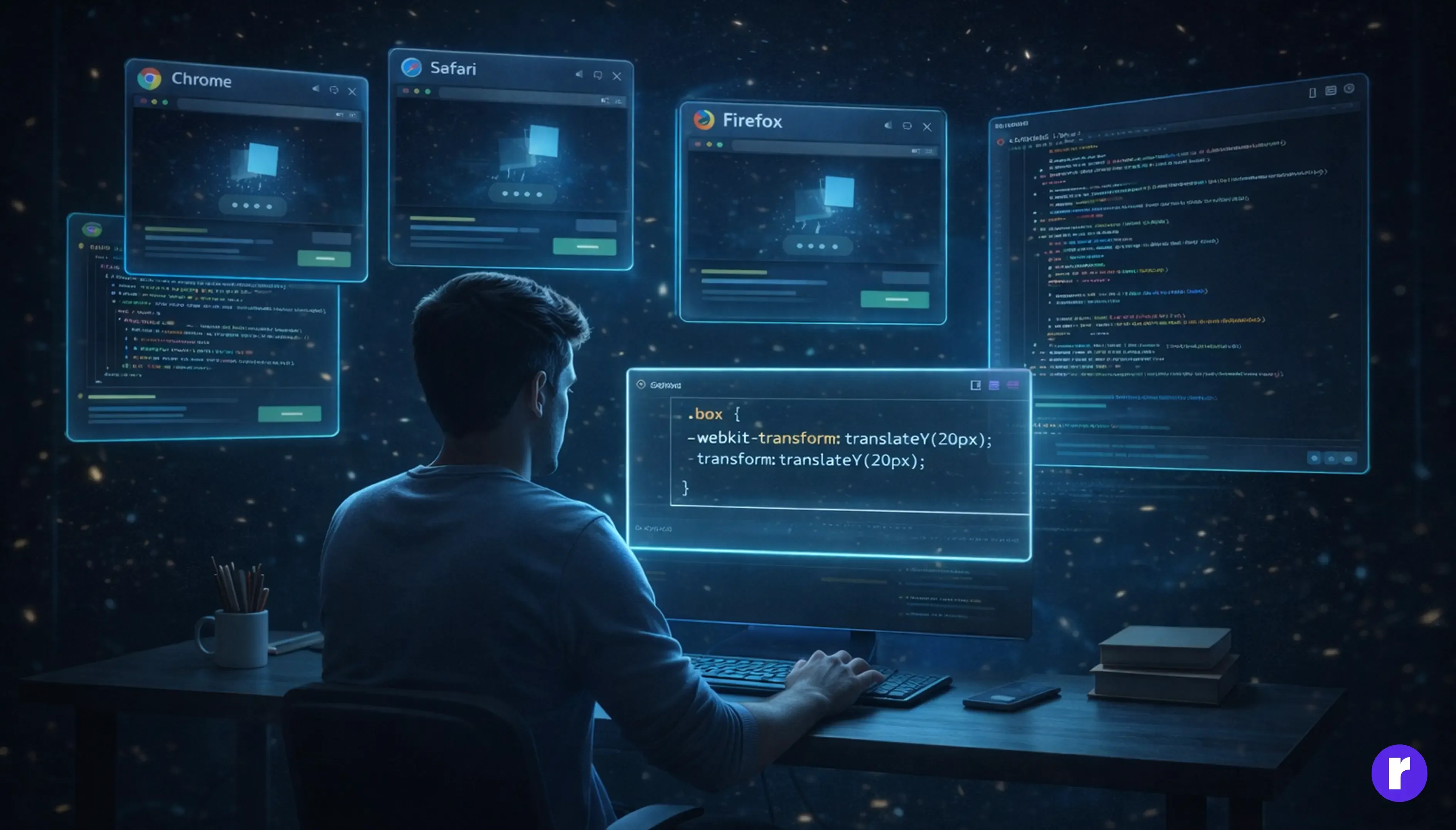
Not all browsers render animations the same way. Chrome may support something, but Safari and Firefox can behave differently.
Common Browser-Related Animation Issues: Developers often face problems such as:
- Transform behaves differently in Safari
- Filter animations are slow in Firefox
- Backdrop-filter is unstable
- Keyframe timing inconsistencies
- Missing vendor prefixes
How to Ensure Cross-Browser Animation Support: To avoid compatibility problems, follow these best practices:
- Chrome, Safari, Firefox, Edge
- Use Autoprefixer in your build tools
- Check browser support on CanIUse
- Provide fallback animations
- Avoid very experimental properties in production
Example: Using Vendor Prefixes for Older Browsers: Adding prefixes helps maintain compatibility:
.box {
  -webkit-transform: translateY(20px);
  transform: translateY(20px);
}
Good Practice: If an animation is essential to user experience, it must behave consistently across all major browsers. Always test and validate before deployment.
👉 Cross-browser compatibility isn’t optional — it’s a sign of a professional website.
Neglecting Accessibility
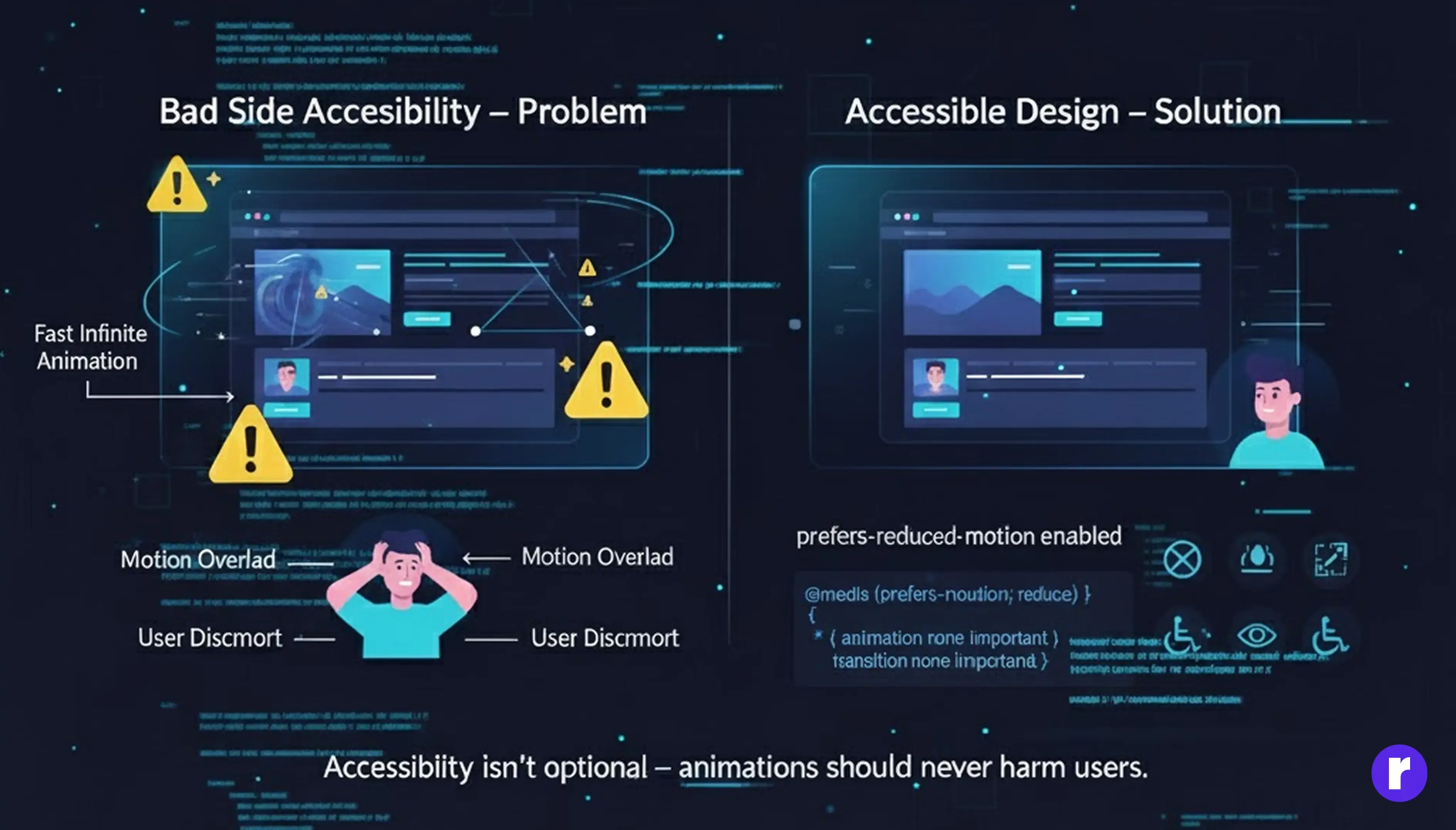
Animations can enhance user experience, but when used carelessly, they can negatively affect users—especially those with motion sensitivity or vestibular disorders. Fast, flashing, or continuous animations may look appealing but can be overwhelming or even harmful. Good animation should respect user comfort, not ignore it..
Why Accessibility in Animation Matters: For some users, excessive motion can cause:
- Dizziness
- Nausea
- Difficulty focusing
- Headaches
Example of Poor Accessibility Practice: Fast, infinite animations can be problematic:
.hero {
  animation: spin 2s infinite linear;
}
Constant motion like this can make some users feel uneasy or distracted.
Correct and Accessible Approach: Respect user motion preferences by using the prefers-reduced-motion media query:
@media (prefers-reduced-motion: reduce) {
  * {
    animation: none !important;
    transition: none !important;
  }
}
Accessibility Checklist for Animations: Before adding animations, make sure to:
- Avoid rapid flashing
- Avoid constant looping animations
- Provide pause/stop controls for long animations
- Handle motion preference settings
- Accessibility isn’t optional — it's essential UI design.
Poor Code Organization
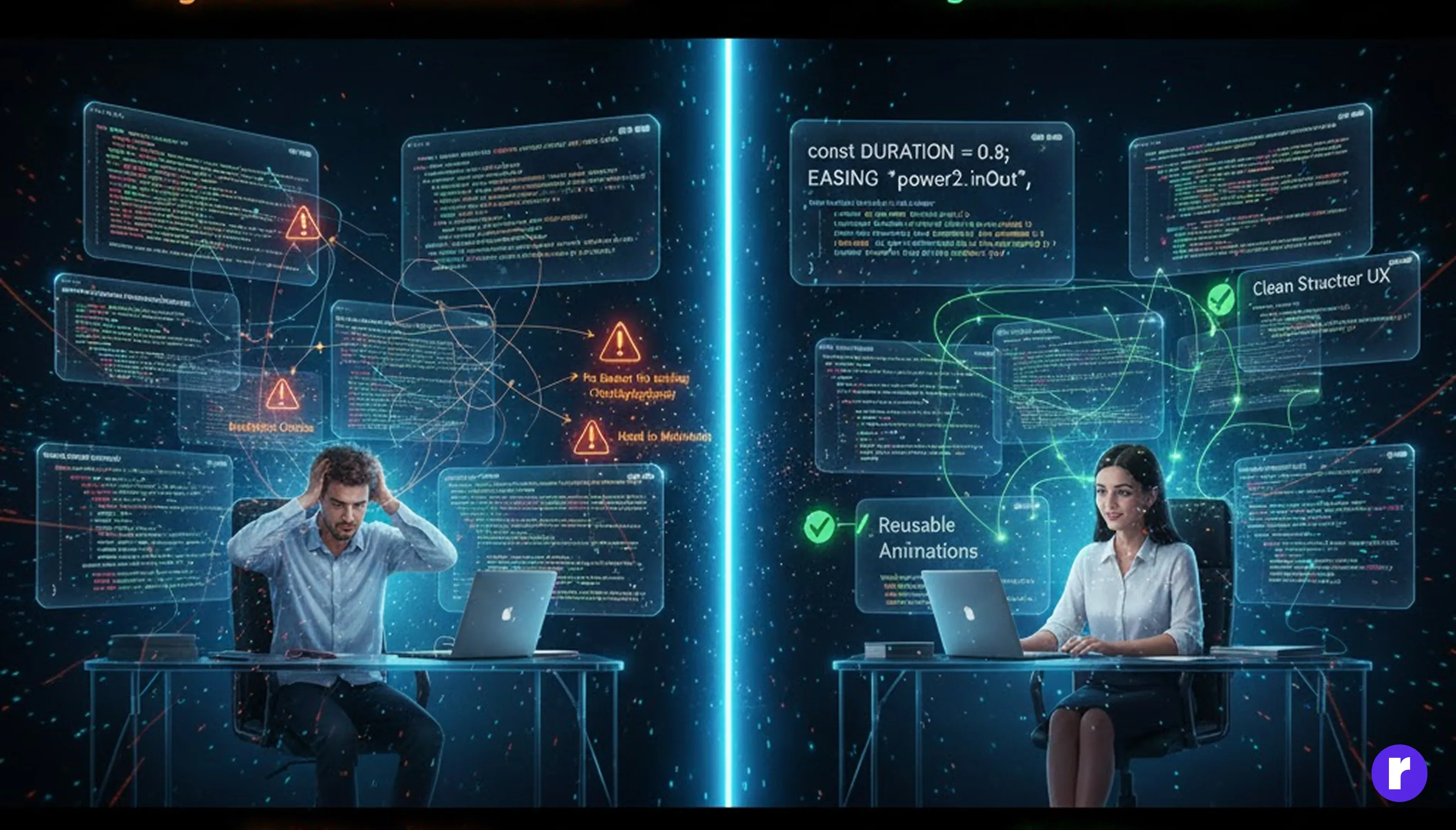
As animation complexity increases, poorly structured code quickly becomes difficult to manage. Without a clear system, even small animation updates can turn into a frustrating task. Well-organized animation code is just as important as the animation itself.
Common Signs of Poor Animation Structure: You may be dealing with unorganized code if you notice:
- Same duration repeated everywhere
- No consistent easing
- Random inline animations
- Timeline chaos
- Hard-to-locate animation blocks
Example of Messy Animation Code (Bad code): Using random values without a clear pattern creates inconsistency:
gsap.to(".box", { duration: 0.3 });
gsap.to(".title", { duration: 0.7 });
gsap.to(".img", { duration: 0.3 });
This leads to uneven motion and a disconnected user experience.
Better Approach: Standardize Your Animation Values: Define reusable constants for commonly used values like duration and easing:
const DURATION = 0.5;
const EASING = "power2.out";
gsap.to(".box", { duration: DURATION, ease: EASING });
gsap.to(".title", { duration: DURATION, ease: EASING });
Benefits of Well-Organized Animation Code: A structured approach provides multiple advantages:
- Easier to maintain
- Cleaner flow
- Reusable animations
- More consistent UX
Overusing Animations
Using animations excessively can make a website feel chaotic, slow, and unprofessional. While motion can enhance user experience, too much of it quickly becomes distracting and counterproductive. Good animation should support the interface—not overwhelm it
Signs You’re Over-Animating: If your website shows these signs, animation may be overused:
- Every element moves
- Continuous looping effects
- Unnecessary transitions
- Motion in areas that should remain static
Why Overusing Animations Is a Problem: Excessive animation can negatively impact both users and performance:
- Users get distracted
- Page looks messy
- Navigation becomes confusing
- Performance drops
- Important content loses attention
Example of Poor Animation Usage: Animating too many elements at the same time creates visual noise:
h1 { animation: slide 2s infinite; }
button { animation: pop 1s infinite; }
img { animation: rotate 3s infinite; }
This looks unprofessional.
A Better Rule for Using Animation: Use animation only when it:
- Improves clarity
- Guides attention
- Creates a smoother experience
- Supports user action
What Good Modern Animation Looks Like: Effective animations are:
- Subtle:
- Purpose-driven
- Focused on usability
Less motion, more meaning — that’s the key to modern UI animation. Read more.
Conclusion
Web animations greatly enhance user experience—but only when applied thoughtfully. By avoiding common mistakes such as poor performance optimization, lack of planning, ignoring accessibility, or overusing effects, you can create animations that feel smooth, purposeful, and professional. Well-implemented animations will:-
- Improve usability
- Perform smoothly
- Support the visual design
- Work across all devices and browsers
- Provide a clear and enjoyable experience
With the right approach, animations can elevate your website from ordinary to outstanding.