Essential Practices to Protect Your Application Data

Written by
Rinkle Poonia
Front End Developer

Keshav Saini
Front End Developer

Table of contents
Build with Radial Code
Share this


Understand the Data You Need to Protect
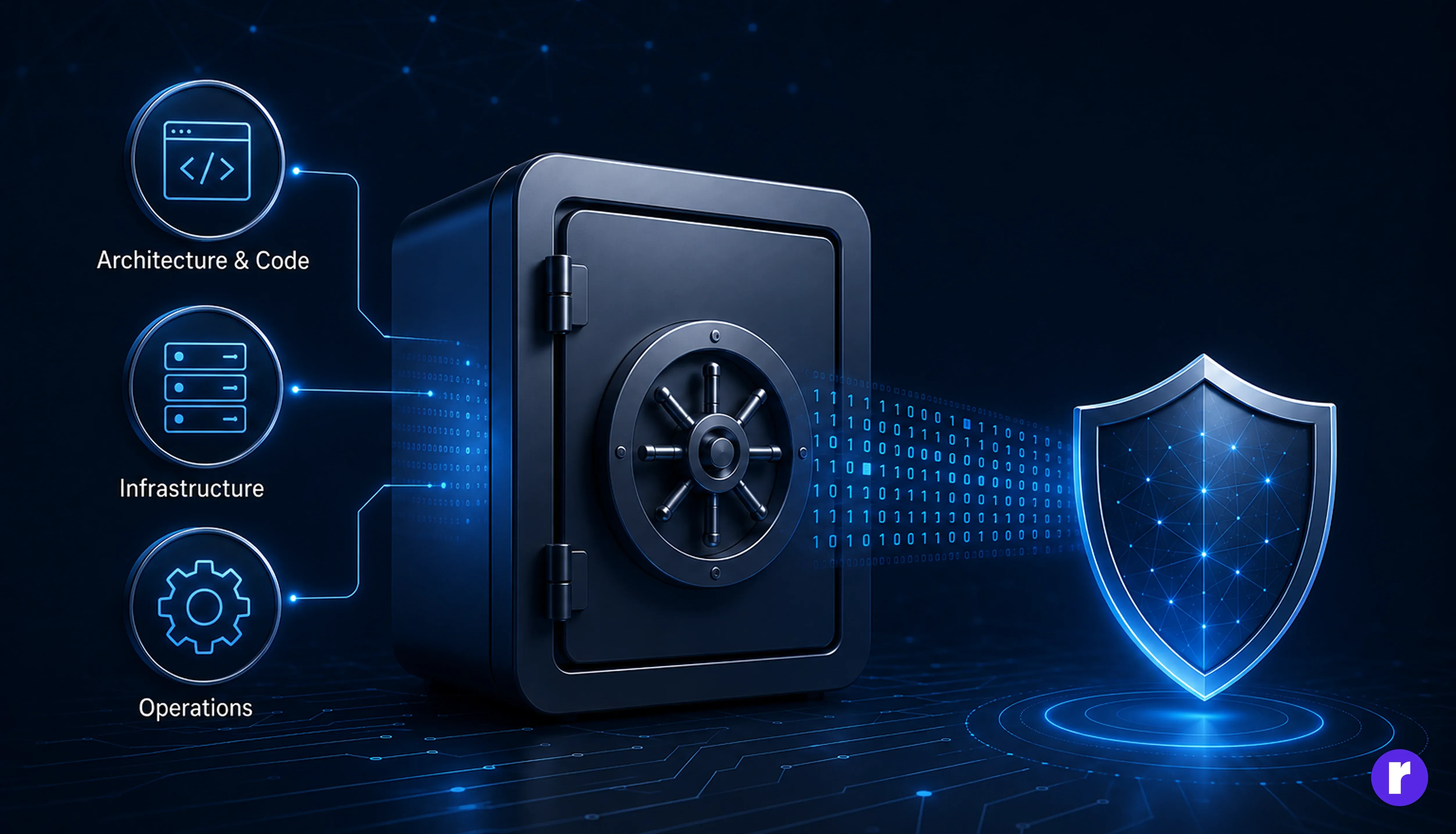
You cannot protect data effectively if you do not know what you collect, where it is stored, who can access it, and how long you retain it.
Start by creating a simple data inventory covering:
- Usernames and password hashes
- Personally Identifiable Information (PII)
- Payment and billing details
- Customer and business records
- API keys and access tokens
- Session cookies
- Uploaded files and media
- Application logs and backups
Classify each item by sensitivity, document where it flows, and remove anything the application does not genuinely need. Collecting less data reduces both risk and compliance work.
Real-world scenario: A support team exports customer records to a spreadsheet for troubleshooting. The database may be secured, but the copied file can become an untracked source of sensitive data. A proper data inventory includes exports, logs, backups, and temporary files—not only the production database.
- Encrypt Your Data, Whether It's Moving or Sitting Still
- Protect data in transit with TLS 1.2 or newer, including traffic between internal services.
- Encrypt databases, object storage, backups, and sensitive logs at rest.
- Store encryption keys separately in a Key Management Service (KMS) or Hardware Security Module (HSM).
- Rotate keys according to a documented schedule and immediately after suspected exposure.
- Hash passwords with a password-specific algorithm such as Argon2id, bcrypt, or PBKDF2 and a unique salt. Never store passwords using reversible encryption.
- Implement Strong Authentication
- Apply Role-Based Access Control (RBAC)
- Administrator: system configuration and user management
- Manager: access to assigned teams and reports
- Employee: access to assigned resources
- Customer: access to their own account and records
- Secure Your APIs
- Authenticate requests and verify authorization at the object level.
- Apply rate limits to login, password reset, search, and resource-heavy endpoints.
- Validate request bodies, path parameters, and query strings.
- Use HTTPS and reject insecure connections.
- Keep API keys scoped, short-lived where possible, and easy to revoke.
- Return only the fields the client needs.
- Prevent predictable identifiers from becoming an authorization bypass.
- Validate and Sanitize All Input
- Store Secrets Securely
- Back Up Data—and Prove You Can Restore It
- Follow the 3-2-1 approach: three copies, on two types of storage, with one copy offsite.
- Encrypt backups and control access as carefully as production data.
- Separate backup credentials and systems from the production environment.
- Define recovery objectives for acceptable data loss and downtime.
- Perform scheduled restoration drills and document the outcome.
- Log Security Events and Monitor for Suspicious Activity
- Successful and failed sign-in attempts
- Password, MFA, email, and permission changes
- Access to sensitive records
- Administrative actions
- API rate-limit violations
- Secret or token failures
- Large exports and unusual download activity
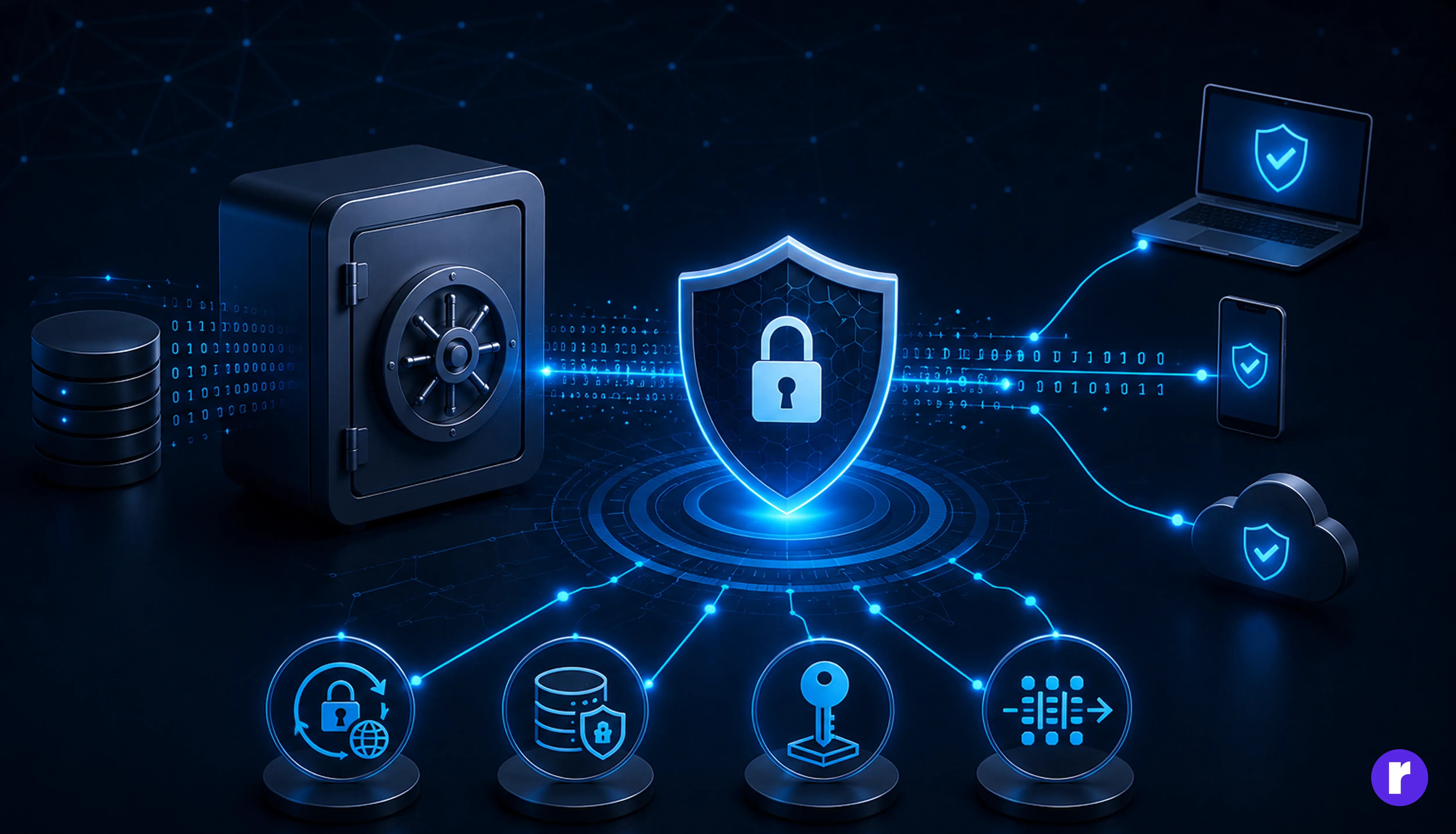
Encryption makes stolen data difficult to use, but it must cover the entire data lifecycle.
For example, a Node.js application can hash a password before storing it:
import argon2 from "argon2"
const passwordHash = await argon2.hash(password, {
  type: argon2.argon2id,
})
Encryption does not replace access control. It reduces the value of exposed data when another layer fails.
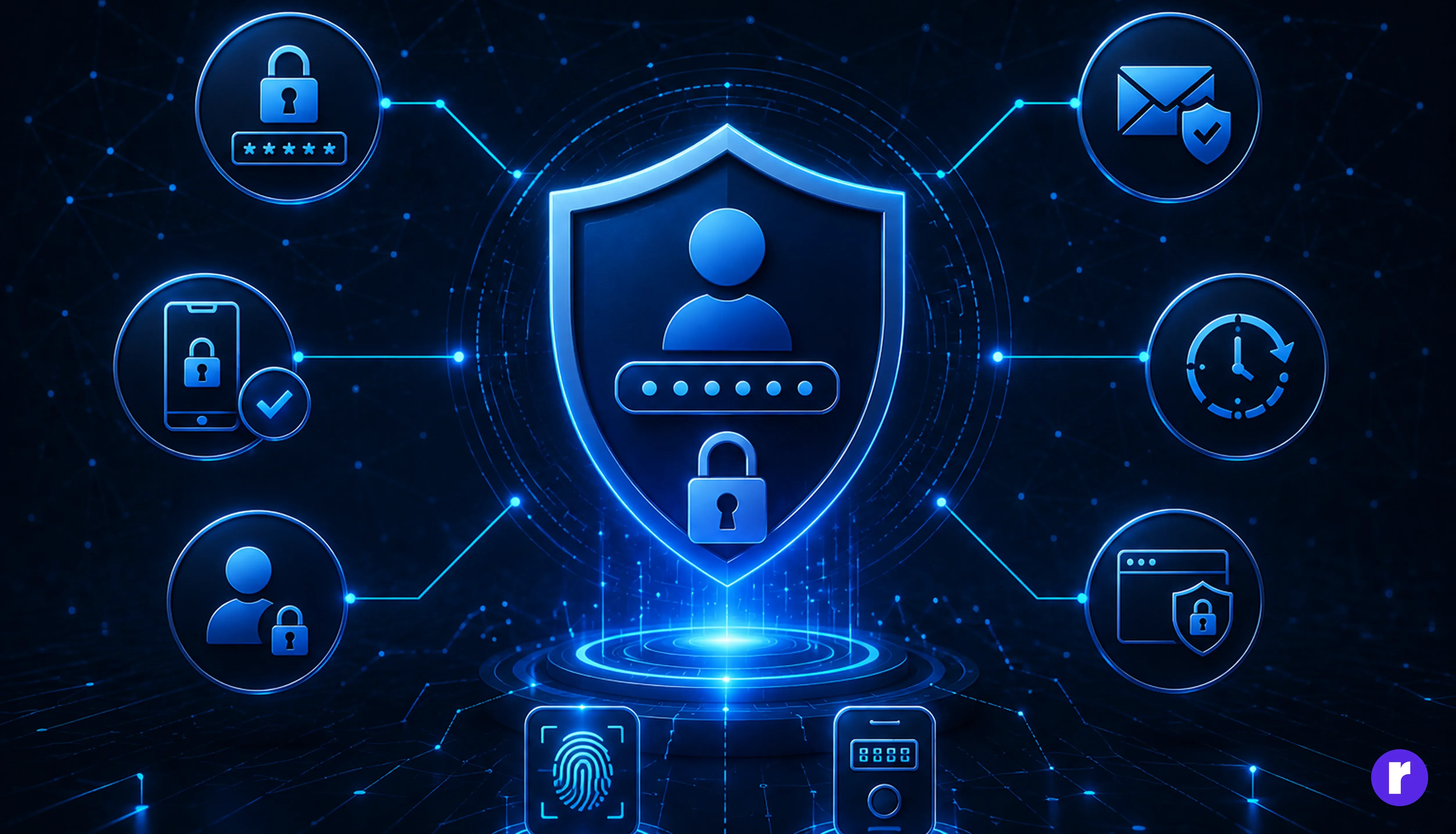
Authentication confirms that a user is who they claim to be. A password alone is often not enough, especially for administrators and users with access to sensitive information.
Use Multi-Factor Authentication (MFA), secure password reset flows, login rate limits, breached-password checks, and short-lived sessions for sensitive areas. Store browser sessions in cookies with secure attributes:
Set-Cookie: session=token; HttpOnly; Secure; SameSite=Lax; Path=/HttpOnly reduces access from client-side scripts, Secure restricts transmission to HTTPS, and SameSite helps limit cross-site request abuse.
Real-world scenario: An employee reuses a password that was exposed by another service. MFA can stop the attacker from signing in even when the password is correct.
Need expert guidance? Connect with the Radial Code team.
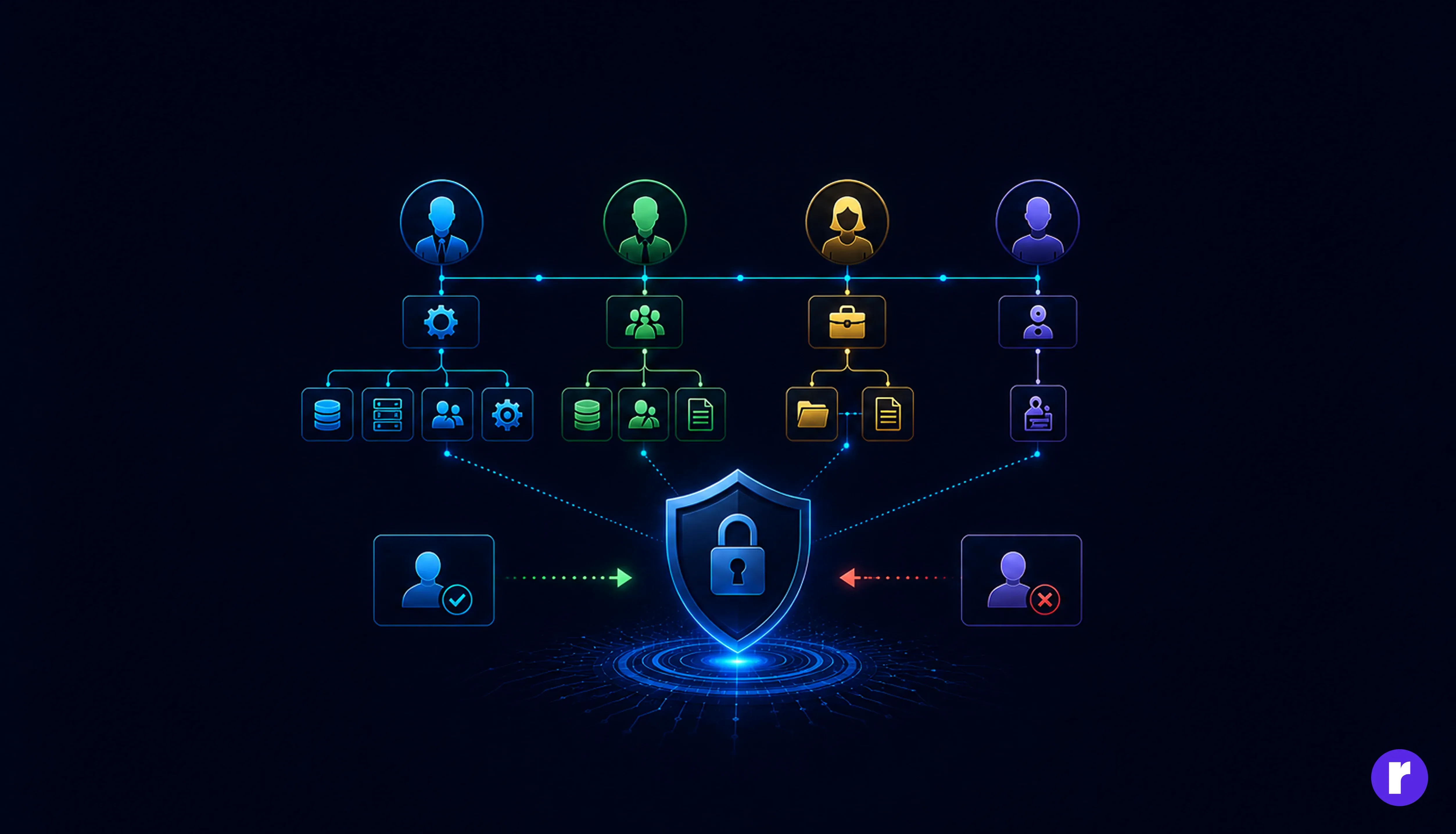
Authentication answers, “Who is this user?” Authorization answers, “What is this user allowed to do?” Every sensitive action must check both.
Typical roles may include:
Do not rely on hiding buttons in the interface. Enforce permissions on the server:
app.get("/api/orders/:id", requireAuth, async (req, res) => {
  const order = await getOrder(req.params.id)

  if (order.userId !== req.user.id && req.user.role !== "admin") {
    return res.sendStatus(403)
  }

  res.json(order)
})
Review access regularly and remove unused permissions when employees change roles or leave the organization.
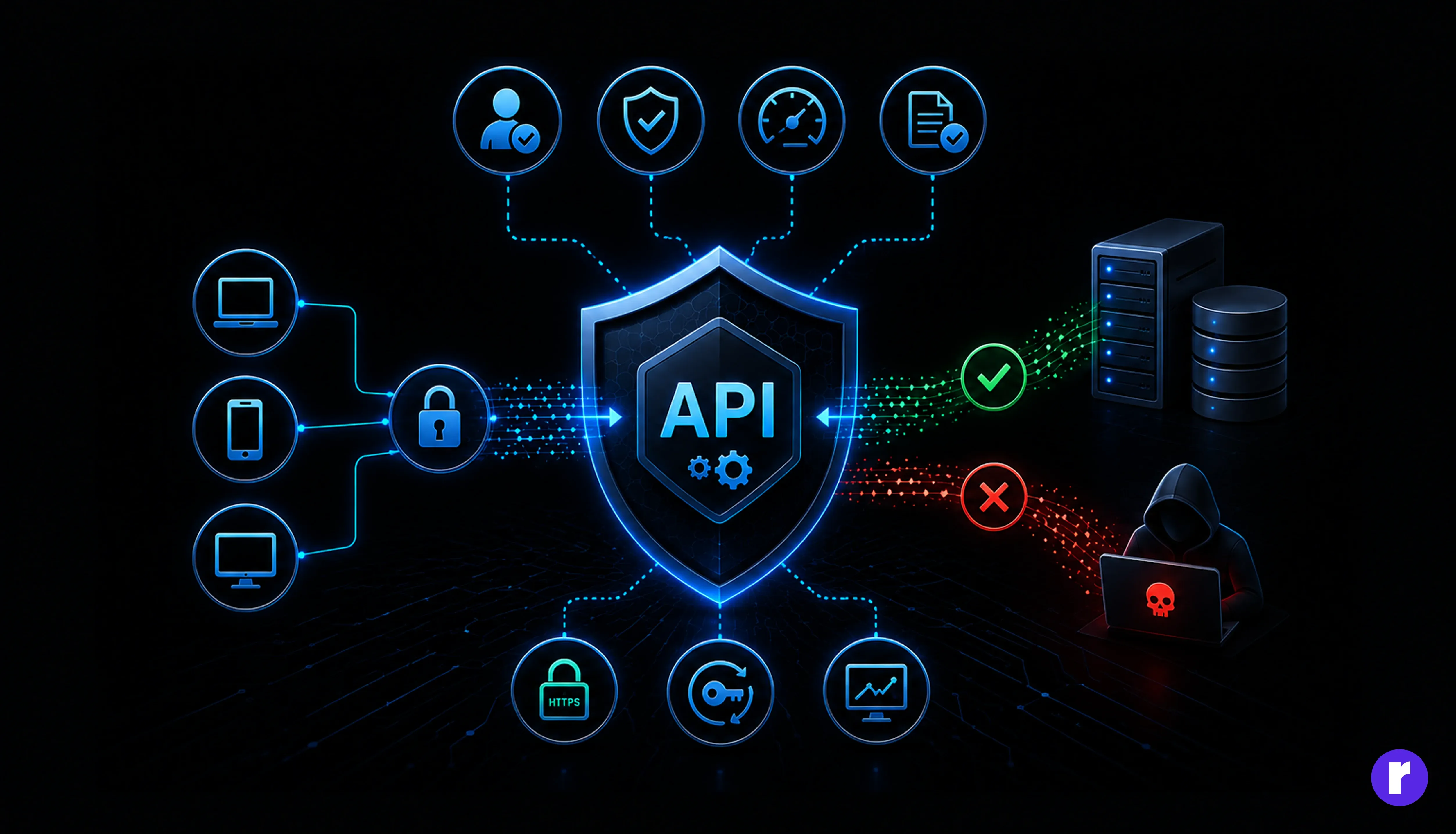
APIs expose application data and business operations, making them valuable targets. Protect every endpoint according to the sensitivity of the action it performs.
Real-world scenario: A logged-in customer changes /api/invoices/1042 to /api/invoices/1043. If the API checks only whether the user is authenticated—not whether they own invoice 1043—the application may expose another customer’s data.
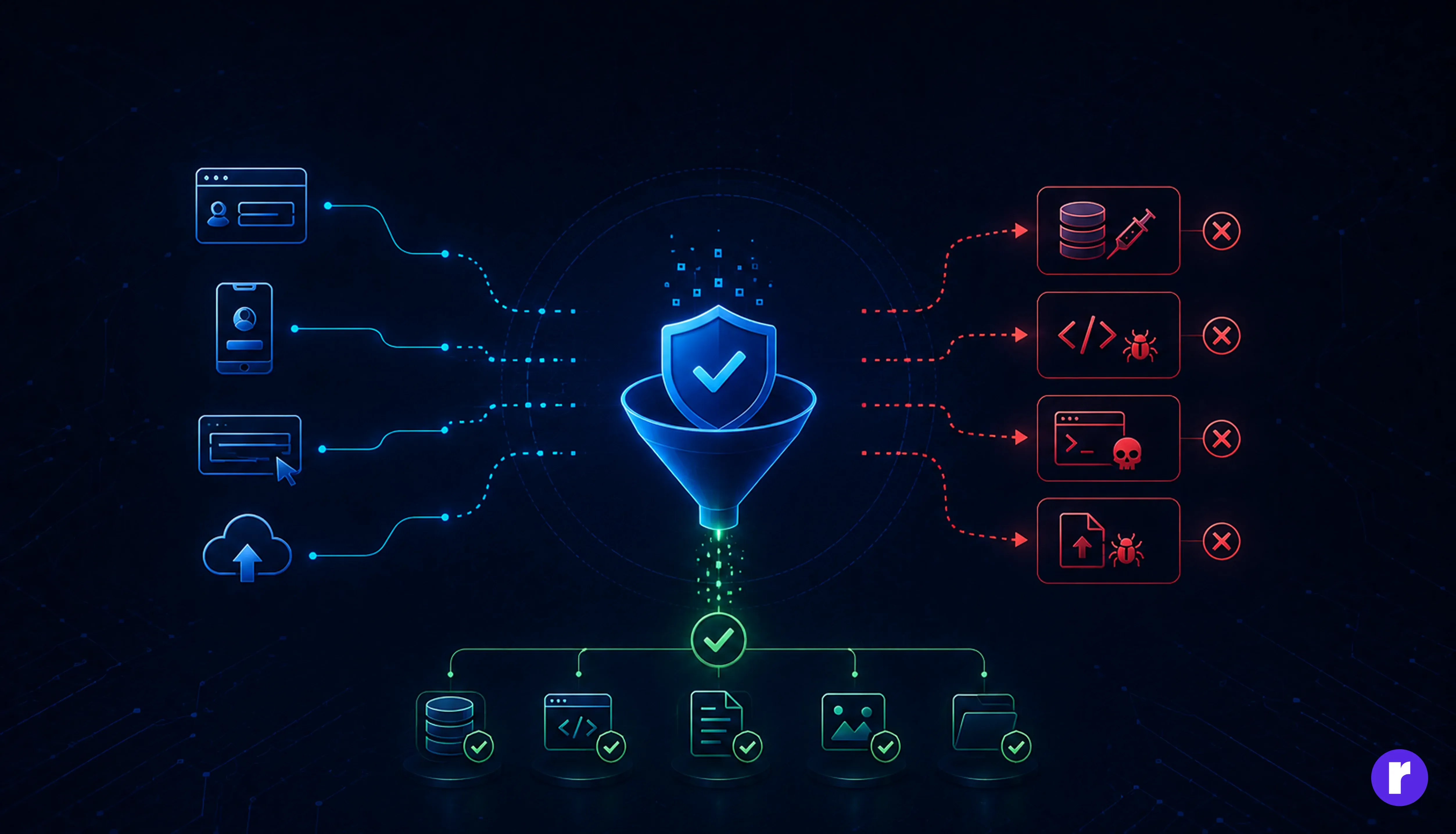
Treat all input as untrusted, including form values, URL parameters, headers, webhooks, imported files, and data received from third-party APIs. Input validation should confirm the expected type, format, length, and range. Use parameterized queries rather than combining user input with SQL:
const user = await db.query(
  "SELECT id, email FROM users WHERE email = $1",
  [email]
)
Also encode untrusted content for the context in which it is rendered, restrict uploaded file types and sizes, rename uploaded files, and store them outside executable directories.
These controls help prevent SQL injection, Cross-Site Scripting (XSS), command injection, and malicious file uploads. Client-side validation improves usability; server-side validation provides security. You need both, but only the server can be trusted as the enforcement point.
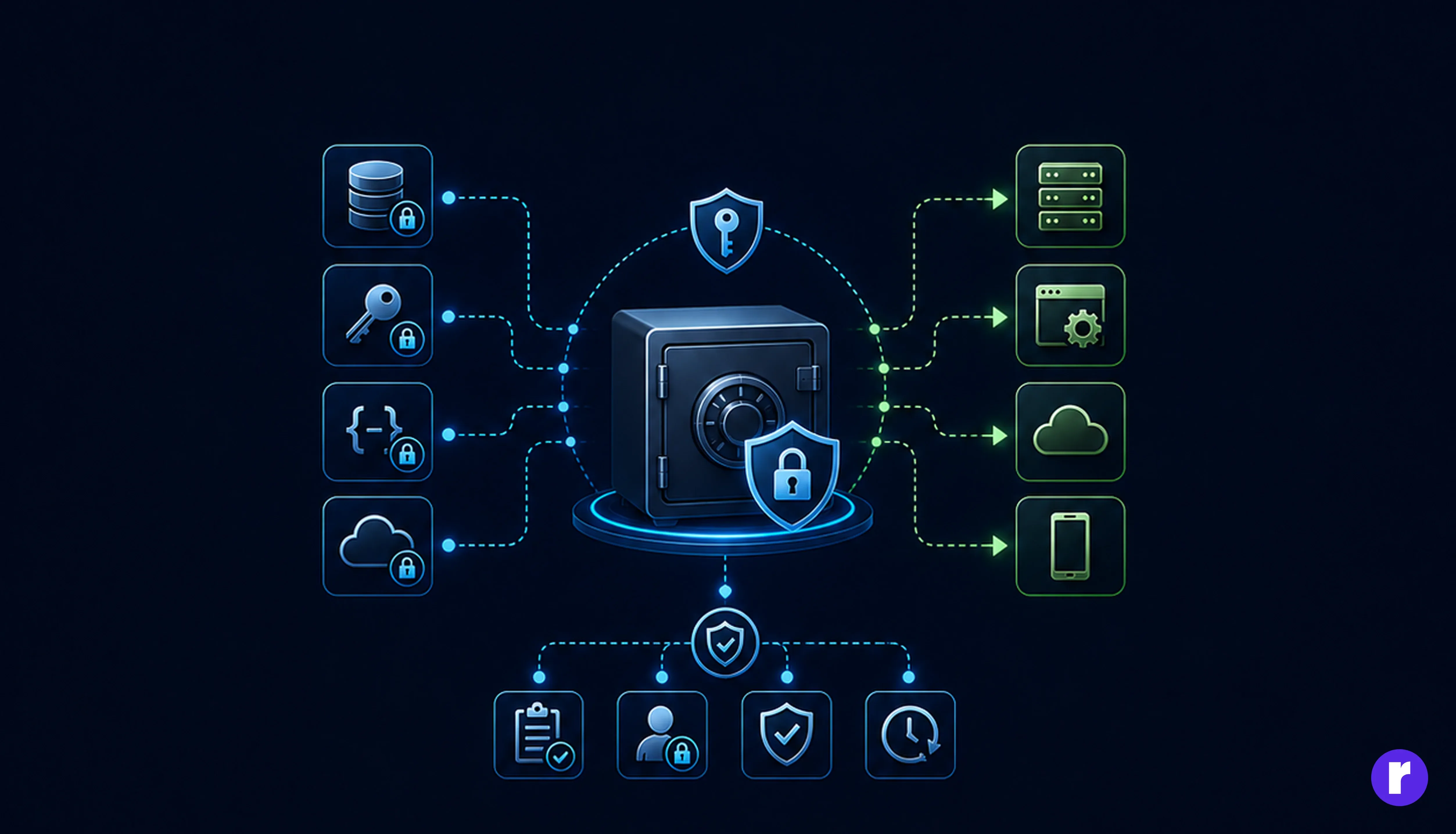
Database passwords, API keys, signing secrets, and cloud credentials should never be hardcoded in source code or committed to Git.
Use a managed secret store or secure environment configuration. Give each environment and service separate credentials, restrict each secret to the minimum required permissions, rotate secrets, and revoke them immediately when exposure is suspected.
const apiKey = process.env.PAYMENT_API_KEY

if (!apiKey) {
  throw new Error("PAYMENT_API_KEY is not configured")
}
Add secret scanning to the development and CI workflow. If a secret is committed, deleting it from the latest file is not enough—assume it has been exposed and rotate it.
Learn how to build more secure applications with Radial Code
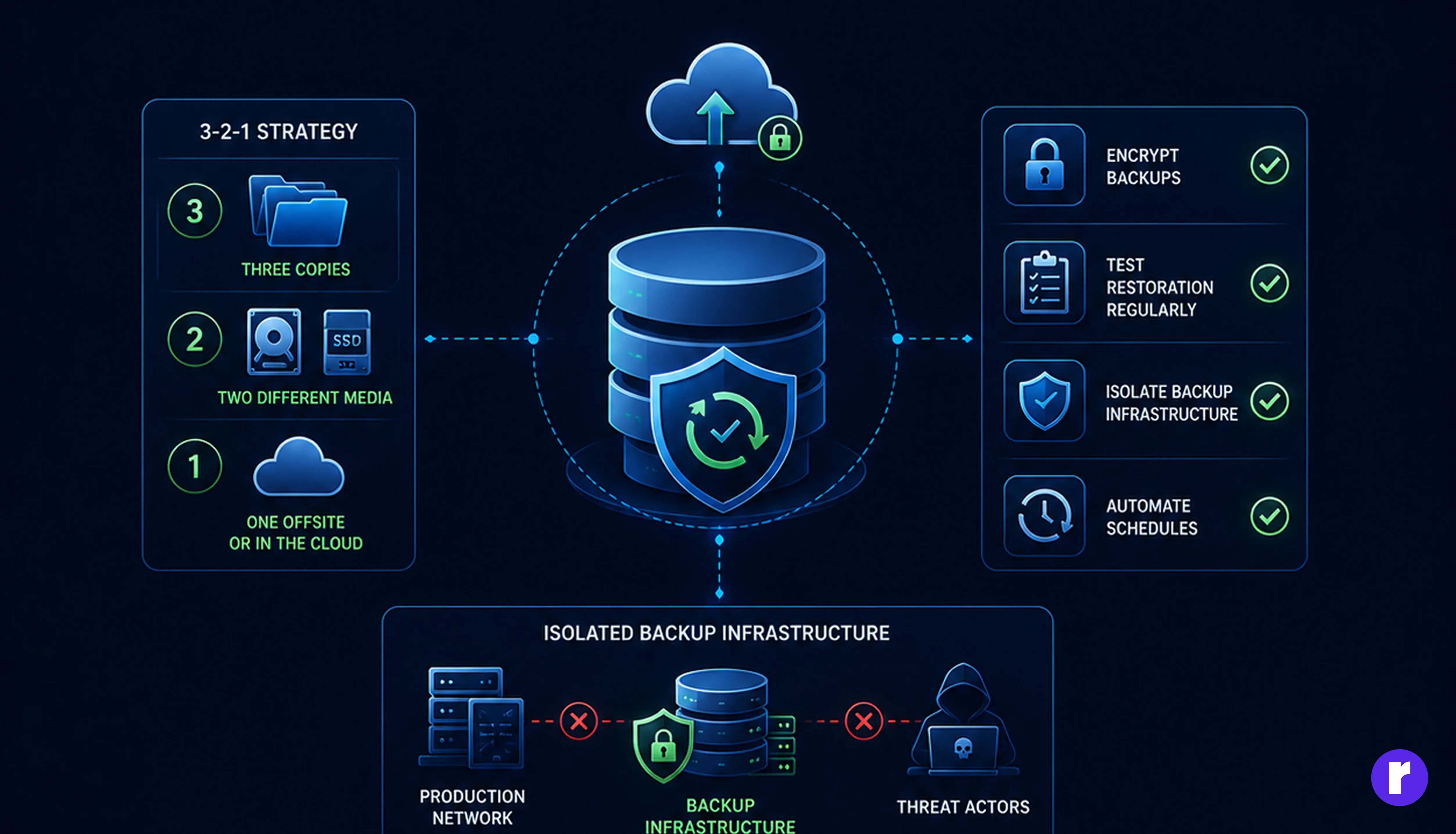
Backups protect against ransomware, accidental deletion, system failure, and damaging deployments. However, a backup is only useful if it can be restored within the time the business can tolerate.
A dashboard showing “backup successful” confirms that data was copied. A restoration test confirms that the organization can recover.
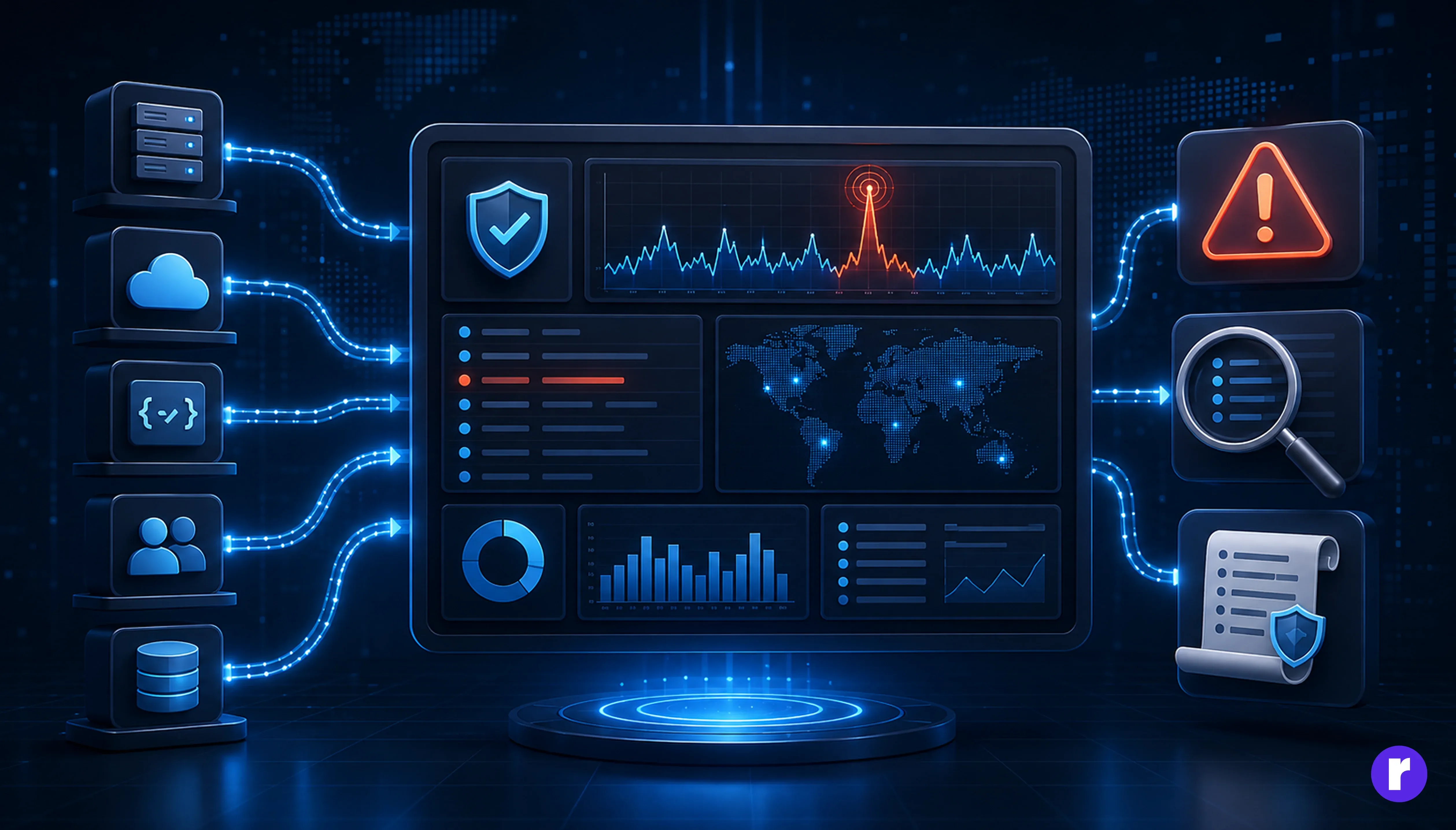
Security controls cannot help your response team if nobody can see when they fail. Good logging provides a reliable audit trail, while monitoring turns those records into actionable alerts.
Log important events such as:
Include useful context such as timestamp, event type, user or service identity, source, result, and request ID. Never record plaintext passwords, session tokens, complete payment-card data, or unnecessary personal information.
Centralize logs in a protected, tamper-resistant system. Create alerts for meaningful patterns—for example, repeated failed logins followed by a successful login, an administrator signing in from an unfamiliar location, or a customer exporting far more data than usual. Preserve audit logs according to your operational and regulatory requirements, and restrict who can access them.
Real-world scenario: A valid account downloads thousands of customer records at 2 a.m. Authentication alone sees an authorized user. Monitoring sees behavior that does not match the account’s normal pattern and can trigger an investigation.
Conclusion
Application security is not a checklist you complete once. It is a system of reinforcing controls: know your data, minimize what you collect, encrypt it, restrict access, validate every boundary, protect secrets, monitor meaningful events and test recovery.
The key principle is simple: design for the day one control fails. A secure application does not depend on a perfect password, a flawless developer, or an attacker making a mistake. It limits exposure, detects unusual behavior, and gives the team a tested path to recovery.
Want to strengthen your application before security gaps become expensive incidents? Talk to the Radial Code team.