Enhancing User Experience: The Power of Sound and Audio Cues in UX Design

Written by

Pawan Jyani
UI/UX Designer
Table of contents
Build with Radial Code
Share this


In the ever-evolving world of user experience (UX) design, sound and audio cues are often overlooked elements. While visuals and functionality dominate the conversation, sound plays a crucial role in creating a seamless, engaging, and intuitive user experience. From subtle notifications to immersive soundscapes, audio cues can guide users, evoke emotions, and enhance usability. In this blog, we’ll explore the power of sound in UX design, its benefits, and how to implement it effectively.
Why Sound Matters in UX Design
Sound is a fundamental part of human communication and interaction. It transcends language barriers, grabs attention, and conveys information quickly.
Sound adds an invisible layer to user experience, helping interfaces feel more responsive, intuitive, and emotionally engaging. When used thoughtfully, it supports users without demanding attention.
Below are the key ways sound plays a vital role in enhancing UX design:
- Provide Feedback: Audio cues confirm user actions, such as a “ding” after sending a message or a “click” when pressing a button. This feedback reassures users that their input has been received and processed.
- Enhance Accessibility: For users with visual impairments, sound serves as a vital tool for navigation and interaction, making digital interfaces more inclusive.
- Create Emotional Connections: Carefully designed soundscapes can evoke feelings of joy, urgency, or calmness, aligning with the brand’s tone and purpose.
- Improve Usability: Sounds can guide users through complex processes, reducing cognitive load and making interactions more intuitive and efficient.
By integrating sound thoughtfully, designers can create experiences that are not only functional but also emotionally engaging and accessible to a broader audience.
The Benefits of Using Sound in UX Design
When used thoughtfully, sound can elevate the user experience in several ways.
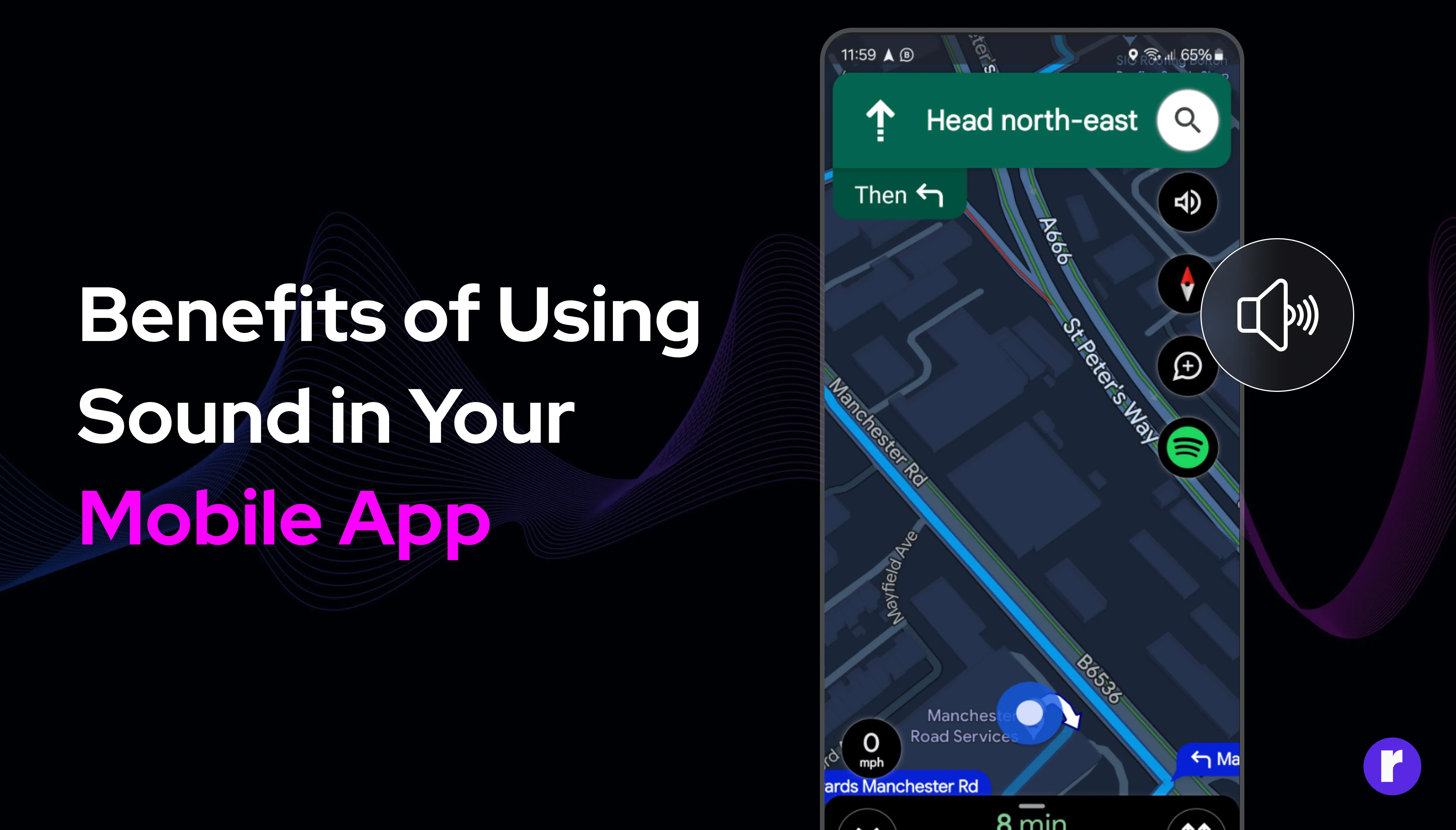
Sound plays a powerful role in shaping how users interact with digital products, especially on mobile where attention is limited. When applied thoughtfully, it enhances clarity, engagement, and overall usability.
Below are the key benefits of using sound in UX design:
- Improved Navigation
Audio cues help users understand where they are in a digital environment. For instance, a subtle sound when transitioning between screens or completing a task provides clarity and reduces confusion. This is especially useful in multi-step processes or complex interfaces.
- Increased Engagement
Sound can make interactions more engaging and enjoyable. Gamification elements, such as achievement sounds or level-up tones, keep users motivated and invested in the experience. These cues add a layer of excitement and satisfaction, encouraging continued interaction.
- Enhanced Accessibility
For users with disabilities, sound bridges the gap where visuals or touch fall short. Screen readers, for example, rely heavily on audio to convey information. Similarly, auditory cues can assist users with limited mobility or cognitive challenges, ensuring an inclusive experience.
- Reinforced Brand Identity
Unique audio cues can become a signature of your brand. Think of the iconic Netflix “ta-dum” or the Apple startup chime—these sounds are instantly recognizable and reinforce brand identity. A well-designed audio identity can leave a lasting impression on users.
- Emotional Resonance
Sound has the power to evoke emotions and set the tone for an experience. Whether it’s a calming background melody or an urgent alert, audio can influence how users feel and interact with your product.
- Increased Engagement
Best Practices for Implementing Sound in UX Design
While sound has immense potential, it must be used judiciously to avoid overwhelming or annoying users. Here are some best practices to ensure effective implementation.

Sound can greatly enhance user experience, but only when used with intention and restraint. Poorly implemented audio can distract or frustrate users instead of helping them.
Below are the best practices for implementing sound effectively in UX design:
- Keep It Subtle
Loud or intrusive sounds can frustrate users. Opt for subtle, pleasant tones that complement the overall experience. For example, a soft chime can indicate success without being disruptive.
- Ensure Relevance
Every sound should serve a purpose. Avoid adding audio just for the sake of it—each cue should provide value, whether it’s guiding the user, confirming an action, or enhancing the atmosphere. Irrelevant sounds can distract users and detract from the experience.
- Offer Control
Users should always have the option to mute or adjust sound settings. This flexibility ensures that sound enhances the experience without becoming a hindrance. Providing volume controls or a mute button respects user preferences.
- Test with Real Users
Conduct usability testing to understand how your audience reacts to the audio elements. Gather feedback and refine the sounds to align with user preferences. Testing ensures that the audio cues are effective and well-received.
- Consider Accessibility
Ensure that your audio cues are inclusive. For example, pair sounds with visual indicators to cater to users with hearing impairments. This dual approach ensures that all users can benefit from the design.
- Ensure Relevance
Examples of Effective Sound Design in UX
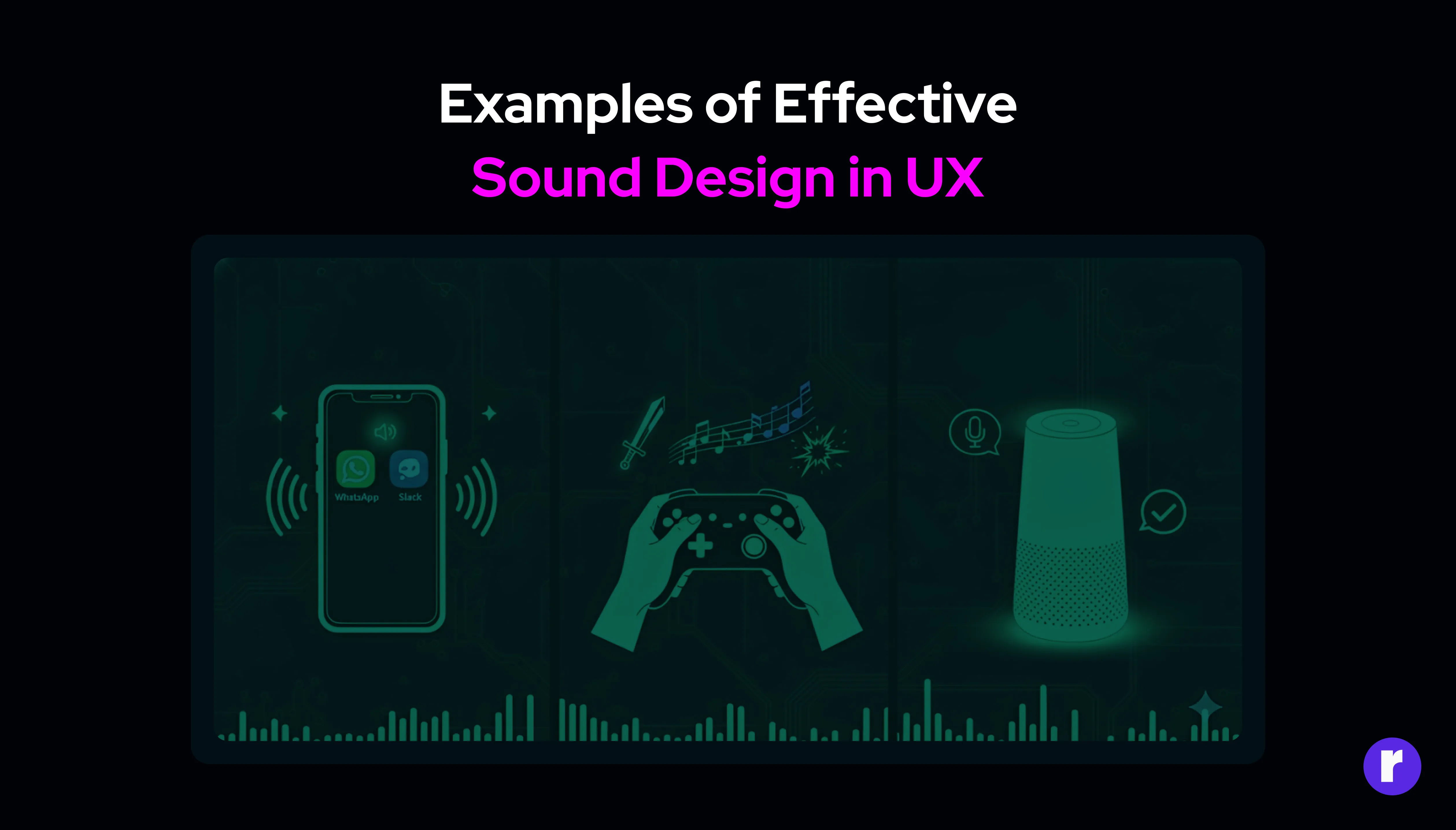
Sound design is most effective when it feels natural and purposeful within real user interactions. Across different platforms, well-crafted audio cues help users stay informed, engaged, and confident in their actions.
Below are real-world examples of effective sound design in UX:
- Mobile Notifications
Apps like WhatsApp and Slack use distinct notification sounds to alert users without being disruptive. These sounds are instantly recognizable and convey urgency or importance, helping users stay informed.
- Gaming
In video games, sound is integral to the experience. From background music to action-specific cues, audio enhances immersion and provides critical feedback. For example, a suspenseful soundtrack can heighten tension, while a celebratory sound signals victory.
- Smart Devices
Voice assistants like Alexa and Google Assistant use sound to confirm actions, provide feedback, and guide users through interactions. These audio cues make the experience intuitive and user-friendly.
- E-Commerce
E-commerce platforms use sound to enhance the shopping experience. For instance, a “cha-ching” sound when completing a purchase adds a sense of satisfaction and accomplishment, making the transaction feel rewarding.
- Gaming
The Future of Sound in UX Design
As technology advances, the role of sound in UX design will continue to grow. The rise of voice interfaces, augmented reality (AR), and virtual reality (VR) has already highlighted the importance of audio in creating immersive and intuitive experiences. In these contexts, sound is not just an enhancement—it’s a necessity. For example, in AR and VR environments, spatial audio can help users navigate and interact with virtual spaces. Similarly, voice interfaces rely on sound to communicate effectively with users. Designers must stay ahead of these trends and explore innovative ways to integrate sound into their projects. If you're looking to elevate your website or business with exceptional UI/UX design, visit Radial Code Learn to discover our courses and resources that can help transform your digital experiences.

Conclusion
Sound and audio cues are powerful tools in UX design that can significantly enhance user experiences when used effectively. They provide feedback, improve accessibility, and create emotional connections that visuals alone cannot achieve. However, the key lies in thoughtful implementation—audio should always serve the user, not distract or overwhelm them. As you design your next project, consider how sound can complement your visuals and interactions. By embracing the power of audio, you can create experiences that are not only functional but also memorable and delightful. Whether it’s a subtle notification or an immersive soundscape, the right audio elements can transform your design into a truly engaging experience. You can read more about UI/UX in this blog: The Psychology Behind Great UI/UX Design.