Why Users Don’t Read — And How Good UX Fixes That

Written by
Chandani Sahani
UI/UX Designer

Vishal Baloda
UI/UX Designer

Table of contents
Build with Radial Code
Share this


Users don’t read word by word — they scan. They look for clear, relevant signals that match their goal. If content feels dense, cluttered, or unstructured, attention drops instantly. Good UX respects this behavior. Instead of forcing users to read more, it helps them understand more with less effort.
“Users don’t read pages. They search for answers.”
Users Are Overloaded With Information

Modern users face information overload and have limited attention. Cluttered pages feel overwhelming, so even valuable content gets ignored. Good UX simplifies and organizes content to make it easy to consume.
Why overload hurts experience:
- Too much content increases mental processing effort
- Users prefer quick and easily digestible information
- Cluttered pages reduce focus and attention
- Clear structure lowers cognitive overload
Long Paragraphs Push Users Away
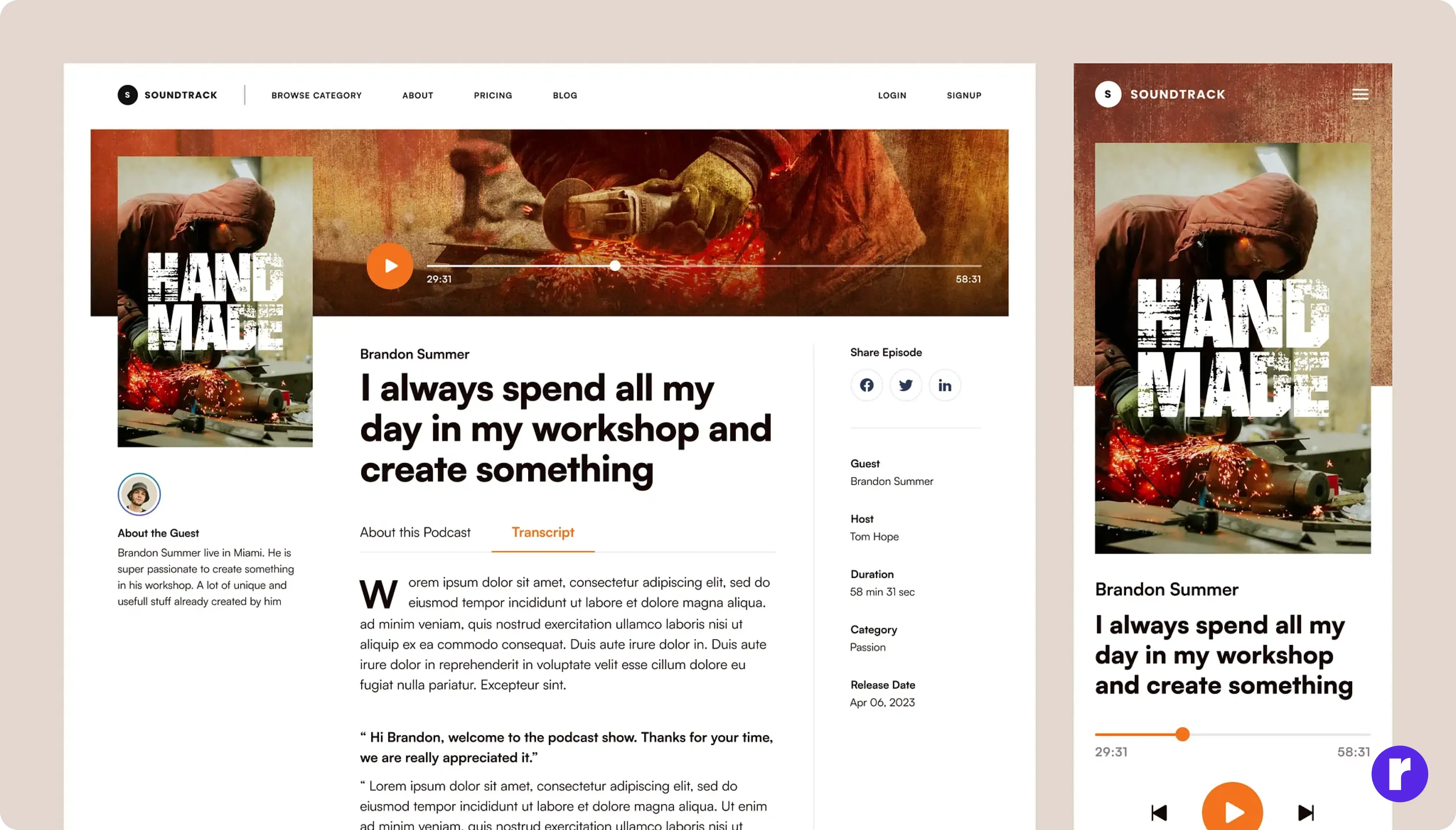
Long, dense paragraphs create a psychological barrier before users even start reading. Big text blocks feel time-consuming and exhausting, especially on mobile screens.
As a result, users often scroll past—even if the content is valuable. Good UX solves this by breaking information into smaller, easy-to-read chunks that feel faster and less overwhelming
🖌️ Pro Tip: Design paragraphs for visual comfort first. Keep one idea per paragraph, short lines, and enough spacing—especially on mobile—to make reading feel easy and inviting.
Poor Visual Hierarchy Creates Confusion

When a page lacks visual hierarchy, users can’t tell what’s important or where to focus first. If everything looks the same, nothing stands out, leading to confusion and frustration.
This often causes users to leave early. Good UX fixes this by using spacing, typography size, and contrast to guide attention and make content easier to scan and understand. See Example.
Clear Headings Encourage Scanning and Reading

Clear and descriptive headings help users understand content at a glance. They act as visual anchors that allow users to scan before committing to reading. When headings clearly explain what a section contains, users feel more confident continuing. This structure reduces uncertainty and improves engagement. Good UX treats headings as navigation tools, not decoration.
Good headings:
- Help users understand content instantly
- Guide attention to important sections
- Improve clarity and content structure
- Encourage users to keep reading
Bullet Points Make Information Easy to Scan

Bullet points help users quickly grasp key information without reading everything. They highlight important ideas, improve structure, and make content easier to scan. By reducing clutter and saving time, bullet points make information feel lighter and more efficient to consume.
Benefits of bullet points:
- Highlight key ideas without heavy reading
- Improve scanning speed for busy users
- Reduce cognitive load while reading
- Support faster decision making
Conclusion
Users don’t avoid content because it lacks value—they avoid it when it feels difficult or overwhelming. Dense text, poor structure, and weak hierarchy create friction that pushes them away. Good UX removes this friction by organizing content clearly, improving readability, and guiding attention with proper spacing and hierarchy. When reading feels easy and comfortable, users naturally engage more and understand faster. Visit Here.