Bootstrap vs Tailwind CSS : Modern Web Frameworks Compared

Written by

Vishal Chanda
Front End Developer
Table of contents
Build with Radial Code
Share this


Choosing the right tools at the start of a web development project is important, especially when deadlines are tight and clients expect modern, responsive designs. CSS frameworks help developers build websites faster by providing ready-made styling and layout solutions. Two of the most popular frameworks are Bootstrap and Tailwind CSS. While both simplify front-end development, they follow very different design approaches. This article compares Bootstrap and Tailwind CSS in terms of design philosophy, features, performance, developer experience, and ideal use cases to help you decide which framework is best for your next project.
Bootstrap Overview and Core Features
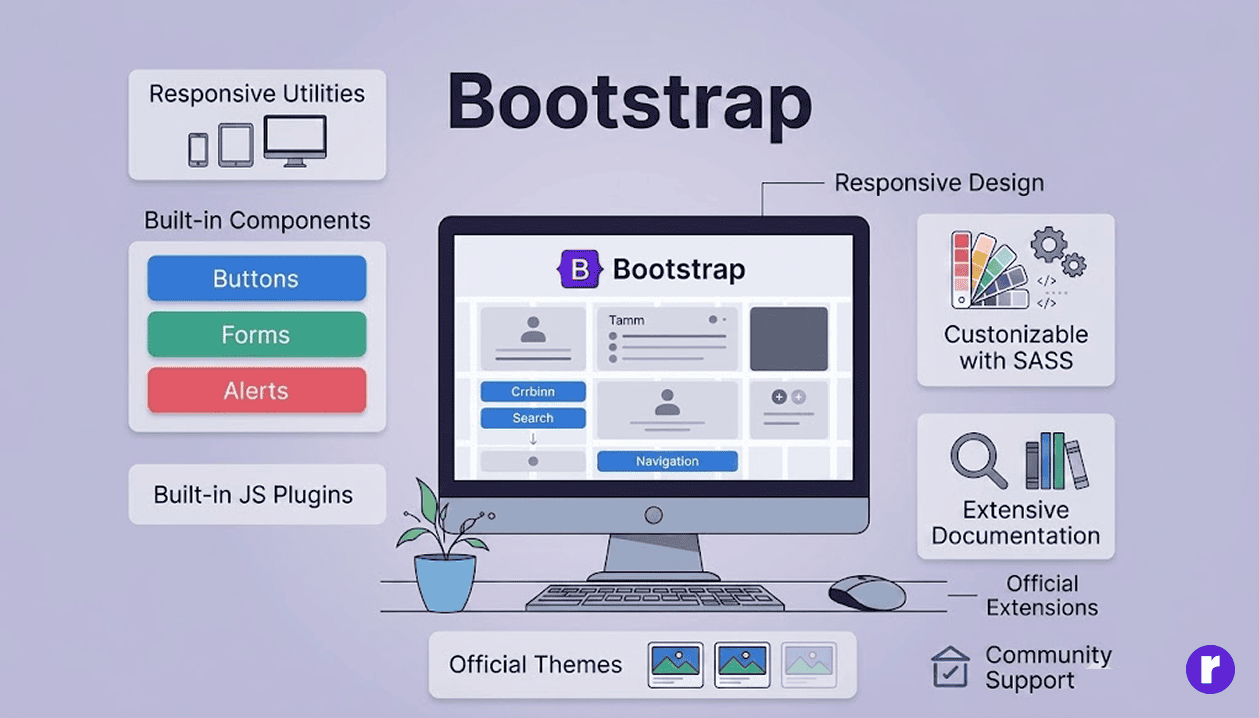
Initially developed by engineers at Twitter in 2011, Bootstrap has grown into a widely adopted front-end framework for building responsive and mobile-friendly websites. It follows a component-based approach, offering pre-designed UI components that developers can integrate directly into their projects. Read More
- Key Features of Bootstrap
- Responsive Grid System: Bootstrap's 12-column grid system makes it easy to create layouts that automatically adjust to different screen sizes.
- Pre-Built Components: Bootstrap provides a variety of ready-made UI elements, including:
- Navigation Bars - Easily create responsive navigation menus.
- Forms – Pre-styled input fields, checkboxes, and buttons.
- Buttons – Ready-to-use button styles and sizes.
- Cards – Flexible content containers with header, body, and footer.
- Alerts – Attention-grabbing messages for users.
- Modals – Dialog boxes for user interactions.
- Carousels – Image or content sliders for showcasing items.
- Built-in JavaScript Plugins: Interactive features like dropdowns, tooltips, and modals are included without requiring additional libraries.
- Customizable with SASS: Developers can modify Bootstrap's default styles using SASS variables or custom CSS.
- Strong Documentation and Community: Bootstrap's detailed documentation and large community make it beginner-friendly and reliable.
- Bootstrap in Practice Bootstrap works like a ready-made toolkit. It minimizes decision-making and allows developers to quickly assemble structured, consistent interfaces. However, without customization, many Bootstrap-based websites can look similar. It is ideal for projects where speed and consistency are more important than unique branding.
- Admin dashboards
- Enterprise tools
- Rapid prototypes
- Internal business applications
- Content-heavy websites
These components help maintain a consistent design and accelerate development
Bootstrap is commonly used for:
Tailwind CSS Overview and Core Features
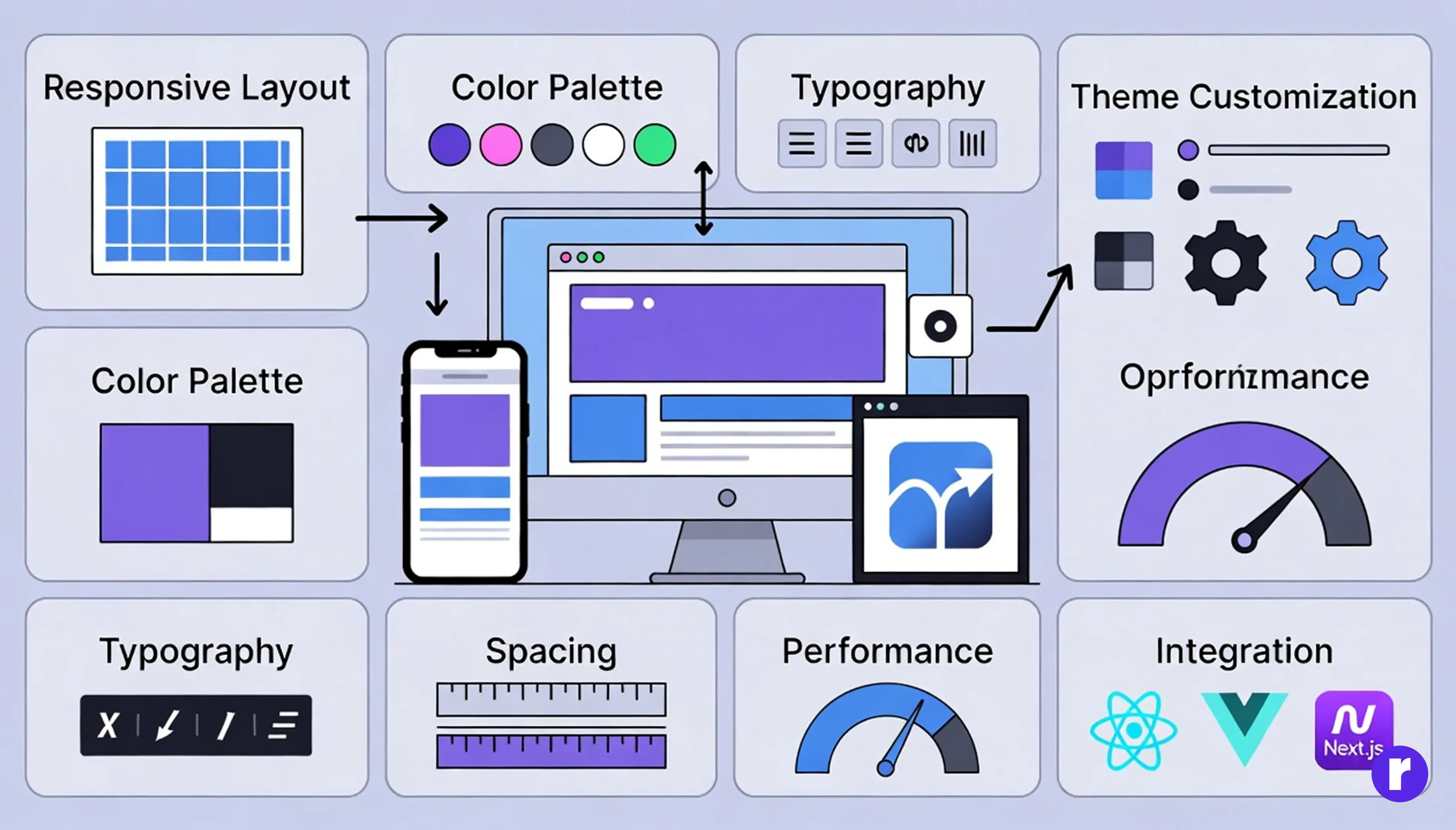
Tailwind CSS takes a completely different approach.
Launched in 2017 by Adam Wathan, Tailwind introduced a utility-first methodology. Instead of providing pre-designed components, it offers small utility classes that allow developers to build custom designs directly in HTML.
Rather than overriding default styles, you construct everything from scratch — but efficiently.
- Key Features of Tailwind CSS
- Utility-First Architecture: Developers combine small classes like flex, mt-4, text-center, bg-blue-500 to build complete UI designs.
- Complete Customization: Tailwind's configuration file allows full control over:
- Colors
- Typography
- Spacing
- Breakpoints
- Themes
- Mobile-First Responsivenes: Responsive prefixes such as sm: md: lg: provide precise control across devices.
- Optimized Performance: Unused CSS is automatically removed in production, resulting in smaller file sizes and faster loading times.
- Modern Framework Integration: Tailwind works seamlessly with React, Vue, Next.js, and other modern frameworks.
- Tailwind in Practice Tailwind functions more like a design laboratory than a toolkit. It provides raw building blocks that allow developers to craft completely unique interfaces. While beginners may initially find the utility classes overwhelming, mastery leads to scalable, maintainable design systems.
- SaaS platforms
- Startup websites
- E-commerce stores
- Modern landing pages
- Performance-focused applications
Tailwind is popular for:
Bootstrap vs Tailwind CSS: Core Design Philosophy
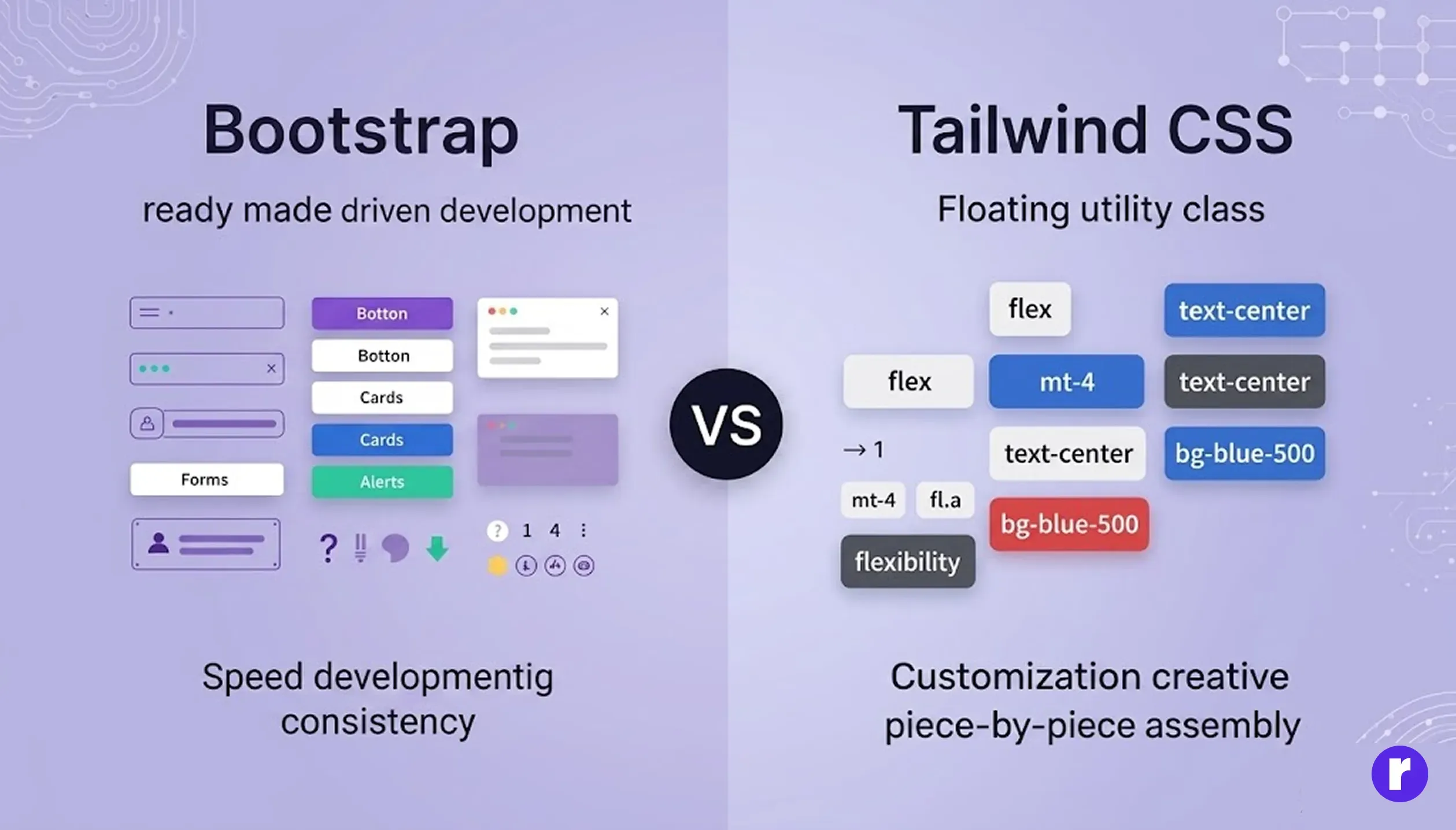
The main difference between Bootstrap and Tailwind CSS is how they approach UI development.
- Bootstrap
- A component-focused framework with a structured design approach.
- Provides ready-made UI elements to speed up development.
- Helps maintain consistent design across your project.
- Enables faster creation of responsive and user-friendly interfaces.
- Tailwind CSS
- Utility-driven and flexible.
- Developers combine small utility classes (e.g., flex, mt-4, text-center) to build custom designs directly in HTML.
- Allows complete customization and creative control.
- In Simple Terms
- Bootstrap gives you finished building blocks.
- Tailwind gives you flexible design tools.
- Bootstrap prioritizes speed and standardization.
- Tailwind prioritizes customization and creative control.
Code Comparison Example
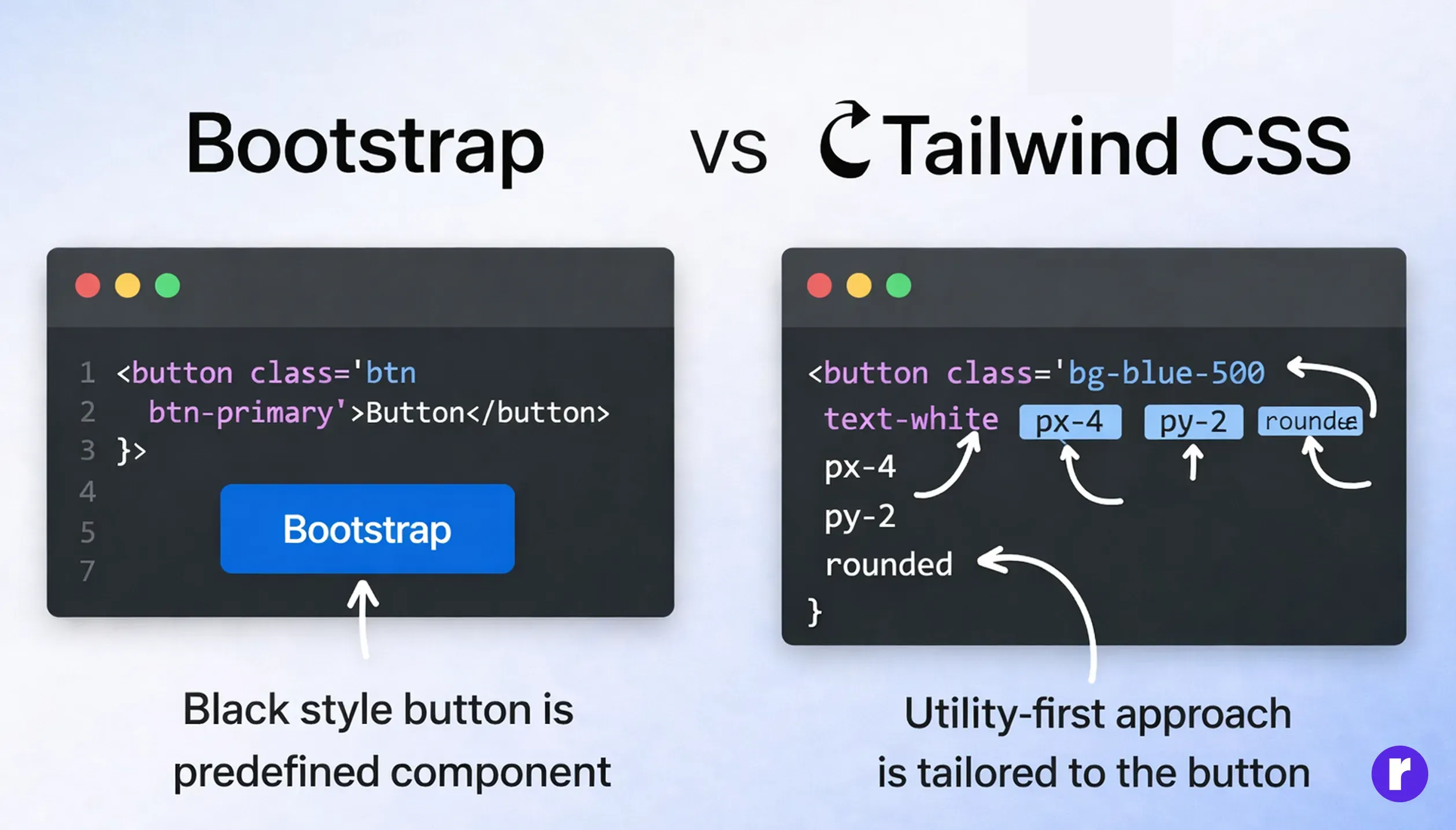
Let’s compare a simple button in both frameworks.
Bootstrap button:
<button class="btn btn-primary">Click Me</button>
Tailwind button:
<button class="bg-blue-500 text-white px-4 py-2 rounded">Click Me</button>
In Bootstrap, the styling is predefined and applied automatically. In Tailwind, you control each styling aspect directly — color, spacing, typography, and border radius.This small example highlights the core difference: predefined components versus customizable utilities.
Performance Comparison
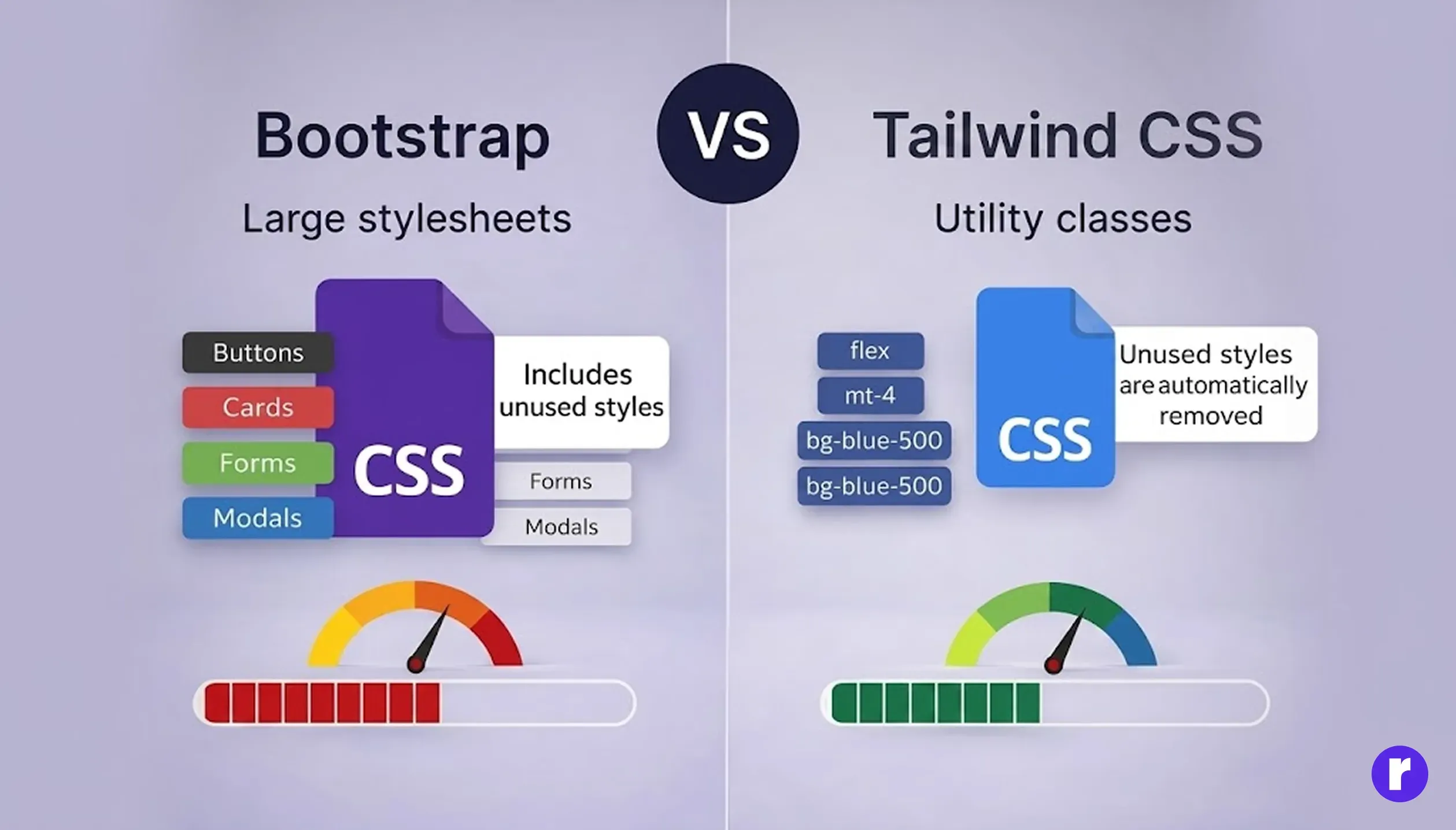
Performance plays an important role in modern web development. Radial code Bootstrap includes a large CSS file that may contain styles not always used in a project. Although developers can customize it, removing unnecessary components can require additional effort. In contrast, Tailwind CSS automatically removes unused styles during the production build process. As a result, the final CSS file becomes smaller and web pages load more quickly. Because of this optimization approach, Tailwind CSS often produces lighter and more efficient stylesheets compared to Bootstrap.
Developer Experience
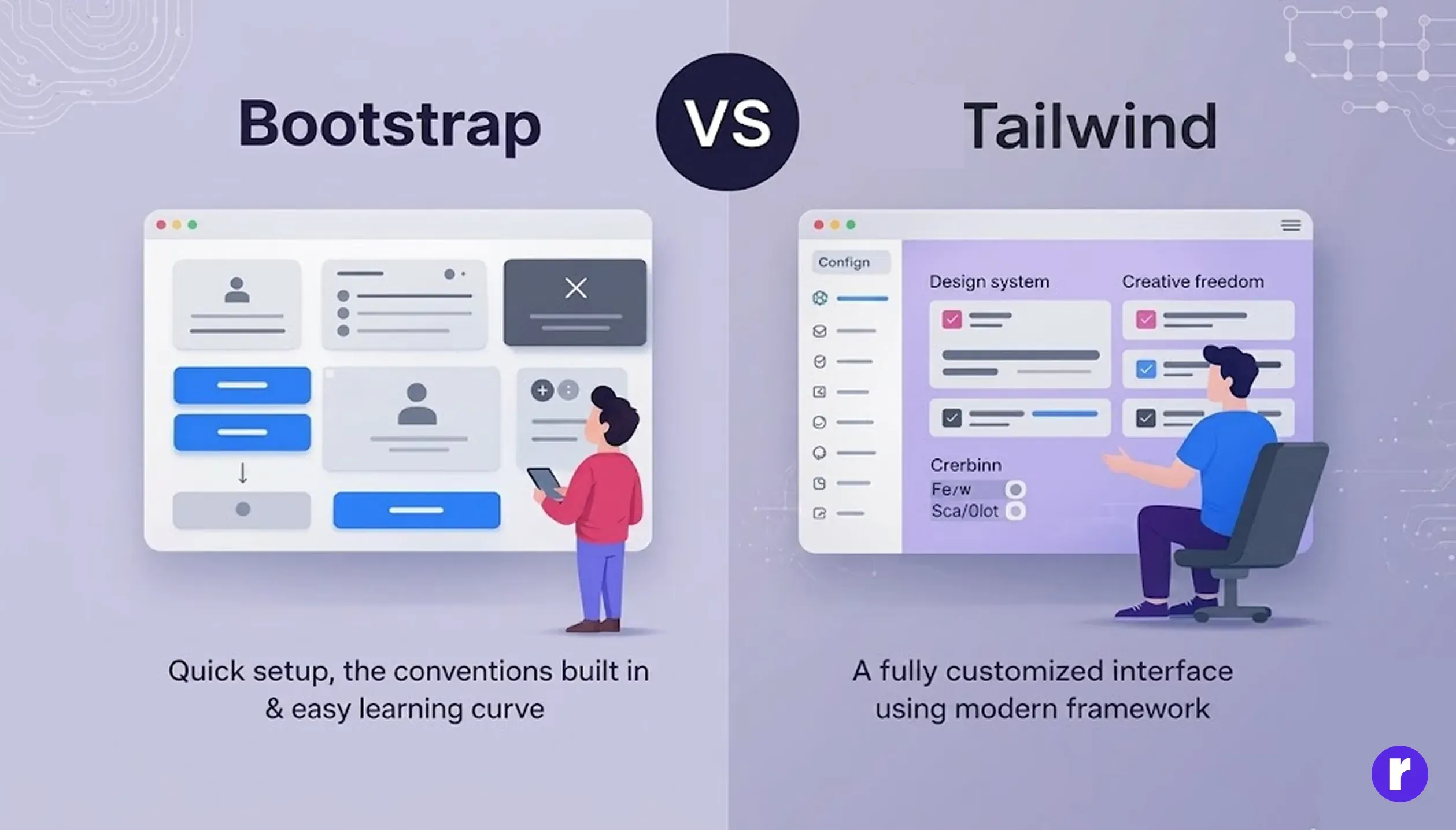
- Bootstrap offers:
- Quick setup.
- Easy learning curve.
- Predictable structure
- Extensive documentation
- Tailwind offers:
- Greater creative freedom
- Scalable design systems
- Lightweight production builds
- Strong compatibility with modern frameworks
However: Bootstrap may produce similar-looking websites without heavy customization. Tailwind may initially feel complex due to its class-heavy approach. The right choice depends on your team’s experience and project requirements.
Best Use Cases for Each Framework
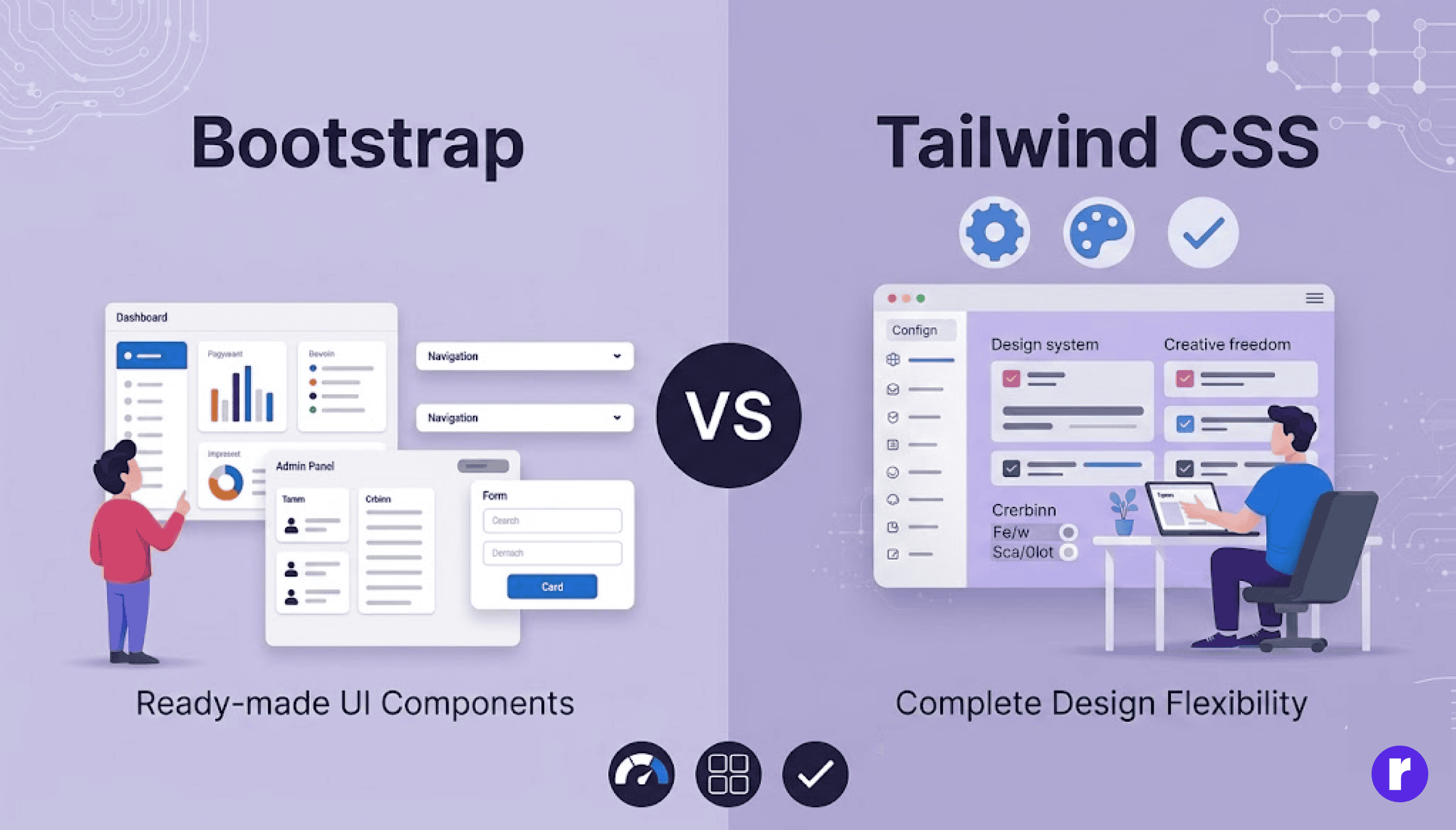
- Choose Bootstrap when:
- You need rapid development.
- You are building dashboards or enterprise applications.
- Your team includes beginners.
- Consistency and speed are priorities.
- Choose Tailwind CSS when:
- You want complete design flexibility.
- Branding and uniqueness matter.
- Performance optimization is important.
You are building modern web applications.
Conclusion
Bootstrap and Tailwind CSS are both powerful tools for modern front-end development. The right choice depends on your project needs and workflow. Bootstrap is best for quick development with ready-made components, while Tailwind CSS offers more flexibility for fully customized designs. Choosing the right framework can help you build modern and responsive web applications efficiently.