How to Improve Website Speed for Better Performance and SEO

Written by
Rinkle Poonia
Front End Developer

Keshav Saini
Front End Developer

Table of contents
Build with Radial Code
Share this


Website speed is no longer just a "nice-to-have" feature — it's a critical ranking factor, a user experience booster, and a conversion driver. A slow website frustrates users, increases bounce rates, and hurts your SEO performance. In this blog, we'll break down why website speed matters and share proven strategies to improve your site's performance for both users and search engines.
Want to Learn More about websites ? Radial code
Why Website Speed Matters for SEO
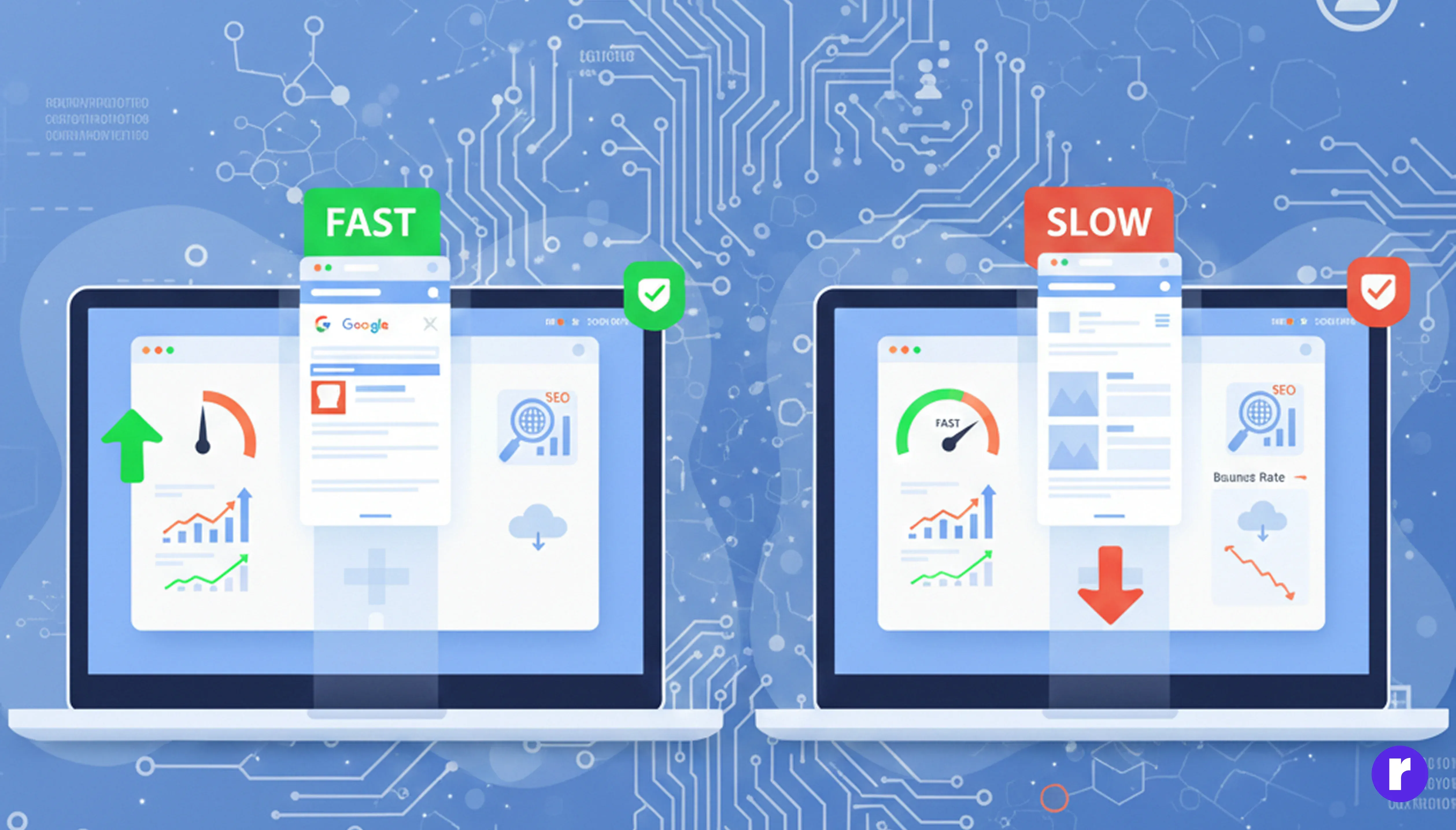
Google has officially confirmed that page speed is a ranking factor, especially after introducing Core Web Vitals. Faster websites:
- Rank higher in search results
- Keep users engaged longer
- Reduce bounce rates
- Improve conversions and sales
(Conversion = turning visitors into customers, leads, or users.)
According to research, a 1-second delay can reduce conversions by up to 7% — and that's a big deal.
Key Metrics That Affect Website Speed
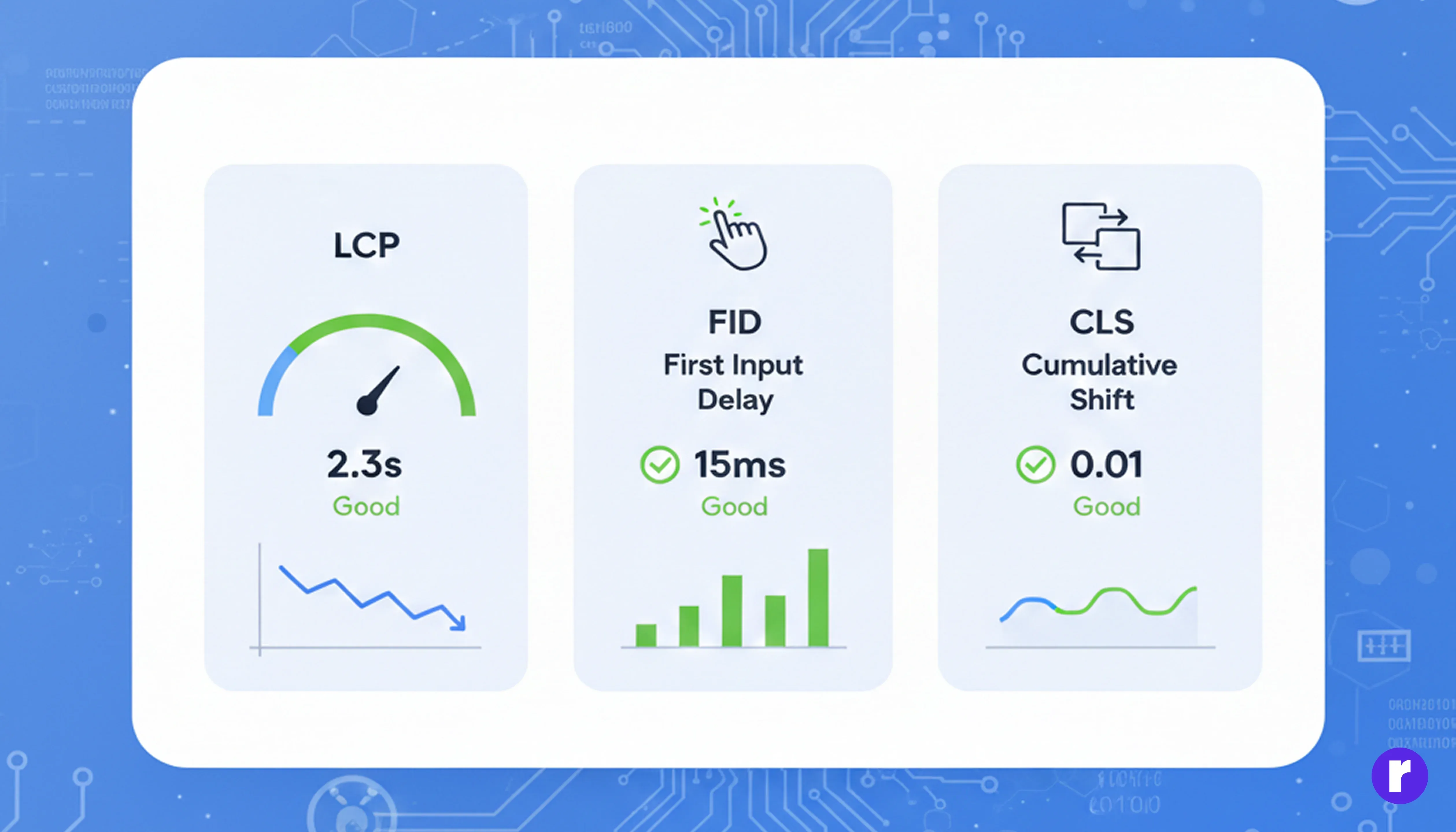
Before optimizing, it's important to understand what Google measures:
- Largest Contentful Paint (LCP) – Loading performance
- First Input Delay (FID) – CInteractivity
- Cumulative Layout Shift (CLS) – Visual stability
(Conversion = turning visitors into customers, leads, or users.)
According to research, a 1-second delay can reduce conversions by up to 7% — and that's a big deal.
Want to Explore More? Click Here
Key Techniques to Improve Website Speed
- Optimize Images Properly
- Compress images using tools like TinyPNG or ImageOptim
- Use modern formats like WebP
- Enable lazy loading for images
- Set proper width and height attributes
- Minify CSS, JavaScript, and HTML
- Minify CSS, JavaScript, and HTML files
- Remove unused CSS and JavaScript
- Combine files where possible
- Use a Content Delivery Network (CDN)
- Cloudflare (very popular & free plan)
- AWS CloudFront
- Fastly
- Akamai
- Improve Server Response Time
- When a user requests a page
- When the server sends the first byte of data
- Choose high-quality hosting (avoid cheap shared hosting)
- Use SSD storage
- Enable server-side caching
- Upgrade to HTTP/2 or HTTP/3
- Enable Browser Caching
- Images
- CSS files
- JavaScript files
- Fonts
- Reduce Redirects and Broken Links
- Reduce redirects → Avoid unnecessary page-to-page forwarding
- Fix broken links → Links that lead to non-existent pages (404 errors)
- Avoid redirect chains
- Fix broken links
- Use direct URLs wherever possible
- Optimize Fonts and Third-Party Scripts
- Your website’s code = first-party
- External company’s code = third-party
- Load only required font weights
- Use WOFF / WOFF2 font formats
- Use font-display: swap
- Load non-essential scripts using async or defer
- Use Lightweight Themes and Frameworks
- Use minimal, speed-optimized themes
- Remove unused plugins and extensions
- Avoid unnecessary animations
- Enable GZIP or Brotli Compression
- Faster page load times
- Lower bandwidth usage
- Avoid unnecessary animations
- Regularly Test and Monitor Performance
- Google PageSpeed Insights
- GTmetrix
- Lighthouse
- WebPageTest
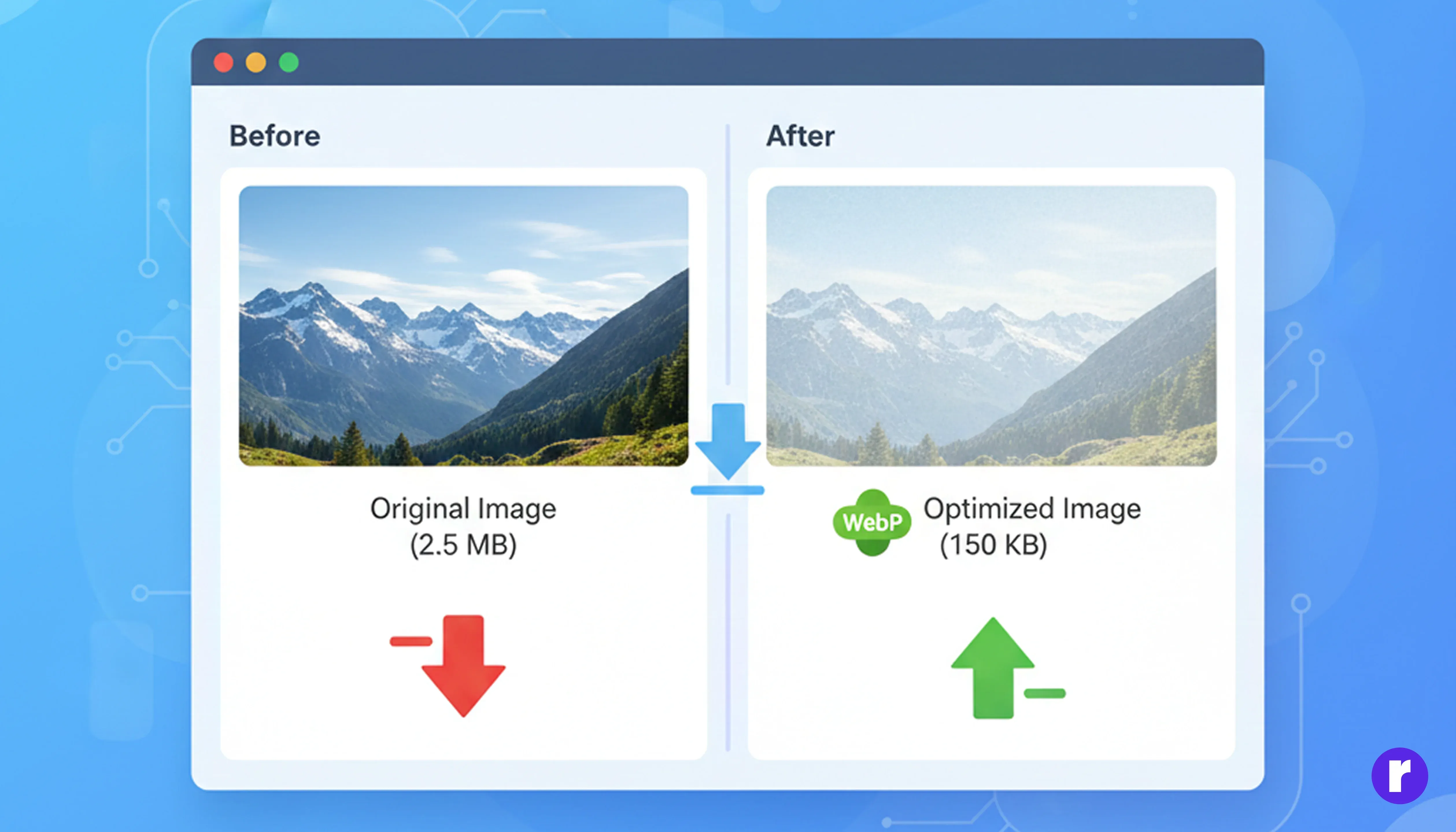
Oversized or poorly optimized images are one of the main reasons websites load slowly.
Best practices:
Optimized images can reduce page size by 30–70%.

Unused or bulky code slows down rendering.
What you should do:
Tools like Webpack, Vite, or built-in CMS plugins can handle this automatically.
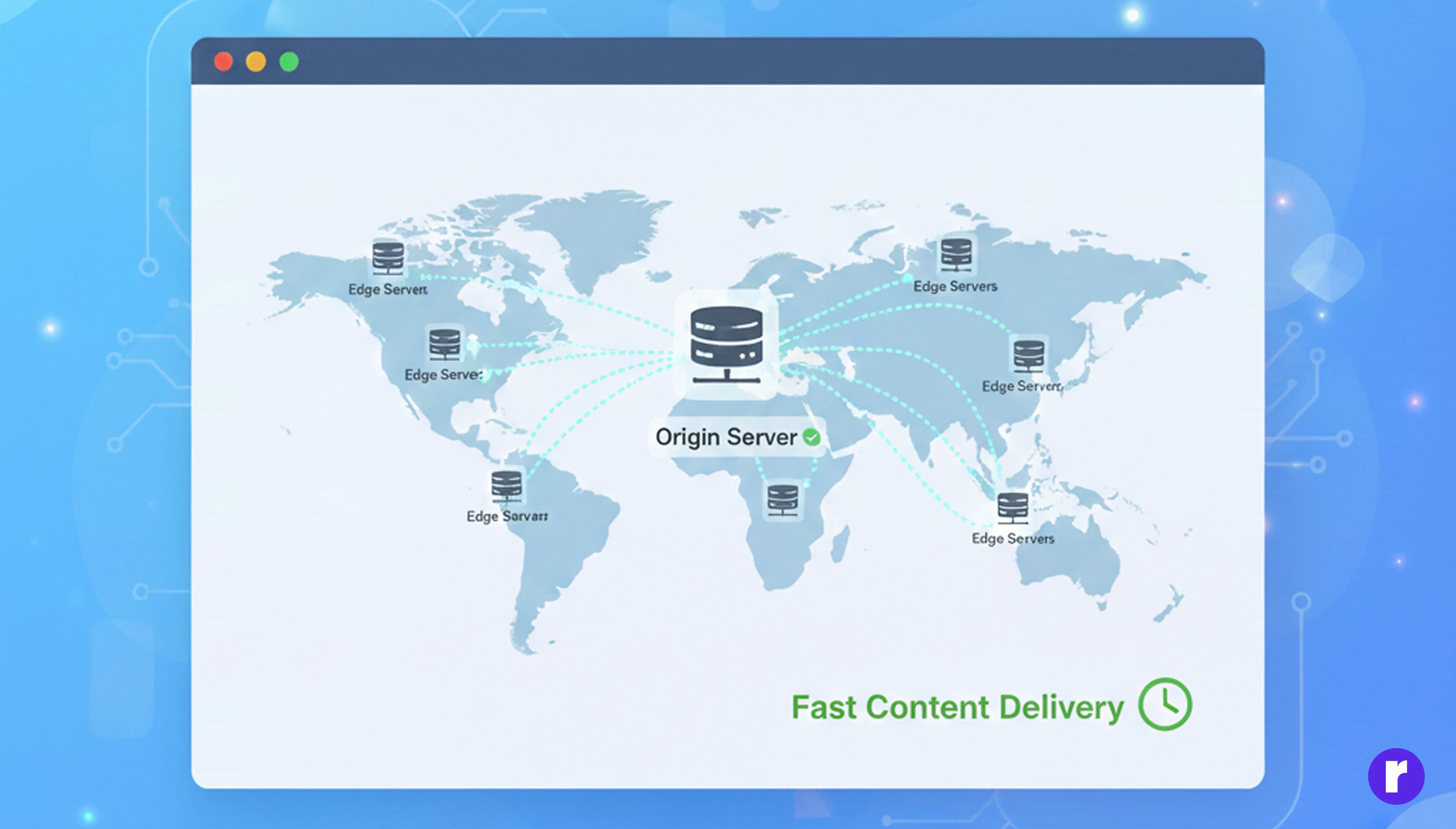
A Content Delivery Network (CDN) distributes your website content across multiple servers worldwide.
CDN = delivers your website content from the nearest server to make your site load faster.
Popular CDN services:
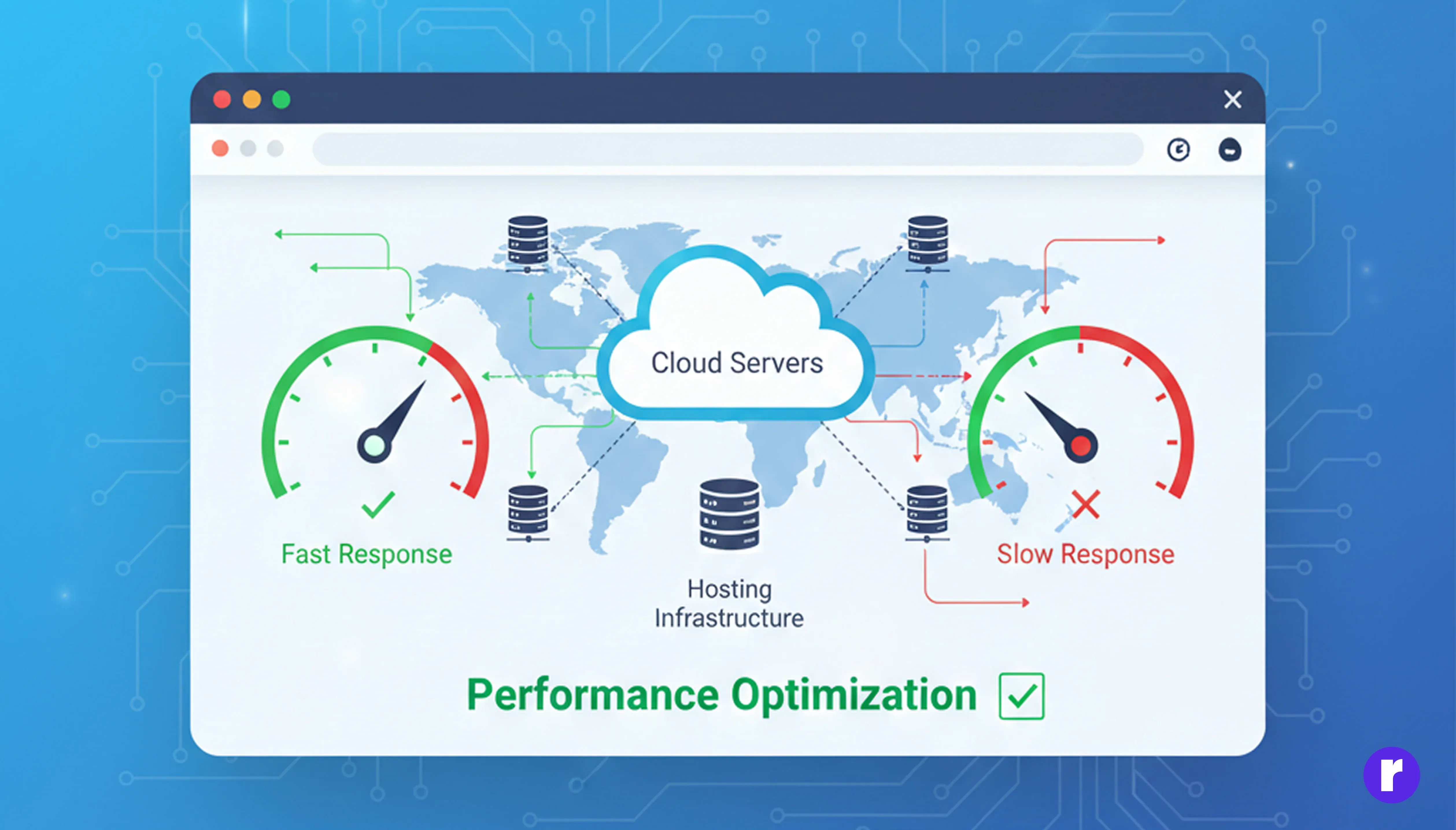
Server response time is the time your server takes to respond to a user's request.
In simple terms, it's the time between:
Optimization tips:
Aim for a Time to First Byte (TTFB) under 200 ms.
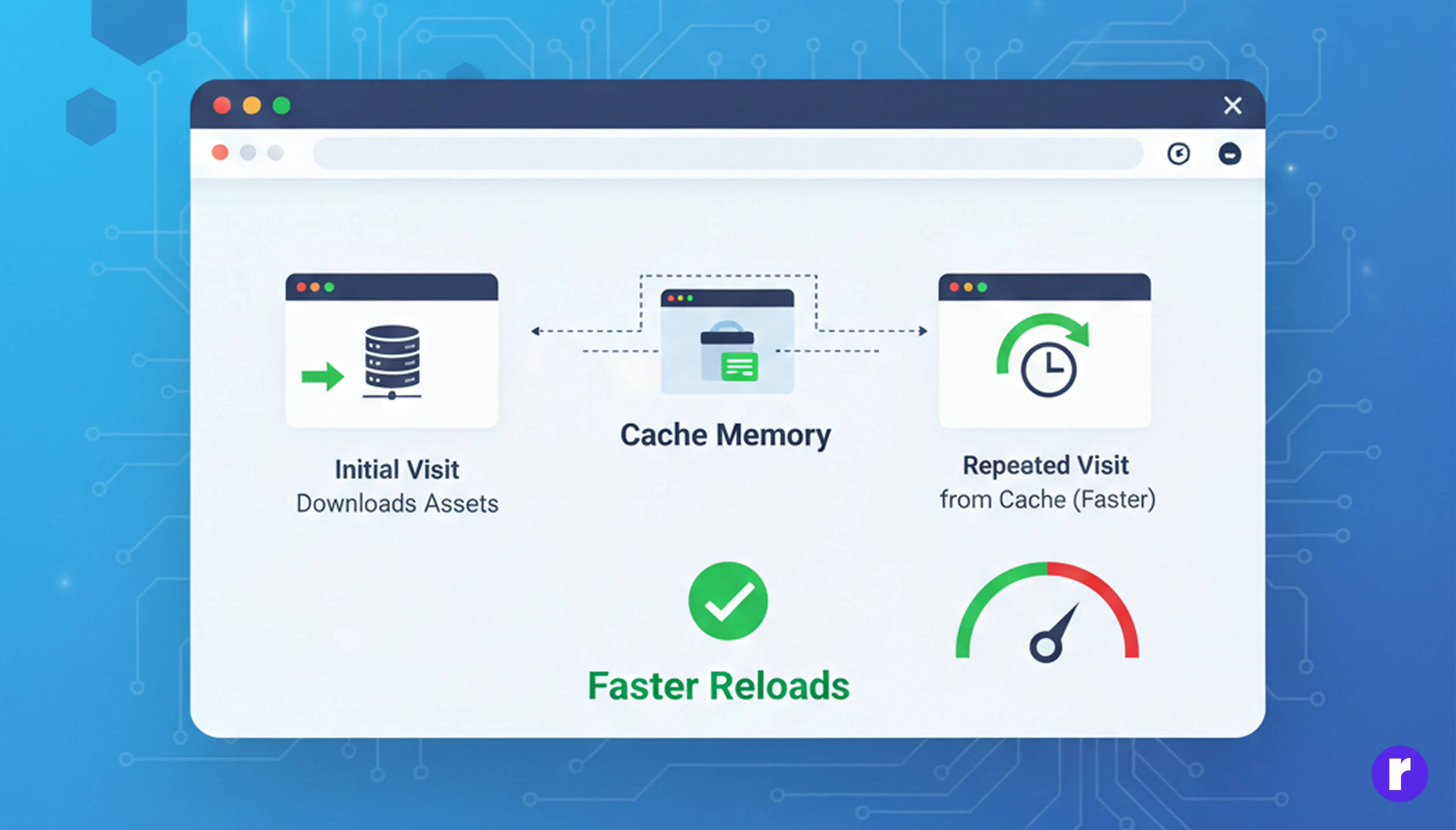
Browser caching tells the user's browser to store some website files locally, so the next visit loads much faster.
Cached files include:
This reduces unnecessary network requests and significantly improves repeat-visit speed.
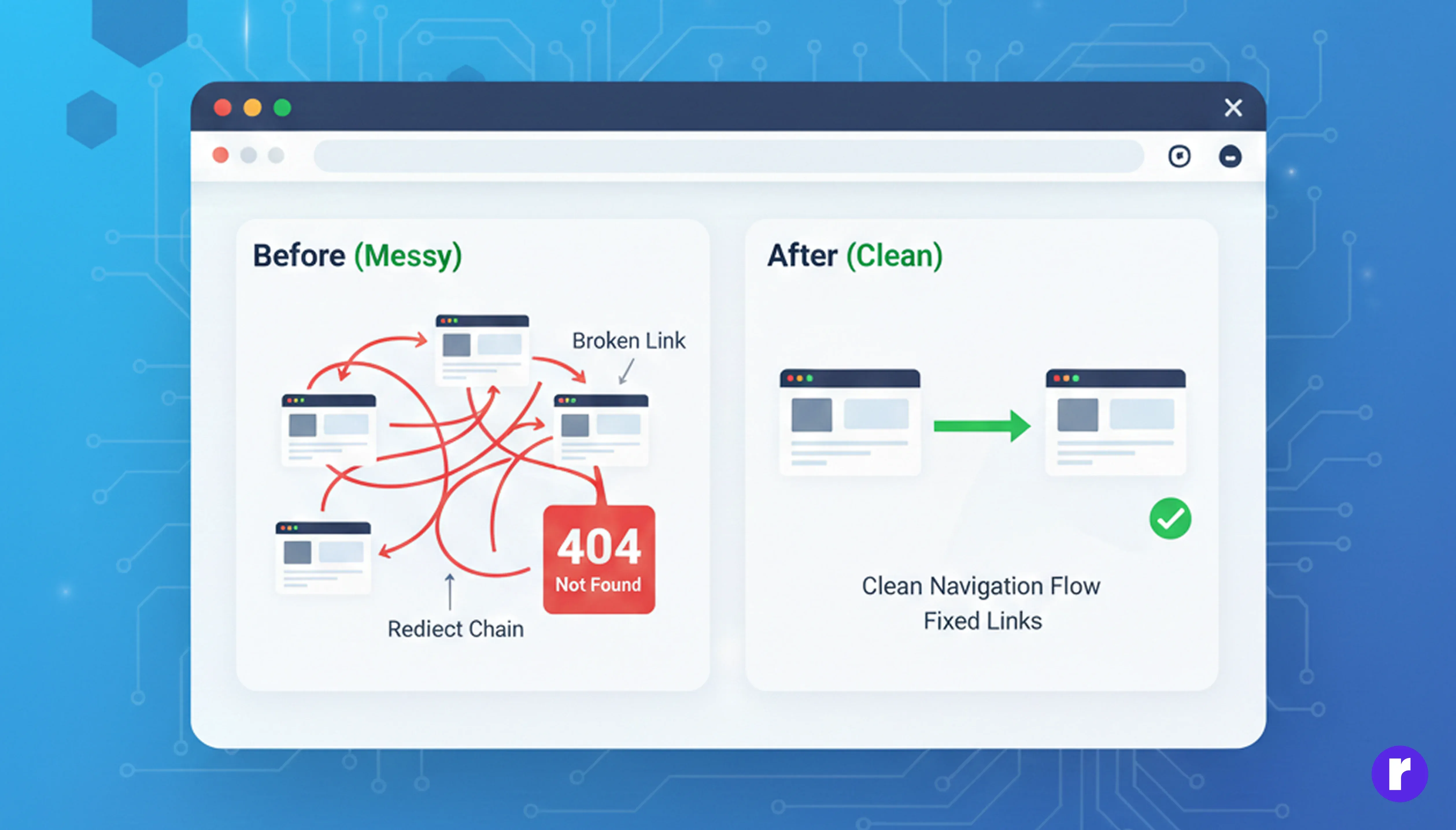
This means:
Both slow down your website and harm user experience and SEO.
Best practices:
Cleaner navigation = faster load times.
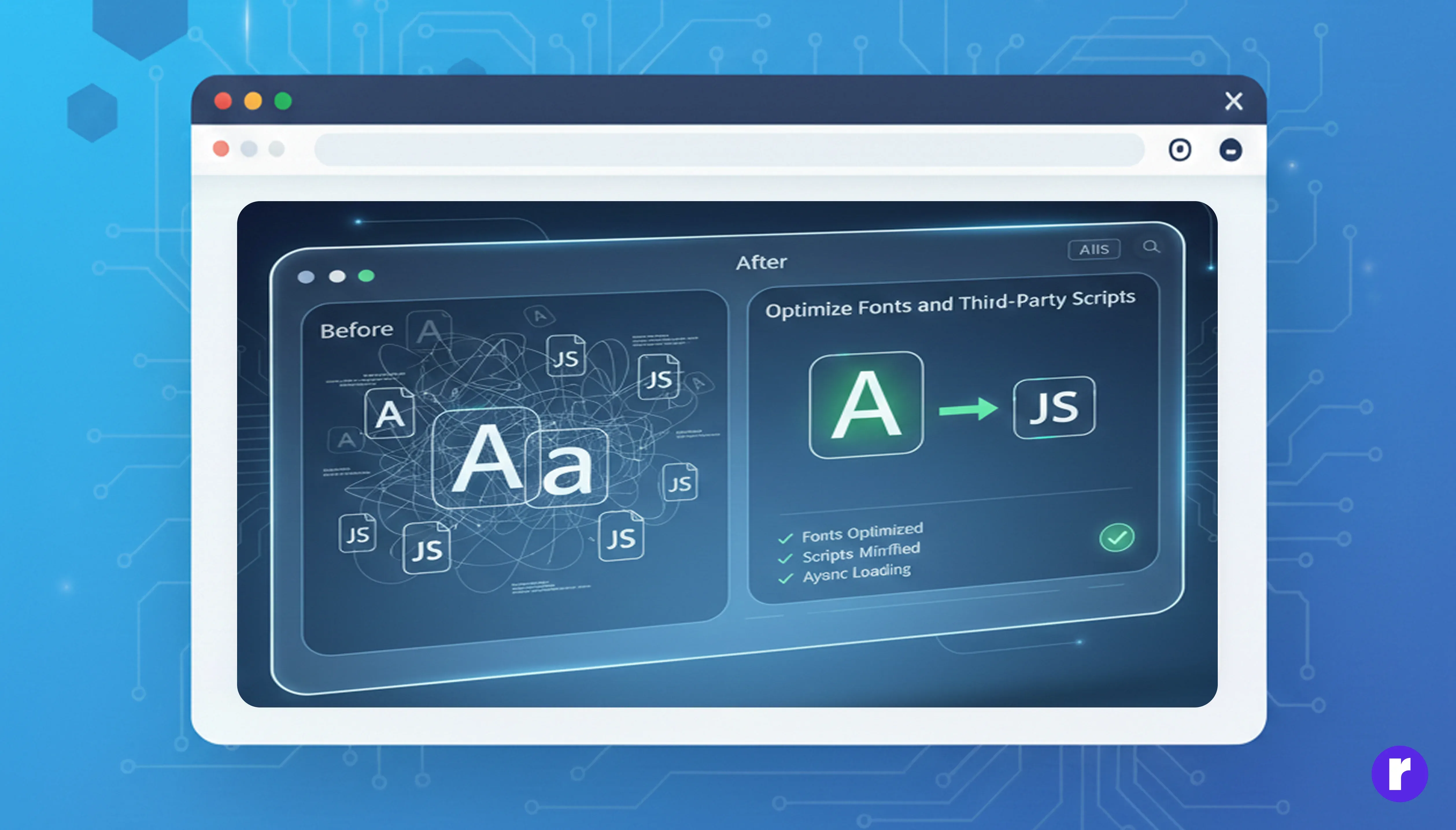
This means making fonts and external scripts lighter, faster, and fewer, so they don't block page loading.
What is a third-party script?
What to watch out for:
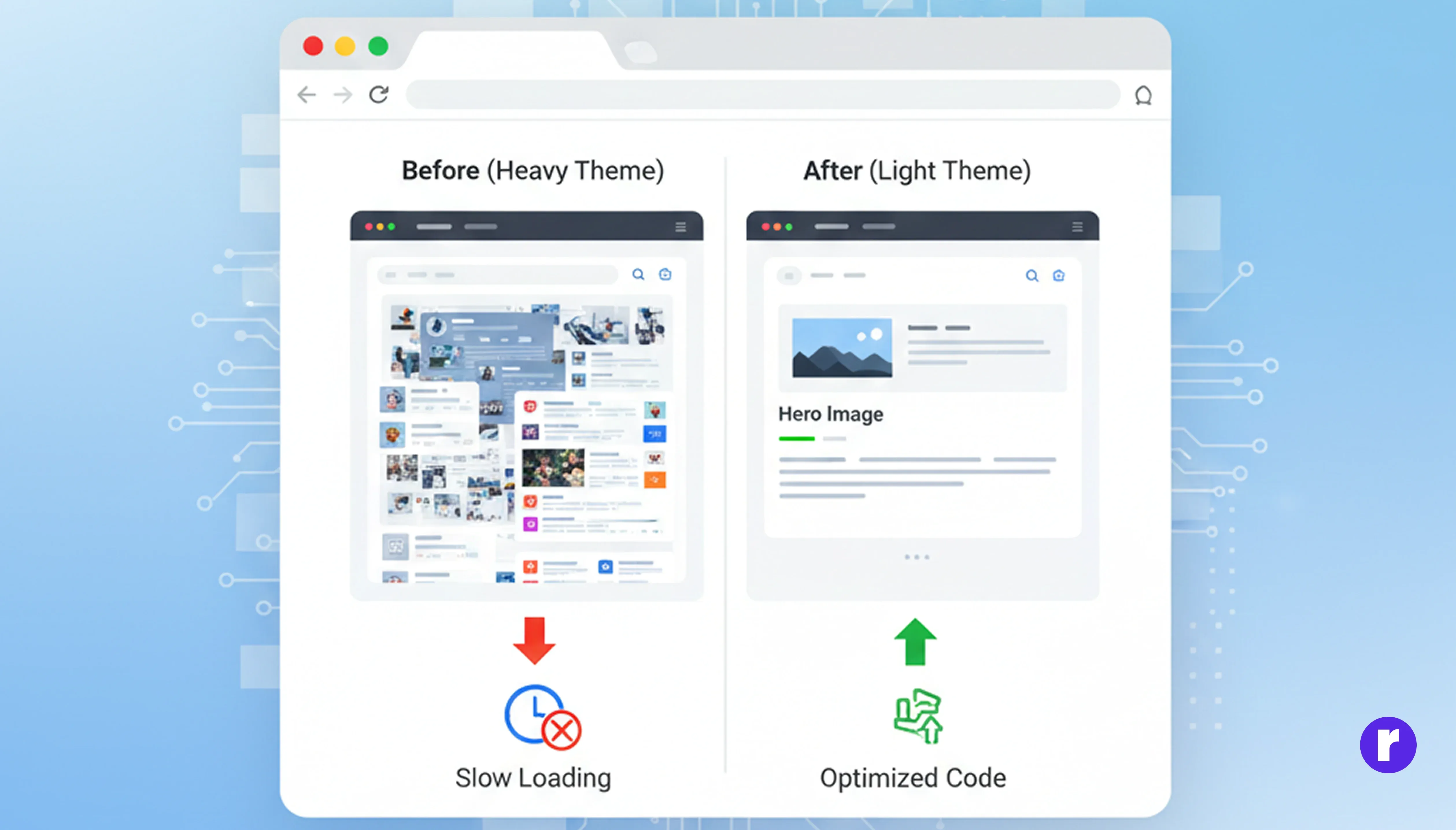
Choose website designs and frameworks that are simple, clean, and performance-focused.
Tips:
👉 Less code = faster rendering.
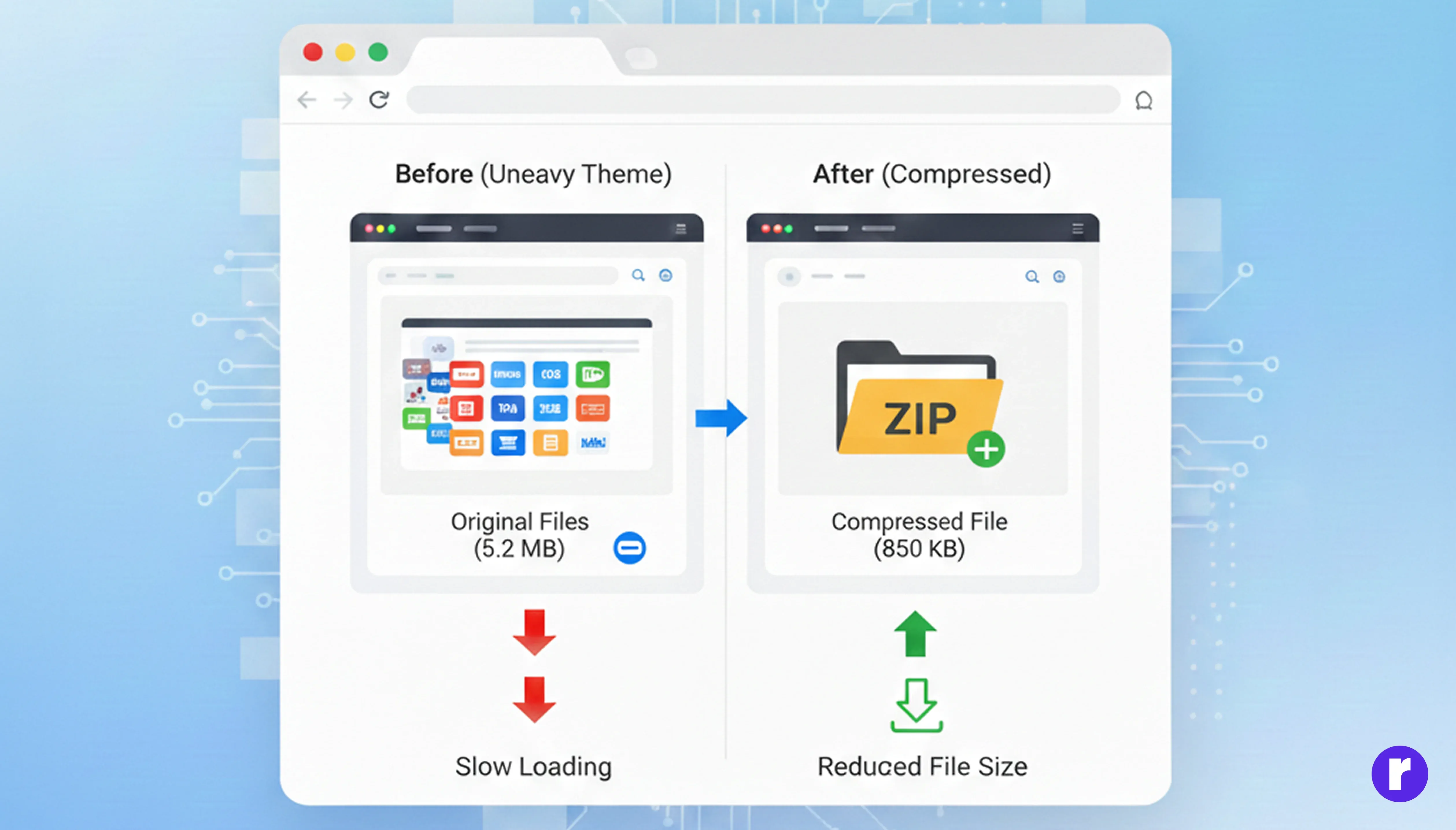
Compression reduces file size before sending data to the browser, resulting in faster downloads.
Result:
Most modern servers and CDNs support GZIP or Brotli with minimal setup.
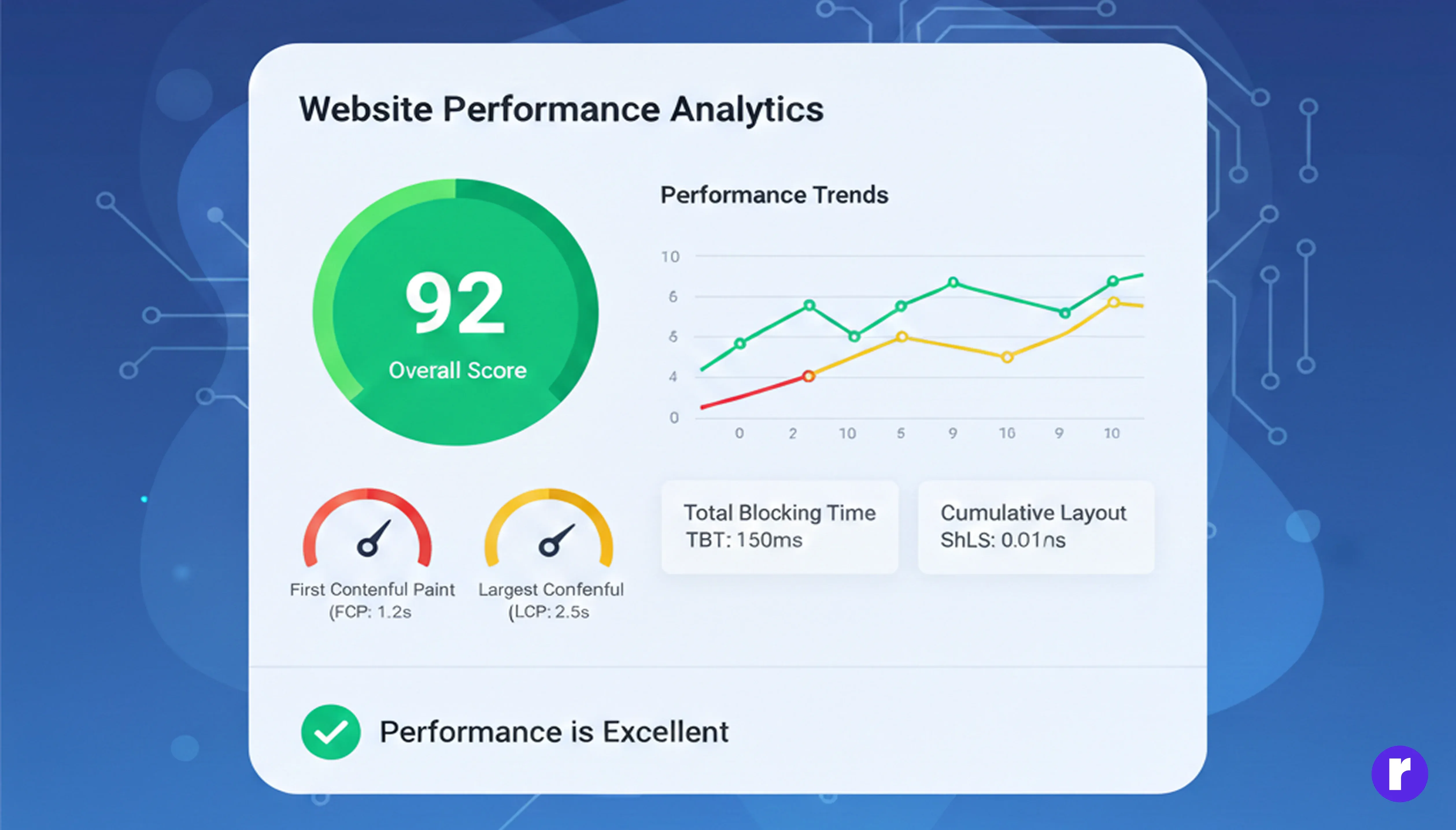
Website speed optimization is not a one-time task.
New content, images, plugins, or scripts can slow your site over time.
Recommended tools:
👉 Always monitor performance after updates or new feature releases.
Benefits of Following These Steps
- Faster load times for global users
- Reduced server load
- Improved SEO rankings
- Higher conversions and revenue 💰
Want more Click here
Conclusion
Improving website speed is one of the highest-ROI SEO strategies you can implement. It enhances user experience, boosts rankings, and directly impacts conversions. Start with image optimization, code cleanup, and better hosting, then move toward advanced techniques like CDNs and server tuning.
A faster website isn’t just better for SEO — it’s better for your users.