Enhancing User Experience with GSAP-Powered Web Animations

Written by
Ankush Dhull
Front End Developer

Vishal Chanda
Front End Developer

Table of contents
Build with Radial Code
Share this


Modern websites are no longer expected to be static pages filled only with text and images. Users now expect smooth, engaging, and interactive digital experiences. If a website feels outdated, slow, or lifeless, many visitors leave within seconds. This is why animation has become an important part of web design and user experience.
Animations help guide attention, explain interactions, and make websites feel more polished. Instead of instantly showing everything, motion allows content to appear naturally. This improves readability and creates a stronger first impression.
Among all animation tools available today, GSAP (GreenSock Animation Platform) is one of the most powerful and trusted choices. It gives developers complete control over timing, movement, sequences, and responsiveness while keeping performance smooth.
Whether you are building a Portfolio, Landing page, SaaS Dashboard & E-Commerce website, GSAP can turn a basic interface into a premium digital experience.
Why GSAP is a Game-Changer for Web Animations
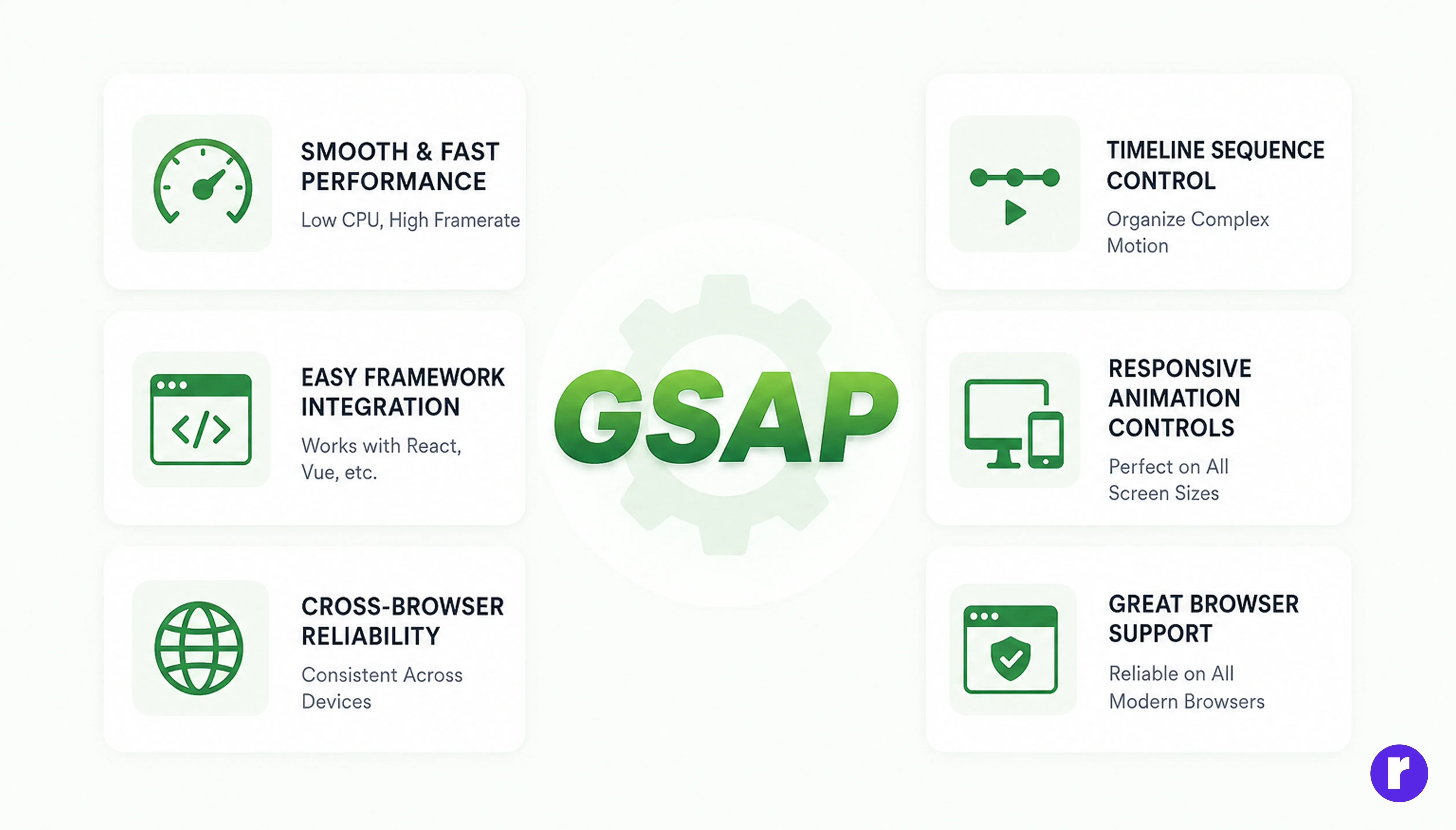
Many developers begin with CSS animations, but complex projects often need more control than CSS alone can provide. GSAP solves this problem by offering a flexible JavaScript animation engine that handles everything from simple fades to advanced timeline sequences.
It is known for reliability, smooth performance, and browser compatibility. Developers can animate text, images, buttons, menus, loaders, and page transitions with less code and better results.
Benefits of GSAP:
- Smooth animations without lag
- Powerful timeline sequencing
- Responsive animation controls
- Great browser support
- Easy integration with frameworks
- Scroll-based animation plugins
gsap.from(".hero-title", {
  y: 50,
  opacity: 0,
  duration: 1,
  ease: "power3.out"
});
This code creates a smooth entrance animation for a hero title. Instead of appearing abruptly, the heading moves upward and fades in naturally.
GSAP is a game-changer because it allows developers to create premium experiences quickly and efficiently.
Creating Smooth Scroll-Based Animations with GSAP
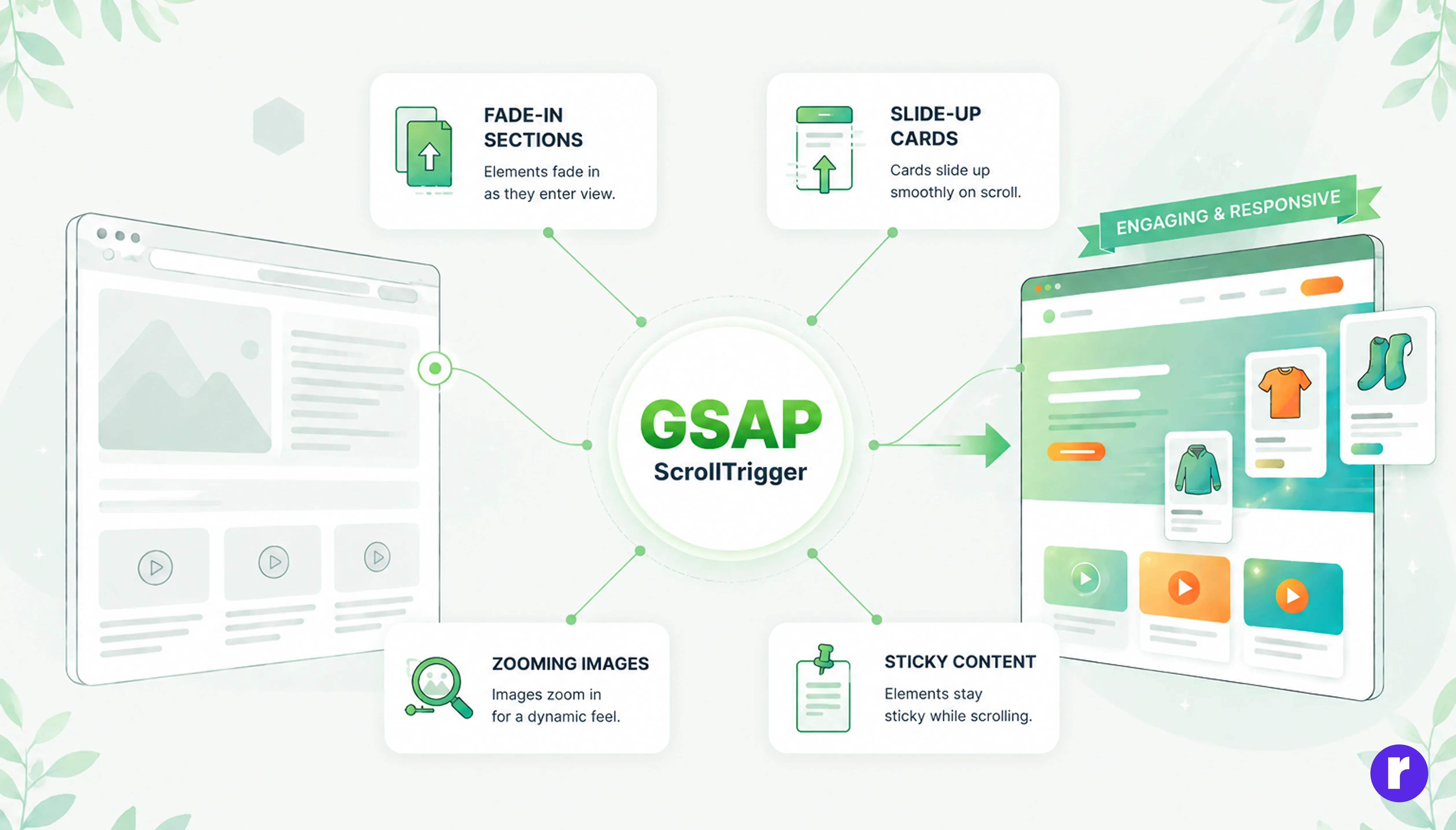
Scrolling is one of the most common actions users perform on websites. Instead of showing content statically, GSAP’s ScrollTrigger plugin allows animations to happen as users scroll through the page.
This creates a storytelling effect where sections reveal themselves at the right moment. It also keeps long pages more engaging.
Popular Scroll Effects:
- Fade-in sections
- Slide-up cards
- Zooming images
- Sticky content animations
- Horizontal scrolling galleries
gsap.from(".card", {
  scrollTrigger: ".card",
  y: 80,
  opacity: 0,
  duration: 1,
  stagger: 0.2
});
Each card smoothly enters the screen when visible.
Scroll animations help users focus only on the content currently in view. This reduces overload and improves reading flow.
Continue your learning journey at Radial code
Building Interactive UI Elements with GSAP
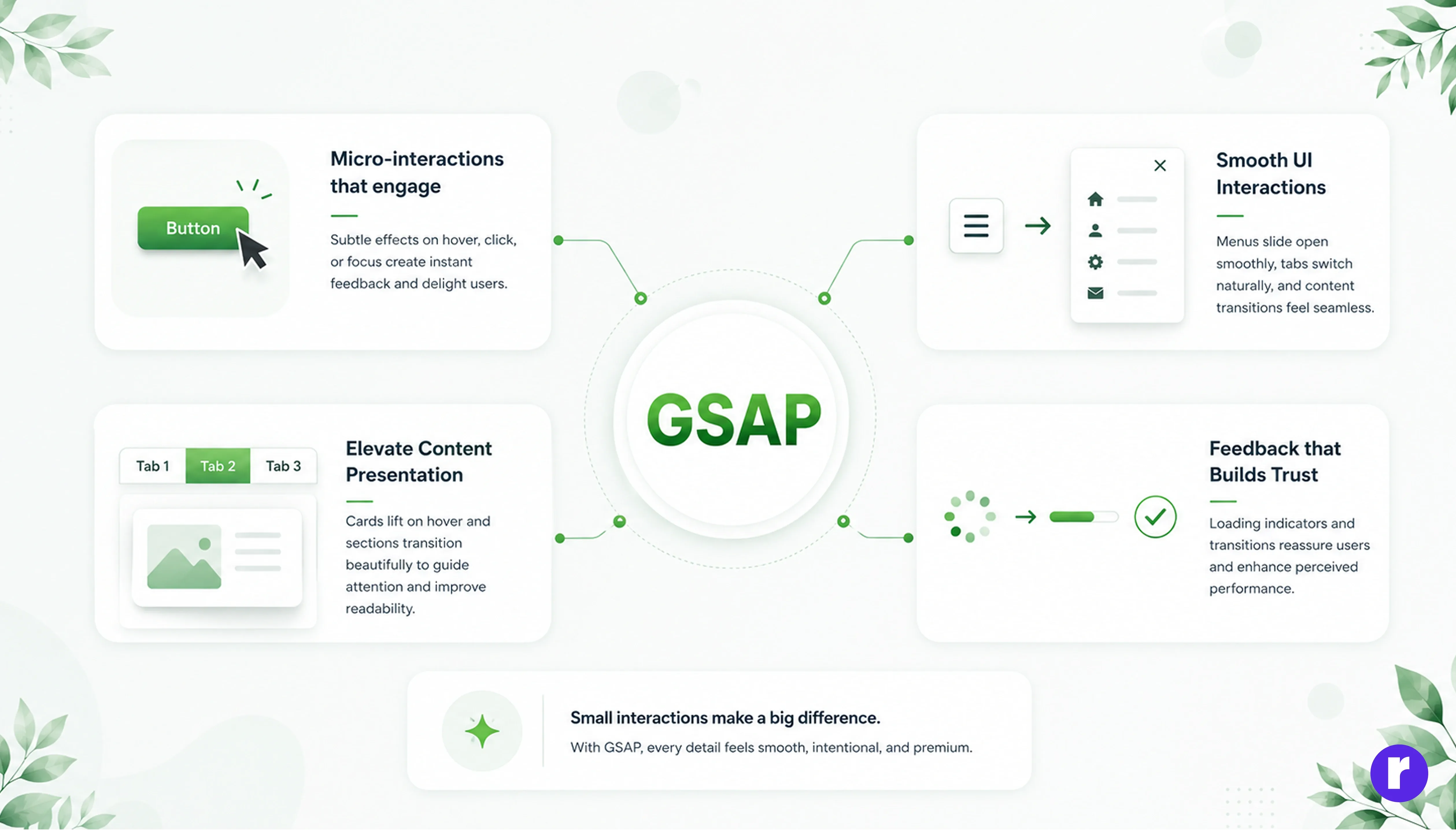
Animations are not only used for large hero sections or scroll-based storytelling. One of the most powerful uses of GSAP is enhancing small interface moments, often called Micro Interactions. These subtle animations occur when users hover over buttons, open navigation menus, switch tabs, click cards, submit forms, or interact with different parts of a website. Even though these effects are small, they add a layer of polish that makes interfaces feel more dynamic and engaging.
Micro-interactions play a major role in creating websites that feel Modern, Responsive, and Professional. Without them, interfaces can appear static and lifeless. With thoughtfully designed animations, every action feels intentional and provides instant visual feedback to the user. Buttons can scale slightly on hover, cards can lift with soft shadows, menus can slide open smoothly, and tabs can transition naturally between content sections. These details help guide attention and make the overall experience more intuitive.
Loading indicators and subtle transitions also reassure users that something is happening in the background, improving both usability and perceived performance. GSAP makes it easy to create these polished effects with smooth timing and precise control over motion. When small interactions feel fluid and responsive, the entire website feels more Premium, Refined, and Enjoyable to use.
Click here to explore more animation tutorials, techniques, and creative motion effects used in modern web design
Performance Optimization Tips for GSAP Animations
Even beautiful animations can harm user experience if they slow down the website. Performance should always be a priority.
GSAP is optimized for speed, but developers should follow best practices.
Use Transform Properties
Animate x, y, scale, and rotation instead of top, left, or width.
gsap.to(".box", {
  x: 100,
  duration: 1
});
Transform animations are smoother because browsers handle them more efficiently.
Additional Tips:
- Avoid too many simultaneous animations
- Keep durations short
- Trigger animations only when needed
- Test on mobile devices
- Use lightweight assets
Use CSS Optimization
.box {
  will-change: transform;
}
These practices ensure animations remain smooth on all devices.
Best Practices for User-Friendly Web Animations
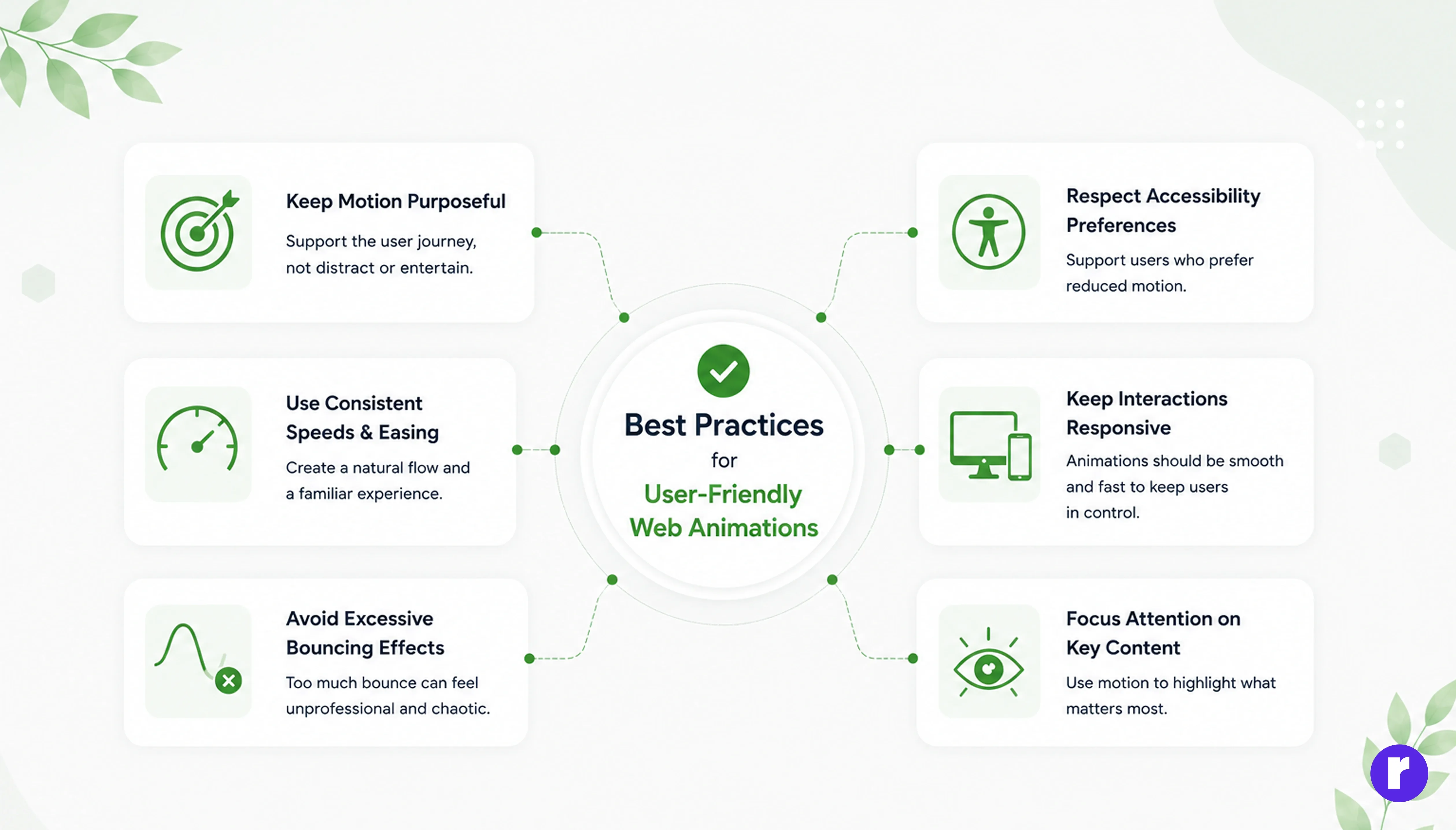
Not every animation improves UX. Poor motion design can feel distracting or annoying. The best animations support the user journey rather than interrupt it.
Follow These Best Practices:
- Keep motion purposeful
- Use consistent speeds and easing
- Avoid excessive bouncing effects
- Respect accessibility preferences
- Keep interactions responsive
- Focus attention on key content
Animations should guide users naturally. For example, buttons can gently react on hover, forms can show smooth validation states, and sections can fade in as users scroll.
Developers should also support users who prefer reduced motion.
if (window.matchMedia("(prefers-reduced-motion: reduce)").matches) {
  gsap.set("*", { clearProps: "all" });
}
This respects accessibility settings and improves inclusivity.
The best motion is often subtle. Users may not consciously notice it, but they feel the smoother experience.
Using GSAP Timelines for Advanced Animation Control
One of the most powerful features of GSAP is the timeline system. Timelines allow multiple animations to run in Sequence, Overlap, Pause, Reverse, or Repeat.
Instead of writing separate animations individually, developers can organize motion in one clean structure.
let tl = gsap.timeline();
tl.from(".logo", { opacity: 0, y: -20, duration: 0.5 })
  .from(".nav-item", { opacity: 0, y: -10, stagger: 0.1 })
  .from(".hero-text", { opacity: 0, y: 40, duration: 0.8 });
This creates a smooth intro sequence where the logo appears first, navigation items follow, and hero text enters last.
Timelines are perfect for Landing pages, Loaders, Product reveals, and Creative storytelling sections. They also make code easier to maintain, especially in large projects.
Conclusion
GSAP-powered animations are more than decorative effects. They are practical tools for improving User Experience, Engagement, and Usability. From hero section reveals to hover interactions, scroll storytelling, and advanced timelines, GSAP helps developers create modern websites that feel smooth and professional. When combined with performance optimization and user-friendly design principles, animations can increase retention, strengthen branding, and make navigation easier. Web users now expect better experiences, not just static pages. By using GSAP strategically, developers can meet those expectations and create websites that are memorable, interactive, and enjoyable to use.