GSAP vs Motion for React: Best Animation Library for Frontend?

Written by

Vishal Chanda
Front End Developer
Table of contents
Build with Radial Code
Share this


Animations have become an essential part of modern frontend development, helping create interactive interfaces, guide user attention, and improve user experience. From subtle hover effects to page transitions and scroll-based interactions, animations make websites feel more responsive and engaging. Two popular libraries for creating these experiences are GSAP and Motion for React. While both are powerful animation tools, they take different approaches: GSAP focuses on advanced control and complex animations, while Motion for React is designed for simple, component-based animations in React. In this guide, we'll compare their features, performance, ease of use, and use cases to help you choose the right library for your project.
Installation and setup
Getting started with both libraries is straightforward. Install GSAP using npm for advanced animations and scroll-based effects, or install Motion for React if you're working with React and need component-based animations.
// Install GSAP and React integration
npm install gsap @gsap/react

// Install Motion for React
npm install motion
For GSAP, you can import the library directly into your JavaScript or React components. With Motion for React, import motion from motion/react and use it directly on React components to define animations.
What is GSAP?
GSAP (GreenSock Animation Platform) is a powerful JavaScript library used to create high-performance and advanced animations on the web. It gives developers full control over animations, allowing them to create smooth transitions, complex sequences, and detailed motion effects with precision. Unlike many animation libraries, GSAP can be used across multiple frameworks or directly with vanilla JavaScript, making it suitable for a wide variety of projects.
Key Features of GSAP:
- Powerful timeline control for sequencing animations
- Efficient rendering for complex motion
- ScrollTrigger for advanced scroll-based effects
- Works with any framework (React, Webflow, Vue, etc.)
- Ability to animate DOM, SVG, and complex elements
GSAP is best suited for projects that require complex animations, detailed control, and visually rich experiences.
What is Motion for React?
Motion for React is a modern animation library built specifically for React applications, designed to make animations simple and easy to implement. It uses a declarative approach, allowing developers to add animations directly to components without writing complex logic. This makes the code more readable and faster to develop.
Key Features of Motion for React:
- Concise syntax for component animations
- Built-in hover, tap, and drag interactions
- Smooth page transitions and layout animations
- Easy integration with React components
- Supports gesture-based animations
Motion for React is ideal for projects where you need quick UI animations and responsive interactions without dealing with complex animation control.
Key differences between GSAP and Motion for React
Both GSAP and Motion for React are widely used animation libraries, but they are built with different goals in mind. GSAP is designed for developers who need advanced animation control and highly customizable motion effects, whereas Motion for React focuses on making UI animations straightforward and efficient for React applications. Your choice should be based on the level of animation complexity, the project's technical requirements, and your preferred development workflow.
|
Feature |
GSAP |
Motion for React |
|---|---|---|
|
Approach |
Imperative (more control) |
Declarative (simpler syntax) |
|
Framework Support |
Works with any framework / JavaScript |
React package; separate JavaScript and Vue packages are also available |
|
Animation Complexity |
Best for complex animations |
Best for UI animations |
|
Scroll Animations |
Advanced with ScrollTrigger |
Scroll-triggered and scroll-linked animations with useScroll |
|
Learning Curve |
Medium (takes time to master) |
Easy (quick to learn) |
|
Performance |
Very high performance |
High performance |
|
Use Cases |
Landing pages, storytelling sites |
Apps, dashboards, UI interactions |
Comparing animation implementations
The difference between GSAP and Motion for React becomes clearer when you look at how each library handles a simple animation. GSAP uses an imperative approach, giving developers direct control over the animation, while Motion for React uses a declarative approach that fits naturally into React components.
GSAP example
GSAP uses the useGSAP() hook to manage animations inside React components. It provides direct control over animation properties, timing, and sequences.
import { useRef } from "react";
import { useGSAP } from "@gsap/react";
import gsap from "gsap";

const Box = () => {
  const boxRef = useRef(null);

  useGSAP(() => {
    gsap.to(boxRef.current, {
      x: 200,
      duration: 1,
      ease: "power2.out",
    });
  }, { scope: boxRef });

  return <div ref={boxRef}> Animate me </div>;
};

export default Box;
Motion For React example
Motion for React lets you define animation states directly on React components using properties such as initial, animate, and transition.
import { motion } from "motion/react";
const Box = () => {
  return (
    <motion.div
      initial={{ x: 0 }}
      animate={{ x: 200 }}
      transition={{ duration: 1 }}
    >
      Animate me
    </motion.div>
  );
};
export default Box;
These examples highlight the difference in approach: GSAP provides direct control over animation logic, while Motion for React integrates animation directly into React components.
Performance comparison
Performance depends on more than the animation library itself. Factors such as the properties being animated, DOM size, implementation, cleanup, and the user's device can all affect how smoothly animations run. Both GSAP and Motion for React are designed to support performant animations, but real-world performance depends on how they are used.
|
Aspect |
GSAP |
Motion for React |
|---|---|---|
|
Animation Engine |
Optimized animation engine with precise control |
Designed for performant React animations |
|
Smoothness |
Depends on implementation and animated properties |
Depends on implementation and animated properties |
|
Complex Animations |
Well suited for complex sequences and timelines |
Well suited for component and UI animations |
|
Bundle Size |
Depends on imported features and plugins |
Depends on imported features and tree-shaking |
|
GPU Acceleration |
Depends on the animated properties and browser rendering |
Depends on the animated properties and browser rendering |
|
Performance Factors |
Depends on animated properties, DOM size, and implementation |
Depends on animated properties, component structure, and implementation |
|
Best Use |
Complex motion, timelines, and scroll-based effects |
React UI interactions and component animations |
Ease of use and learning curve
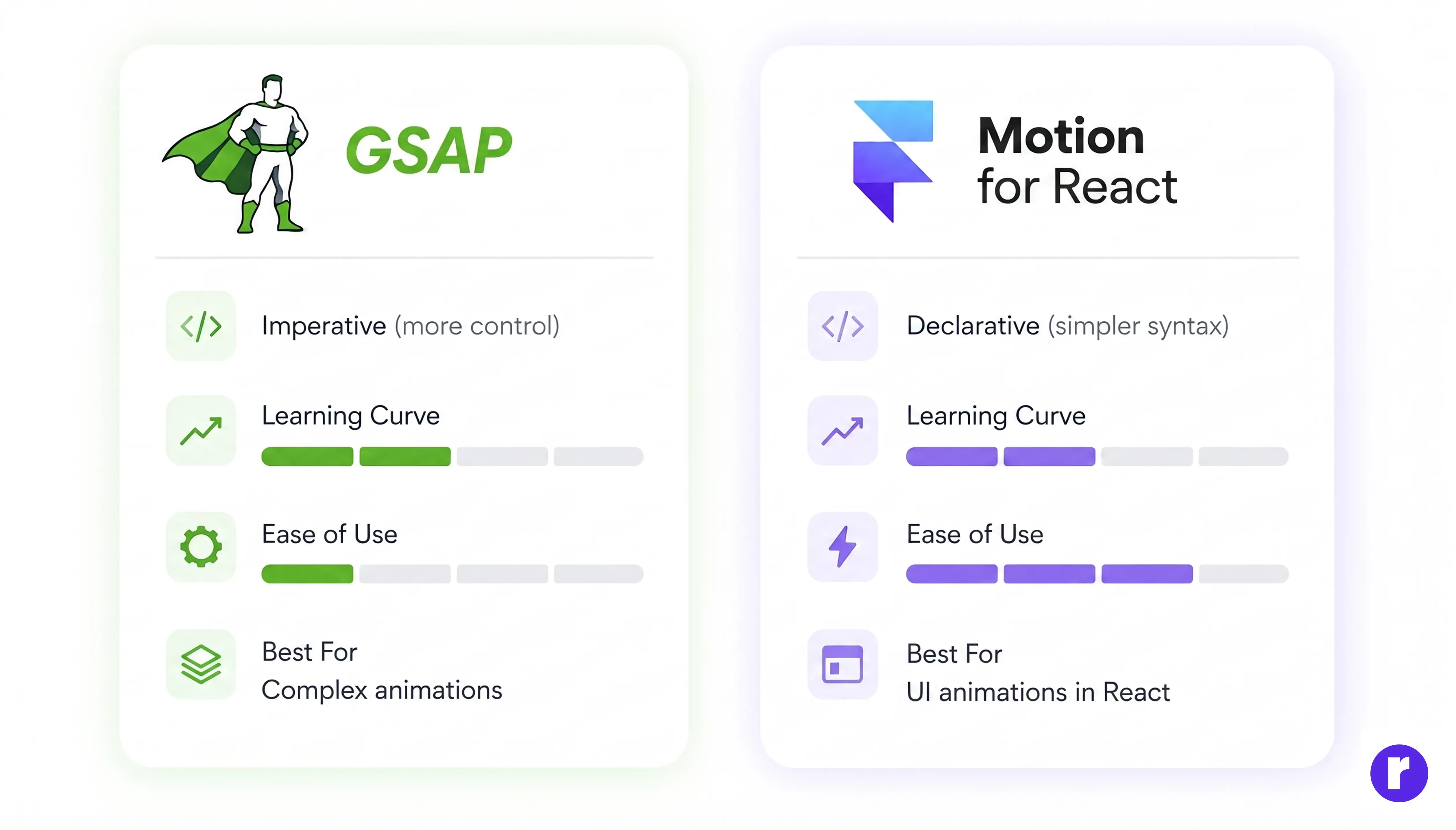
GSAP follows an imperative approach, giving developers full control over animations and allowing them to create complex sequences with precision. However, this flexibility comes with a learning curve, as you need to understand timelines, animation flow, and advanced concepts. Beginners may need some practice to become familiar with its animation workflow and timeline concepts.
In contrast, Motion for React adopts a declarative style that fits naturally into React components. You can define animation states directly on components, making the development process more straightforward. It is ideal for developers who want to add responsive UI motion without working with complex animation timelines.
Use cases and real-world examples
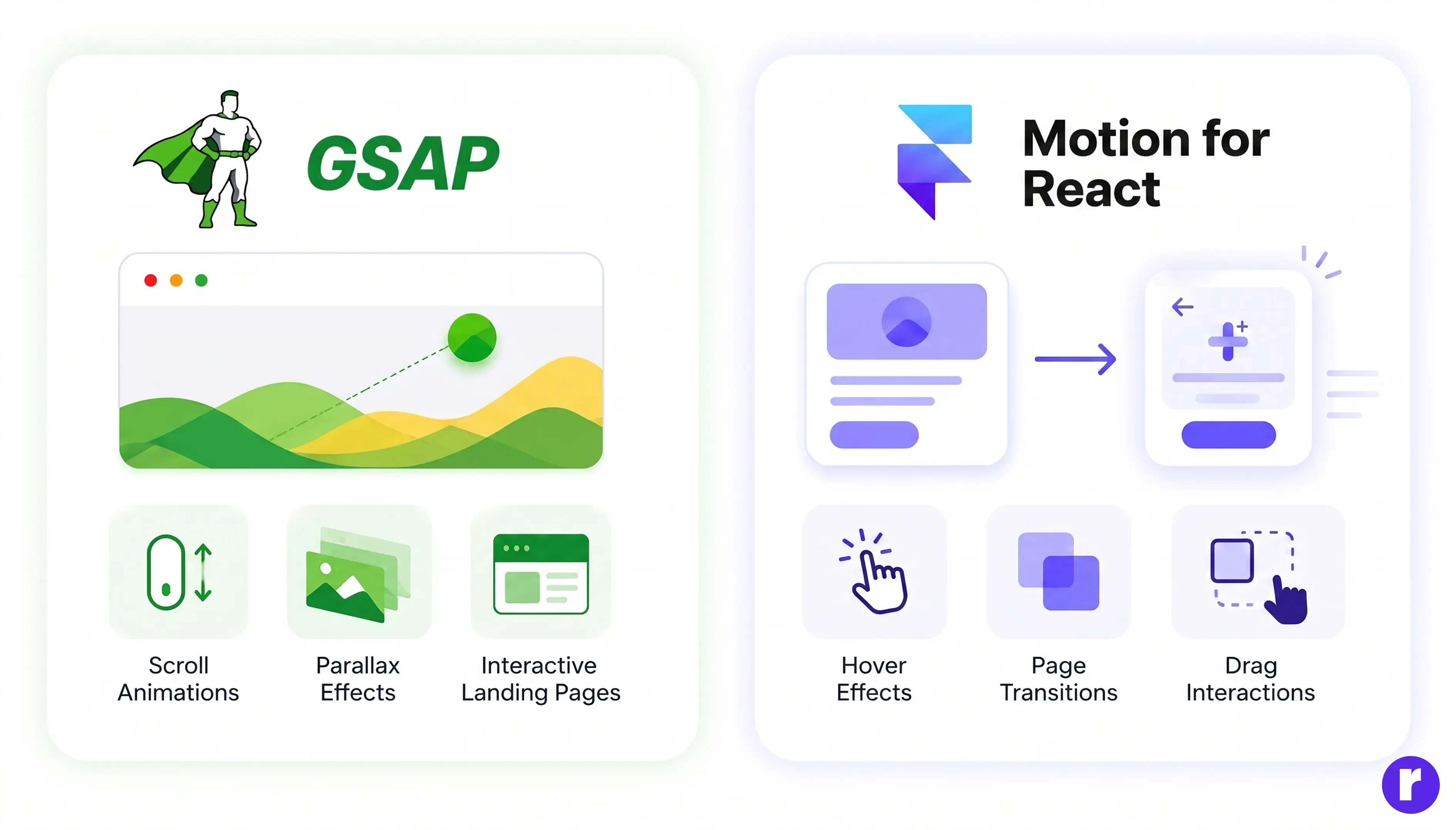
GSAP is widely used in projects where complex animations and detailed control are required. It is ideal for creating advanced effects like scroll-based animations, parallax sections, storytelling websites, and interactive landing pages. For example, many modern websites use GSAP’s ScrollTrigger to animate elements as users scroll, creating a more immersive experience. It is also commonly used in Webflow projects and high-end UI designs where precision and performance matter.
Motion for React is best suited for UI animations and interactive components in React applications. It is commonly used for adding smooth transitions between pages, button hover effects, modal animations, and drag interactions. For example, in dashboards or SaaS applications, Motion for React helps create responsive interfaces with a straightforward implementation. It is well suited for projects where developers need consistent motion across interactive UI components.
When to use GSAP
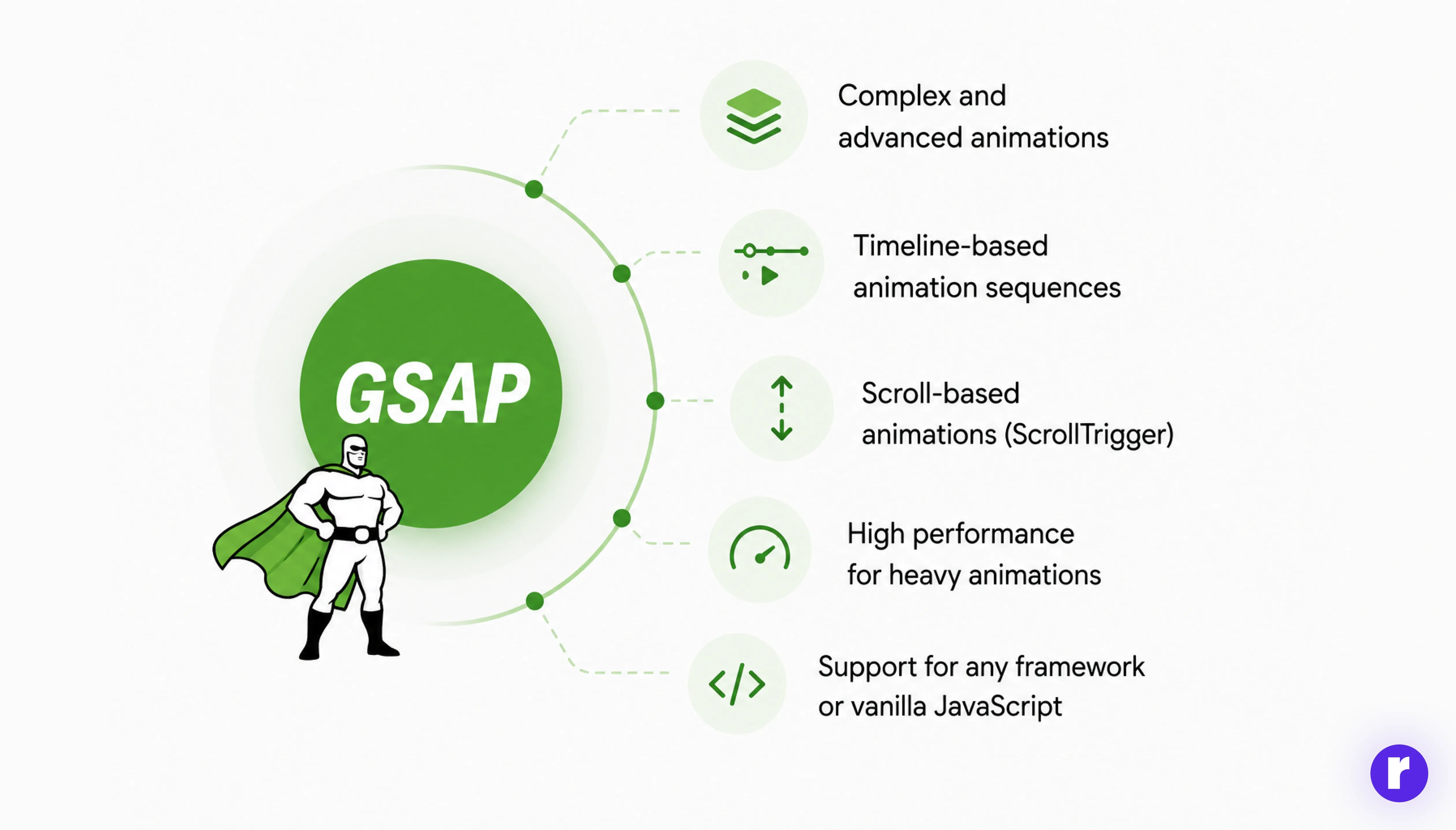
GSAP is the right choice when your project requires advanced animations and precise control. It is especially useful for creating high-performance motion sequences where multiple elements need to be coordinated together. Whether you're building interactive landing pages or complex UI effects, GSAP gives you the flexibility to handle everything efficiently.
Use GSAP when you need:
- Complex and advanced animations
- Timeline-based animation sequences
- Scroll-based animations (ScrollTrigger)
- Precise control over complex animation sequences
- Support for any framework or vanilla JavaScript
Want to learn GSAP from scratch? Read our detailed guide: Introduction to GSAP: A Beginner's Guide to Animating with GreenSock.
When to use Motion for React
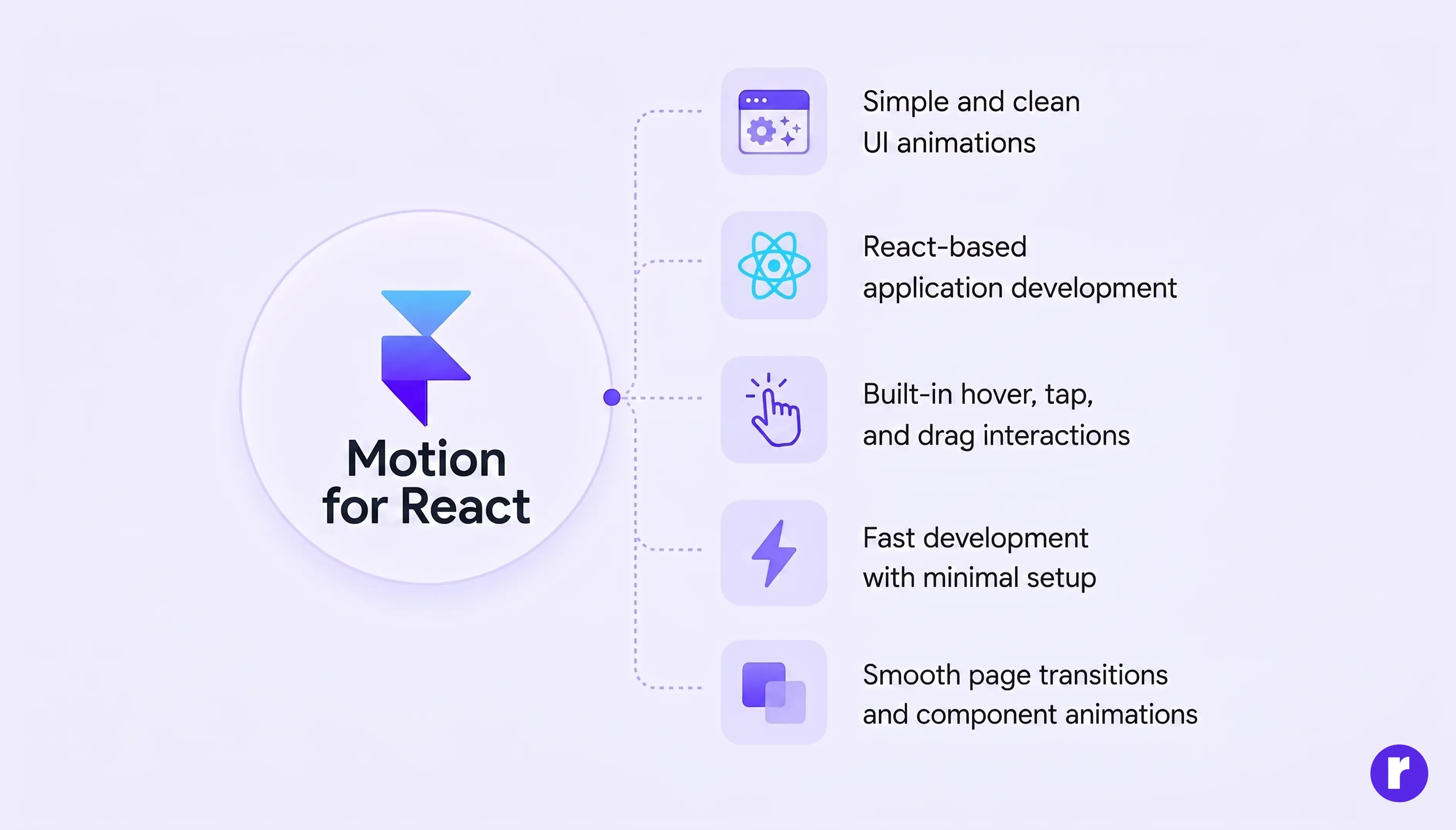
Motion for React works particularly well for React applications where developers want to create fluid, interactive interfaces without adding unnecessary complexity to the codebase. It allows you to quickly add motion effects without writing complex logic, making it ideal for modern UI development where speed and clean code matter.
Use Motion for React when you need:
- Simple and clean UI animations
- React-based application development
- Built-in hover, tap, and drag interactions
- Fast development with minimal setup
- Smooth page transitions and component animations
Want to learn more about web development? Visit Radial Code to explore our learning resources and courses.
Frequently asked questions
Is GSAP free for commercial use?
GSAP is free for normal commercial websites and apps, but its standard license restricts certain products that compete with Webflow’s visual animation tools.
Can I use GSAP and Motion for React together in one project?
Yes, both libraries can be used in the same project. GSAP can handle complex or scroll-based animations, while Motion for React can manage React component interactions and UI animations.
Which library is better for beginners?
Motion for React is generally easier for beginners working with React because its syntax is simple and component-based. GSAP has a steeper learning curve but offers more control for advanced animations.
Does Motion for React work outside of React?
Yes. Motion provides separate packages for React, JavaScript, and Vue. For React projects, you can use Motion for React with npm install motion and import it from motion/react.
Is GSAP better than CSS animations?
GSAP is a better choice for complex sequences, timelines, and scroll-based animations. For simple transitions and basic UI effects, CSS animations can be sufficient.
Accessibility and reduced motion
Accessibility should also be considered when adding animations to a website. Some users may have motion sensitivity or enable reduced-motion preferences on their devices. Use the CSS prefers-reduced-motion: reduce media query to disable or simplify animations when this preference is active.
Conclusion
GSAP and Motion for React are both reliable animation libraries, but they serve different development needs. GSAP is better suited for projects requiring detailed animation control, complex sequences, and scroll-driven effects, while Motion for React is ideal for React applications with interactive UI animations and component-based motion.
The right choice depends on your project's requirements, workflow, and animation complexity. Building a marketing site with scroll animations? GSAP. Building a React dashboard? Motion for React.