Scroll & Trigger Animations with GSAP & Motion

Written by

Vishal Chanda
Front End Developer
Table of contents
Build with Radial Code
Share this


Modern websites are no longer just about displaying information. Users now expect smooth interactions, engaging transitions, and responsive experiences that make browsing enjoyable. One of the most effective ways to achieve this is through scroll and trigger animations. These animations activate when users scroll through a page or interact with specific elements, creating a dynamic and interactive experience. When used correctly, they improve engagement, guide user attention, and make websites feel more professional without overwhelming the user.
Understanding Scroll & Trigger Animations
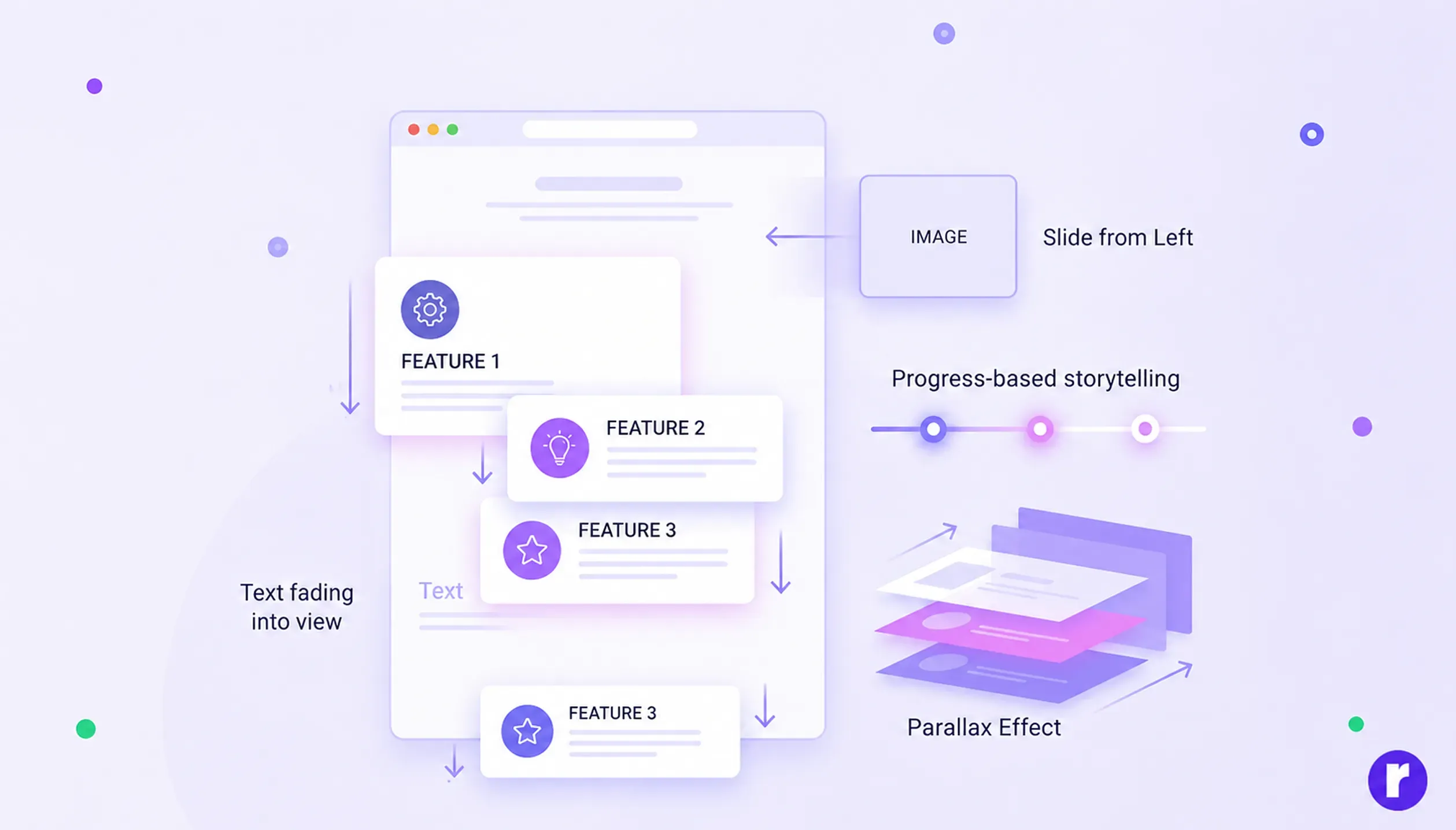
Scroll and trigger animations are effects that occur when an element enters the viewport or when a specific user action takes place. Instead of displaying all content at once, elements appear gradually as the user scrolls.
Common examples:
- Text fading into view
- Images sliding from different directions
- Feature cards appearing on scroll
- Parallax background effects
- Progress-based storytelling sections
These effects improve content flow, enhance visual storytelling, and encourage users to explore a website more deeply.
Importance of Animations in User Experience
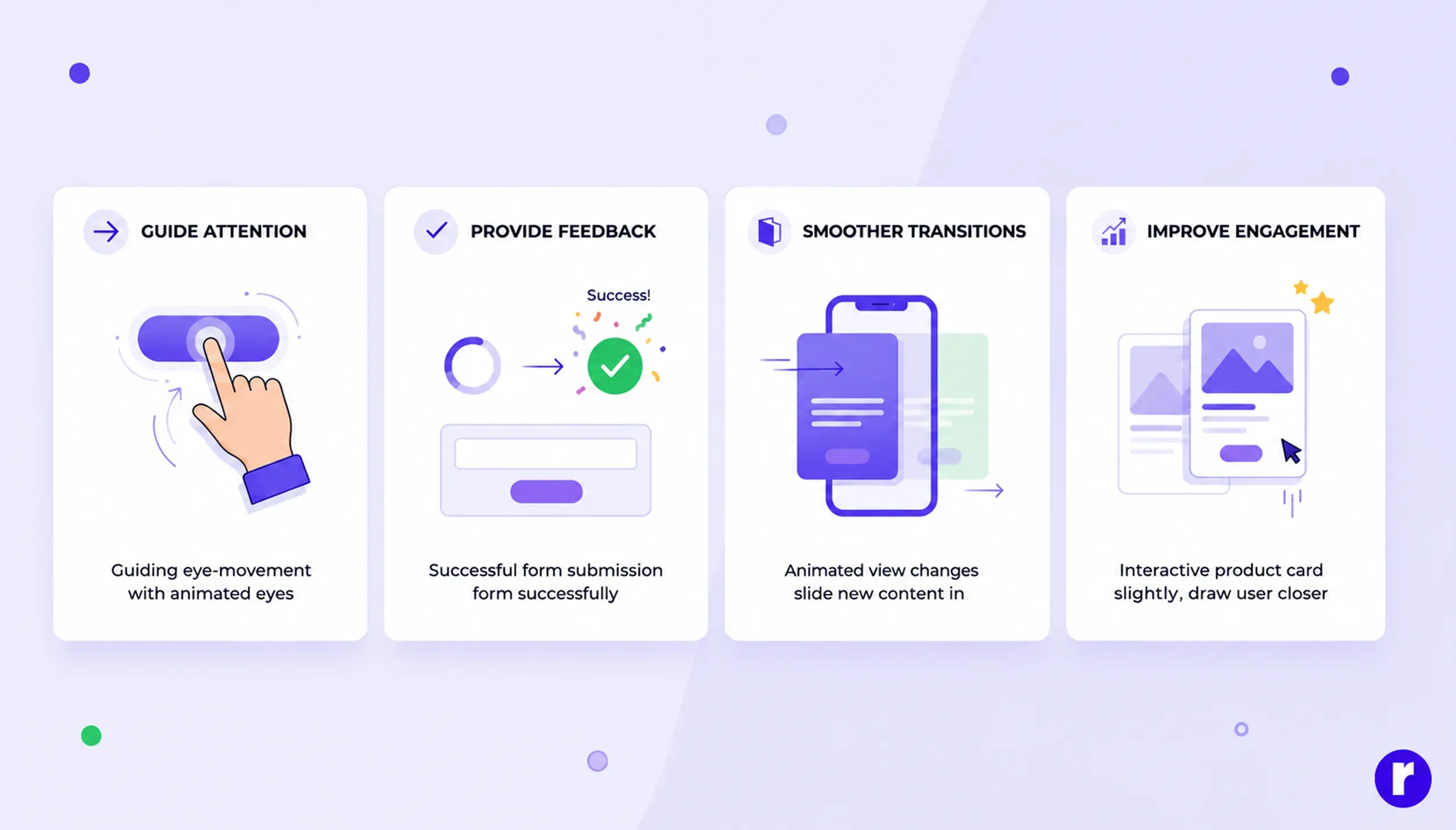
Motion is an essential part of modern UI/UX design. It is not just decoration—it helps users understand and interact with interfaces more easily.
According to Google's Material Design motion guidelines, meaningful motion helps users understand navigation, maintain context, and improve the overall user experience.
Well-designed animations can:
- Improve user engagement
- Guide attention to important content
- Provide feedback for user actions
- Make transitions smoother
- Create a modern and interactive feel
The goal is not to overload the website with animations but to use them purposefully to support content.
Installation & Setup
Getting started with both libraries is simple. Install GSAP for advanced animations and ScrollTrigger-based effects:
npm install gsapThen import and register ScrollTrigger:
import gsap from "gsap";
import { ScrollTrigger } from "gsap/ScrollTrigger";

gsap.registerPlugin(ScrollTrigger);
For React projects, install Motion with:
npm install framer-motionThen import it into your component:
import { motion } from "framer-motion";GSAP is ideal for complex scroll animations, while Motion is well suited for React UI interactions and component animations.
Why Developers Prefer GSAP
GSAP (GreenSock Animation Platform) is one of the most powerful animation libraries in web development. It is widely used because of its performance, flexibility, and control over complex animations.
Example:
gsap.from(".hero-title", {
 opacity: 0,
 y: 50,
 duration: 1
});
This animation smoothly fades in text while moving it upward.
Key Benefits of GSAP:
- High-performance animations
- Advanced timeline control
- Consistent animation behavior across modern browsers.
- Complex animation sequencing
- Rich plugin ecosystem
GSAP is ideal for advanced scroll-based and timeline-driven animations. Read More
Scroll-Based Animations with ScrollTrigger
ScrollTrigger is an official GSAP plugin that connects animations directly to scroll behavior, making websites more interactive and immersive. Before using it, you must register the plugin with GSAP.
Example:
gsap.registerPlugin(ScrollTrigger);
gsap.from(".feature-card", {
 opacity: 0,
 y: 80,
 duration: 1,
 scrollTrigger: {
   trigger: ".feature-card",
   start: "top 80%"
 }
});
This animation starts when the element enters the viewport.
Common use cases:
- Scroll reveal effects
- Parallax animations
- Sticky sections
- Storytelling websites
- Progress-based animations
ScrollTrigger helps create smooth, performance-optimized scrolling experiences.
See the Pen Scrubbed Vertical Rodolex by GSAP (@GreenSock) on CodePen.
Motion for React Animations
Motion (formerly Framer Motion) is a popular animation library for React applications. It makes it easy to create smooth animations directly inside components.
Example:
import { motion } from "framer-motion";
function Button() {
  return (
    <motion.button
      initial={{ opacity: 0, scale: 0.8 }}
      animate={{ opacity: 1, scale: 1 }}
      transition={{ duration: 0.6 }}
      whileHover={{ scale: 1.1 }}
      whileTap={{ scale: 0.95 }}
    >
      <motion.button>Explore Now</motion.button>
    </motion.button>
  );
}
export default Button;
Motion is best for:
- UI component animations
- Hover effects
- Page transitions
- Interactive elements
- React-based projects
In React projects, it's common to combine Motion for component animations with GSAP for complex scroll-driven interactions.
GSAP vs Motion
|
Feature |
GSAP |
Motion |
|---|---|---|
|
Learning Curve |
Moderate |
Easy |
|
React Integration |
Good (manual setup needed) |
Excellent (React-first library) |
|
Scroll Animations |
Advanced (with ScrollTrigger) |
Basic to Moderate |
|
Timeline Control |
Very Powerful (full control) |
Limited |
|
Performance Control |
High control over animations |
Optimized for UI transitions |
|
Best For |
Complex animations, websites, creative effects |
React UI, components, page transitions |
Both are powerful, and the choice depends on the project needs.
Explore more animation tips in our latest blog ? How to Use AOS in React for Smooth Scroll Animations – Beginner to Advanced
Real-World Use Cases
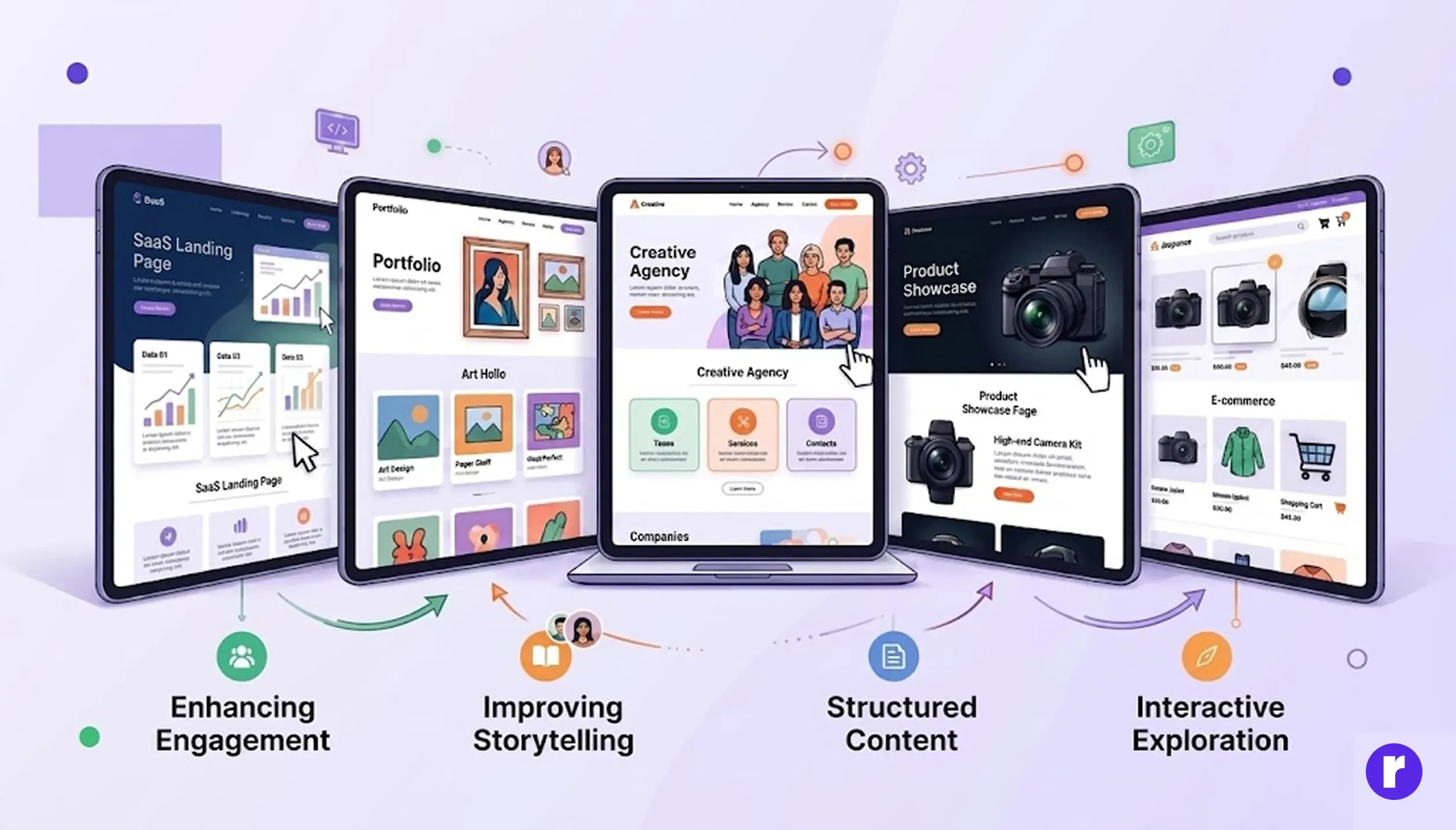
Scroll animations are widely used in modern websites to enhance user engagement and improve storytelling. They help present content in a structured and visually appealing way, making websites more interactive and easier to explore.
Common examples include:
- SaaS landing pages
- Portfolio websites
- Creative agency websites
- Product showcase pages
- E-commerce websites
These animations guide users through content smoothly, creating a more engaging and modern browsing experience.
Accessibility Considerations
While animations can improve user experience, it's important to make them accessible for everyone. Some users are sensitive to motion and may prefer reduced or no animations. Support the prefers-reduced-motion media query to reduce or disable non-essential animations when a user has enabled this preference in their operating system. Following this best practice creates a more inclusive and comfortable experience without compromising usability.
@media (prefers-reduced-motion: reduce) {
  * {
    animation-duration: 0.01ms;
    animation-iteration-count: 1;
    transition-duration: 0.01ms;
    scroll-behavior: auto;
  }
}
Performance Best Practices
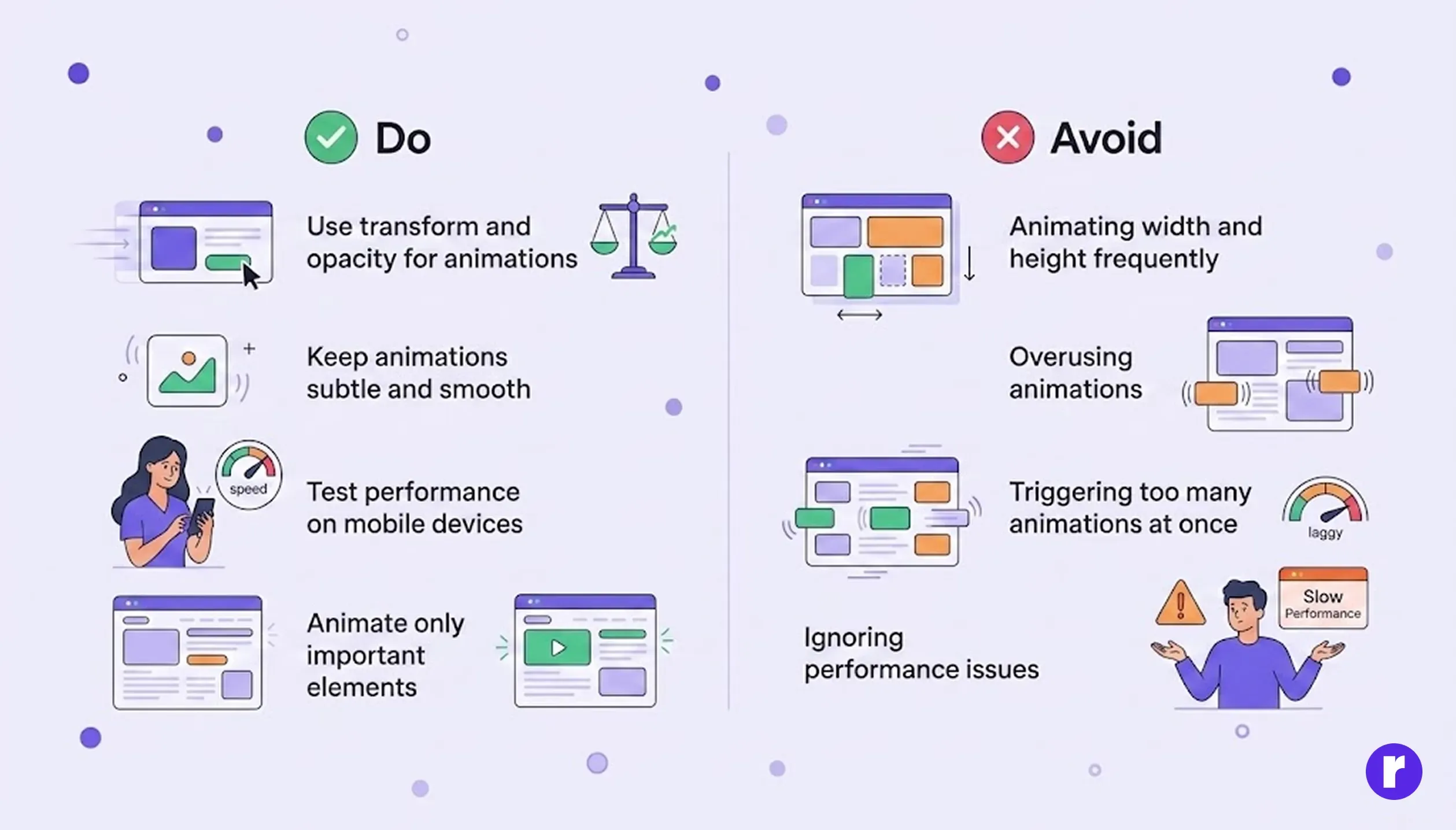
Do:
- Use transform and opacity for animations
- Keep animations subtle and smooth
- Test performance on mobile devices
- Animate only important elements
Avoid:
- Animating width and height frequently
- Overusing animations
- Triggering too many animations at once
- Ignoring performance issues
Good optimization ensures smooth and professional user experience.
Conclusion
Scroll and trigger animations have become an essential part of modern web development. They transform static websites into interactive experiences that improve engagement and usability. GSAP provides powerful tools for advanced animations and scroll-based effects, while Motion simplifies animation in React applications. By using both effectively, developers can create modern, smooth, and highly engaging web experiences.