Designing for a world that thinks back

Written by

Chandani Sahani
UI/UX Designer
Table of contents
Build with Radial Code
Share this


What happens when the product you design doesn’t just respond to users—but starts learning from them?
Today’s digital systems recommend, predict, and adapt in real time. From streaming platforms to shopping apps, technology is no longer a passive interface—it has become an interactive partner.
UI/UX designers are no longer just designing screens or layouts. They are designing behaviors—how systems respond, adapt, and guide users through evolving experiences.
Related Read: Designing Personalized User Experiences
The shift: from interfaces to interactions
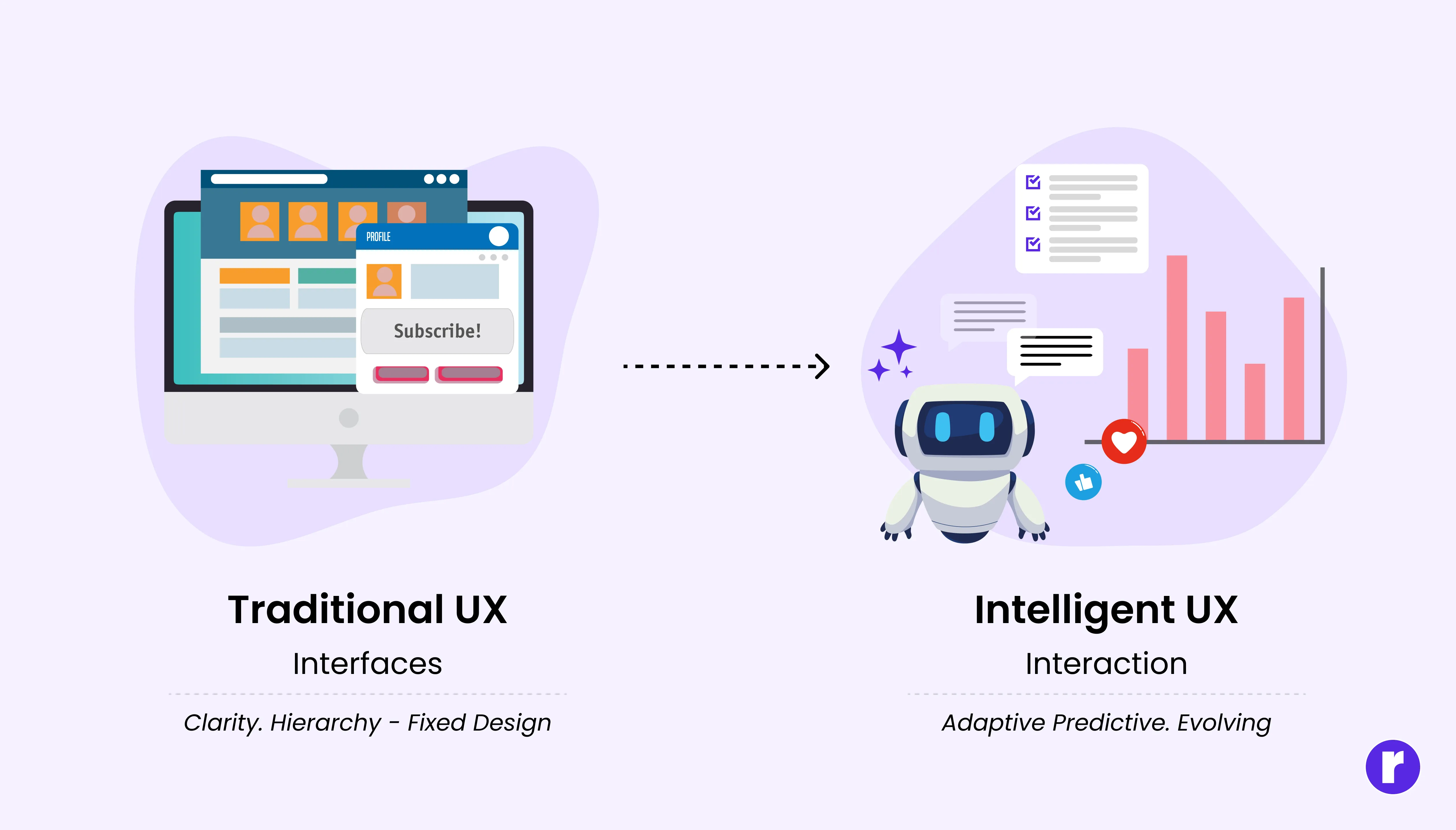
Traditional UX focused on clarity, hierarchy, and usability within fixed structures. But intelligent systems behave differently. They learn from users, adapt over time, and sometimes make decisions on their own.
This changes the role of design in several ways:
- Interfaces become conversations instead of commands
- Systems anticipate needs instead of waiting for inputs
- Experiences evolve over time instead of staying static
Think about recommendation engines, AI writing tools, or smart assistants. They don't just respond; they interpret, predict, and suggest. Designing for these experiences requires thinking about behavior, trust, and transparency, not just layout and flows.
From static interfaces to adaptive systems

Earlier, most interfaces were static. Users clicked a button, moved to another screen, and the system behaved the same way for everyone.
Today, many products analyze user actions and personalize the experience accordingly.
For example:
- Netflix recommends shows based on what you watch
- Spotify suggests music based on your listening habits
- E-commerce apps recommend products you might like
These systems “think back” by learning from user behavior.
Designing how systems think and respond
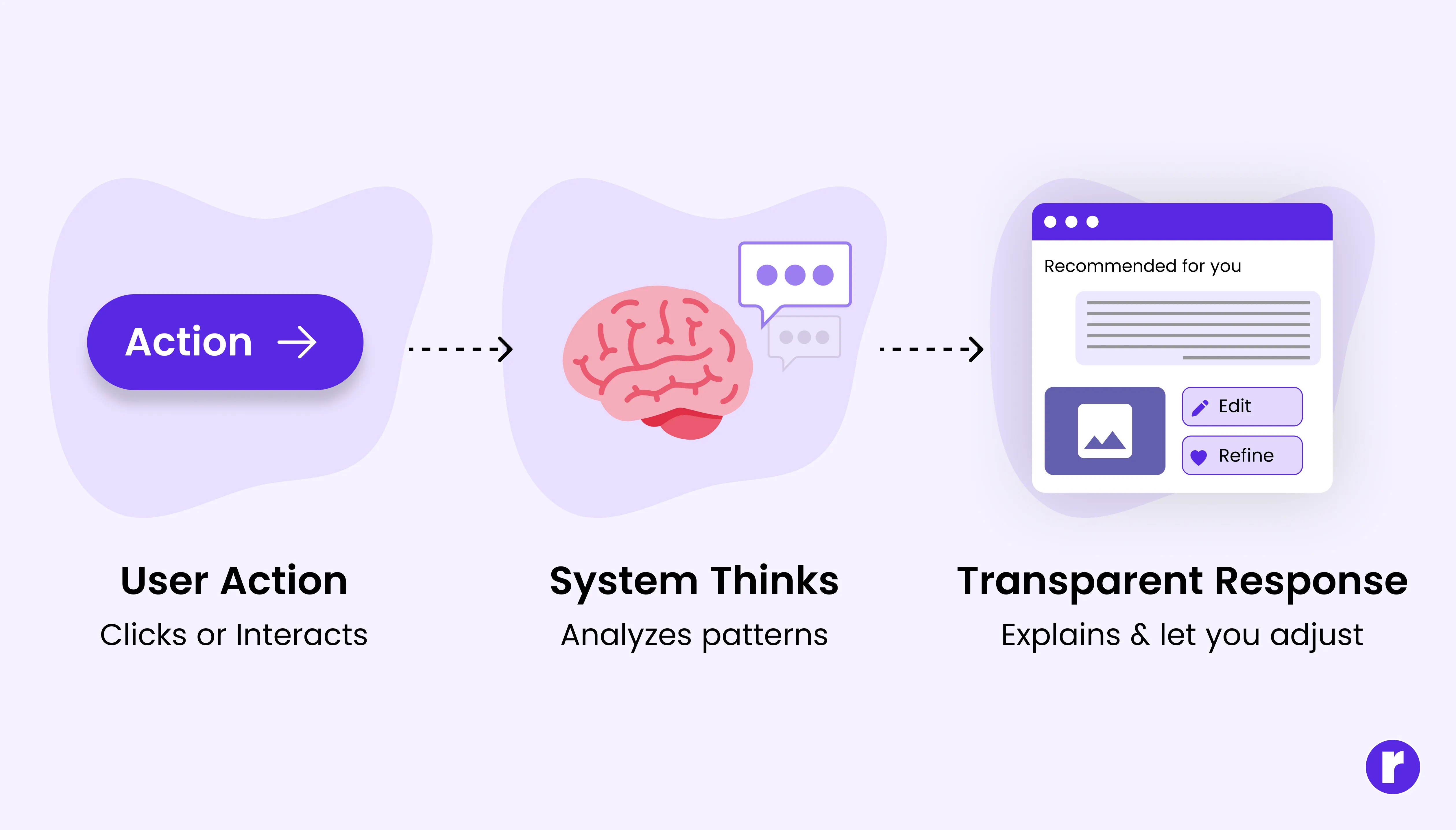
When systems recommend or predict something, users naturally want to know why.
Good UX design makes system behavior understandable through:
- Clear recommendation labels (e.g., “Because you watched…”)
- Contextual feedback
- Visible system states
- Options to edit or refine results
Transparency builds trust
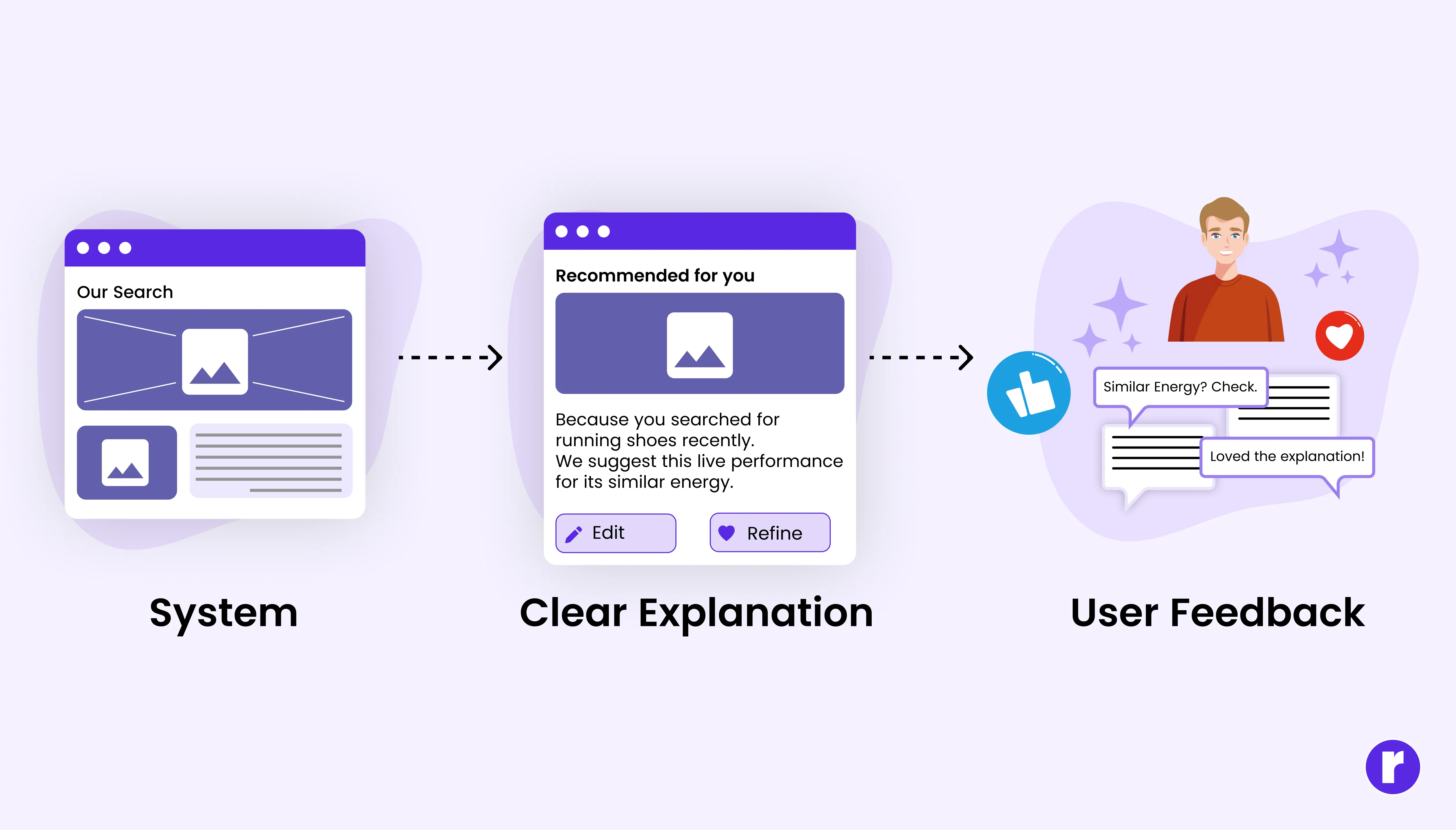
When a system makes decisions, users naturally ask:
"Why did it do that?"
Opaque AI behavior can quickly lead to confusion or distrust. Designers must ensure that intelligent systems provide clear signals about what is happening and why.
This can be done through:
- Explainable recommendations
- Visible system feedback
- Editable AI outputs
- Clear control options for users
The goal is to help users feel like partners with the system, not subjects of it.
Designing with intelligence in mind
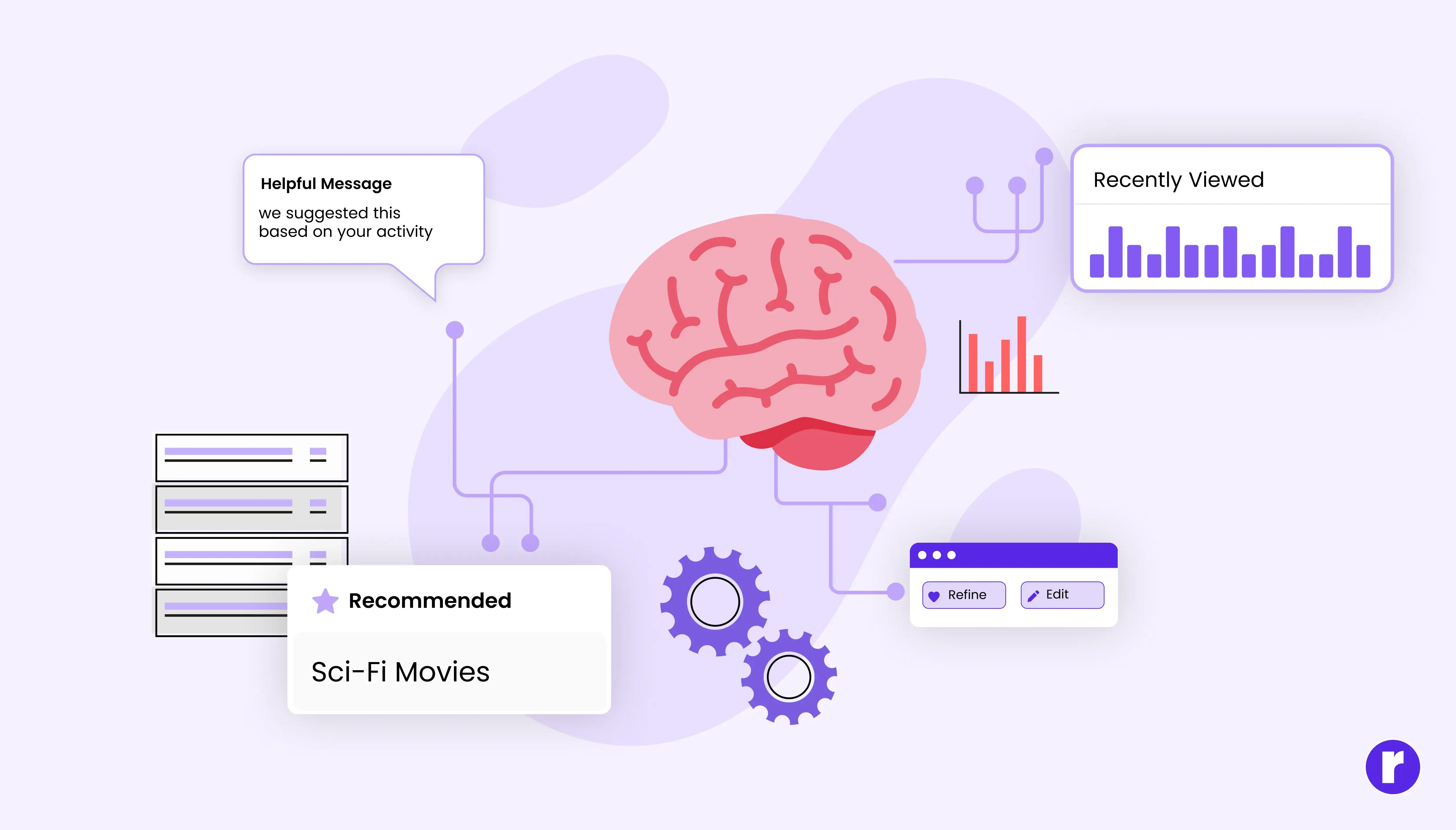
When a system recommends or predicts something, users should understand why it is happening.
UI/UX designers solve this by using clear labels, helpful messages, and simple visual cues. These elements make intelligent features feel understandable and trustworthy. Designing with intelligence in mind also means thinking about how systems communicate their decisions. Instead of presenting recommendations without context, interfaces can explain suggestions through small hints like “based on your recent activity” or “because you liked similar items.” These small explanations help users understand how the system is working.
Keeping humans at the center of intelligent systems
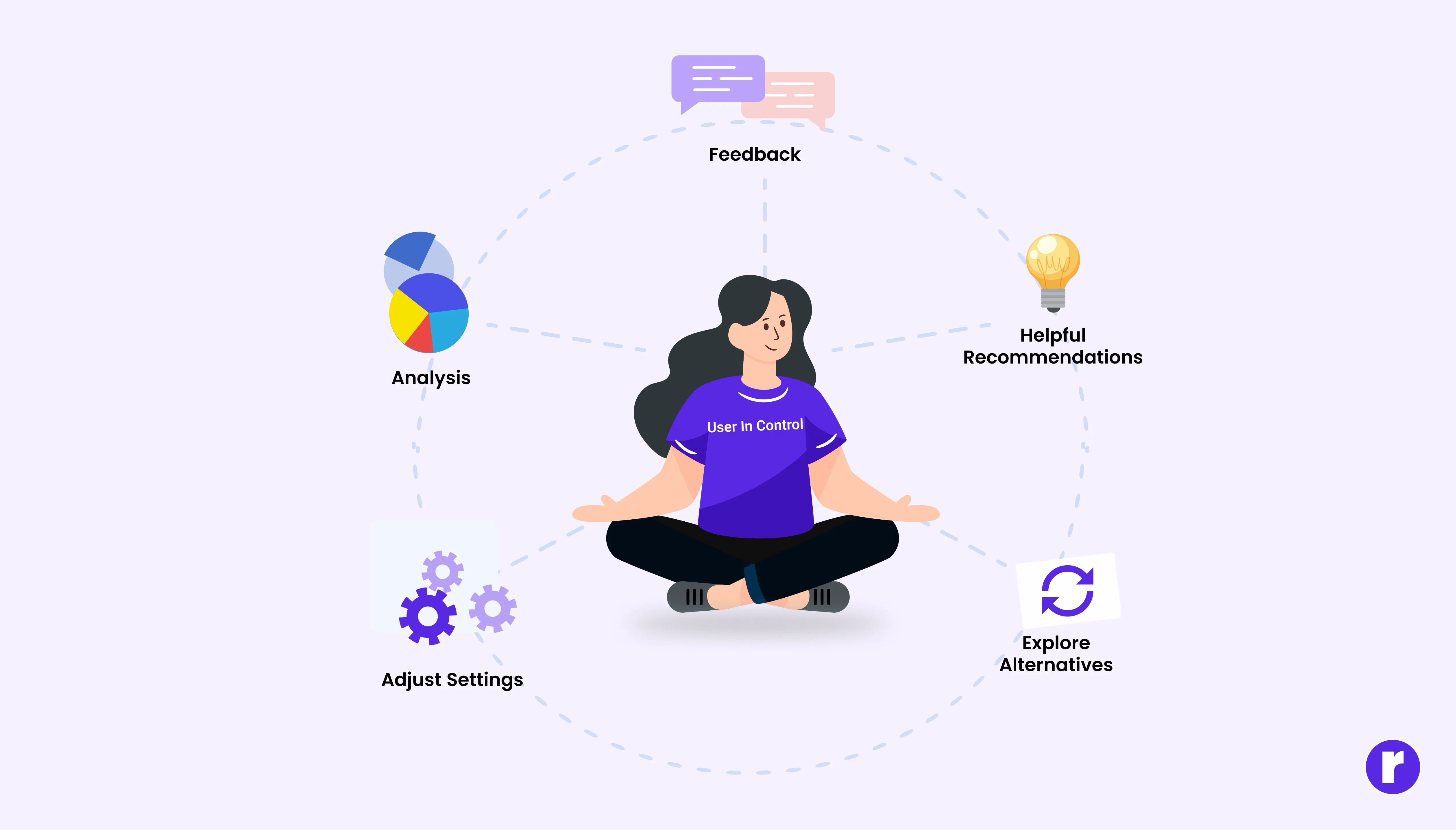
Even with smart systems, the goal of UX design remains the same: helping users complete tasks easily and confidently.
A well‑designed interface provides suggestions but also lets users adjust settings, change options, or explore alternatives. As digital products become more intelligent, designers must ensure that automation supports users rather than controlling the experience. Features like recommendations, predictive search, or automated actions should guide users while still leaving room for choice.
Explore More: Will AI Replace the UI/UX Designer?
The expanding role of the modern UX designer
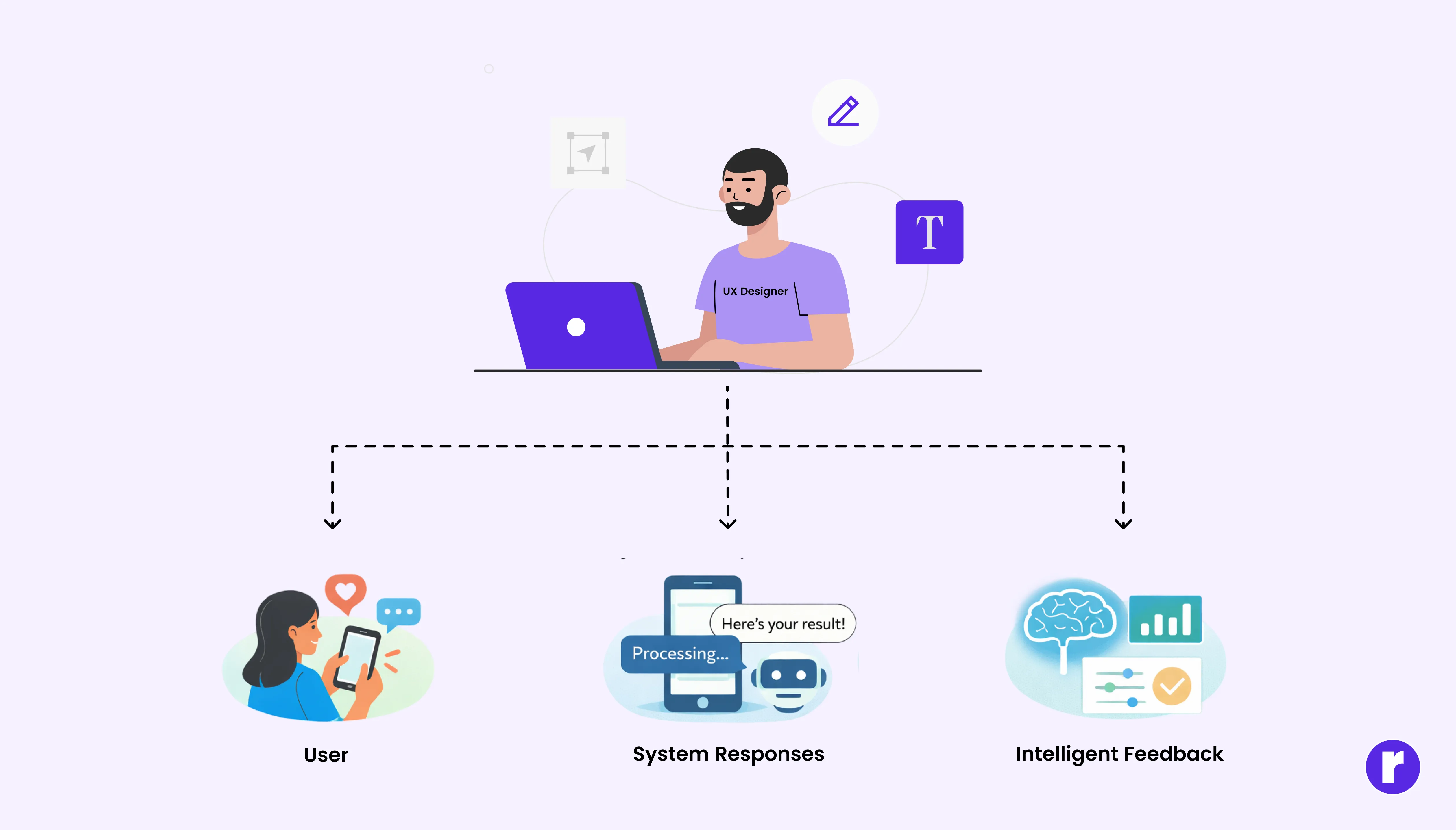
The role of a UI/UX designer is expanding. Designers now think about user behavior, system responses, and how intelligent features affect the overall experience. Instead of focusing only on visual layouts, designers must consider how a system reacts to user actions, how feedback is shown, and how different states of an interface guide users smoothly through a product.
To learn more about UI/UX design, visit Radial Code
Conclusion
As digital products become smarter, the responsibility of designers grows as well.
The challenge is no longer just creating usable interfaces—it is designing experiences where intelligent systems support users without overwhelming them.
A product may “think back,” but great UX design ensures that people remain in control while technology works quietly in the background.