When should you create a component - and when should you not?

Written by

Sumit Verma
UI/UX Designer
Table of contents
Build with Radial Code
Share this


In UI design and development, components make products easier to build, maintain, and scale. But turning every small element into a component can make a design system unnecessarily complicated.
The real question is not “Can I make this a component?” but “Should I make this a component?” A good component is reusable, consistent, and easy to manage. Knowing when to create one and when to keep something simple - helps you build cleaner interfaces without adding unnecessary complexity.
Create a component when it will be reused
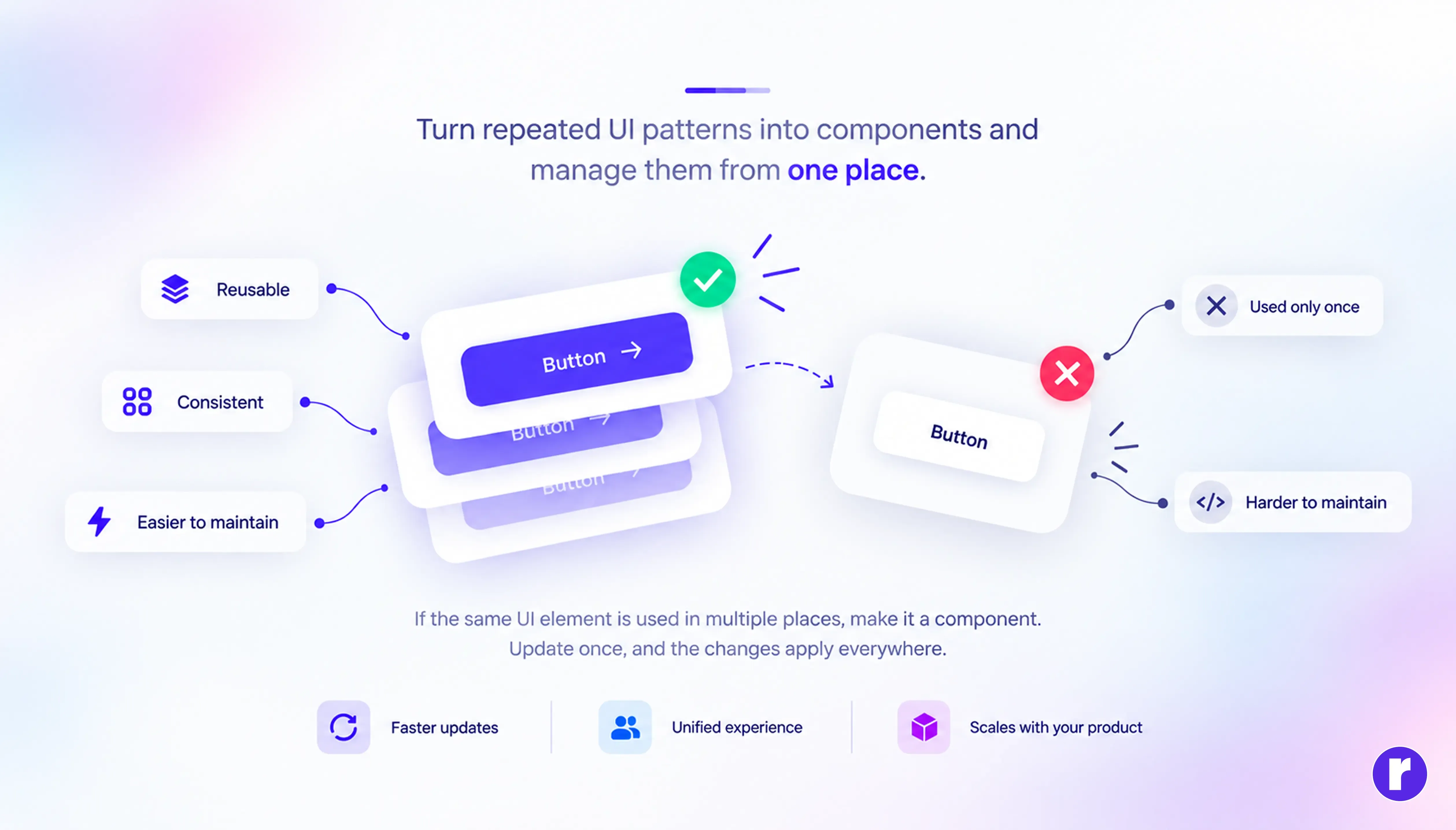
The clearest reason to create a component is reusability. If the same UI pattern appears multiple times across a product, turning it into a component allows you to manage it from one place. Changes can then be applied consistently wherever that component is used.
Common candidates include:
- Buttons
- Input fields
- Navigation elements
- Cards
- Modals
- Dropdowns
- Status indicators
💡Pro tip: Before creating a component, check whether the UI pattern is likely to appear again. Reusability is one of the strongest reasons to introduce a component.
Create one when consistency matters
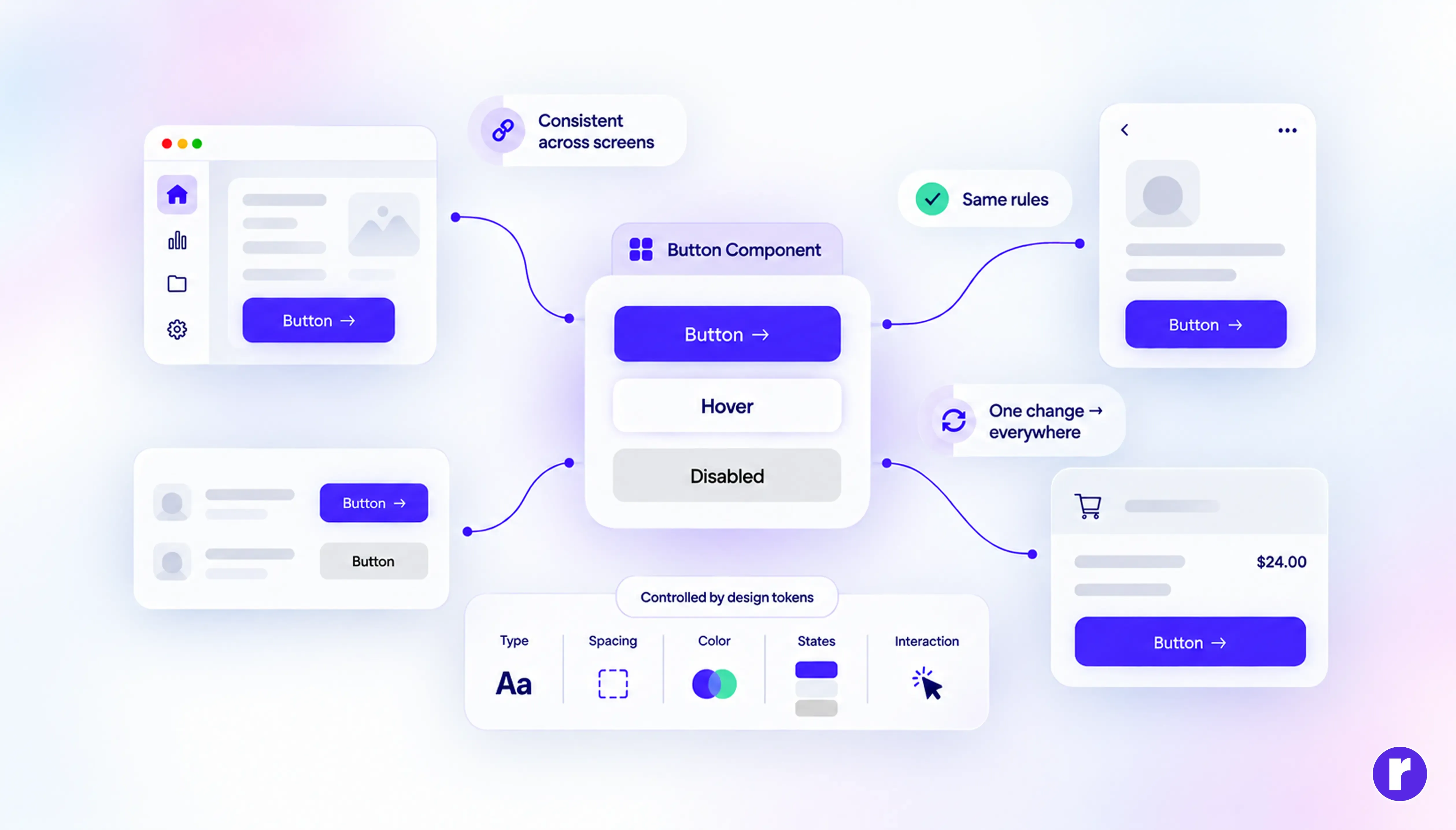
Components are also useful when the same interface element needs to look and behave consistently.
A shared component can control properties such as:
Typography → Spacing → Colors → States → Interactions
This reduces visual differences between similar elements and makes the overall product feel more polished. It is especially valuable in a design system, where consistency needs to be maintained across multiple screens and user flows.
Turn smart component strategies into clean, consistent, user-focused digital experiences with Radial Code
Don’t create a component for everything
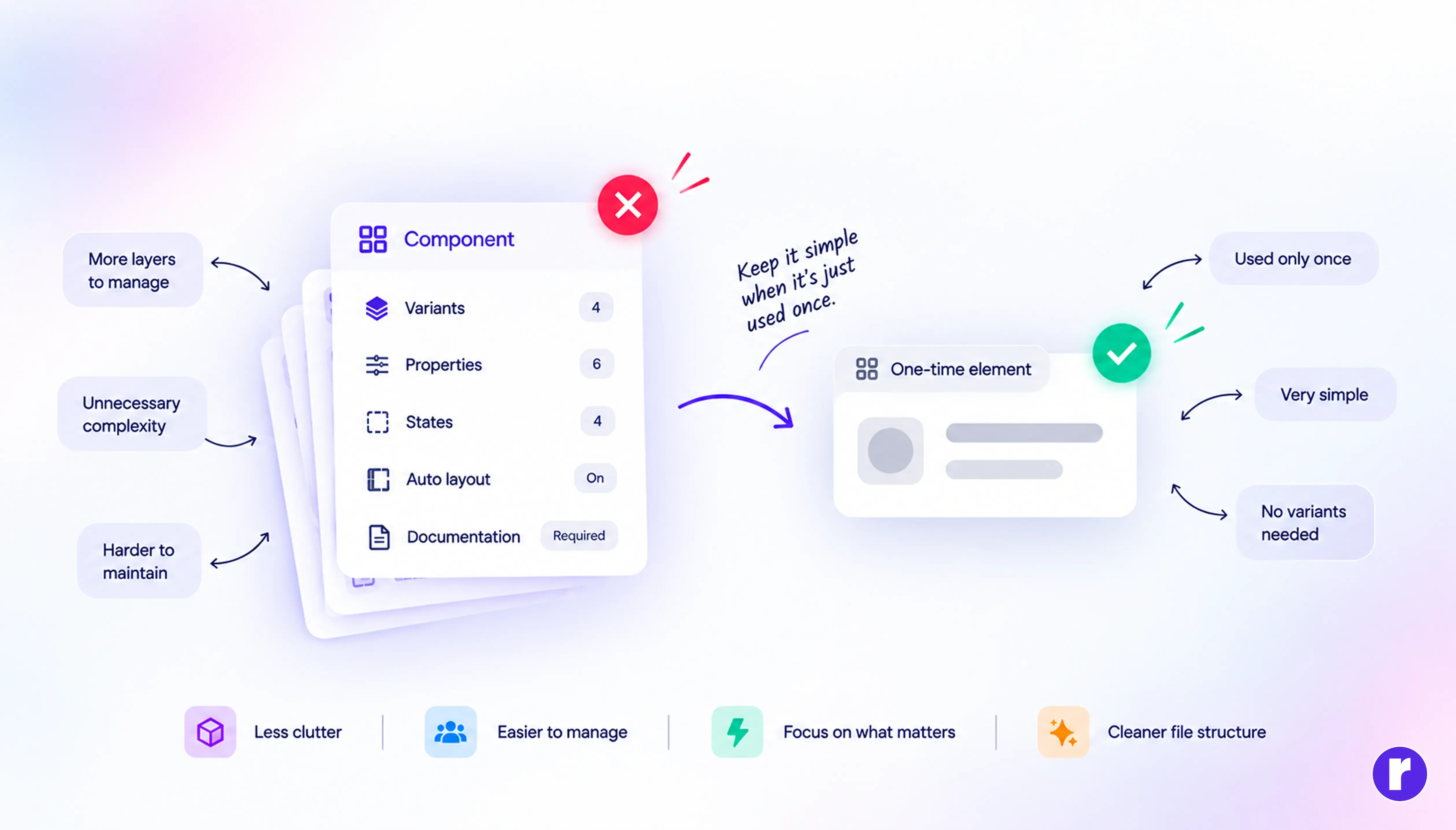
Not every UI element needs to become a component. Creating components for simple, one-time elements can introduce unnecessary layers, properties, variants, and maintenance. Instead of simplifying the design system, unnecessary components can make it harder to understand and maintain.
Avoid creating a component when it is:
- Used only once
- Very simple
- Unlikely to be reused
- Not expected to change independently
- Easier to manage directly
A component should solve a problem, not create another one.
💡Pro tip: If creating a component takes more effort to maintain than the element itself, keeping it simple may be the better decision.
Create components that have a clear purpose
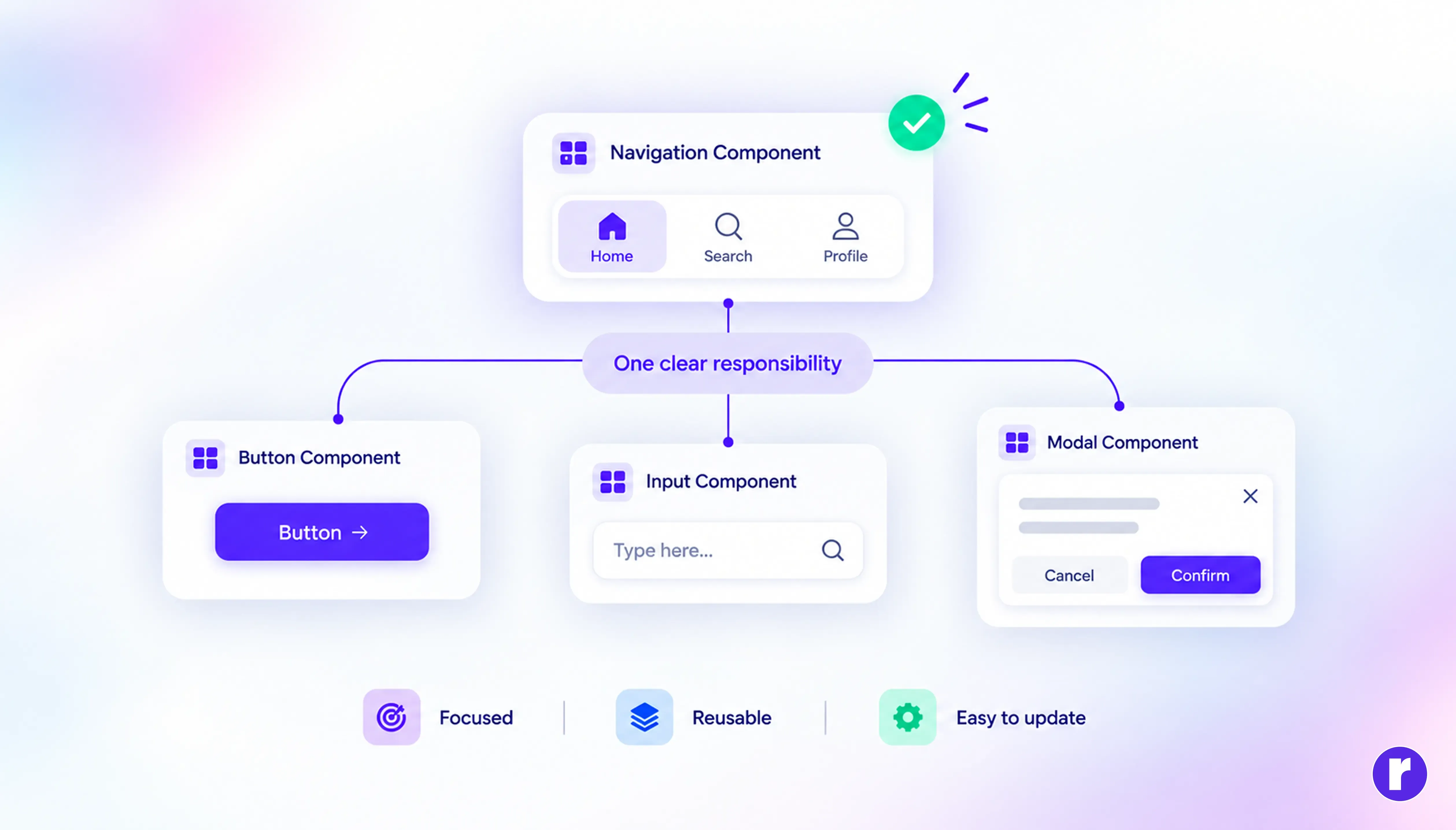
A good component should have a clear responsibility. When a component tries to control too many unrelated things, it becomes difficult to understand, reuse, and update. Breaking complex UI into smaller meaningful components can make the system much easier to manage.
Think about the component’s purpose before creating it:
- What does it control?
- Where will it be used?
- What can change?
- Will it be reused?
- Does it need different states or variants?
If these questions have clear answers, the component has a stronger reason to exist.
Great design starts with the right components. Read More about component design.
The simple rule to remember
You don't need to turn every element into a component. The goal is to find the right balance between reuse and simplicity.
| Create a Component | Keep It Simple |
|---|---|
| Used repeatedly | Used once |
| Needs consistency | Needs little maintenance |
| Has multiple states | Has no meaningful states |
| Will likely evolve | Unlikely to change |
| Belongs to a design system | Is specific to one screen |
💡Pro tip: Before creating a component, ask yourself: “Will this make future work easier, more consistent, or more scalable?”
If the answer is yes, create it. If it only adds another layer of complexity, you probably don't need it.
Conclusion
Components help teams build consistent, reusable, and scalable interfaces—but more components don't necessarily mean a better design system. Create them when they provide clear value through reuse, consistency, or easier maintenance. For simple, one-off elements, keeping things simple is often the better choice.
The best component system isn't the biggest one. It’s the one that makes your product easier to design, build, and maintain. To learn more about UI/UX, visit our website here.