How I Turn Ideas into Real UI Designs

Written by

Chandani Sahani
UI/UX Designer
Table of contents
Build with Radial Code
Share this


Every great design begins long before the first pixel is placed on the screen. It starts with an idea — a spark that slowly evolves into something users can see, touch, and interact with. My journey as a UI designer has taught me that creativity alone isn’t enough; structure, strategy, and empathy are what transform good ideas into meaningful experiences. UI design isn’t just about making things look attractive — it’s about crafting systems that feel effortless, where every action feels intuitive and every layout feels familiar. A solid workflow bridges imagination and usability, ensuring every creative decision supports the user’s journey. Below, I’m revealing my personal process — how I turn early ideas into polished, interactive designs that truly connect with people.
Understanding the Problem
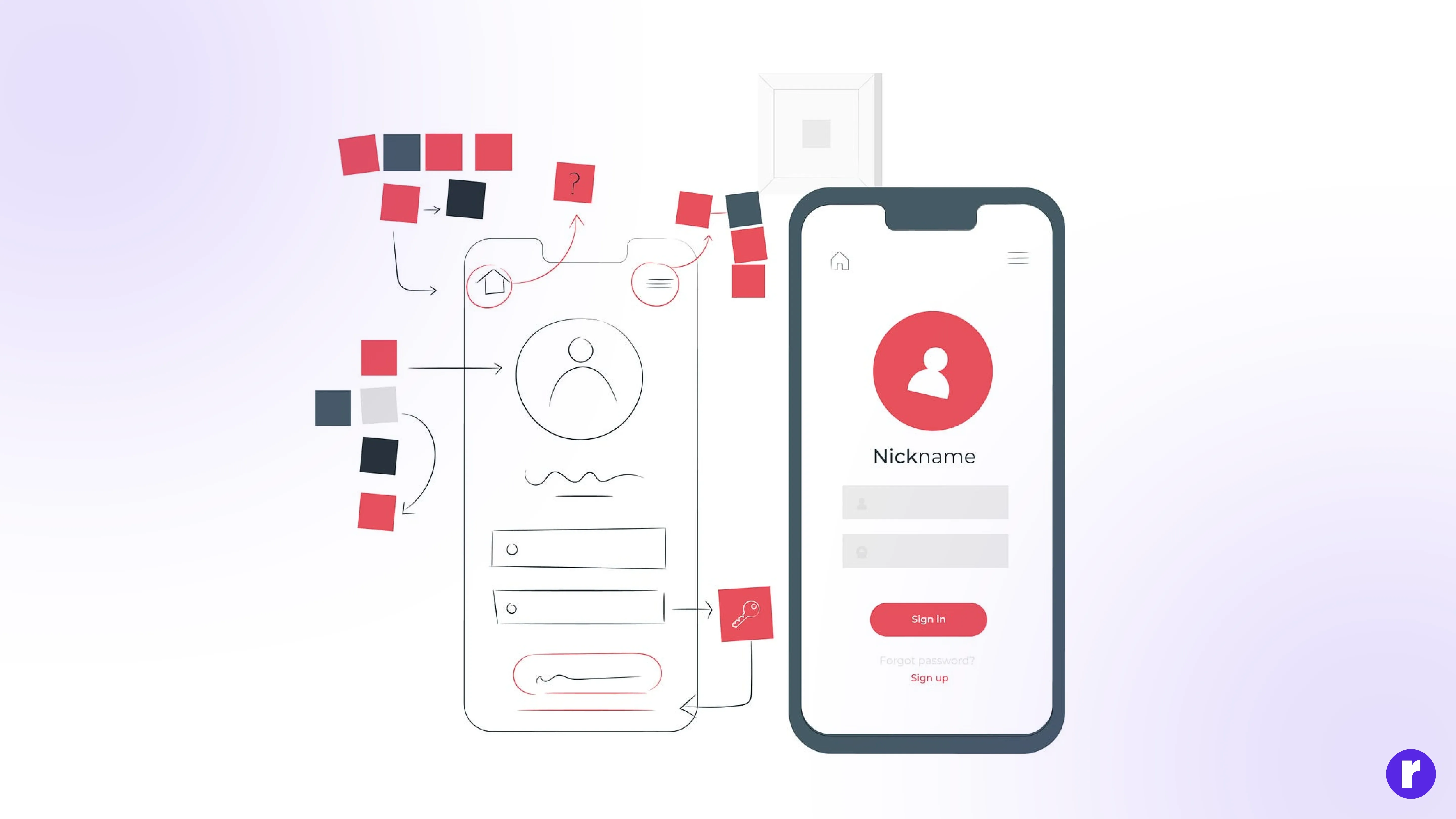
Before diving into any visual work, I take a step back and understand the real problem I’m solving. This stage is about empathy and clarity — knowing who the users are, what they want, and where their frustrations lie. I analyze user goals, business objectives, and technical limitations to build a complete understanding of the challenge ahead. It’s like drawing the map before taking the journey. When you truly understand the “why,” you gain the confidence to decide the “how.” Every design choice becomes purposeful instead of decorative. A strong foundation at this stage prevents confusion later and keeps the design aligned with user needs and business outcomes.
Pro Tip: Great design begins with listening. The better you understand the problem, the fewer problems you’ll create later.
Research & Inspiration
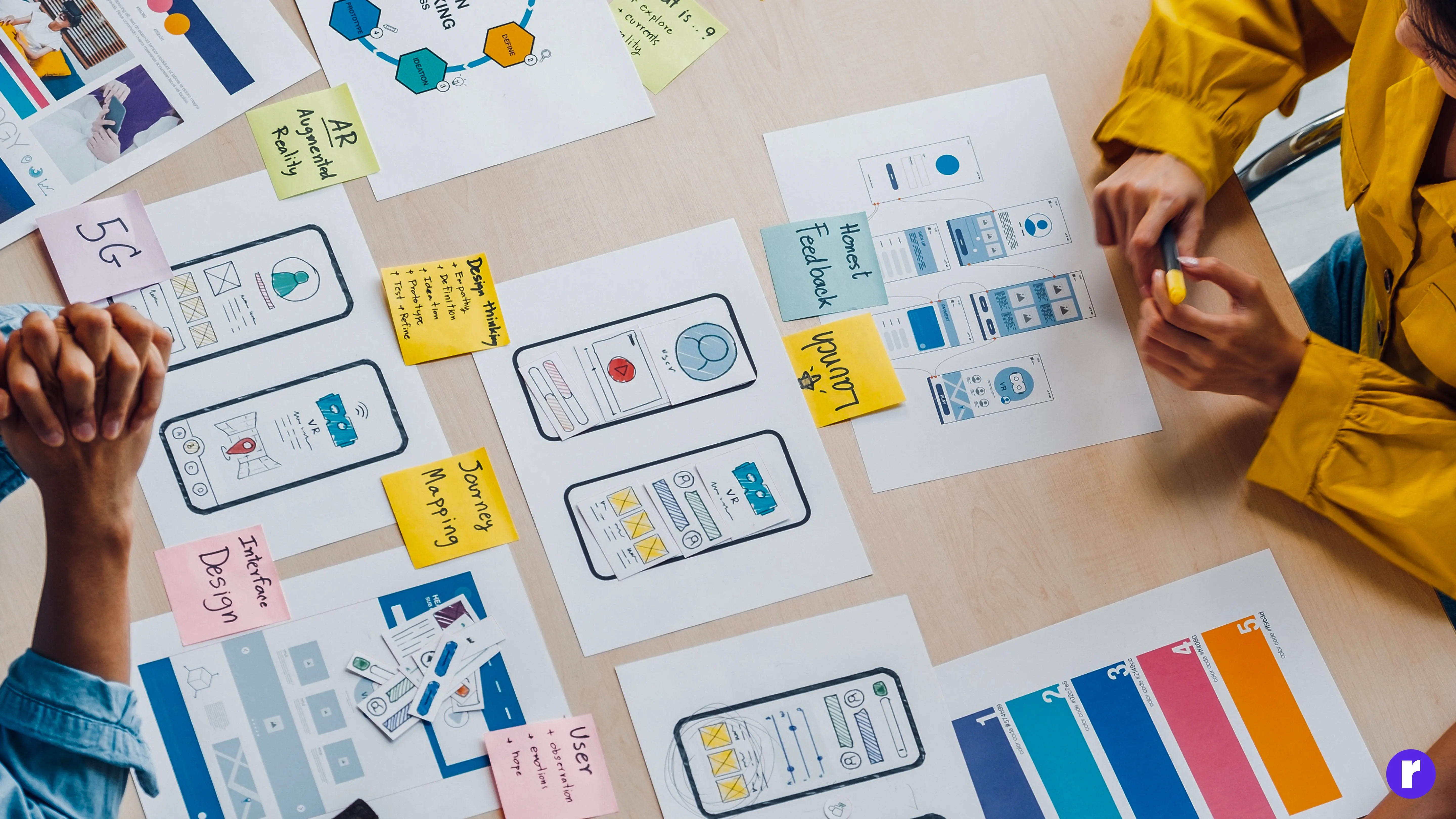
Once the problem is clear, I move to research — the exploration phase. Here, I collect ideas, study user behavior, and identify patterns that can guide my creative direction. I explore competitor products, analyze design systems from leading brands, and dive deep into UI trends that resonate with the project’s goals. Inspiration doesn’t mean imitation; it’s about understanding why certain designs work and adapting those principles in your own unique way. I also build a moodboard that captures the project’s tone — whether it’s minimal, playful, futuristic, or luxurious. This visual foundation helps me and my clients align on style and emotion before any interface work begins.
- Observing how users interact with similar products
- Collecting color, typography, and layout inspiration
- Identifying gaps competitors haven’t solved yet
Wireframing the Structure
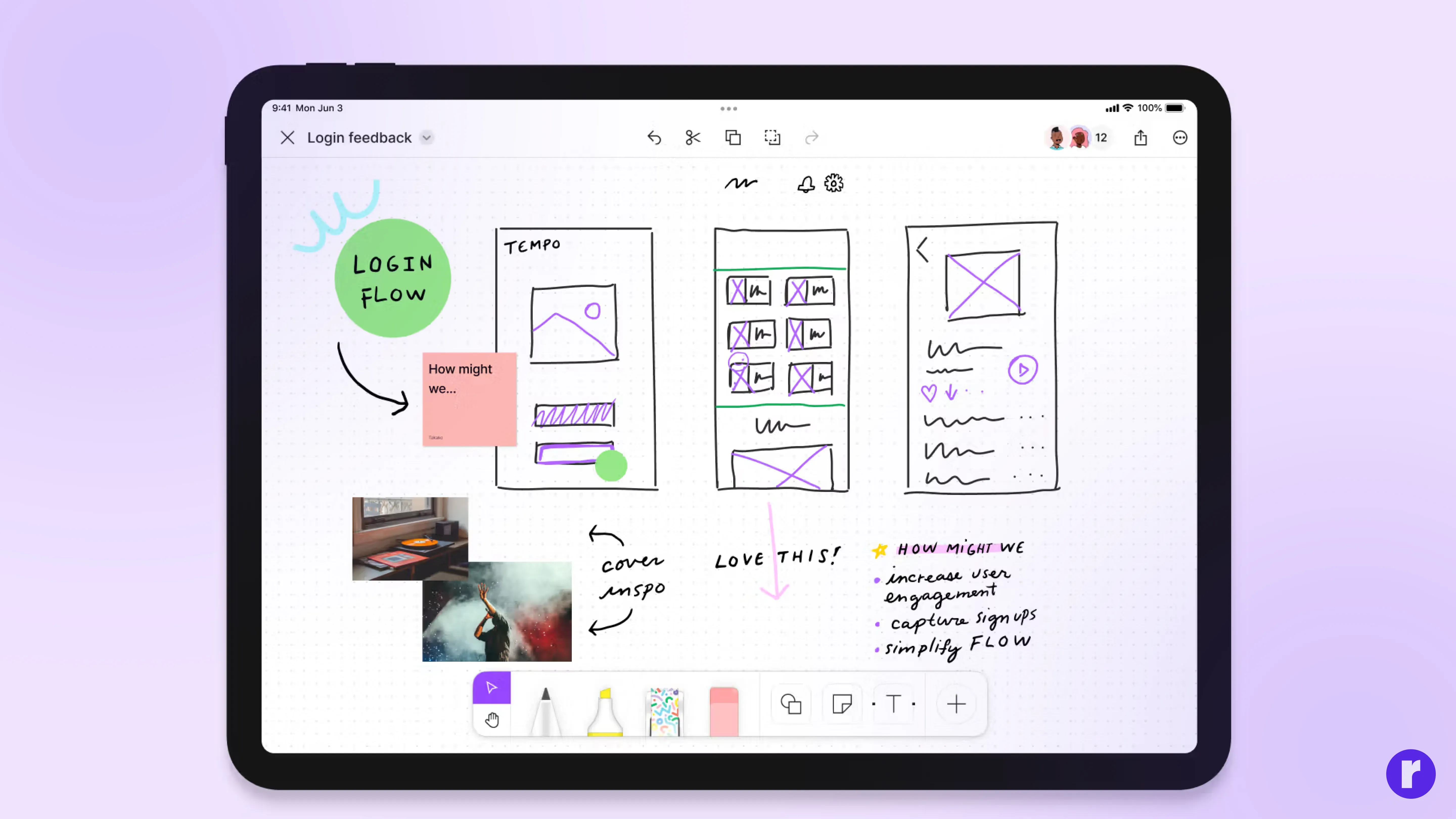
This is where creativity meets logic. Wireframing allows me to lay down the foundation of the design — focusing only on structure and flow, without being distracted by visuals. I define how the user moves through each screen, where their eyes will land first, and how easily they can achieve their goals. I usually start with low-fidelity sketches to map layouts quickly, then move to digital wireframes for refinement. The purpose is to test the skeleton before adding the skin. Wireframes help everyone visualize how content, buttons, and navigation come together before we polish the visuals. They make collaboration faster and decision-making easier.
For Example: If I’m designing a simple app screen, I start with basic boxes for the header, content area, and a bottom navigation bar. No colors or styling — just a clean layout to check flow and clarity. Radial code
Visual Design & System Setup
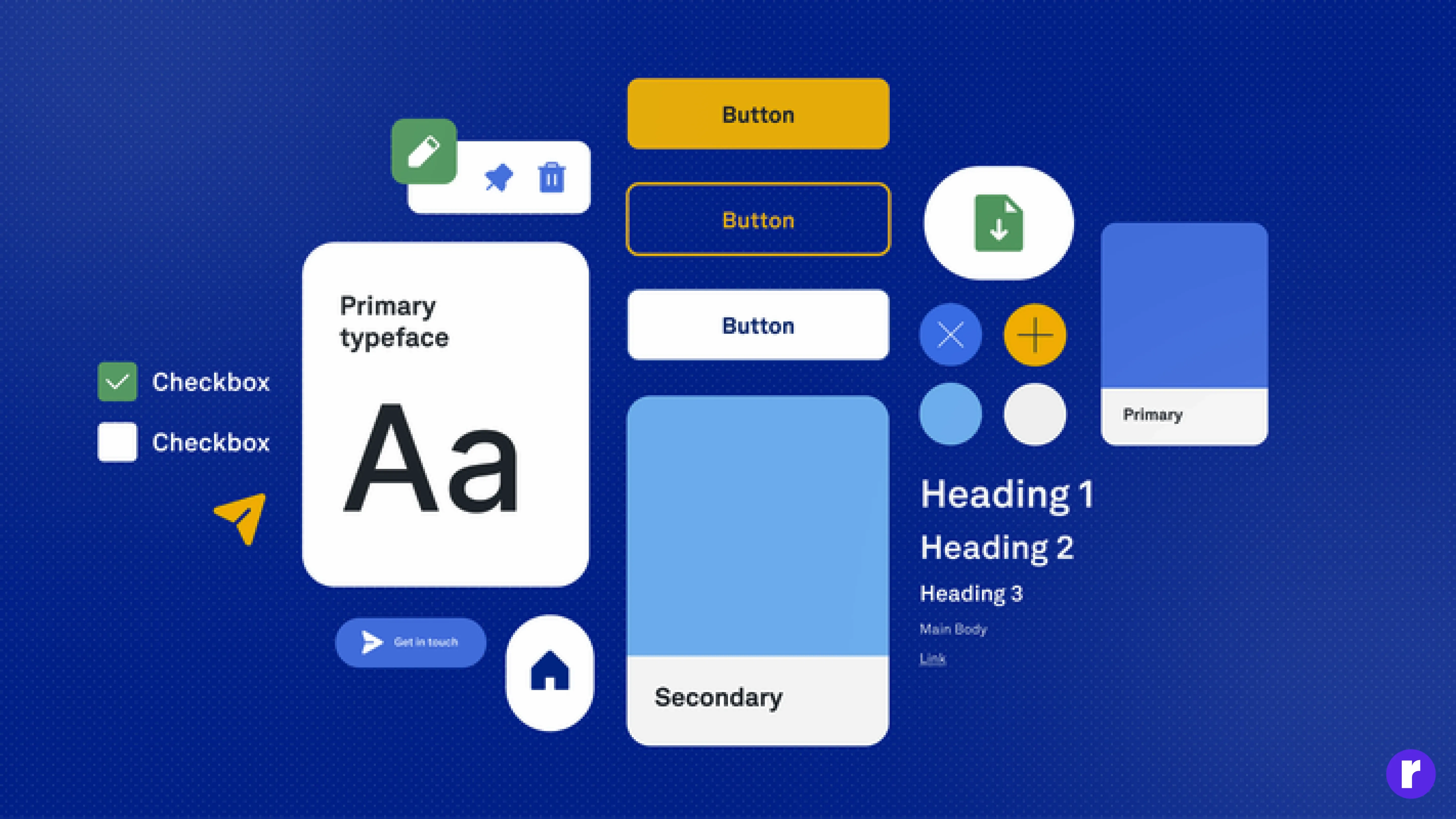
Once the wireframes are done, I move into the visual design phase — where ideas start to take shape. I build a design system with defined colors, fonts, icons, and components to keep everything consistent. Visuals aren’t just about looks; they enhance usability. I focus on clarity, spacing, and hierarchy so every element feels intentional. Accessibility also matters — ensuring text is readable and contrast is right. The goal is to make the design both attractive and effortless to use.
For Example: Think of a learning app that uses soft blue for calmness, bold yellow for action buttons, and simple icons for clarity. Each screen follows the same spacing, typography, and color logic, so users instantly feel familiar and focused. The visuals don’t distract — they guide and reassure. See Example
Interaction Design & Micro-Behaviors
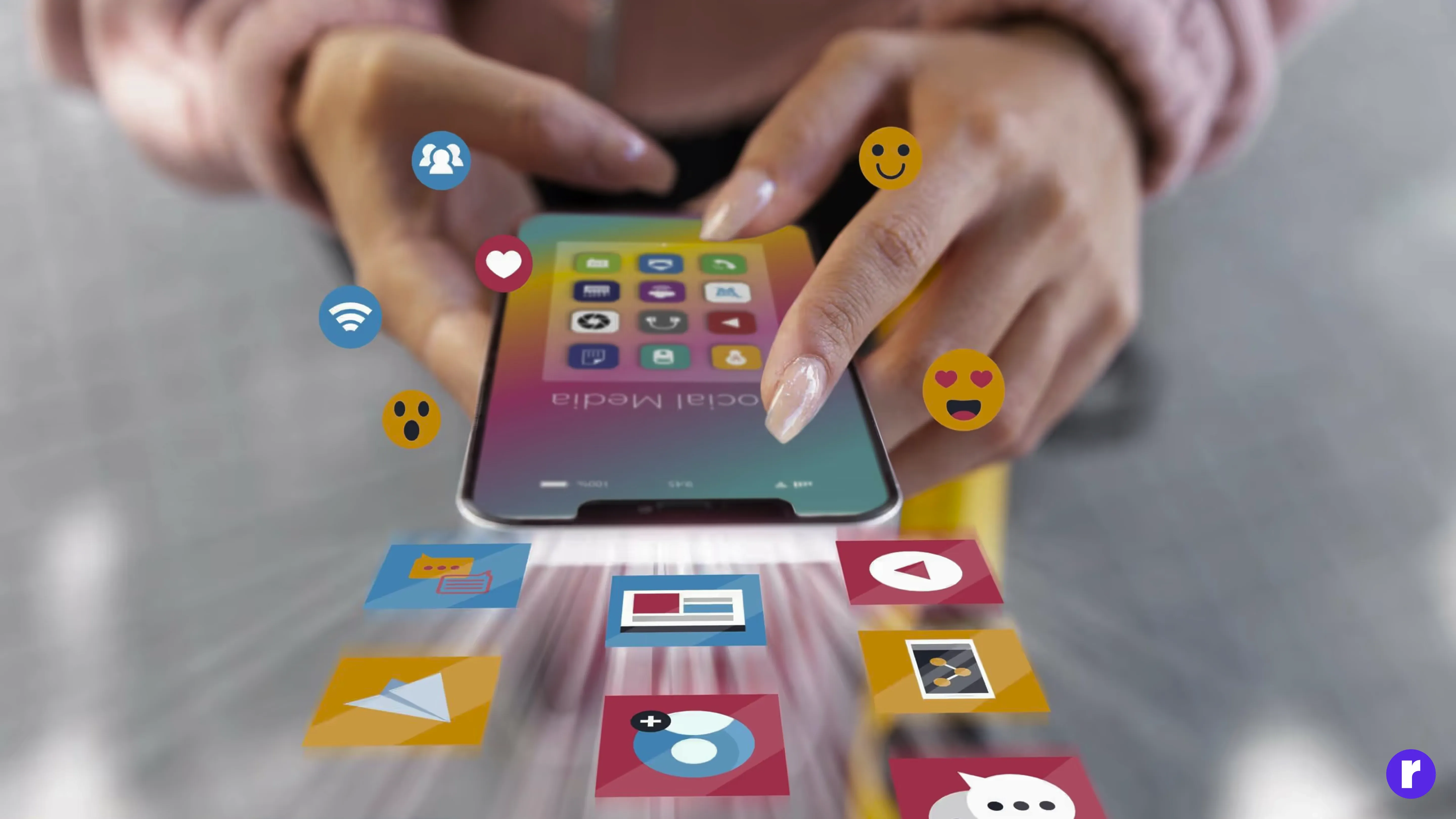
Once the visuals feel right, I shift my focus to how the interface behaves. Design isn’t static — it’s alive. Interaction design brings personality, clarity, and feedback into the experience. I define how buttons respond, how transitions guide the eye, and how small animations reassure the user that their actions are working. These micro-behaviors make the product feel human.
This stage is about subtle details: a gentle hover, a smooth screen transition, a progress indicator that reduces anxiety. When interactions are designed thoughtfully, users feel more in control, more confident, and more connected to the product.
Pro Tip: Micro-interactions should support the task, not steal the spotlight. Good interaction design feels invisible…but unforgettable.
Check out a related to the example See Example
Refinement & Final Delivery
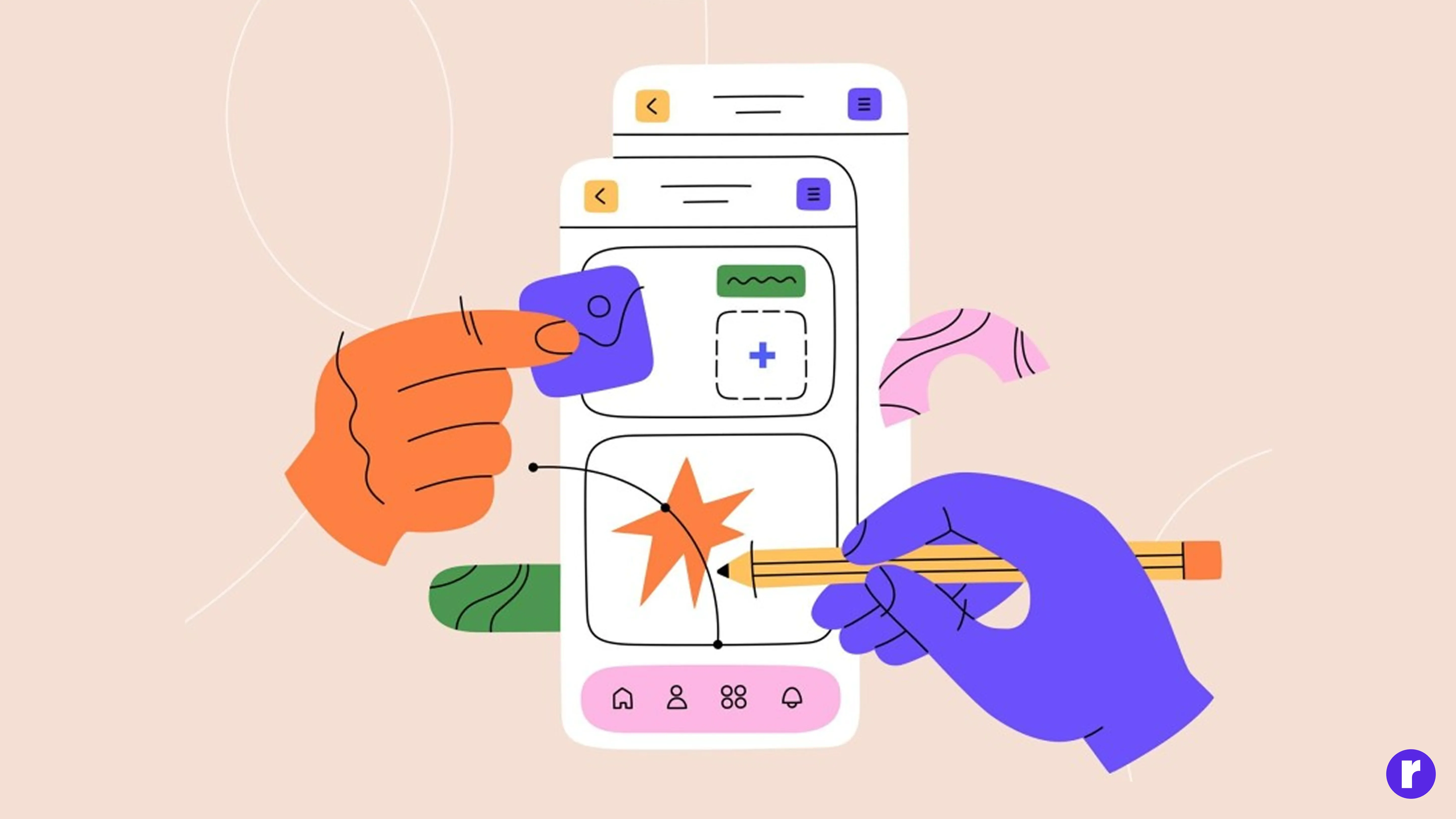
Design is rarely perfect on the first try. The refinement stage is where everything becomes polished and production-ready. I adjust spacing, enhance contrast, revise interactions, and ensure components follow the design system precisely. It’s the phase where rough edges disappear. I also prepare developer-friendly files, annotations, and handoff documentation so the engineering team can bring the design to life exactly as intended. Clear communication at this stage prevents guesswork and keeps the build smooth and efficient. A refined design isn’t just visually beautiful — it’s dependable, functional, and ready for the real world.
Conclusion
Turning ideas into real UI designs is a journey — one that blends creativity with clarity, intuition with strategy, and imagination with empathy. What begins as a simple thought gradually transforms into a functional, meaningful interface that solves real problems. Great UI design isn’t about chasing trends or making something look “cool.” It’s about creating experiences that feel natural and make users’ lives easier. When you combine structured thinking with a deep understanding of your users, the end result isn’t just a beautiful design — it’s a purposeful one. At the heart of this process is one belief: ideas are easy, but bringing them to life with intention is what makes a designer truly stand out. Visit Here