How to Turn Feedback into Better UI/UXDesigns

Written by

Chandani Sahani
UI/UX Designer
Table of contents
Build with Radial Code
Share this


Feedback is the mirror every designer needs — it reflects how real people experience your work. Whether it comes from clients, users, or teammates, the way you process and act on feedback decides how much your design can actually grow. Good feedback isn’t just about fixing mistakes; it’s about seeing new opportunities to improve usability, clarity and emotional connection. Let’s explore how thoughtful feedback can transform an average UI/UX into something truly impactful. When you approach feedback with curiosity instead of defensiveness, it becomes a creative tool rather than a burden. Every suggestion — big or small — holds potential. Maybe it’s about making navigation simpler, typography more readable, or interactions more natural. When taken seriously, feedback becomes the invisible force that transforms an ordinary interface into something intuitive and delightful. See Example
Feedback Isn’t Criticism — It’s Direction

It’s easy to take feedback personally, especially when you’ve poured hours into a design. But great designers see it as direction, not criticism. Every comment reflects how others interpret your design, and that perspective is priceless.When a user says, “I didn’t notice the button" it’s not an insult — it’s information. It shows a gap between your intent and their experience.
Pro Tip: Maintain a “Feedback Log.” Record every suggestion and revisit them later. Patterns will emerge — maybe your spacing is often too tight or your CTAs get overlooked. These patterns teach you more about your weaknesses than any tutorial can.
Filter, Don’t Follow Everything
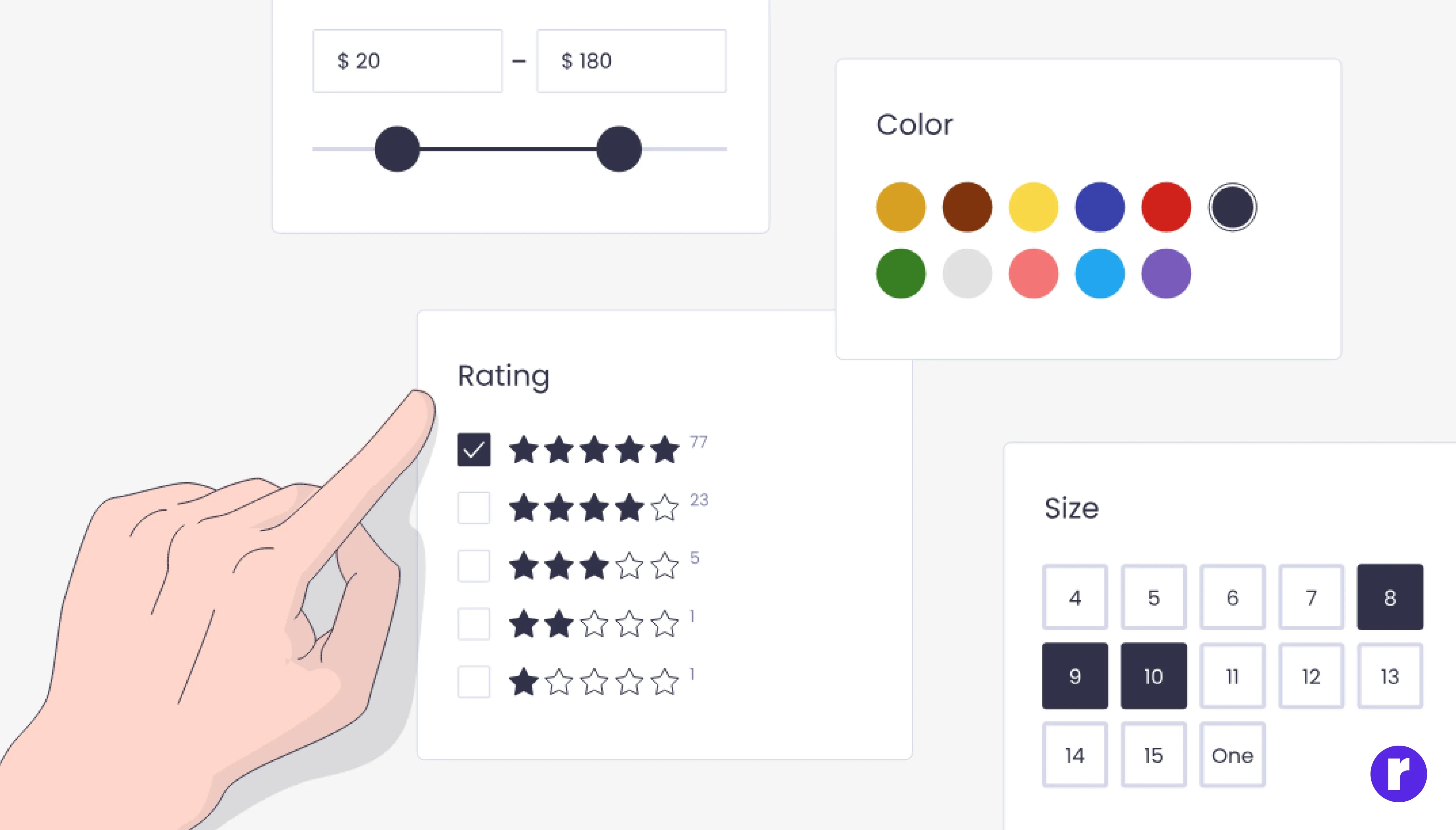
One of the biggest challenges in design is deciding which feedback to implement. Not all feedback is useful — some of it reflects personal taste, not user needs. Your job as a designer is to filter it wisely. Ask yourself:
- Does this suggestion support the project’s goals?
- Will this change improve user flow or just satisfy a single opinion?
- Is the feedback based on user data, or is it subjective?
Collaboration Builds Better Solutions

Feedback shouldn’t live in isolation. It becomes truly powerful when discussed openly. Collaboration turns criticism into creative problem-solving. Designers, developers, and product managers all bring different perspectives — merging them ensures that the solution is both beautiful and functional.
Tools like Figma comments, Miro boards, or Notion feedback systems help create transparency. When everyone sees what’s being discussed and why, it builds alignment and reduces friction. More importantly, it changes the tone of feedback. Instead of “This doesn’t look right,” the conversation shifts to “How can we make this easier for users? See Example
Test After Applying Feedback

Applying feedback isn’t the end — it’s just the midpoint of the process. Once you make changes, you must test again. Testing ensures that the new version actually solves the problem it was meant to. Sometimes, a change that looks perfect in Figma might confuse users in real life. Use A/B testing, quick surveys, or usability tests to validate every major update. Observe how users interact with your new design: Do they reach their goals faster? Do they feel more confident? Real-world data helps confirm whether your improvements truly work. This iterative cycle — feedback, implementation, testing, and refinement — is the heartbeat of great design. It keeps your product evolving and ensures that every change adds genuine value. See Example
Turn Feedback into a Habit

The best designers don’t wait for feedback; they actively seek it out. Make it part of your design culture. After every major milestone or sprint, ask for opinions — from teammates, clients, or even test users. Every new set of eyes brings a new layer of understanding. Over time, this habit sharpens your instincts. You’ll start predicting feedback before it’s given — knowing instinctively when spacing feels off or when a button lacks emphasis. That’s the point where feedback stops being external and becomes part of your internal creative process.
- Collect feedback regularly
- Prioritize usability over personal opinions
- Re-test after each update
- Document lessons for future projects
Imagine you’re designing a mobile checkout page. After your first prototype, you ask teammates to test it. They find the “Apply Coupon” button too small and the payment steps unclear. You adjust spacing, improve contrast, and simplify navigation — then re-test with users to confirm the fix."
Wendy Clark, former SVP at Coca-Cola See Example
Conclusion
Feedback isn’t something to fear — it’s the foundation of design growth. Every comment, suggestion, or user reaction is a valuable opportunity to learn and improve. Great UI/UX designers see feedback as an ongoing conversation with their audience, using it to create cleaner, more intuitive, and human-centered experiences. In the end, great design isn’t just about how it looks — it’s about how it feels to the people using it.