Speed Up Your Design System with AI Tools

Written by

Vishal Baloda
UI/UX Designer
Table of contents
Build with Radial Code
Share this


Design systems shape the entire visual language of a product. They establish consistency across Typography, Colors, components, spacing, and interactions, ensuring that every part of the interface feels unified and intentional. However, building a design system manually often takes a long time, especially when you’re handling repetitive tasks. AI has changed this workflow by accelerating the system-building process and reducing the amount of design effort required.
"A good design system doesn’t just save time—it sets the foundation for everything you build".
The Real Problem: Slow, Repetitive, and Messy

Designers spend a large amount of time fixing files instead of designing. Routine housekeeping tasks often take priority over actual creative work. Naming layers, Adjusting icons, Fixing spacing, and Removing duplicates consume hours that could be spent building ideas or refining user experience. In team environments, the problem grows even more because everyone works differently. Small differences in habits create large inconsistencies across the system. One designer uses a 12px radius, another prefers 10px. Someone picks one shade of blue while another uses a slightly different one, resulting in a scattered system that takes significant effort to clean later.
Example: A login page uses a blue 12px-radius button, while the signup page uses a greener shade and 10px radius, creating instant inconsistency.
How AI Solves These Problems

AI dramatically reduces unnecessary manual work by automating common design tasks. It helps by:
- Generating ready-to-use color palettes, type scales, and styles.
- Creating button, card, and input variations automatically.
- Cleaning messy layers and renaming them properly.
- Detecting and fixing inconsistent spacing and typography.
- Drafting basic documentation for components and rules.
AI makes the process faster without lowering design quality. Read More
Tools That Make the Process Easier
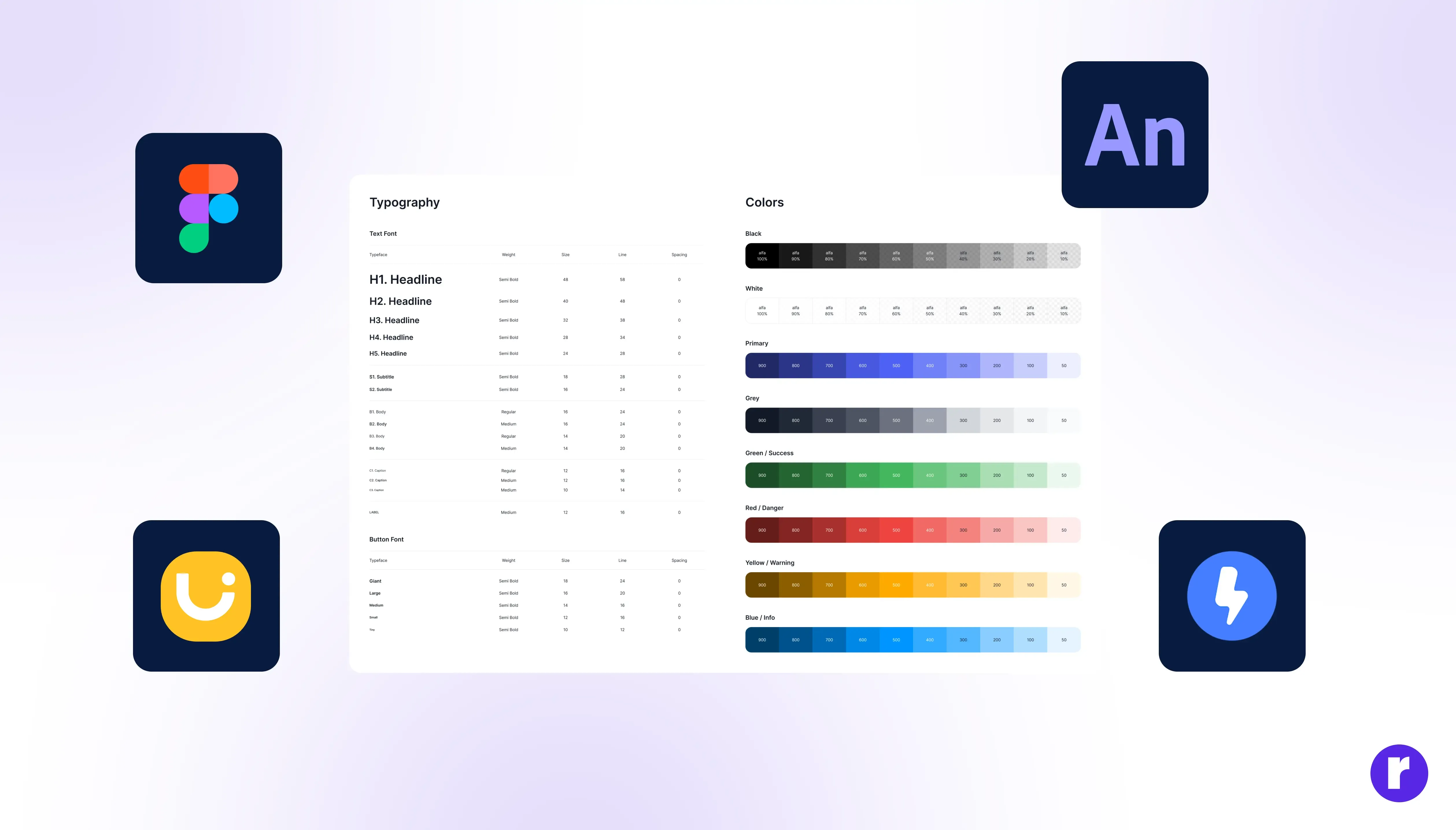
Tools such as Figma AI, Uizard, Anima, Locofy, and Galileo AI streamline the creation of design systems. Figma AI can turn text instructions into components and help correct messy structures. Uizard generates screens from simple prompts so you can explore visual directions faster. Locofy and Anima turn your design tokens into code-ready formats so the development team stays synced. These tools reduce friction and bring speed to every stage of the system-building process.
A Smooth Workflow With AI
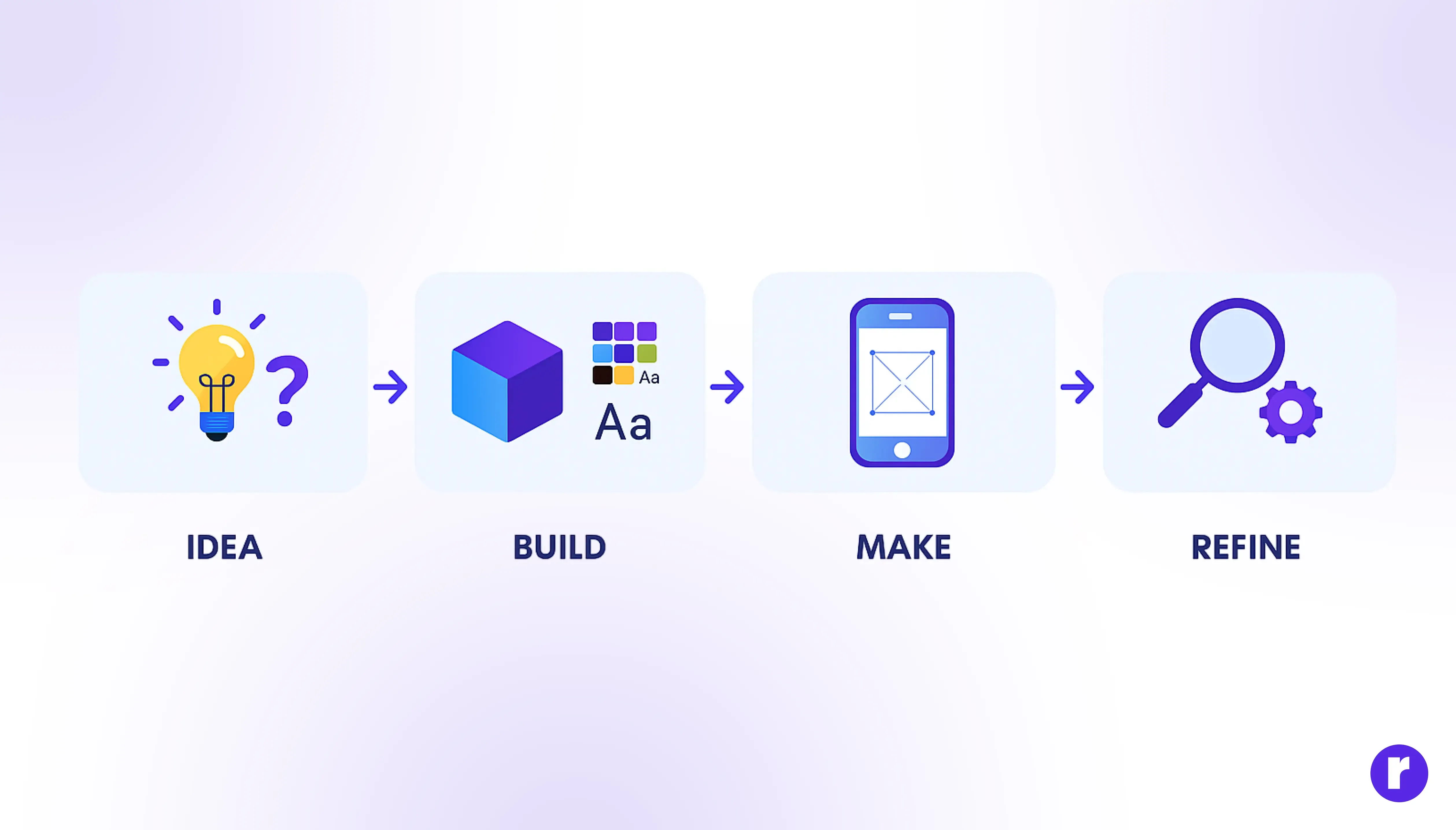
Building a design system with AI becomes much simpler when you follow a clear flow:
- Start by defining your visual direction using a prompt describing mood, tone, and style.
- Use AI-generated palettes, type scales, and sample screens to establish design tokens.
- Generate primary components like buttons, forms, cards, and navigation patterns with their states.
- Ask AI to create spacing, radius, and shadow tokens so the system stays scalable.
- Scan your file using AI to detect inconsistencies and clean the entire structure.
“The strength of a system is not in how fast it’s built, but in how easily it grows.”
What Makes a Strong AI-Backed System
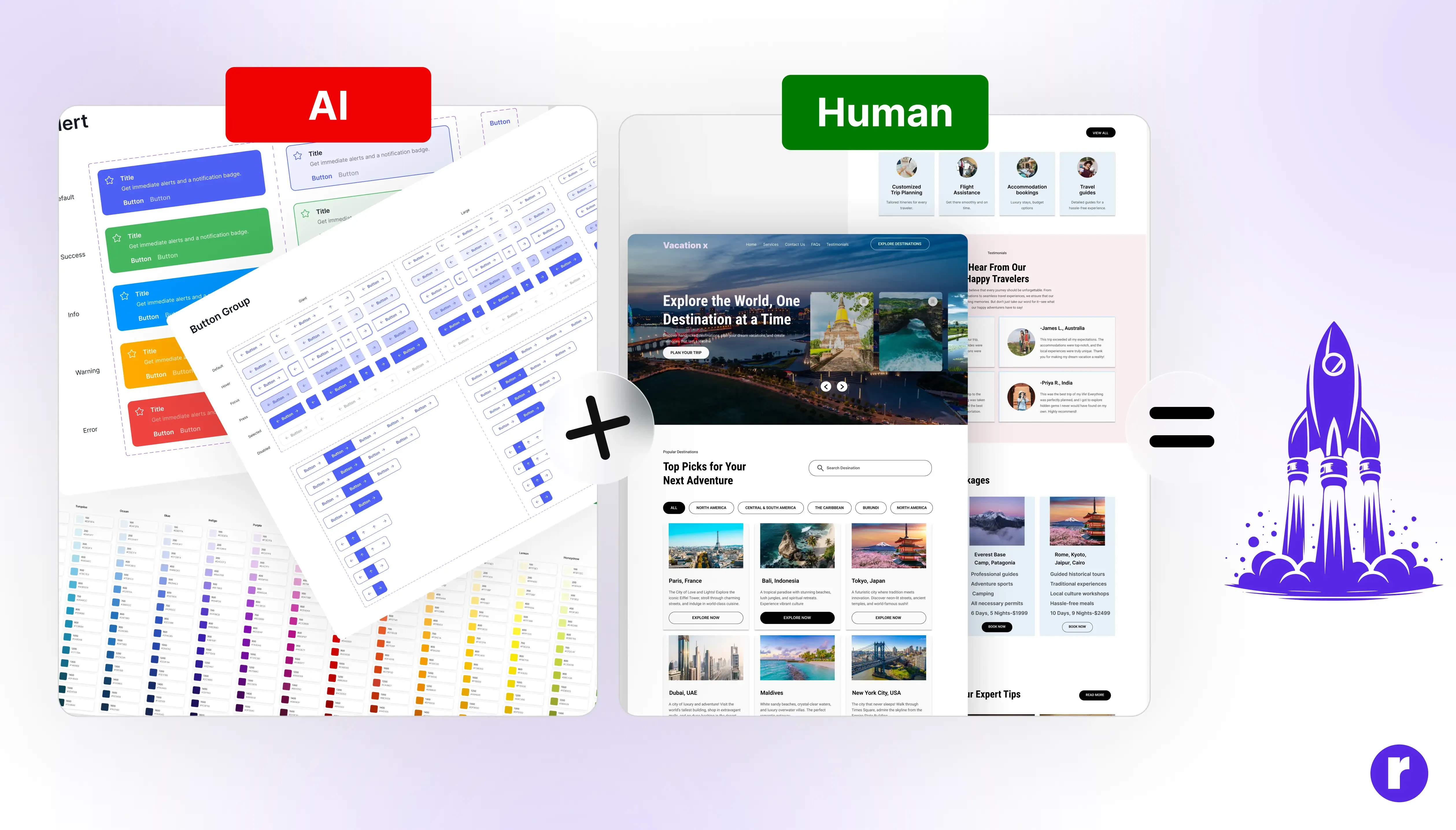
Even with AI doing the heavy lifting, the human designer still plays the most important role. Keep your main palette simple so it adapts easily. Components before expanding into more complex ones. Always test them inside real layouts to understand how they behave. AI adds speed, but your judgment adds quality and personality to the system.
Conclusion
Using AI to build a design system is not about avoiding work—it’s about doing smarter work. AI removes repetitive tasks, improves consistency, and accelerates the entire process. With the right tools and a structured workflow, you can create a clean, scalable, and future-ready design system much faster than ever before.
Remember: The future of design isn’t man vs. machine—it’s man plus machine. Discover who we are and what we do — explore us. Visit Here