Understanding User Frustration: Turning Pain Points into Design Wins

Written by

Shweta Kumari
UI/UX Designer
Table of contents
Build with Radial Code
Share this


In the world of digital products, user frustration is often seen as a sign of failure—a red flag that something in the experience isn’t working. However, savvy designers know that frustration isn’t just a problem to be fixed; it’s an opportunity. By understanding the sources and nuances of user pain points, you can transform moments of friction into design wins that delight users and differentiate your product.
Every click, swipe, and tap tells a story. Sometimes it's a story of seamless interaction and delighted users. Other times, it's a tale of confusion, abandonment, and missed opportunities. Understanding user frustration is the first step toward creating better user experiences that not only satisfy users but drive business success.
How to Identify User Pain Points
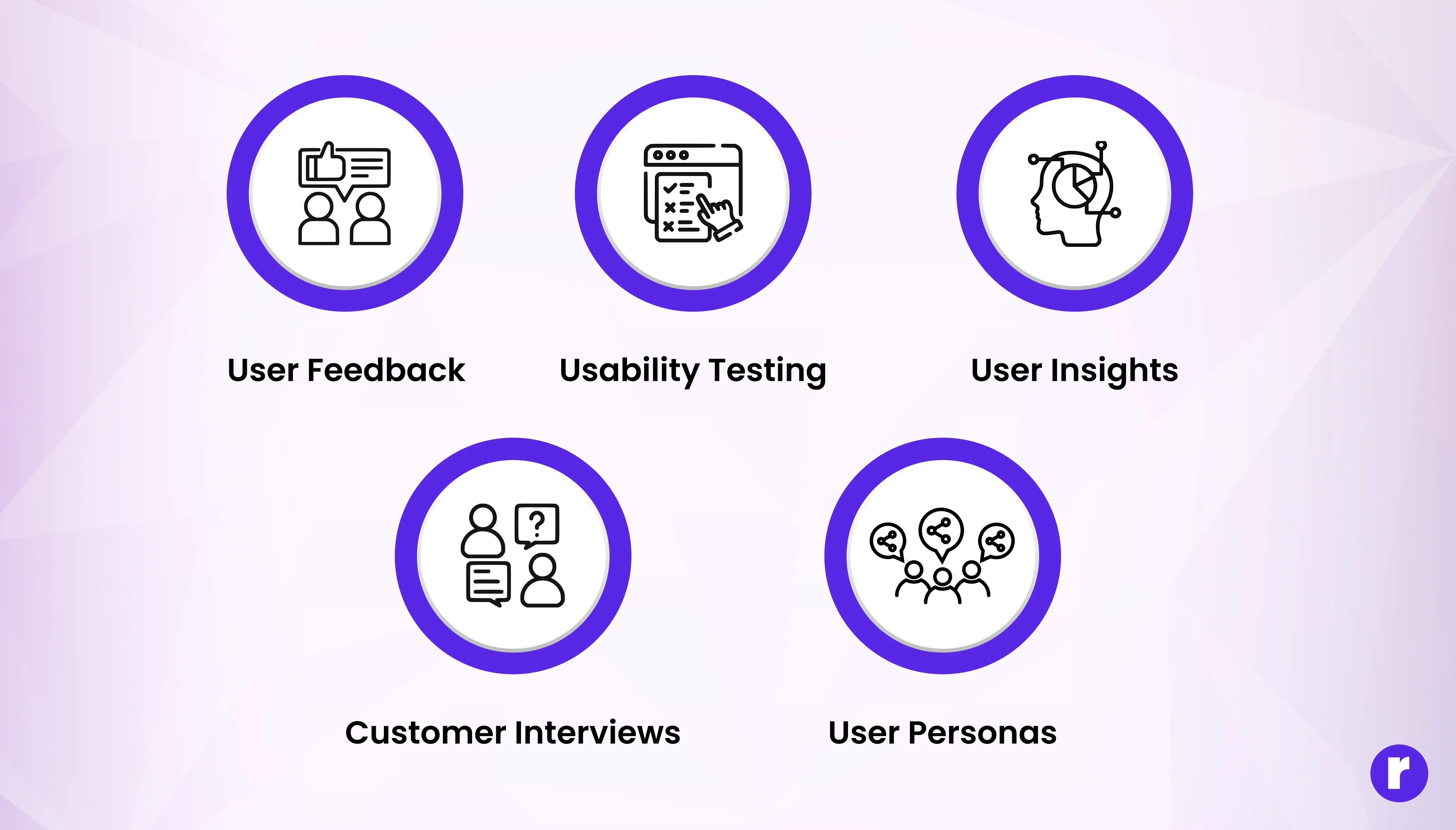
Great design starts with understanding what frustrates your users — not guessing it. Before you can fix a problem, you have to see it clearly. Identifying user pain points is the bridge between what users experience and what designers need to improve. Here’s how you can uncover those hidden struggles and turn them into insights that guide smarter design decisions:
- User Feedback
- Collect direct feedback through surveys, feedback forms, app store reviews, and support tickets.
- Pay attention to recurring complaints or suggestions.
- Use open-ended questions to let users describe their frustrations in their own words.
- Usability Testing
- Observe real users as they interact with your product, either in-person or remotely.
- Ask users to complete specific tasks and watch where they hesitate, get confused, or make mistakes.
- Record sessions (with permission) to review subtle cues like facial expressions or repeated actions.
- User Insights
- Analyze user flows to see where users drop off, abandon tasks, or spend excessive time.
- Track metrics like bounce rates, time on task, error rates, and feature usage.
- Use heatmaps and click tracking to visualize where users focus their attention or get stuck.
- Customer Interviews
- Conduct one-on-one interviews to dive deeper into user experiences and emotions.
- Ask users to walk you through their typical workflow and describe any challenges.
- Encourage storytelling to uncover not just what happened, but how it made them feel.
- User Personas
- Fictional yet research-backed profiles that represent real users.
- Reveal user goals, behaviors, and daily challenges.
- Help designers spot pain points and design more meaningful solutions.
Turning Frustration into Design Wins
Visualize every step your users take to achieve their goals. Journey mapping helps you spot where confusion, frustration, or drop-off occurs, so you can address issues before they escalate.
1. Map the User Journey
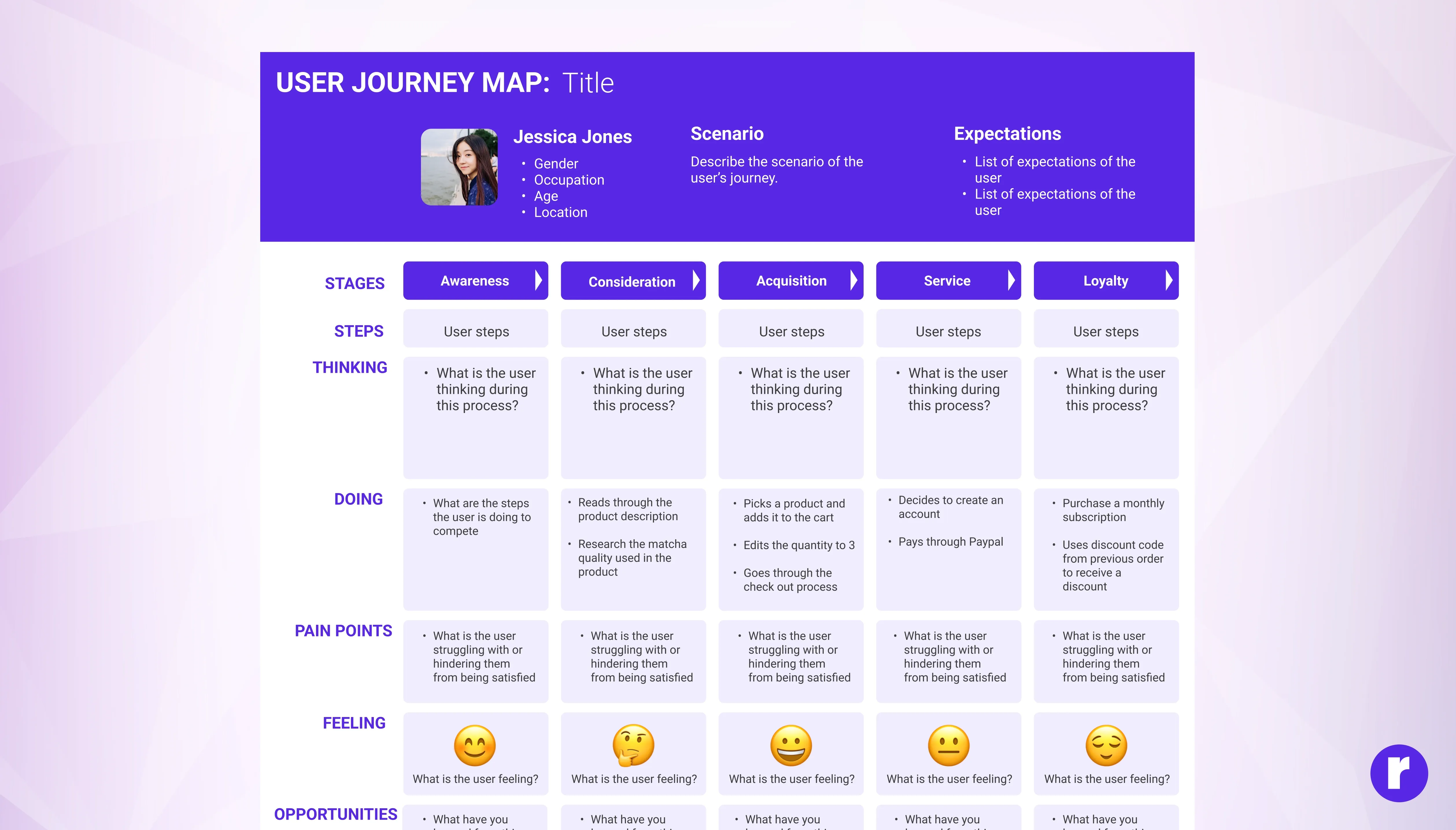
Visualize every step your users take to achieve their goals. Journey mapping helps you spot where confusion, frustration, or drop-off occurs, so you can address issues before they escalate.
- Clear: Outline each stage of the user’s experience from start to finish.
- Insightful: Identify emotional highs and lows along the journey.
- Actionable: Identify emotional highs and lows along the journey.
💡 Pro Tip: Use tools like Miro or Figma to create interactive journey maps.
2. Simplify Flows

Reduce unnecessary steps and make processes as straightforward as possible. The simpler the flow, the less likely users are to get stuck or frustrated.
- Direct: Remove redundant actions and streamline navigation.
- Intuitive: Make next steps obvious with clear calls to action.
- Efficient: Ensure users can accomplish tasks with minimal effort.
3. Prototype and Test Solutions
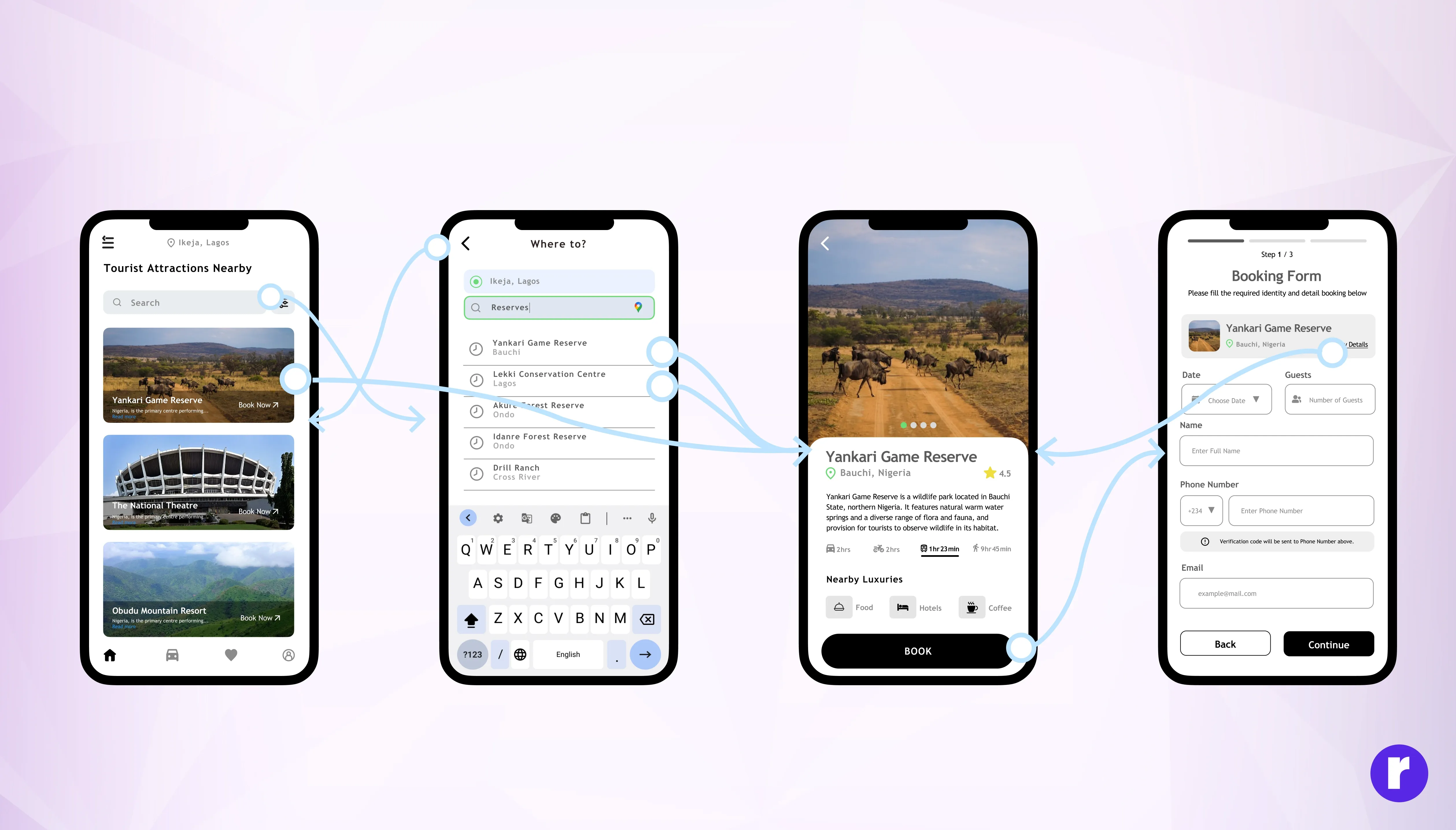
Quickly turn ideas into prototypes and test them with real users. Early testing helps you catch issues before full development.
- Fast: Build low-fidelity prototypes to validate concepts quickly.
- User-Centered: Gather feedback from actual users to guide improvements.
- Iterative: Refine solutions based on what works best in practice.
4. Prioritize Issues
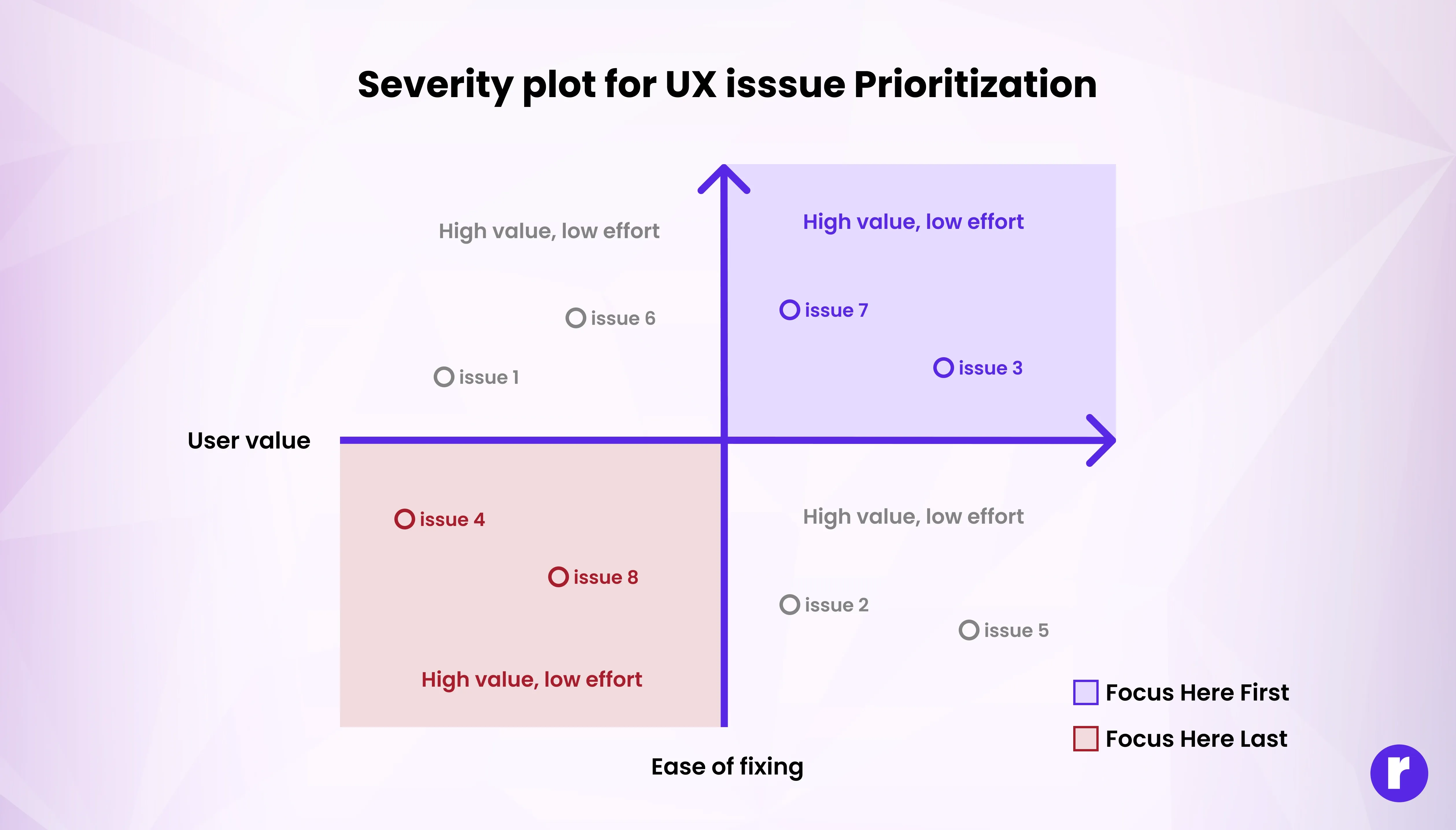
Not all problems are equal. Focus on the pain points that impact the most users or block key actions.
- Impactful: Use data to identify which issues cause the most friction.
- Strategic: Tackle high-priority problems first for maximum benefit.
- Continuous: Regularly reassess priorities as user needs evolve.
Example: Slack focused on fixing notification overload first, leading to happier users.
5. Iterate and Communicate

Design is never done. Keep improving based on feedback and let users know you’re listening.
- Responsive: Act on user feedback to make ongoing improvements.
- Transparent: Communicate changes clearly so users feel heard.
- Supportive: Show users that their input shapes the product’s evolution.
Do you want to become a designer? Visit our website here
Real World Examples
Notion: New users felt overwhelmed by blank pages and unclear workflows. Notion introduced role-based templates and an interactive onboarding tour. Task completion among new users improved by 50%, making the tool more accessible.
Netflix: Netflix tackled user frustration around “too many choices and hard to find things” by improving personalized recommendations and streamlining discovery flows — reducing decision fatigue and making it easier to find what to watch.
Final Thoughts
User frustration isn’t a dead end — it’s the beginning of better design. Every sigh, every rage click, every confused glance is telling you something valuable: “This isn’t working yet — but it can.” When designers listen deeply, simplify intentionally, and design empathetically, frustration transforms into flow — and users stay, smile, and succeed. By focusing on real pain points and continuously improving, you can create products that users love and trust.