Why You Quit Using Some Apps: The UX Behind User Drop-Offs

Written by

Shweta Kumari
UI/UX Designer
Table of contents
Build with Radial Code
Share this


Have you ever downloaded an app with high hopes, only to stop using it after just a few days—or even minutes? You're not alone. Millions of people install new apps every day, but not many come back. The reason is often not the app's main functions, but its the user experience (UX). Let's look at why people leave apps and how UX design plays a key role in that.
Common UX Issues That Lead to App Abandonment
Many apps have small UX problems that can cause big user dissatisfaction. Think of these issues as potholes on the road of the user experience—nobody likes hitting them at high speed.
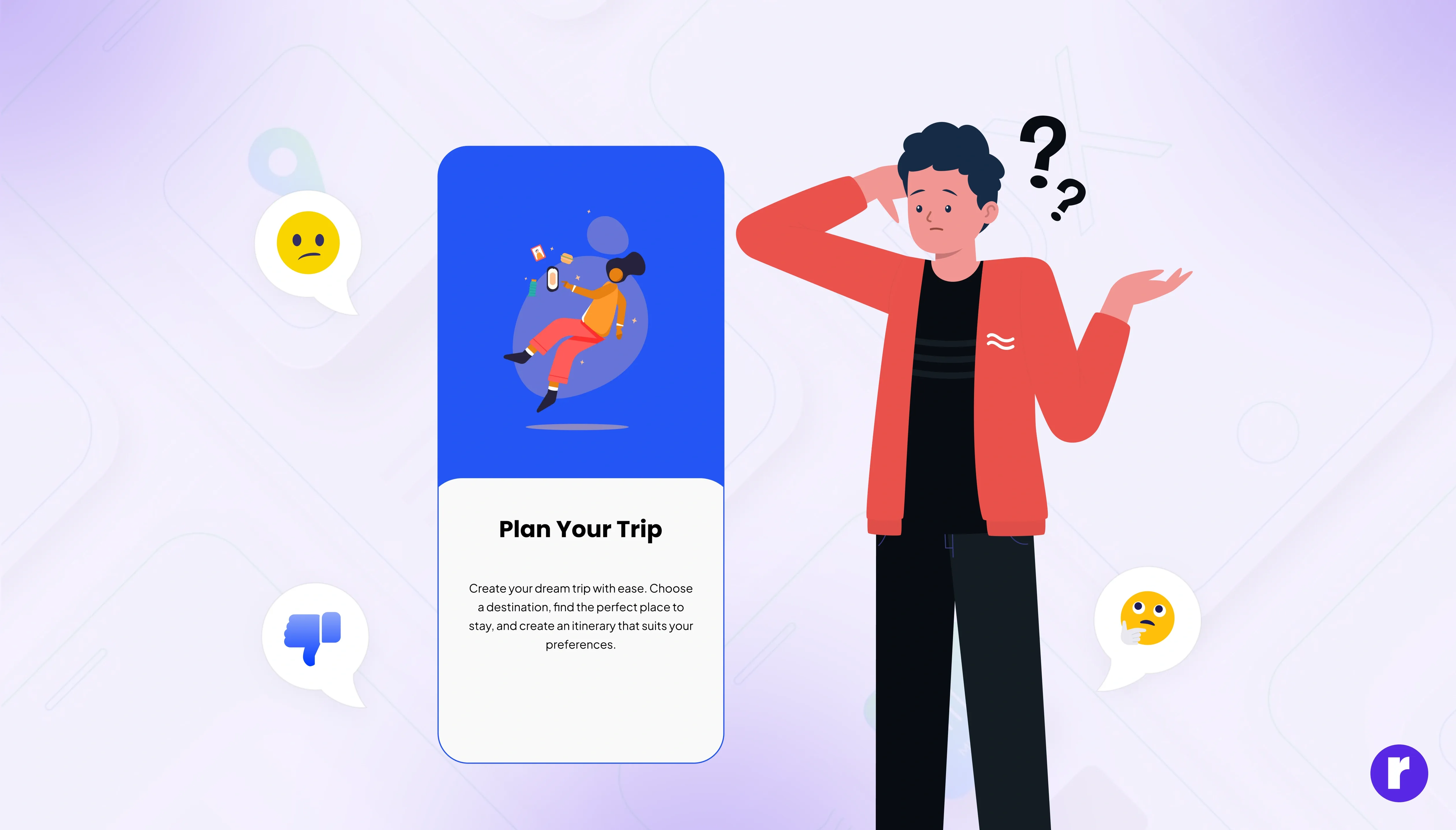
- First Impressions Matter the Onboarding Experience: The first time a user opens an app is important. If the onboarding process is confusing or too long, it can push users away before they even get to try the app's features. Onboarding should feel like a friendly guide—not a long lecture. When it's tailored to different user types, like beginners or advanced users, it works better. Also, onboarding isn't just once. Keeping it updated shows users the app is changing to meet their needs, which helps build trust and keeps them interested.
- Lack of Clarity and Purpose: An app needs to clearly explain what it does and why users should care. If the app isn't clear from the start, users are likely to stop using it. This can happen because of unclear text, messy design, or trying to do too many things at once. Apps that don’t have a clear goal often feel aimless, making users feel like their time was wasted. Clear messages, focused features, and defined results help users connect quickly with what the app offers.
- Importance of Performance and Speed: Speed is a hidden key to good user experience. Users expect apps to work quickly. If an app is slow or unresponsive, frustration grows fast. Studies show that even a few seconds of delay can greatly affect how much users engage with the app. On the other hand, a smooth and quick performance builds satisfaction and trust. Speed isn't just a feature—it's a big advantage that helps good apps stand out.
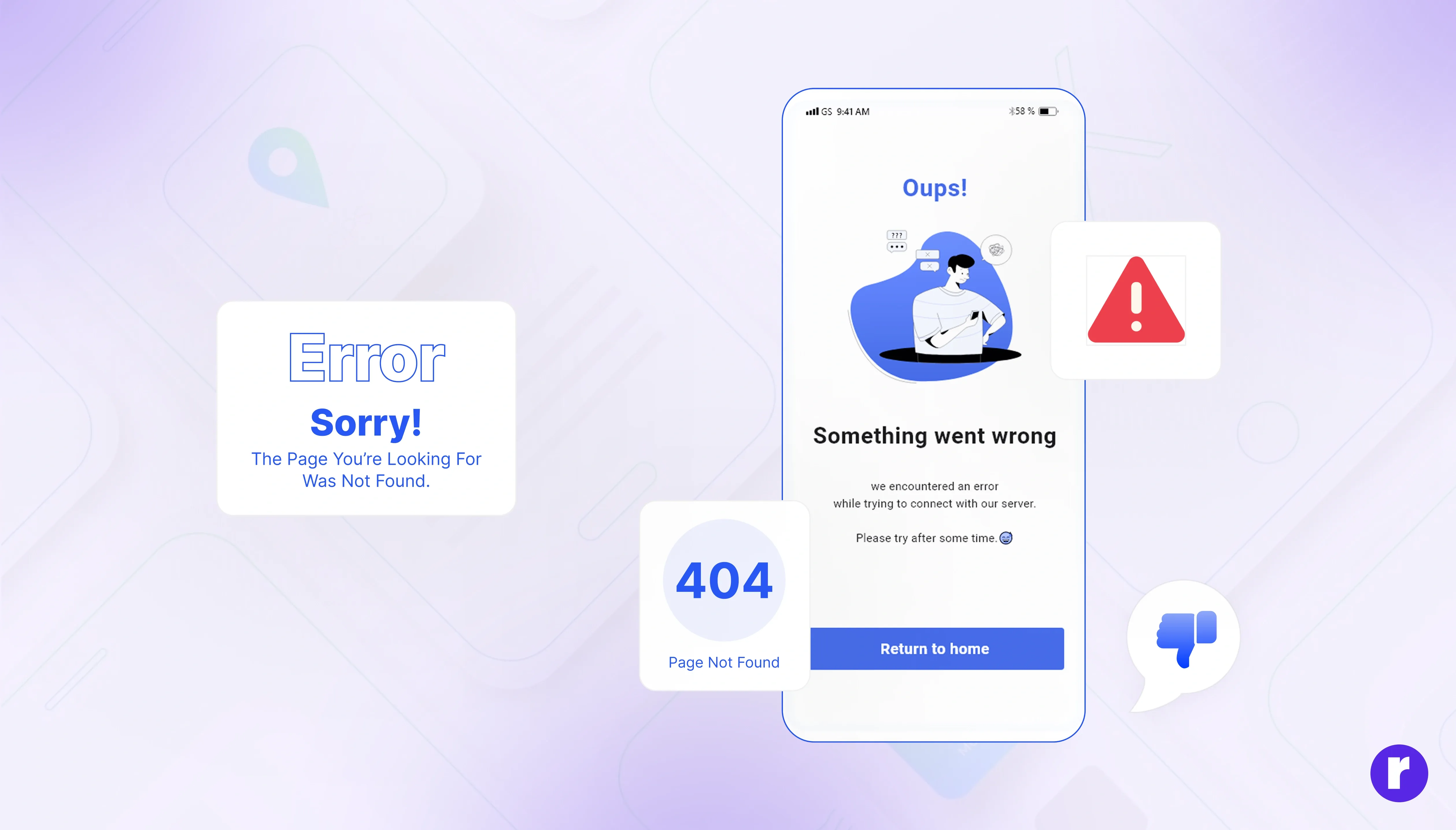
- Frequent Bugs and Technical Problems: Reliability is a must-have in today's app world. Bugs, crashes, slow loading, and frozen screens can hurt the app’s reputation fast. Users have many choices these days and won’t wait for technical problems. Every crash or error makes them question if the app is trustworthy or well-maintained. Testing regularly, making sure the app works well on all devices, and keeping load times fast are key to keeping users happy and preventing them from leaving early.
- The Impact of User Feedback on App Improvements: Getting user feedback should be part of how the app is made. Instead of asking general questions like “How do you like the app?”, apps can use smart, timely feedback prompts. Things like in-app surveys, quick emoji responses, or social media polls can make the feedback process easier. However, the real benefit comes from using that feedback. When users see their ideas become real, it builds trust and shows the team values their opinions—making users more likely to stay and be loyal.
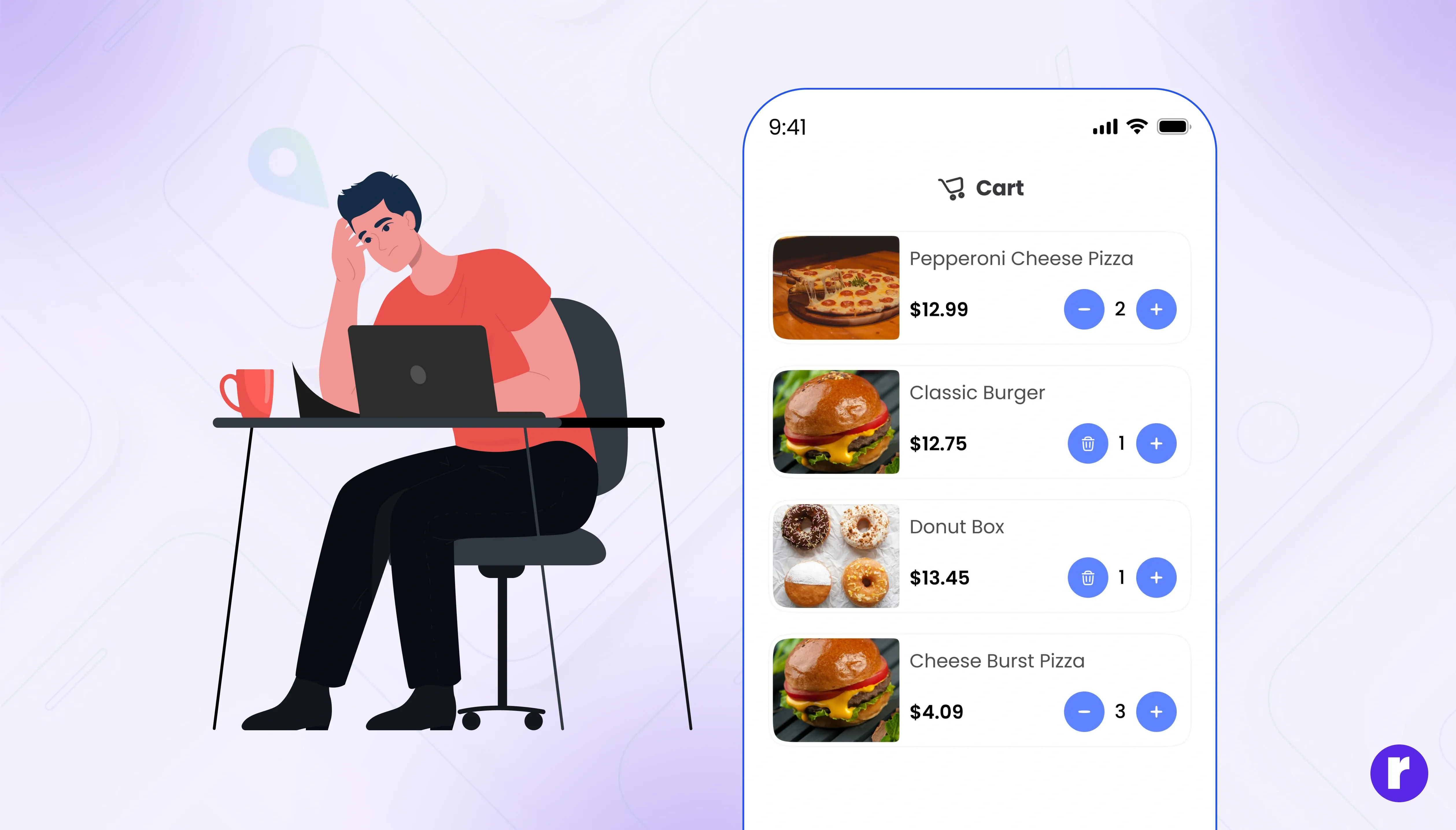
- Poor Navigation and Usability Issues: The user interface (UI) is a big part of how people use an app. Too many complicated visuals or inconsistent layouts can confuse users. A simple and clean design with a logical flow helps users focus on what matters. Consistency in color, fonts, button placement, and actions reduces mental effort and improves usability. Also, a clear visual hierarchy helps users know where to look and what to do next, making the app experience smoother.
- Emotional Engagement and Trust: Beyond what the app does, how it makes users feel matters a lot. Apps that make users feel heard, understood, or happy are more likely to keep them coming back. This can be done through personalized messages, thoughtful little actions, or branding that matches user values. At the same time, trust is important. If an app handles privacy poorly, has unclear data policies, or feels unsafe, users will probably leave. A trustworthy and emotionally engaging experience can turn an app from a tool into something users really care about.
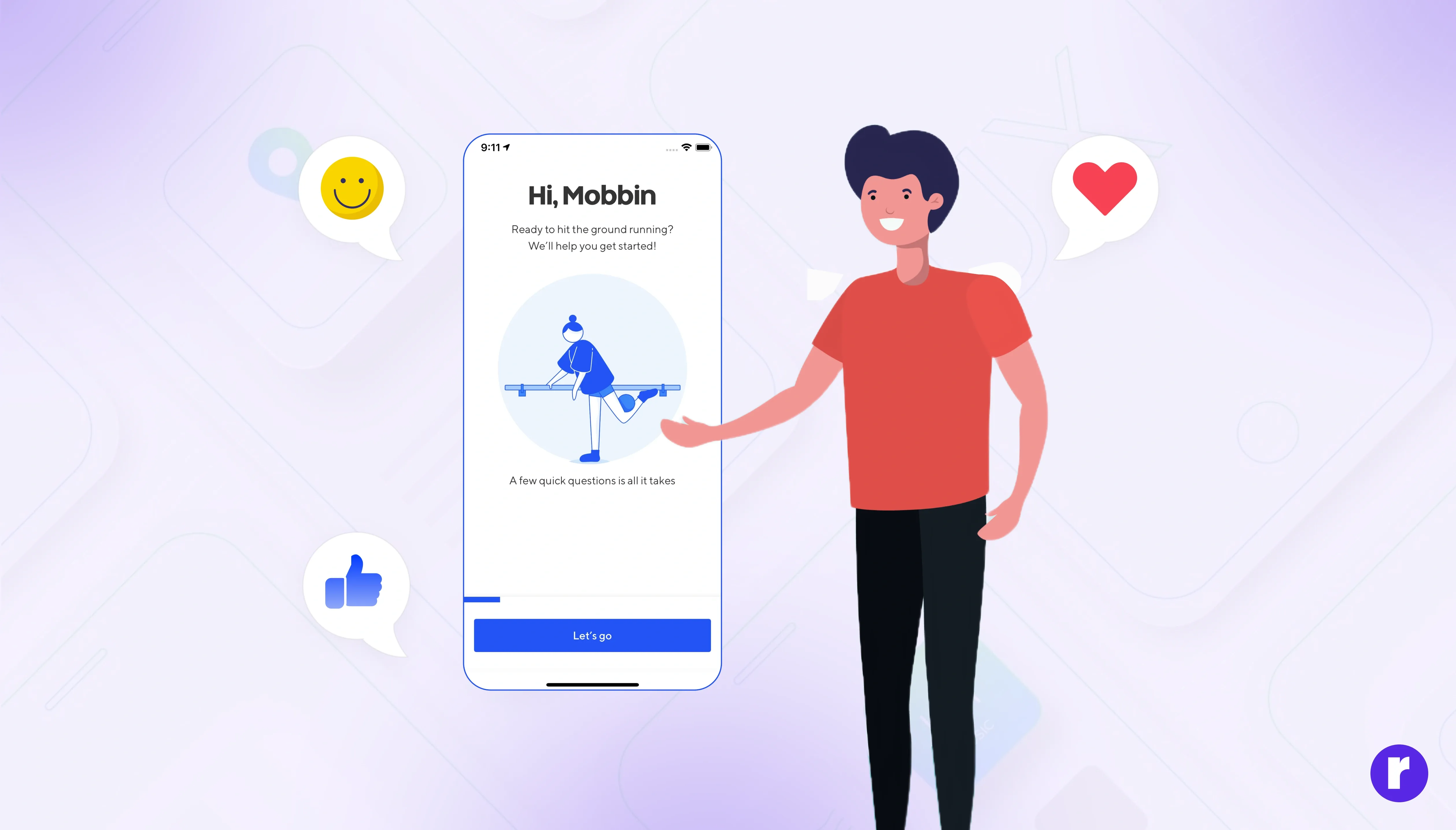
💡 Pro Tip: Instead of static walkthroughs, use progressive onboarding (like contextual tooltips or modals) to ease users into features as they interact with them.


Read More About User Feedback on App Improvements

Strategies for Improving UX to Minimize User Drop-Off

Creating an exceptional user experience isn’t just about avoiding mistakes; it’s about intentionally designing for clarity, satisfaction, and long-term engagement. To reduce drop-off rates and build lasting relationships with users, businesses must adopt a user-first approach across all stages of product development. Here are several proven strategies that can significantly enhance UX and encourage users to return.
- Conduct Regular User Research and Gather Feedback
Understanding your users is the foundation of great UX. Regularly gather feedback through surveys, session recordings, and in-app prompts to uncover pain points. Don’t wait for negative reviews— proactively ask what’s working and what isn’t. Use both data and real user input to guide improvements. Most importantly, act on the feedback and communicate updates to users. This shows that you’re listening, which builds trust and fosters long-term engagement. - Implement A/B Testing and Iterative Design
A/B testing is a powerful tool in app development. By assessing different variations of your app, you can quickly identify what works and what doesn’t. This iterative approach ensures that you’re making informed decisions based on actual data rather than guesses. By continually tweaking and testing, you’ll be well on your way to creating an app that users can’t resist. - Personalization and User-Centric Features
Everyone appreciates a personal touch. Apps that incorporate personalization—such as tailored content, custom settings, and user-specific recommendations—experience significantly lower drop-off rates. It’s like walking into your favorite café and having the barista already know your order; it just feels good! By making users feel valued and understood, you’re much more likely to retain their loyalty. - Optimize Performance and Minimize Load Times
Speed is essential. Users won’t wait for a slow-loading or glitchy app. Optimize your backend, compress assets, and test performance across devices. Remove unnecessary elements that slow things down. A fast, responsive app feels polished and professional, which improves user satisfaction and increases the likelihood of repeat visits.
Read More About Mastering UX Design here
Case Studies and Real-World Examples
Sometimes the best way to understand UX challenges is to see how they play out in real apps. Looking at both successes and failures highlights what works in practice and what to avoid.
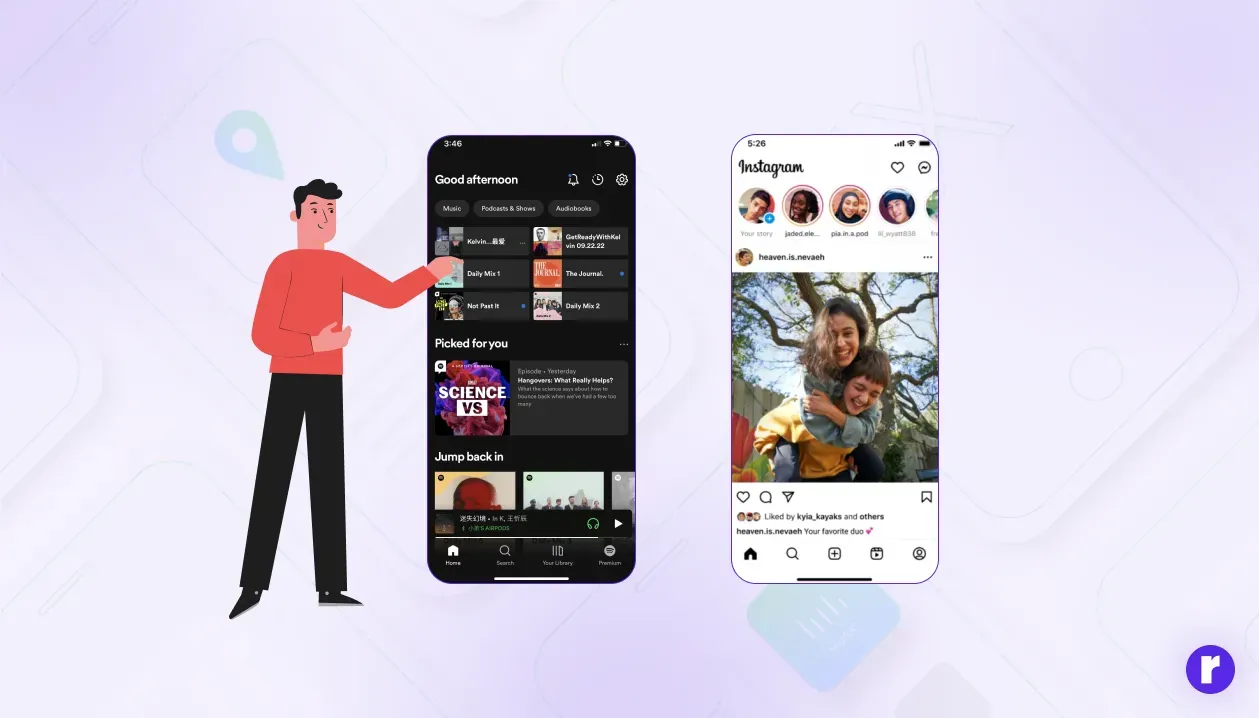
- Success Story Apps That Got UX Right: Apps like Spotify and Instagram have mastered the art of simple, intuitive design while keeping users engaged through personalization. Their onboarding flows are quick, their navigation is clean, and they respect user preferences—helping them maintain strong retention rates.
- Lessons from Apps That Missed the Mark: On the other hand, many apps suffer from overcomplicated designs, too many notifications, or buggy performance. For example, several early social apps lost momentum because they pushed irrelevant notifications and failed to adapt to user needs. These examples remind us that even a small UX oversight can drive users away.

Conclusion
User drop-off isn’t always about app features or pricing; often, it’s about the emotional experience an app delivers. By focusing on seamless onboarding, intuitive design, reliability, respectful monetization, personalization, feedback, and accessibility, app creators can transform fleeting downloads into lasting engagement. The next time you decide to quit an app, consider whether it was the app itself or the experience it provided that led to your decision.