Shopify Overview for Beginners: How It Works & Why to Use It

Written by

Sonam Bishnoi
Shopify Developer
Table of contents
Build with Radial Code
Share this


Starting an online business sounds exciting, but for many beginners it also feels confusing and overwhelming. Questions such as "How can I build a website?", "How will customers pay me?", and "Do I need coding?" stop people from taking the first step.
This is where Shopify comes in.
Shopify is a popular platform for creating online stores, and its beginner-friendly tools allow many users to build and manage a store without advanced technical knowledge.
In this blog, we'll explain Shopify in a very simple way, so beginners can easily understand:
- What Shopify is
- How Shopify works step by step
- Why Shopify Can Be a Good Choice for Beginners
- What you can sell on Shopify
Let's start.
Boost your Shopify sales with expert setup and smart strategies — visit Radial Code today.
What is Shopify?
Shopify is an all-in-one eCommerce platform that allows you to create your own online store and sell products through the internet. Instead of using multiple tools for website design, payments, and order management, Shopify brings everything together in a single dashboard.
With Shopify, you get a ready-made website, tools to add products, a secure payment system, and an easy way to manage orders and customers. This makes Shopify a practical option for beginners who want to focus on selling while minimizing the amount of technical setup involved.
Instead of building a website from scratch, Shopify gives you everything in one place:
- A ready website
- Product management
- Payment system
- Order tracking
- Customer management
👉 In simple words:
Shopify lets you create and manage an online store without requiring advanced technical knowledge for many common tasks.
How Does Shopify Work?
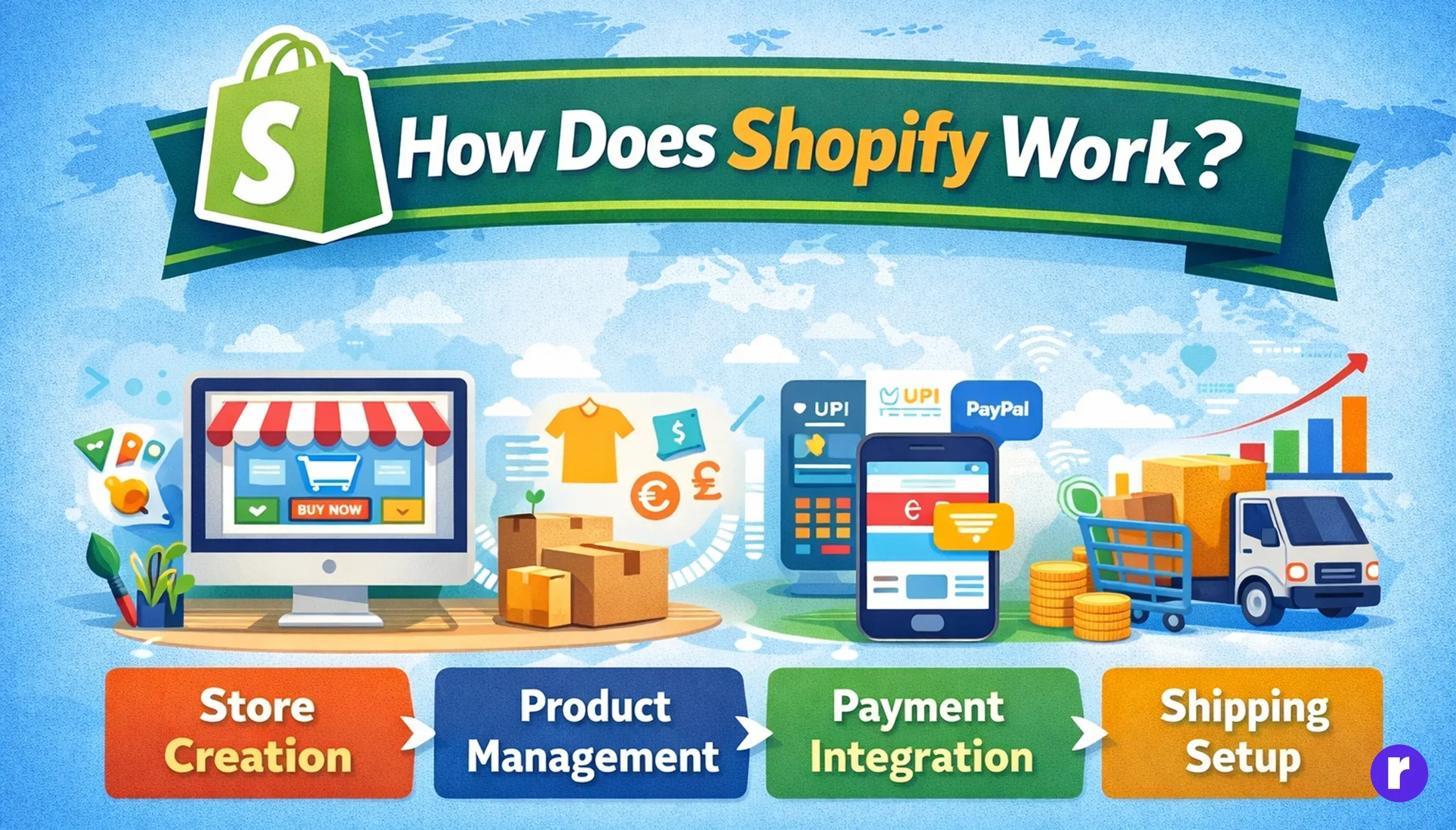
Shopify lets you create a store, add products, choose a design, set up payments, and manage orders from one admin dashboard. Let's understand how the process works step by step.
Step 1: Sign Up & Create Your Store
First, you create a Shopify account and set up your store.
You choose:
- Your store name
- Your business type
Shopify then creates a website for you with a default domain like:
yourstorename.myshopify.com
Later, you can also connect your own custom domain.
Step 2: Add Products to Your Store
Once your store is ready, you start adding products.
For each product, you can add:
- Product name
- Product price
- Product images
- Product description
- Stock quantity
This process is very easy — just like filling a form.
Step 3: Choose a Theme (Store Design)
Shopify provides many free and paid themes.
These themes:
- Look professional
- Are mobile-friendly
- Can be customized easily
You can change:
- Colors
- Fonts
- Banners
- Logo
For many basic customizations, no coding is required.
Step 4: Set Up Payments
Shopify supports multiple payment methods, but the available options depend on your location, business requirements, and payment provider.
For Indian sellers, Shopify can be connected with third-party payment providers such as Razorpay, PayU, and Cashfree, depending on availability and business requirements. Customers may be able to pay using options such as UPI, credit and debit cards, net banking, and wallets, depending on the selected payment provider.
To check the payment methods and gateways currently available for your store, go to Settings → Payments in your Shopify admin. Review the available providers and their requirements before choosing a payment method.
Why Shopify Can Be a Good Choice for Beginners
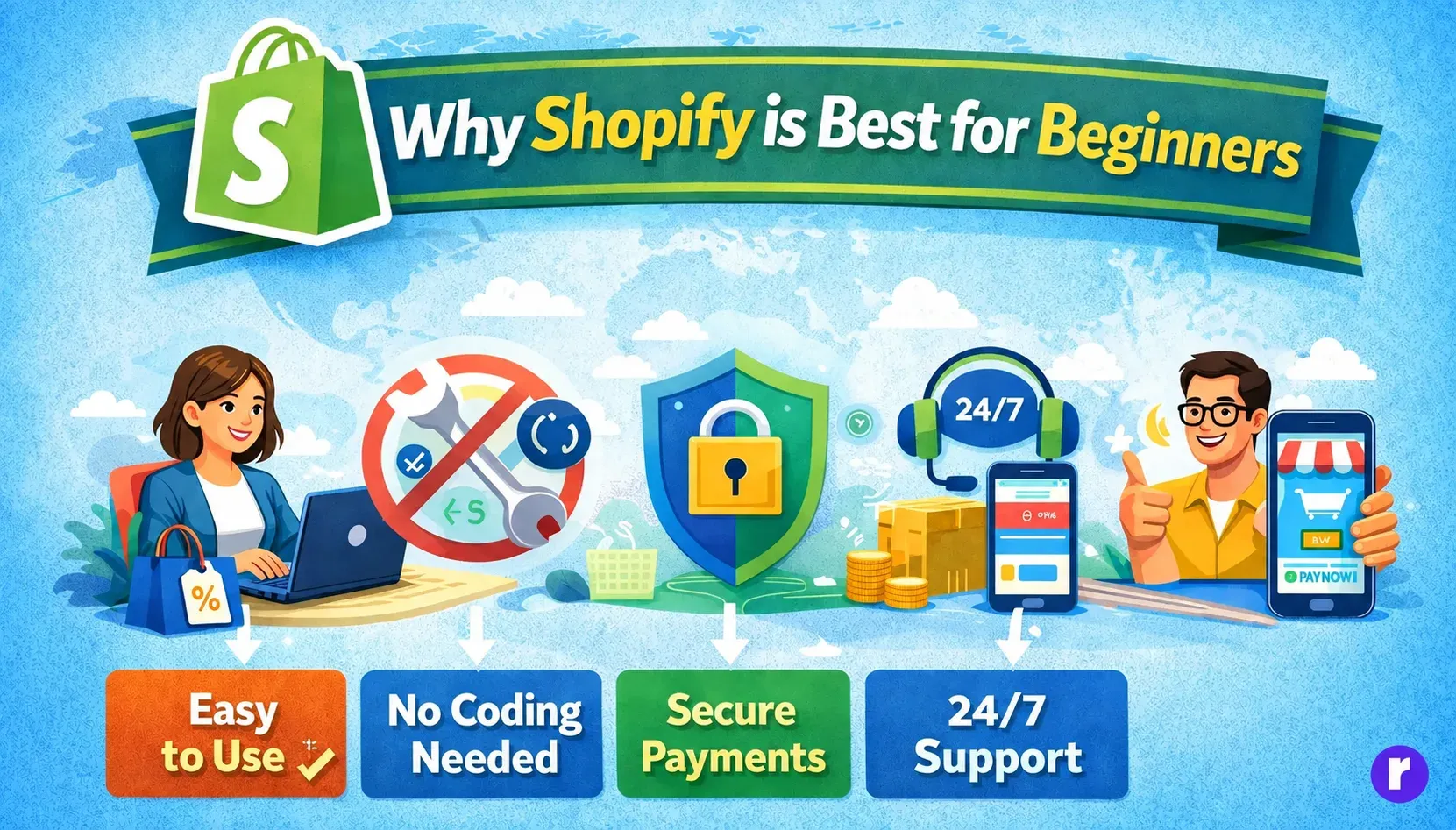
Shopify offers a range of beginner-friendly tools that simplify common store management tasks. Here are some features that can make Shopify a suitable option for new store owners:
Beginner-Friendly Setup
For many common store management tasks, you don't need advanced knowledge of website development, coding languages, or server management.
- Website development
- Coding languages
- Server management
Shopify manages much of the underlying hosting and infrastructure, while merchants are still responsible for configuring their store and business settings.
Easy Dashboard
Shopify's admin panel is clean and easy to understand.
You can:
- Add products
- See orders
- Check sales
- Manage customers
Many common tasks can be managed directly from the admin dashboard.
Safe & Secure Platform
Shopify provides built-in security features and infrastructure to help protect your store and customer data. However, merchants are still responsible for using secure account practices and configuring their store appropriately.
- Store security features
- Secure payment processing options
- Security and data protection infrastructure
Mobile-Friendly Store
Shopify themes are generally designed to support responsive layouts across:
- Smartphones
- Tablets
- Desktops
This is important because many customers browse and shop from mobile devices.
Works Well in India
Shopify can support Indian businesses with features such as:
- Indian currency (INR)
- Payment providers available for Indian merchants
- Indian shipping integrations
Availability can vary depending on your business and selected providers, so check the options available in your Shopify admin before setting up your store.
Scalable for Future Growth
You can start small and grow big.
Shopify supports:
- Small businesses
- Growing brands
- Large enterprises
As your business grows, Shopify grows with you.
What Can You Sell on Shopify?
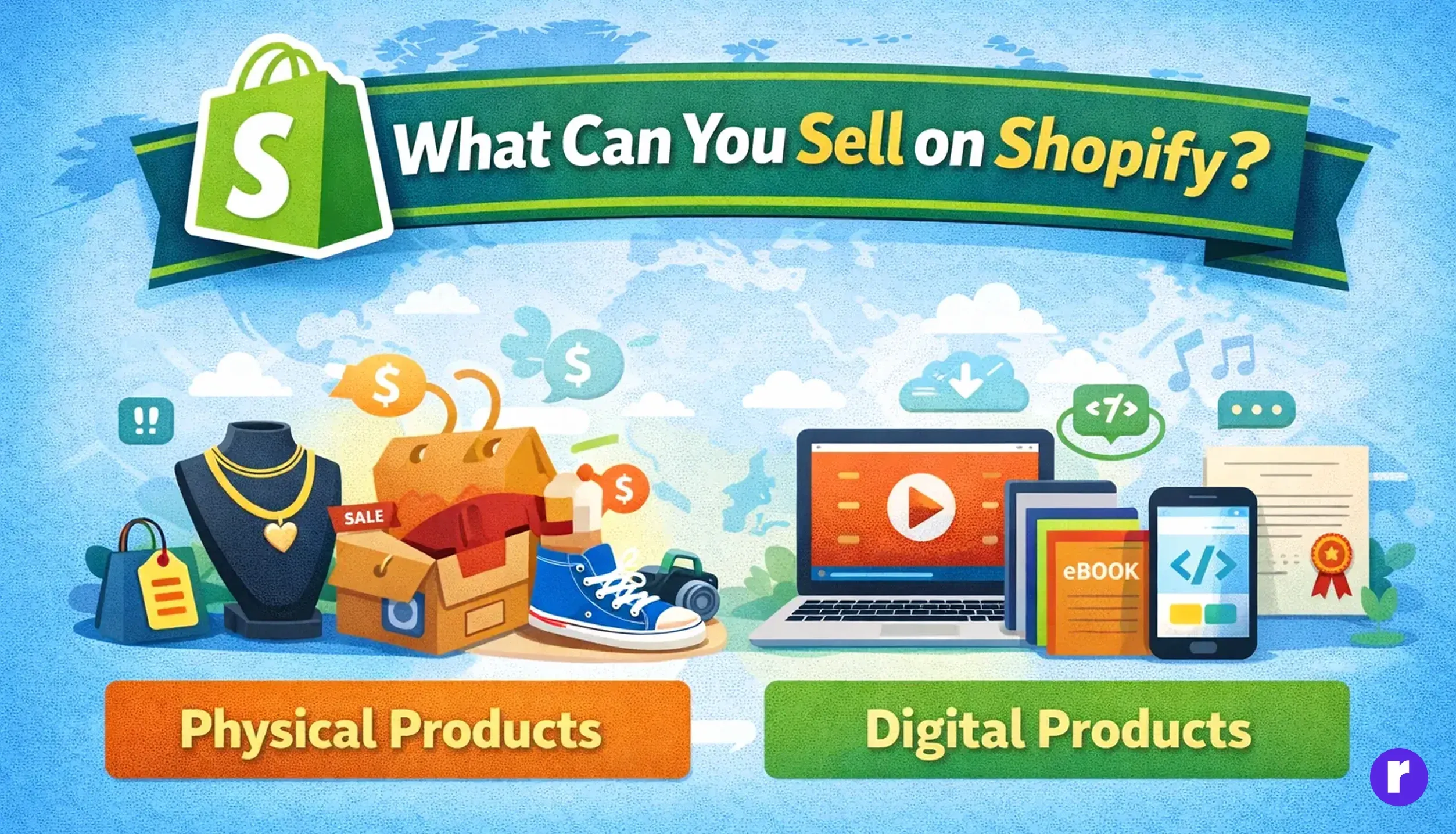
Shopify supports a wide range of products and business models, subject to applicable laws, Shopify's policies, and the capabilities of your chosen apps and payment providers.
Examples of products and offerings you can sell include:
- Clothing and fashion products
- Beauty and skincare items
- Handmade products
- Home decor
- Jewelry
- Electronic accessories
- Digital products
Note: Selling digital products, downloads, or service bookings may require third-party or Shopify apps and additional setup. Features and availability can vary depending on the type of product or service you offer.
Is Shopify Free or Paid?
Shopify pricing can vary by plan, billing cycle, promotions, and region. Before subscribing, check Shopify's current India pricing page for the latest subscription prices and promotional offers.
The overall cost of running a Shopify store can include:
- Shopify subscription: The monthly cost depends on the plan you choose.
- Domain: You can use a Shopify-provided domain, or purchase/connect a custom domain for your brand.
- Theme: Shopify offers free themes, while some premium themes have an additional one-time cost.
- Apps: Some Shopify apps are free, while others require monthly or one-time payments.
- Payment and transaction fees: Payment provider fees and, where applicable, Shopify transaction fees may add to your overall costs. These fees depend on your payment provider, Shopify plan, and location.
Before choosing a plan, check Shopify's current pricing, available payment methods, and applicable fees for your country and business.
Conclusion
Shopify is an excellent platform for beginners who want to start an online store without technical stress. It provides many of the core tools needed to run an eCommerce business — from website creation and product management to payments and order management — in one place.
If you're planning to learn more about Shopify or improve your eCommerce skills, you can explore Shopify and eCommerce courses on Radial Code.
Starting with Shopify is simple — and with the right guidance, your online business journey can become even smoother.