How to Write Lightweight JavaScript for Faster Websites

Written by

Vishal Chanda
Front End Developer
Table of contents
Build with Radial Code
Share this


Did you know that 53% of mobile users leave a website if it takes more than three seconds to load? Google’s mobile page speed research Since JavaScript powers many interactive features on modern websites, inefficient scripts can increase load times and make pages feel slower and less responsive.
In this blog, we’ll explore practical ways to write lightweight JavaScript, reduce unnecessary code, and improve website performance for faster, more responsive web experiences.
What is lightweight JavaScript?
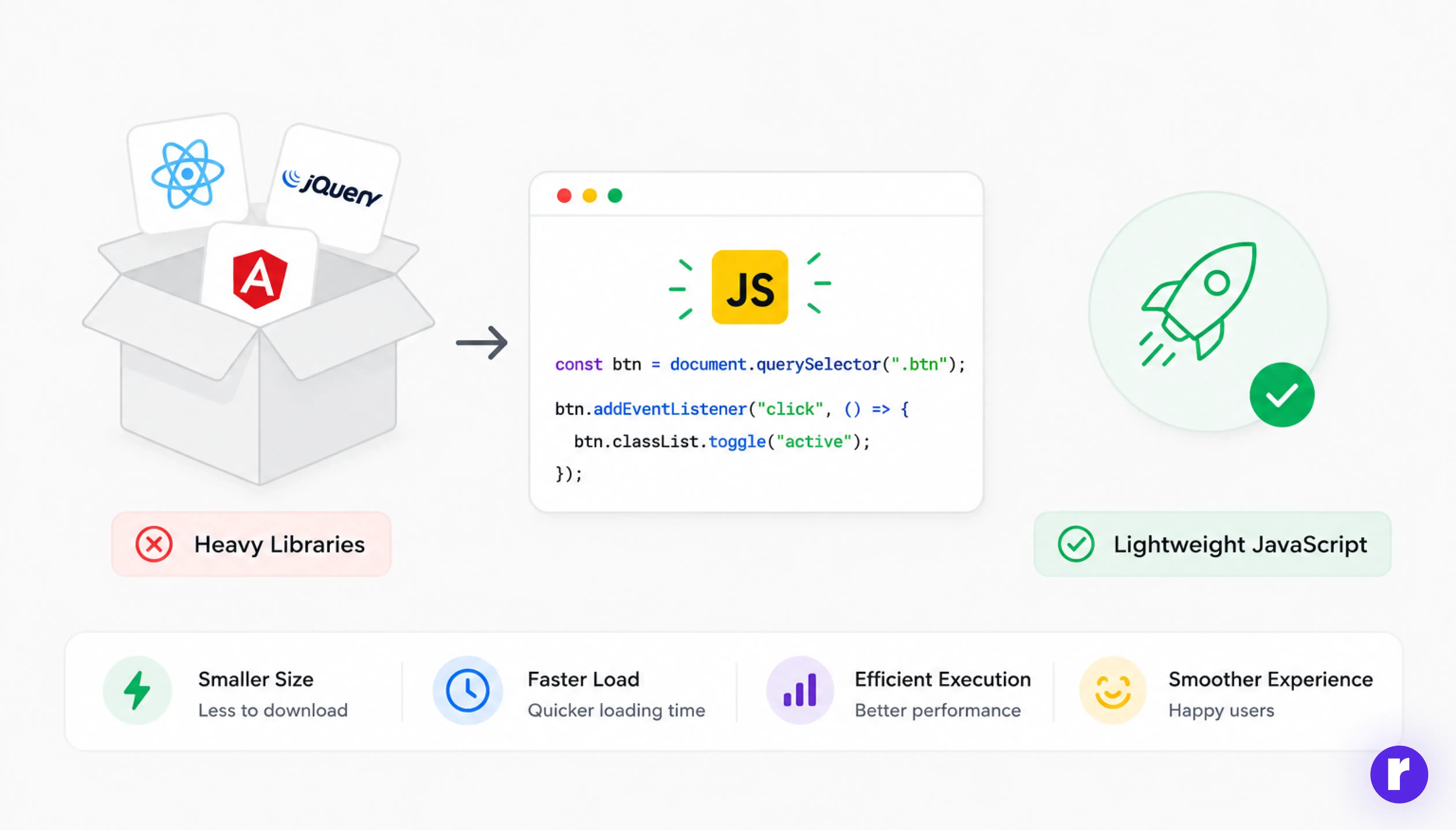
Lightweight JavaScript refers to writing code that is small in size, efficient in execution, and optimized for performance. It avoids unnecessary complexity, reduces file sizes, and minimizes resource usage.
Instead of relying on heavy frameworks or large libraries for simple tasks, lightweight JavaScript encourages using native browser features and writing only what is needed. This approach leads to faster load times, better performance, and improved user experience.
Reduce unnecessary dependencies
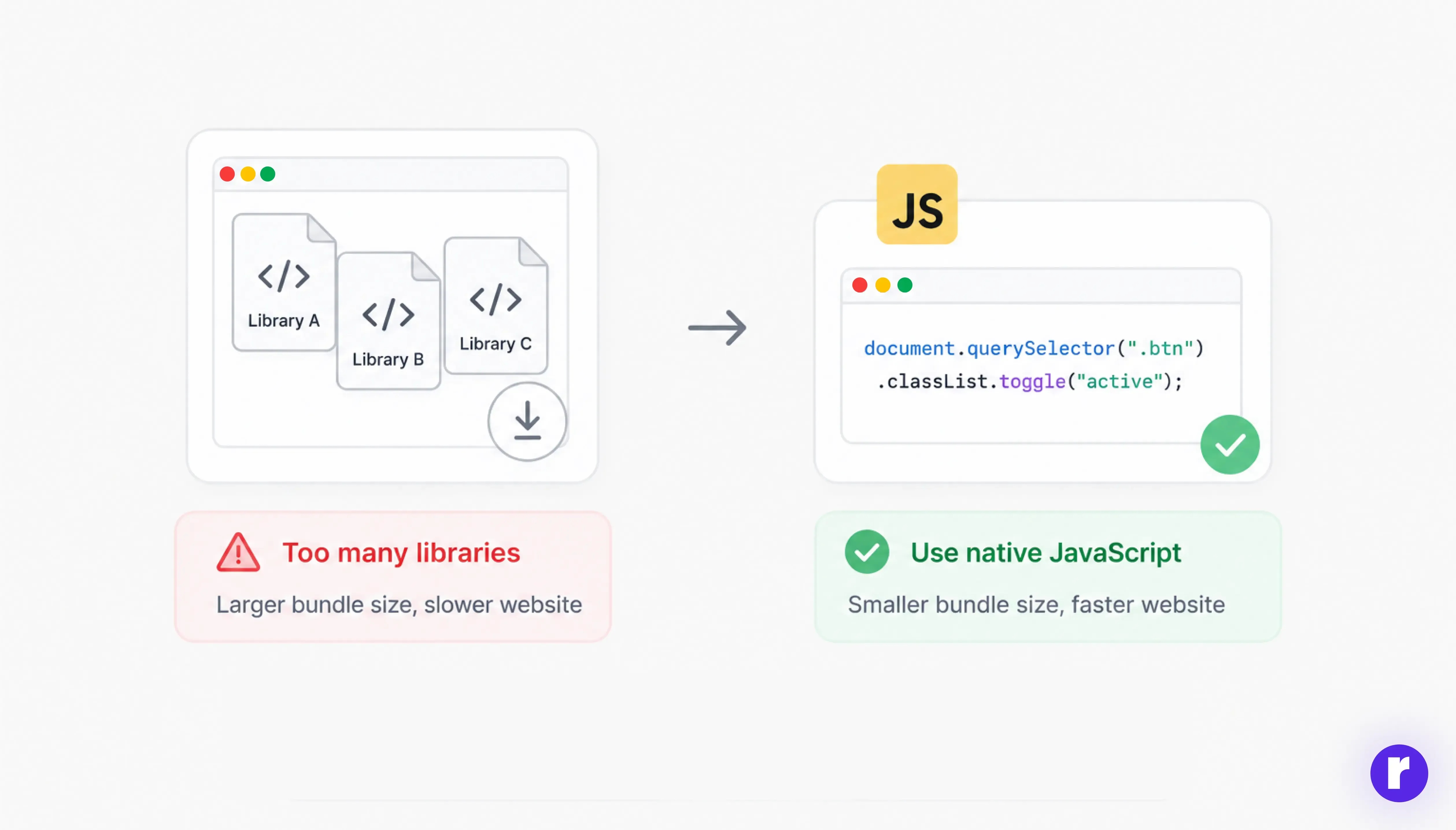
One of the most common mistakes developers make is adding too many external libraries. While libraries can speed up development, they can also increase bundle size and add unnecessary code to your project.
Before: Using a library for a simple task
Using a large library just to add or remove a CSS class can be unnecessary when the browser already provides a native solution.
After: Use native JavaScript
document.querySelector(".btn").classList.toggle("active");
Before adding a library, ask yourself:
- Do I really need this?
- Can this be done with native JavaScript?
Reducing unnecessary dependencies keeps your project lightweight, easier to maintain, and faster to load.
Optimize JavaScript bundles
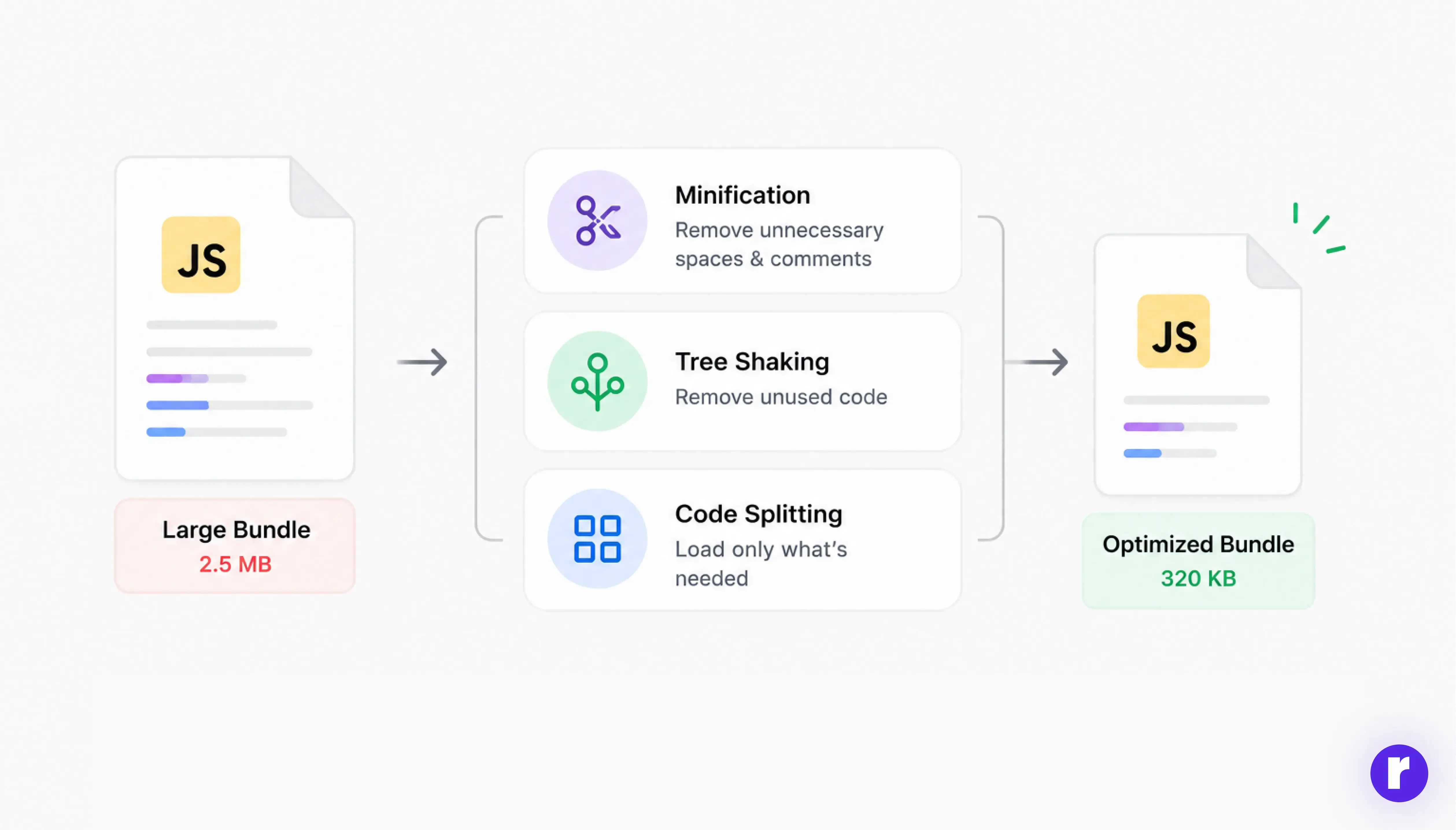
JavaScript bundles can become large if not optimized properly. Large bundles take longer to download and execute, especially on slower networks.
Here are key techniques to optimize bundles:
- Minification: Removes unnecessary spaces and comments
- Tree shaking: Removes unused code
- Code splitting: Loads only required parts of the code
Tools like Webpack, Vite, or Parcel automatically handle these optimizations. Keeping your bundle size small helps reduce the amount of JavaScript the browser needs to download, parse, and execute. For more information, see MDN’s JavaScript performance optimization guide.
Use lazy loading for better performance
Lazy loading means loading JavaScript only when it is needed instead of loading everything upfront. This reduces initial page load time.
For example, you can load a feature only when a user interacts with it:
button.addEventListener("click", async () => {
  const module = await import("./heavyFeature.js");
  module.init();
});
This approach prevents non-critical JavaScript from loading during the initial page load, reducing the amount of code the browser needs to download and execute upfront.
Avoid DOM manipulation overload
const fragment = document.createDocumentFragment();
for (let i = 0; i < 5; i++) {
  const div = document.createElement("div");
  div.textContent = `Element ${i + 1}`;
  fragment.appendChild(div);
}
document.body.appendChild(fragment);
Instead of updating the DOM after every iteration, the elements are first created inside a DocumentFragmentand then added to the page in a single operation.
Frequent DOM manipulation can slow down your website because repeated changes may trigger unnecessary browser rendering work. Using a DocumentFragment batches multiple DOM insertions into a single operation, reducing the number of times the page needs to update the DOM.
Leverage modern JavaScript features
Modern JavaScript (ES6+) provides cleaner and more efficient ways to write code. Features such as arrow functions, destructuring, modules, and optional chaining can make code more concise and easier to maintain.
|
Feature |
Traditional approach |
Modern JavaScript |
|---|---|---|
|
Functions |
|
|
|
Object properties |
|
|
|
Optional values |
|
|
|
Modules |
Larger scripts with shared code |
Import only the required modules |
For example, optional chaining lets you safely access nested properties without writing multiple checks:
const user = { name: "John" };
console.log(user?.name);
Modern syntax can reduce the amount of code needed for common operations, making JavaScript easier to read and maintain. For example, optional chaining replaces multiple conditional checks with a single expression.
Looking to write better JavaScript? Read our guide: Modern JavaScript Patterns for Efficient Development.
Minimize API calls and data usage
Fetching too much data or making too many API calls can slow down your application.
Best practices:
- Request only required data
- Use pagination or lazy loading
- Cache responses when possible
Example:
fetch("/api/users?limit=5")
  .then(res => res.json())
  .then(data => console.log(data));
Requesting only the data your page needs reduces network usage and processing time, helping content load faster and keeping the interface responsive.
Best practices for writing efficient JS code
To keep your JavaScript fast and lightweight, follow these essential practices:
- Aim for code that is simple to follow and easy to manage over time
- Apply debouncing and throttling for frequently triggered events
- Regularly clean up unused or unnecessary code
- Improve loop logic and avoid redundant conditions
Example of debouncing:
function delayExecution(task, waitDuration) {
  let timerHolder;
  return function () {
    clearTimeout(timerHolder);
    const executeLater = function () {
      task();
    };
    timerHolder = setTimeout(executeLater, waitDuration);
  };
}
These optimizations can reduce unnecessary JavaScript execution, improve responsiveness during frequent interactions, and help keep the main thread available for important user actions.
Keep growing your skills with more resources at Radial code
Frequently Asked Questions
What is lightweight JavaScript?
Lightweight JavaScript means writing small, efficient, and optimized code that avoids unnecessary dependencies and resource usage. It helps websites load faster and remain responsive.
How can I reduce JavaScript bundle size?
You can reduce bundle size by removing unused code, minimizing dependencies, using tree shaking and code splitting, and loading features only when they are needed.
Does JavaScript affect website loading speed?
Yes. Large JavaScript files can take longer to download, parse, and execute, which can delay page interaction and affect the overall user experience.
How can I improve JavaScript performance?
Start by reducing unnecessary dependencies, minimizing DOM manipulation, using lazy loading, limiting API requests, and applying techniques such as debouncing and throttling.
Conclusion
Writing lightweight JavaScript is about making your website faster, more efficient, and easier to maintain. The key techniques covered in this guide include:
- Reduce unnecessary dependencies to keep your JavaScript bundle smaller.
- Optimize JavaScript bundles with minification, tree shaking, and code splitting.
- Use lazy loading to load features only when they are needed.
- Reduce DOM manipulation to avoid unnecessary rendering work.
- Use modern JavaScript features to write cleaner and more efficient code.
- Minimize API calls and data usage by requesting and processing only what your application needs.
- Apply performance best practices such as debouncing, throttling, and removing unused code.
By applying these techniques, you can reduce unnecessary JavaScript overhead and create faster, more responsive web experiences. Start with the areas that have the biggest impact on your project and measure the results using performance tools such as Lighthouse.